How to Search on Slack
Open Slack.. Sign in to your account.. Press the "Search" field.
Steps
1
Open Slack.
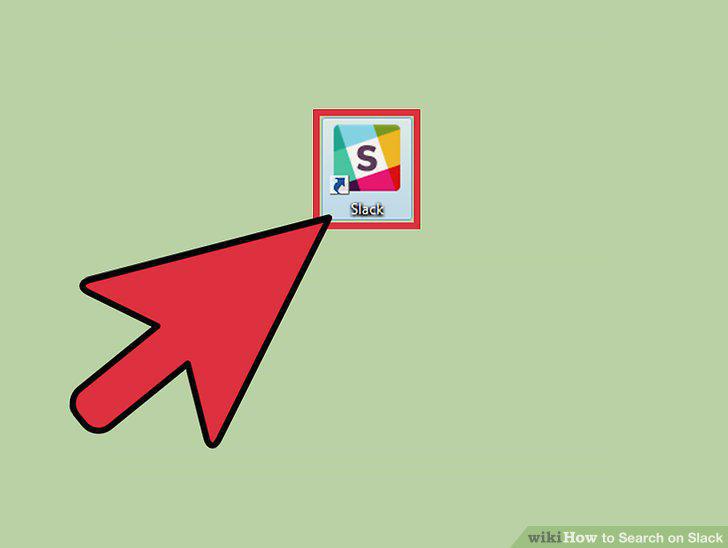
Open Slack.
2
Sign in to your account.
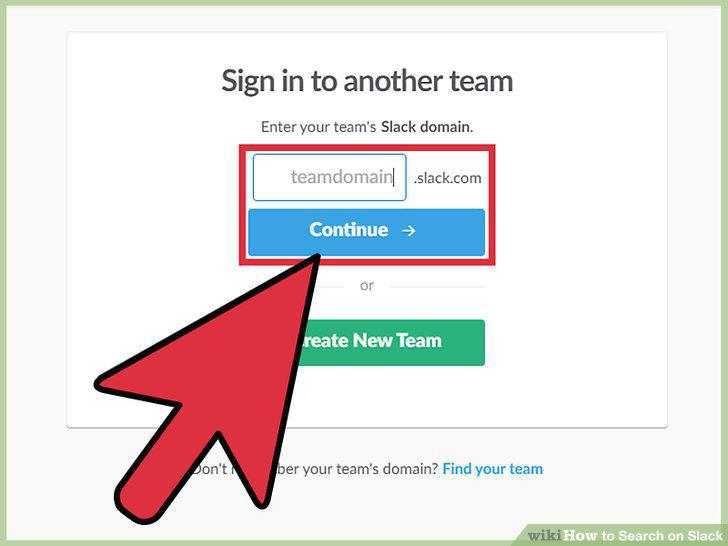
Sign in to your account.
3
Press the "Search" field.
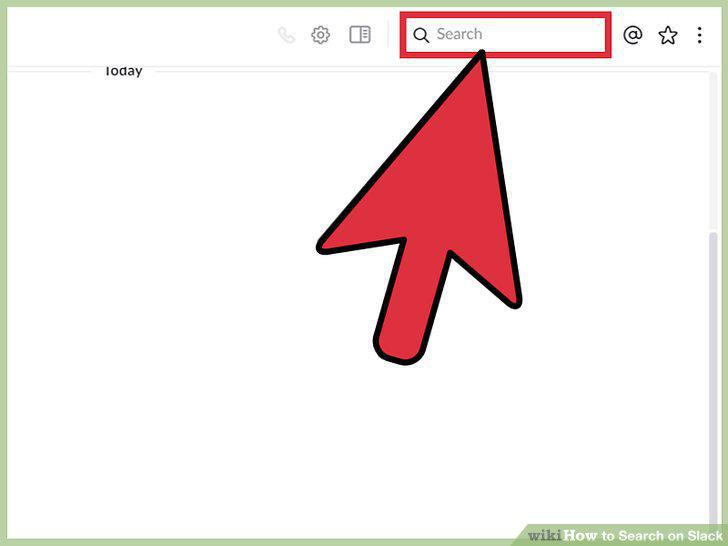
Press the "Search" field.
4
Enter a search term.
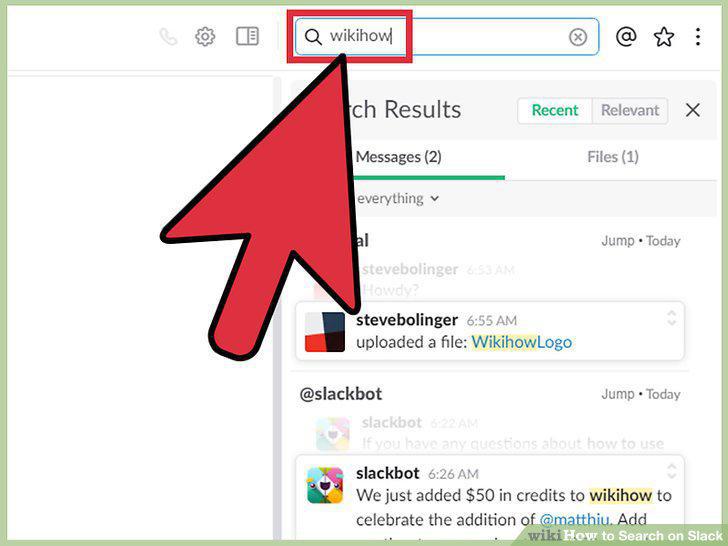
Enter a search term.
5
Select a search.
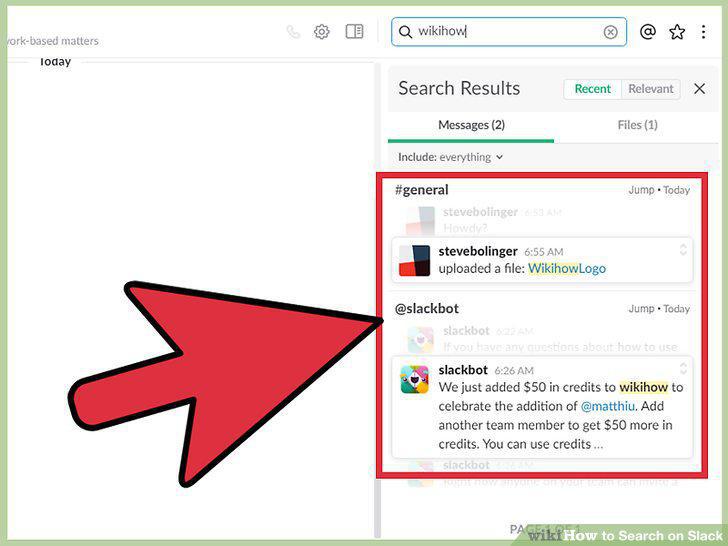
Select a search.
6
Press "Files".
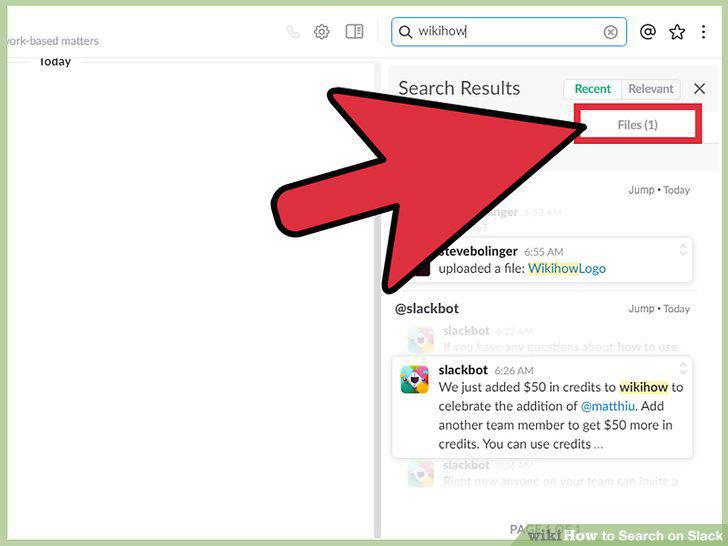
Press "Files".
7
Press "Recent".
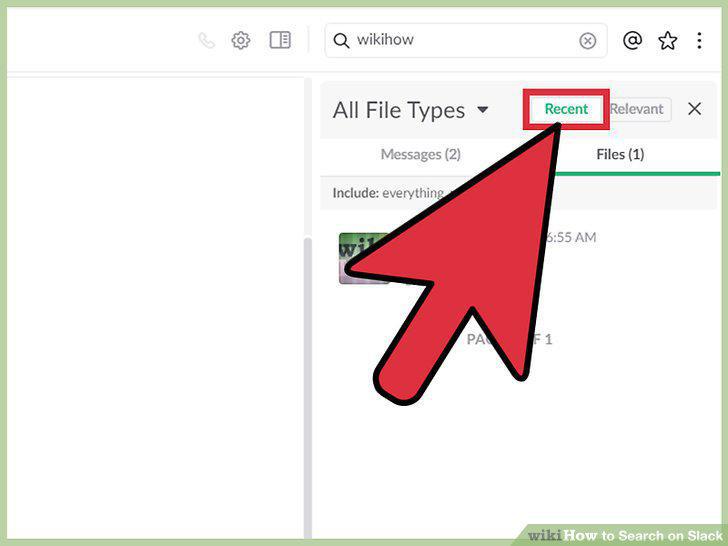
Press "Recent".
8
Exclude channels from your search results.
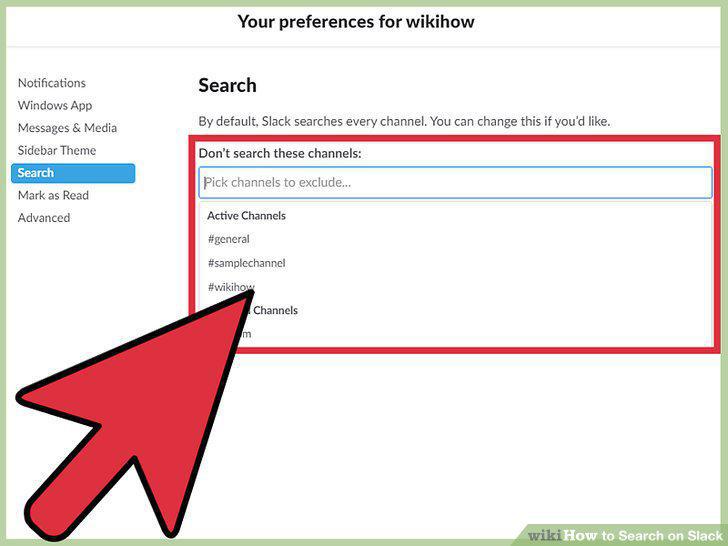
Exclude channels from your search results.
9
Enter "/s" into the chat field to search.
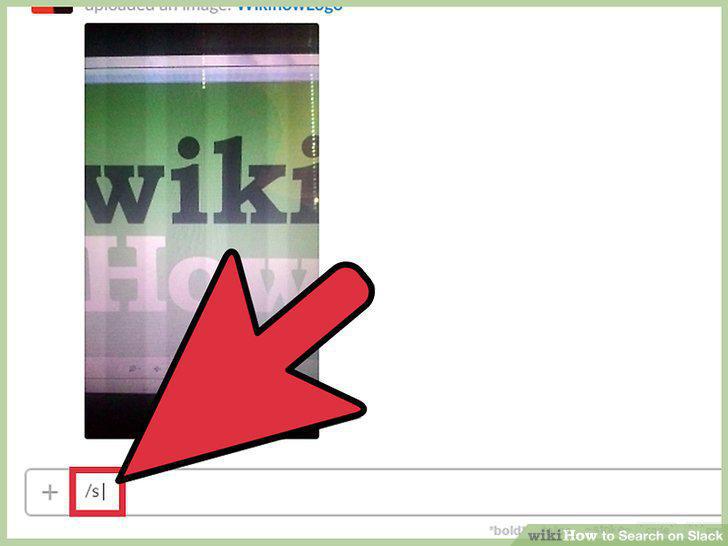
Enter "/s" into the chat field to search.
10
Search by username with the "from:" modifier.
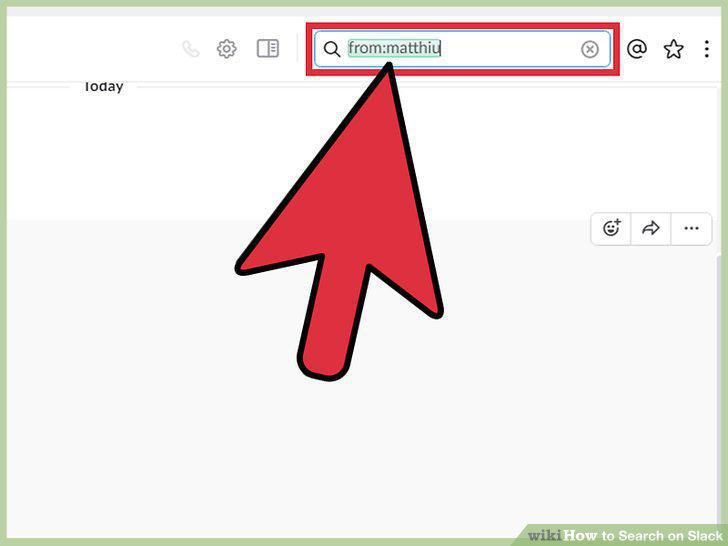
Search by username with the "from:" modifier.
11
Search by date or time with the "before:" or "after:" modifiers.
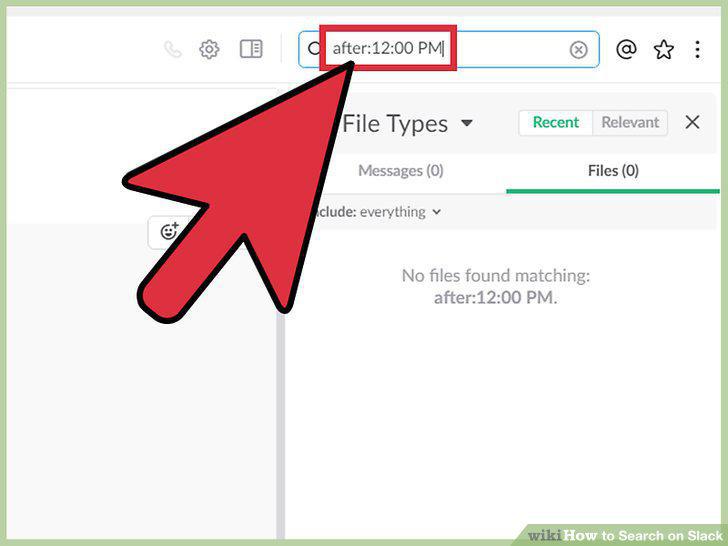
Search by date or time with the "before:" or "after:" modifiers.
12
Search channels/teams with the "in:" modifier.
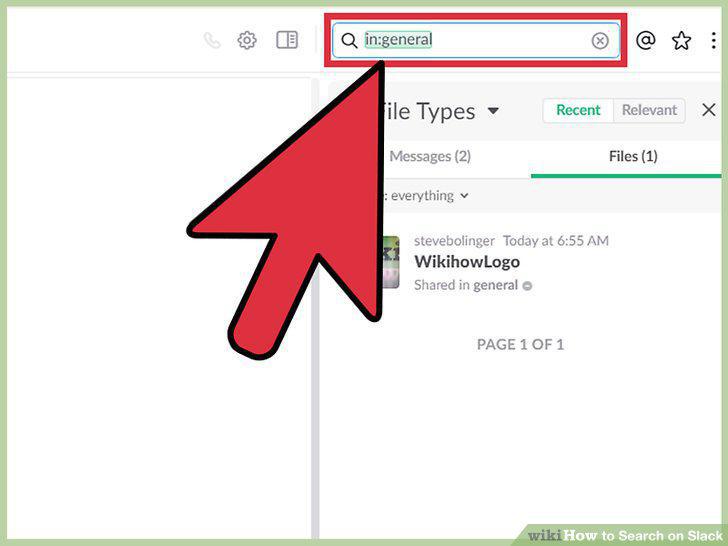
Search channels/teams with the "in:" modifier.
13
Search by attachment with the "has:" modifier.
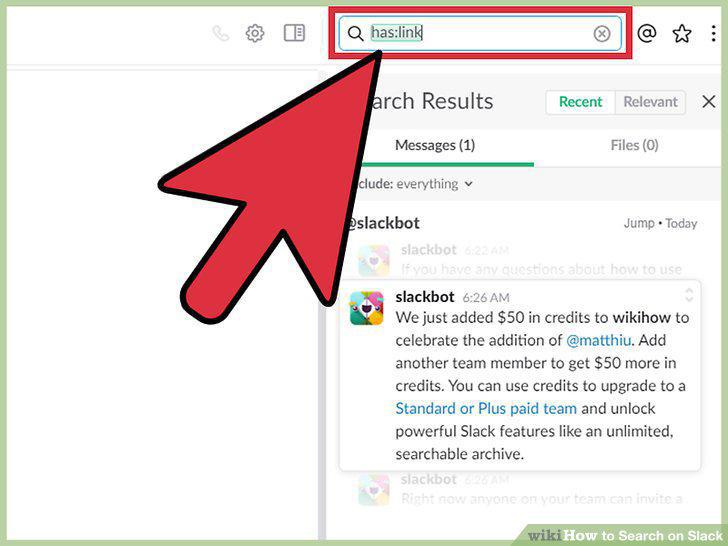
Search by attachment with the "has:" modifier.
14
Use quotations to search exact phrases.
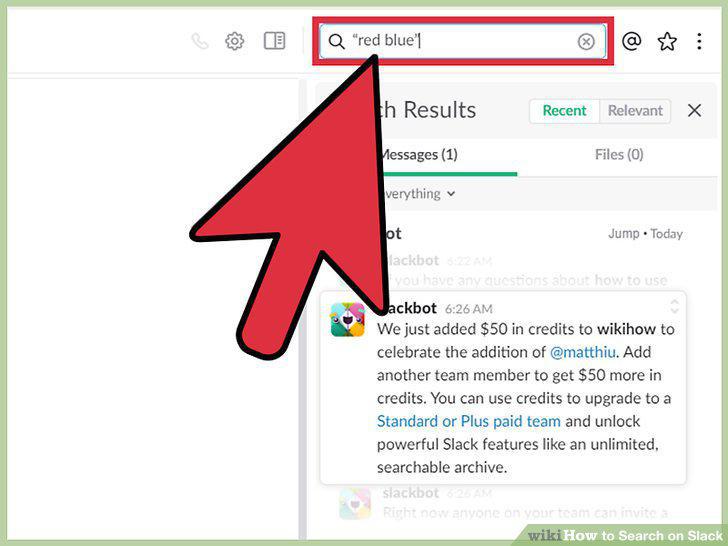
Use quotations to search exact phrases.
15
Use an asterisk for partial word searches.
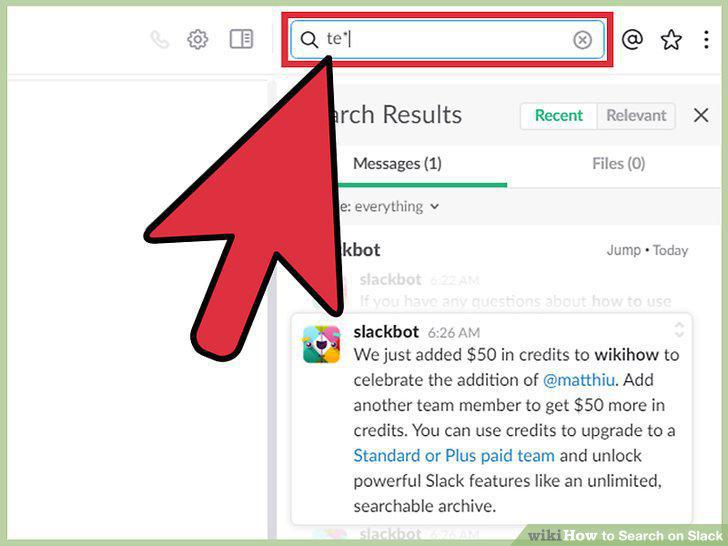
Use an asterisk for partial word searches.
Comments (0)
No comments yet. Be the first to share your thoughts!