How to Cite in Word
Choose a citation style on the "References" tab.. Click "Add New Source" to enter information about a source.. Continue to insert citations as you write your paper.
Steps
1
Choose a citation style on the "References" tab.
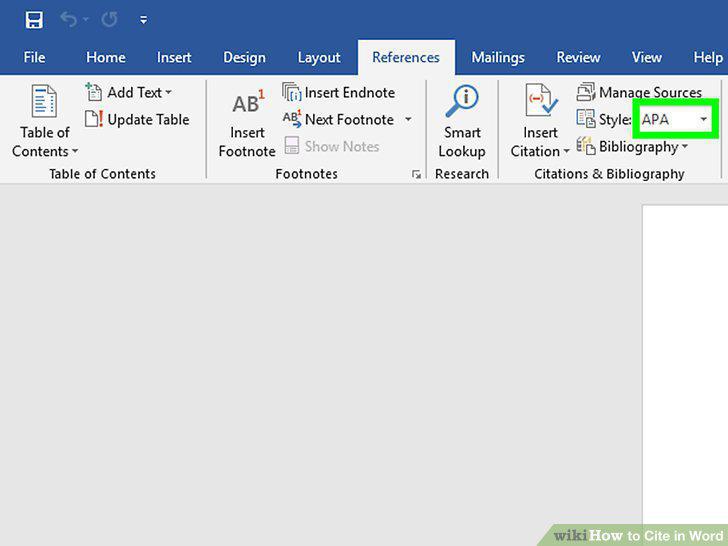
Choose a citation style on the "References" tab.
2
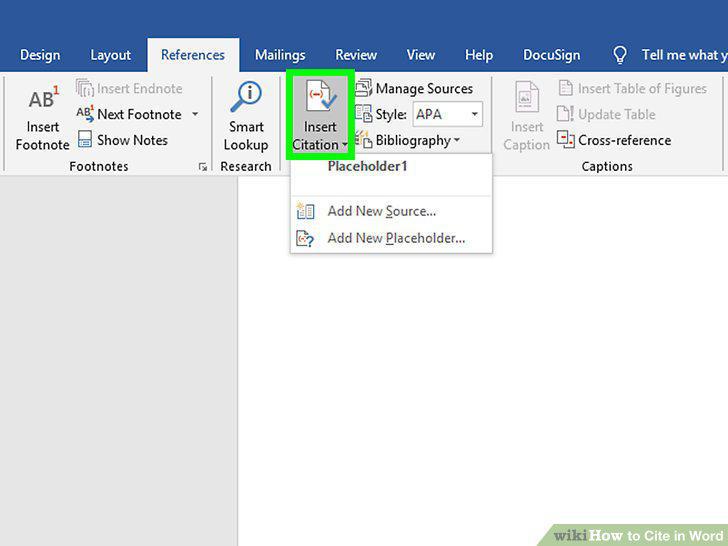
Click "Add New Source" to enter information about a source.
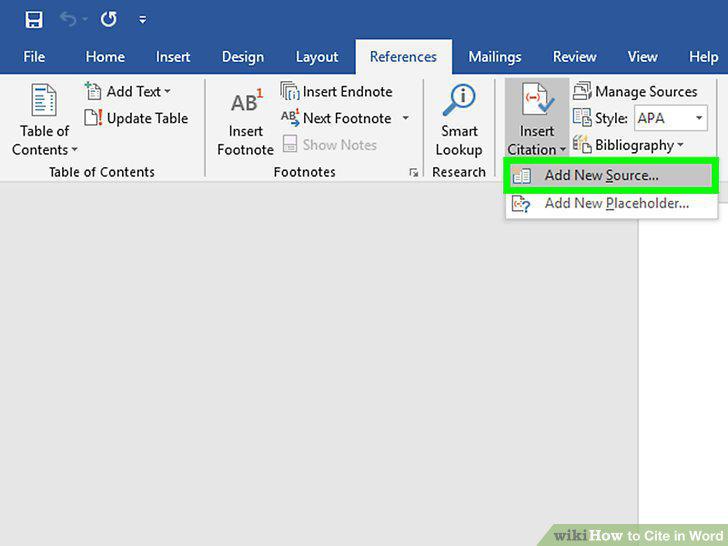
Click "Add New Source" to enter information about a source.
3
Continue to insert citations as you write your paper.
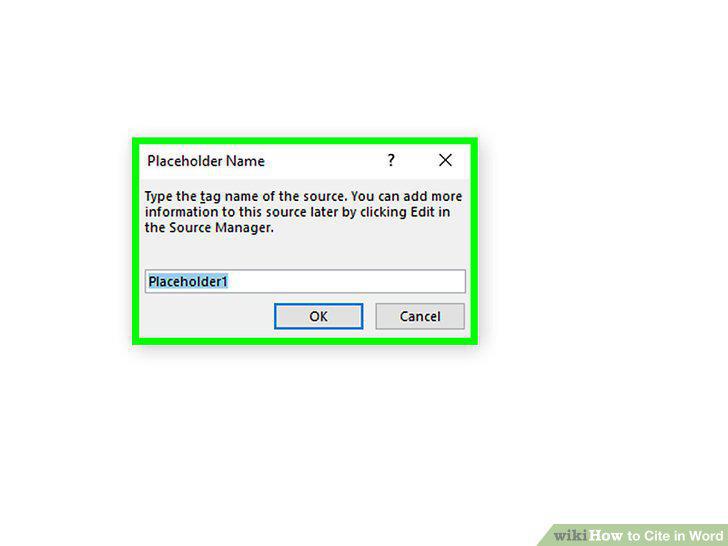
Continue to insert citations as you write your paper.
4
Use the "Manage Sources" button to edit or delete sources.
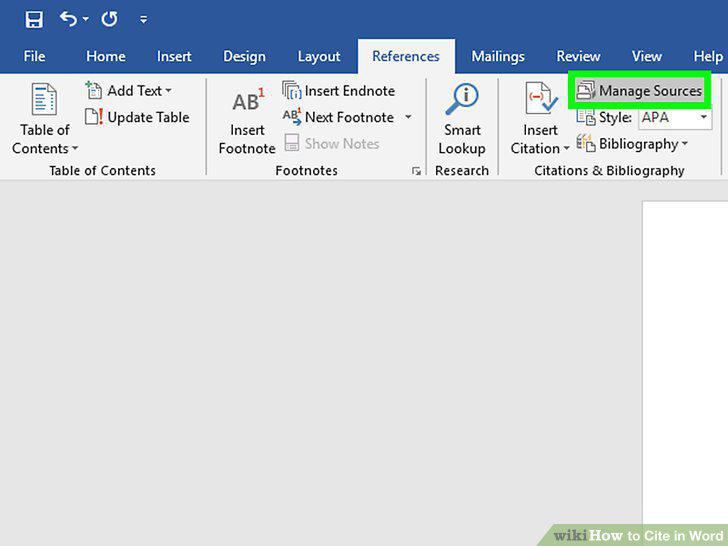
Use the "Manage Sources" button to edit or delete sources.
5
Select the footnote or endnote option on the "References" tab.
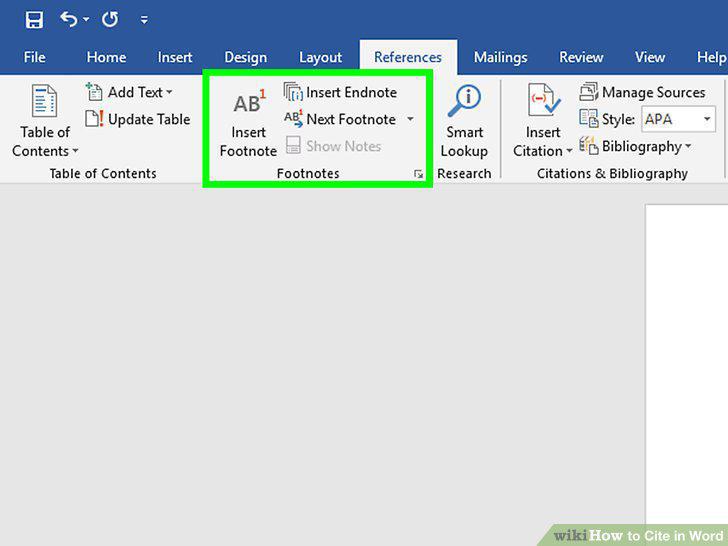
Select the footnote or endnote option on the "References" tab.
6
Use the "Expand" icon to adjust footnote or endnote settings.
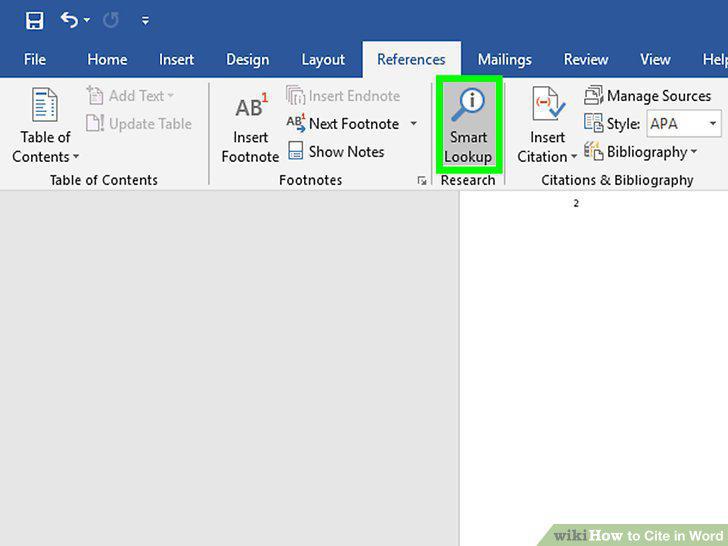
Use the "Expand" icon to adjust footnote or endnote settings.
7
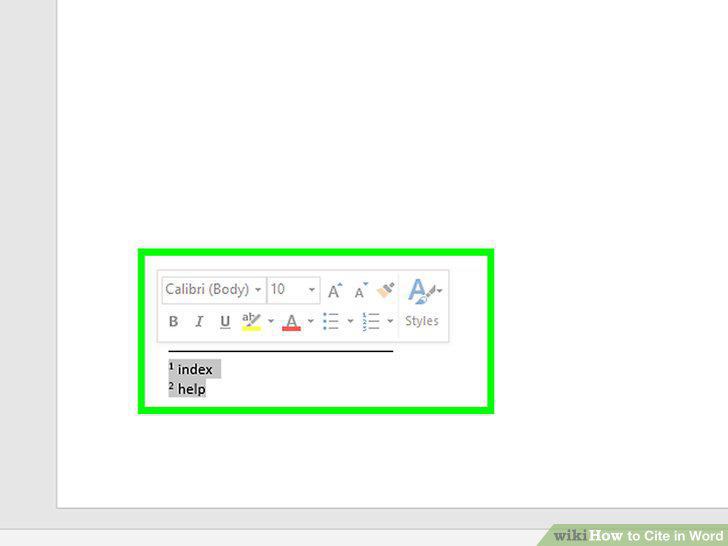
Type your footnote or endnote into your document.
Type your footnote or endnote into your document.
8
Double-click the footnote number to go back to the document.
Double-click the footnote number to go back to the document.
9
Choose the format for your bibliography.
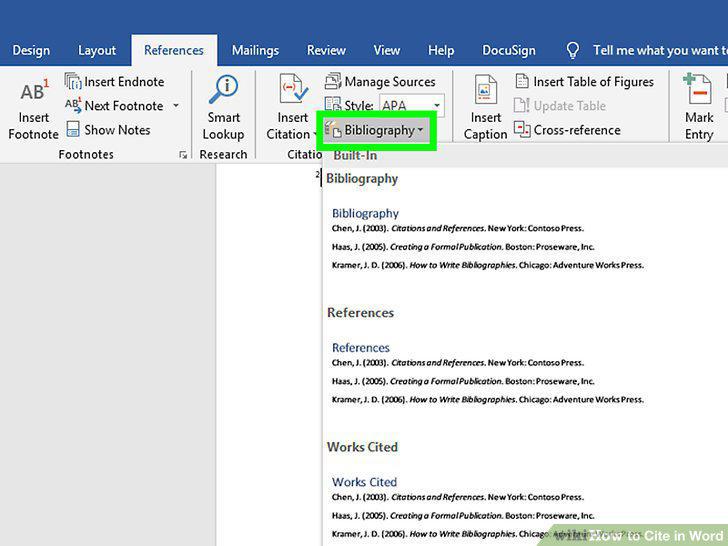
Choose the format for your bibliography.
10
Generate your bibliography with a click.
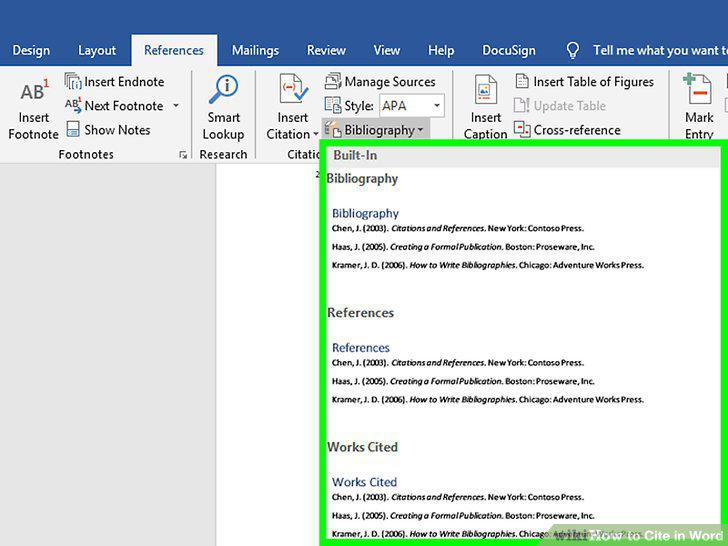
Generate your bibliography with a click.
11
Proofread your bibliography carefully.
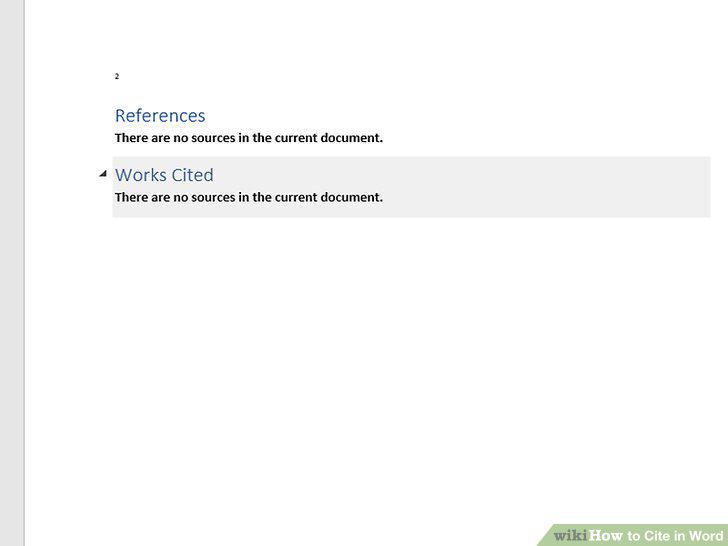
Proofread your bibliography carefully.
Comments (0)
No comments yet. Be the first to share your thoughts!