How to Log in to Slack on iPhone or iPad
Download Slack from the App Store .. Open Slack.. Tap Sign in.
Steps
1
Download Slack from the App Store .
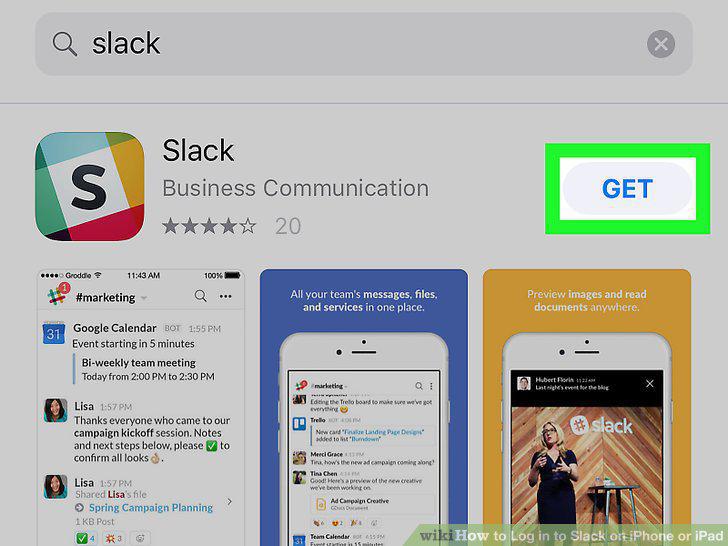
Download Slack from the App Store .
2
Open Slack.
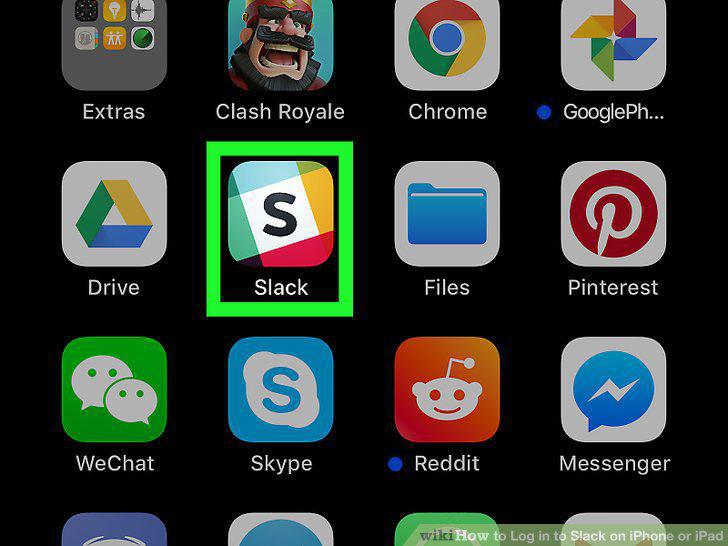
Open Slack.
3
Tap Sign in.
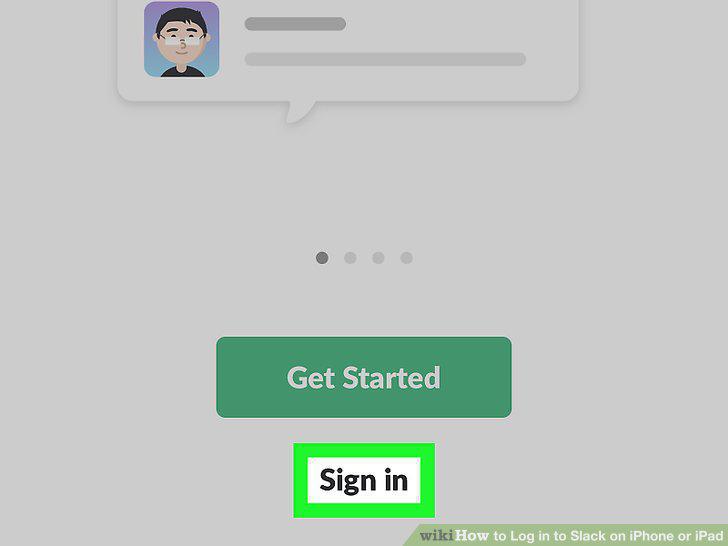
Tap Sign in.
4
Enter your email address and tap Next.
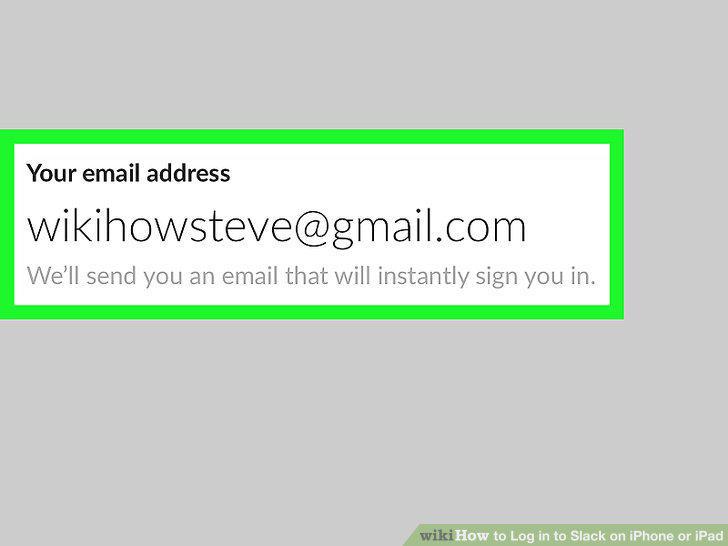
Enter your email address and tap Next.
5
Open the message from Slack.
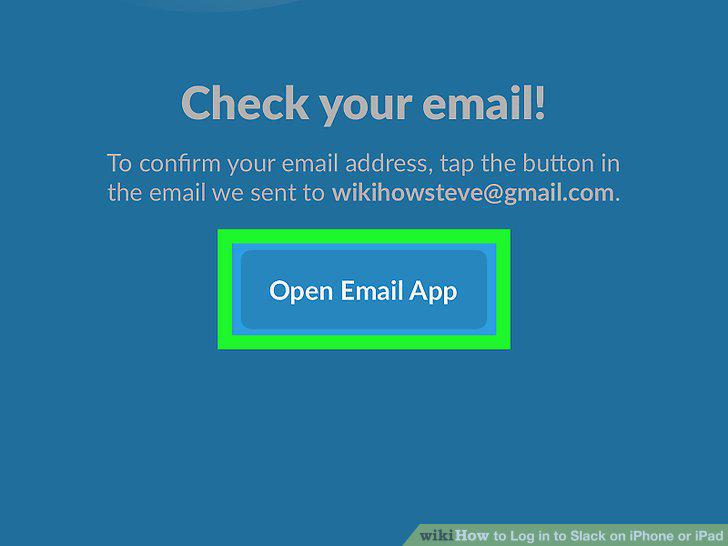
Open the message from Slack.
6
Tap Confirm Email Address in the message.
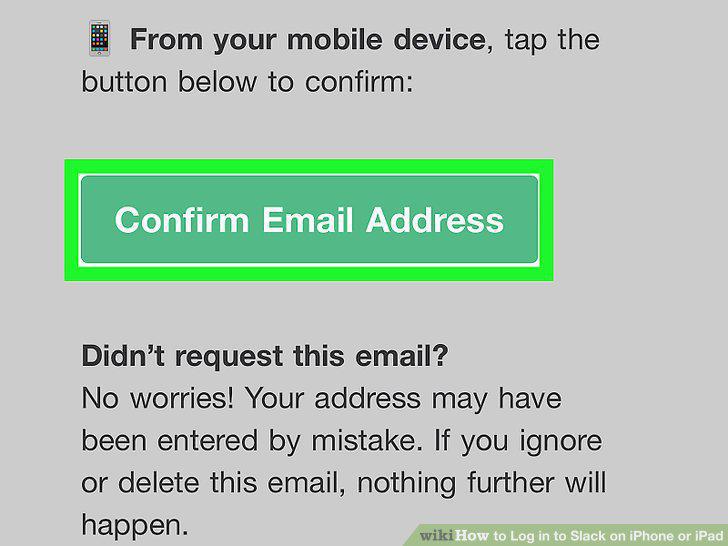
Tap Confirm Email Address in the message.
Comments (0)
No comments yet. Be the first to share your thoughts!