How to Post Job Ads on Facebook
Open Facebook in your internet browser.. Click See More under Explore on the left menu.. Click Jobs on the Explore menu.
Steps
1
Open Facebook in your internet browser.
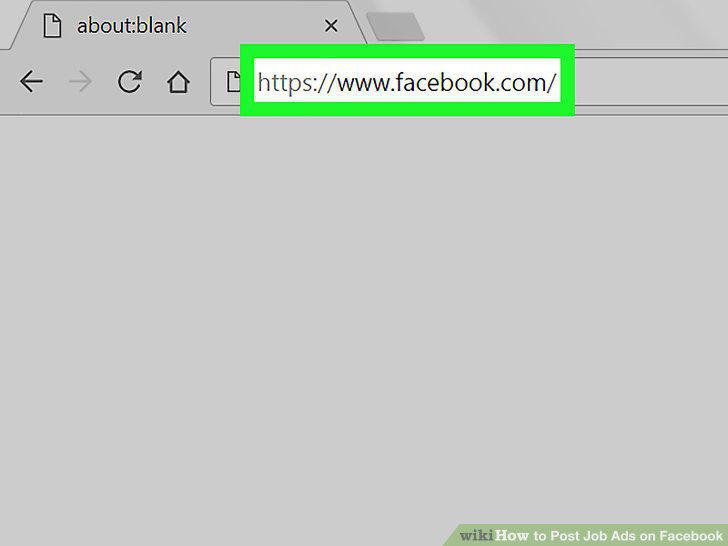
Open Facebook in your internet browser.
2
Click See More under Explore on the left menu.
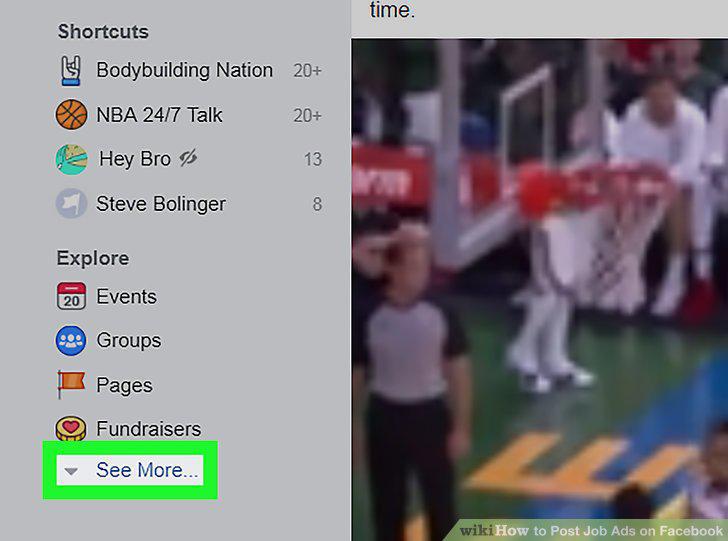
Click See More under Explore on the left menu.
3
Click Jobs on the Explore menu.
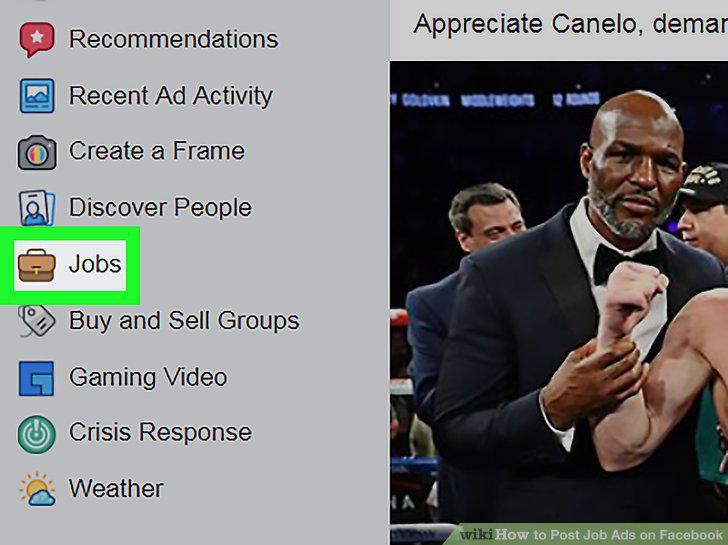
Click Jobs on the Explore menu.
4
Click Publish a Job Post.
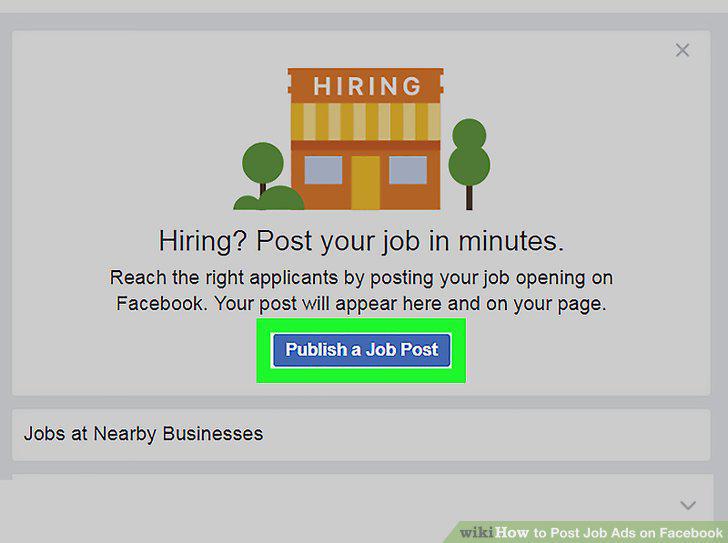
Click Publish a Job Post.
5
Select the employer's Facebook page.
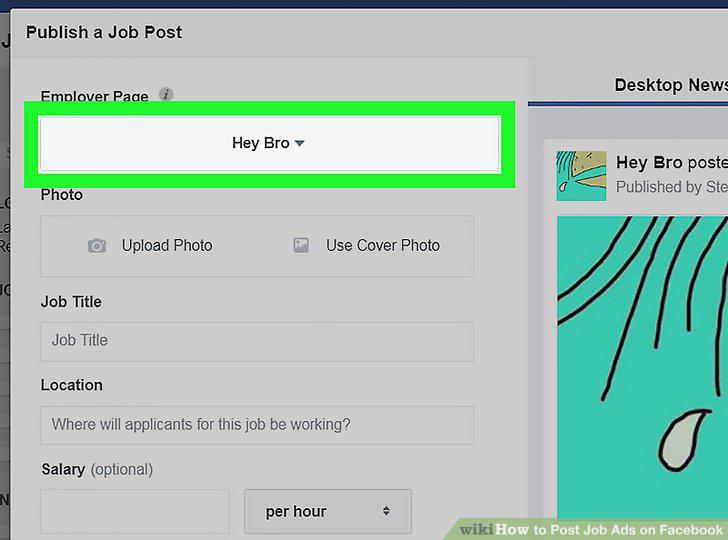
Select the employer's Facebook page.
6
Select a picture for your job post.
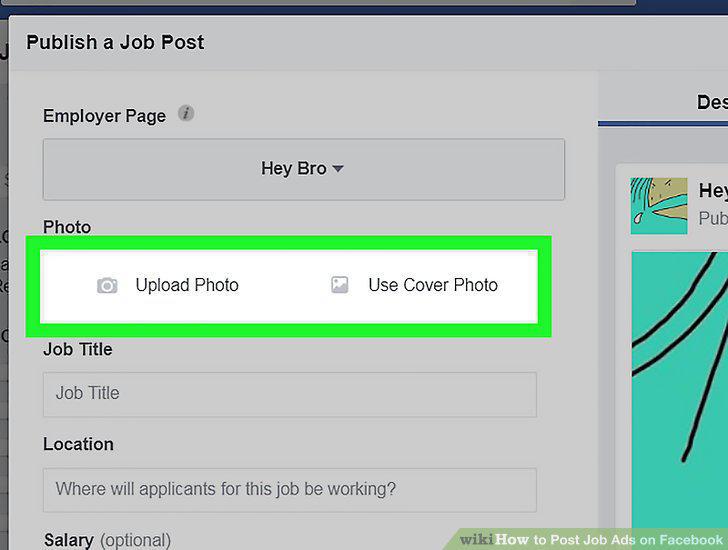
Select a picture for your job post.
7
Enter the job details for the position you're recruiting.
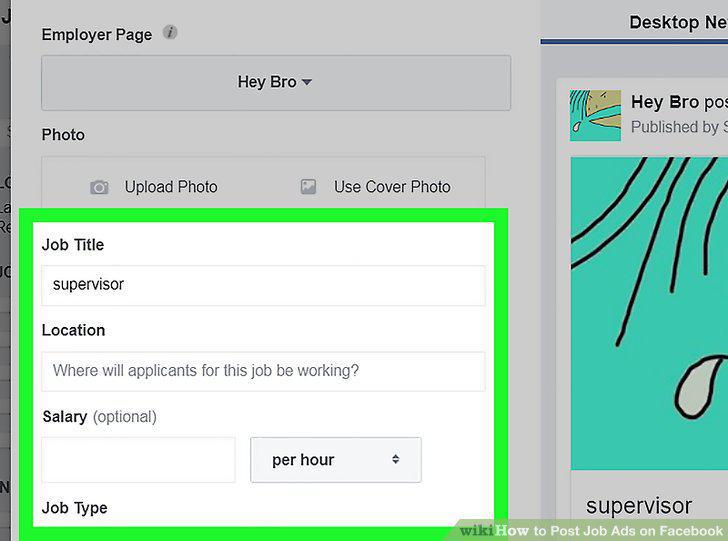
Enter the job details for the position you're recruiting.
8
Write a detailed job description.
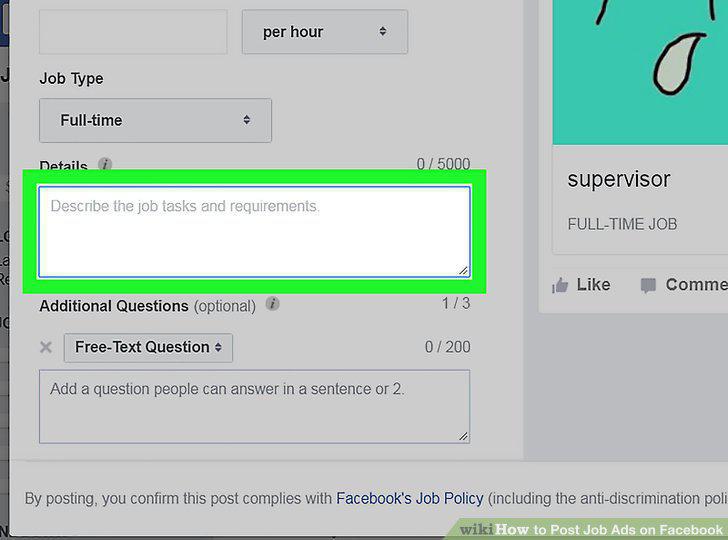
Write a detailed job description.
9
Click Publish Job Post.
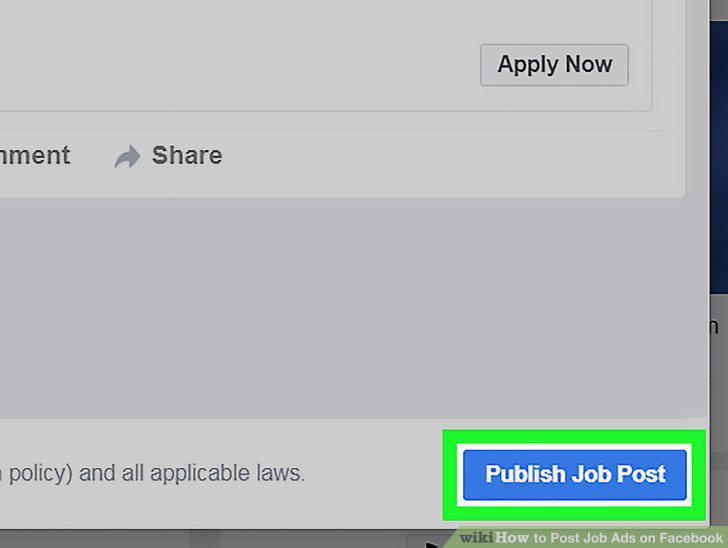
Click Publish Job Post.
Comments (0)
No comments yet. Be the first to share your thoughts!