How to Extend the Computer Display on iPad with Splashtop Extended Wireless Display
Open the App Store on your iPad .. Tap Search.. Type splashtop into the search bar and press search.
Steps
1
Open the App Store on your iPad .
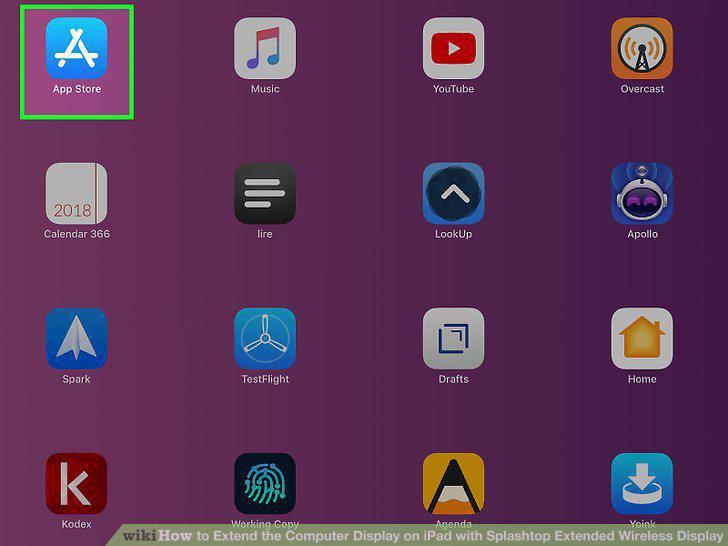
Open the App Store on your iPad .
2
Tap Search.
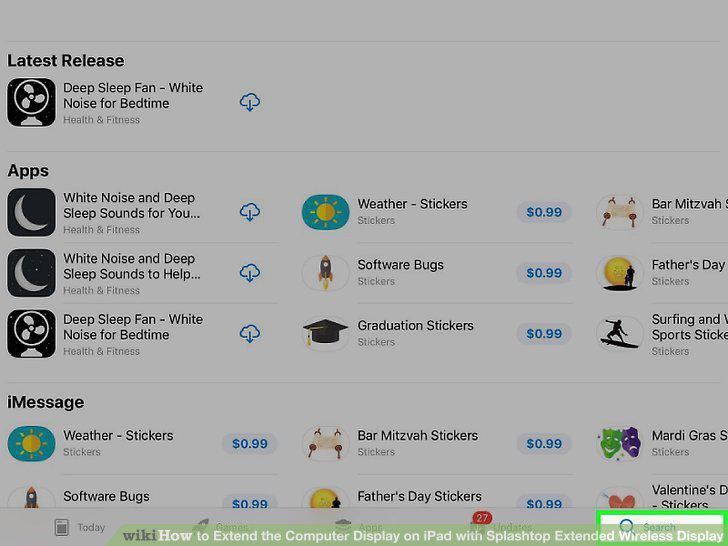
Tap Search.
3
Type splashtop into the search bar and press search.
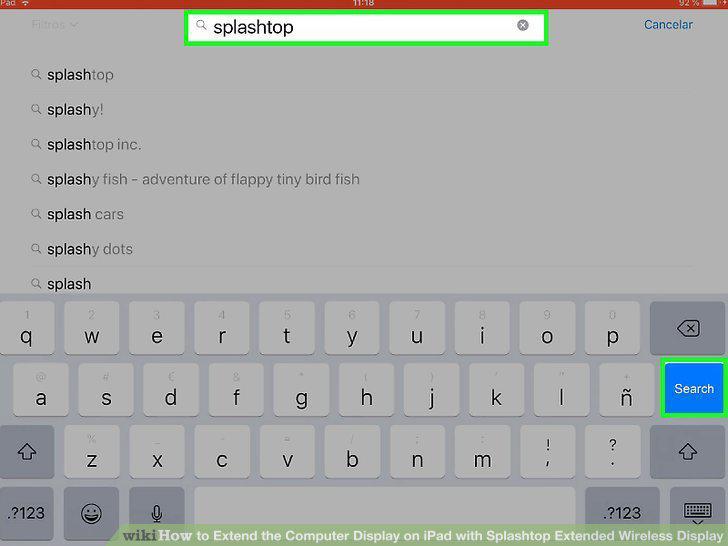
Type splashtop into the search bar and press search.
4
Scroll down and tap GET on "Splashtop Wired XDisplay.
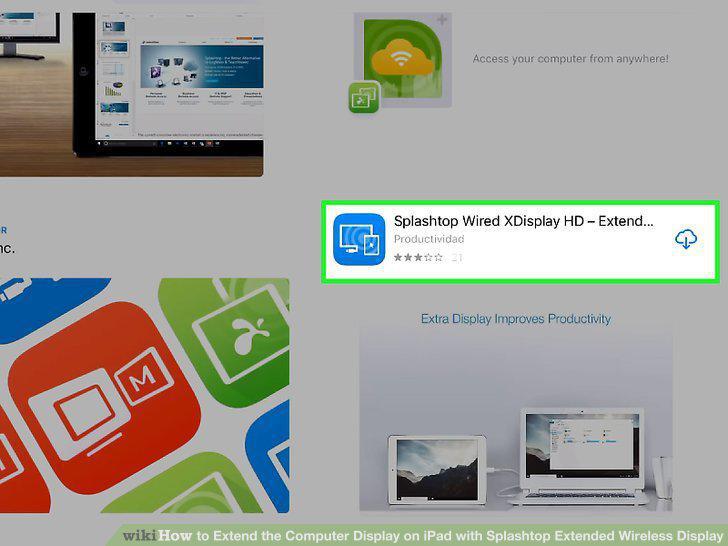
Scroll down and tap GET on "Splashtop Wired XDisplay.
5
Install iTunes on your PC (if using Windows).

Install iTunes on your PC (if using Windows).
6
Go to https://www.splashtop.com/wiredxdisplay om a web browser.

Go to https://www.splashtop.com/wiredxdisplay om a web browser.
7
Click the download link for your operating system.
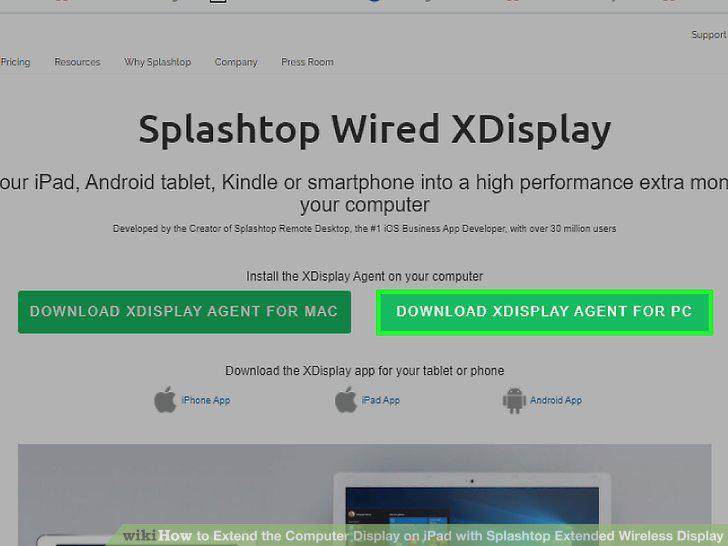
Click the download link for your operating system.
8
Run the installer.
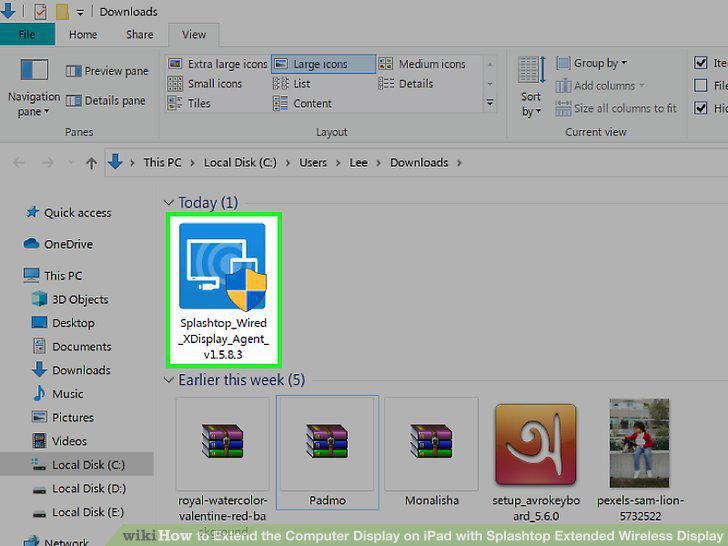
Run the installer.
9
Connect your iPad to your computer with a USB cable.
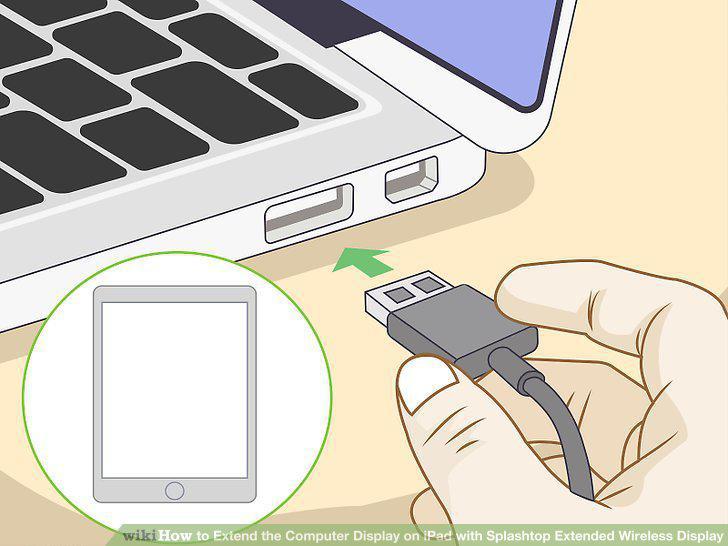
Connect your iPad to your computer with a USB cable.
10
Open Finder (Mac) or iTunes (Windows).
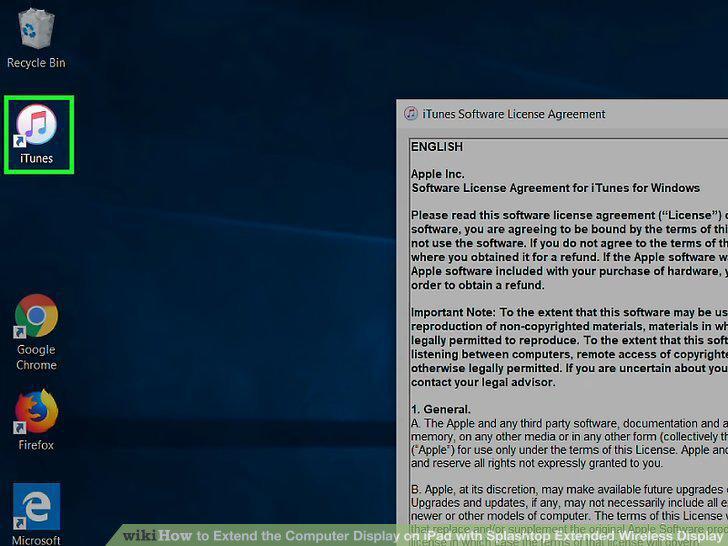
Open Finder (Mac) or iTunes (Windows).
11
Open Splashtop Wired XDisplay on your iPad.
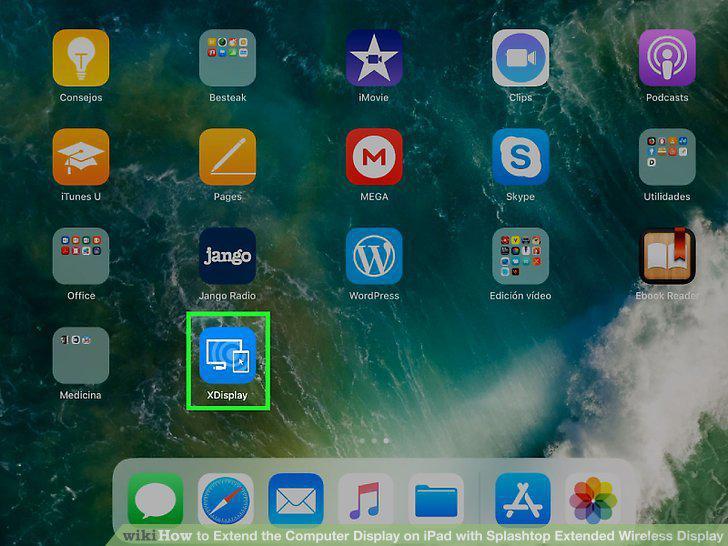
Open Splashtop Wired XDisplay on your iPad.
12
Open Splashtop Wired XDisplay Agent on your computer.
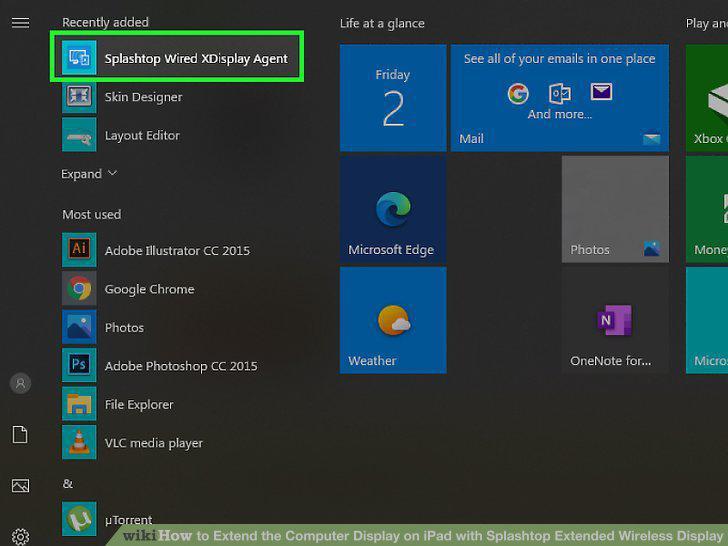
Open Splashtop Wired XDisplay Agent on your computer.
13
Extend the display.
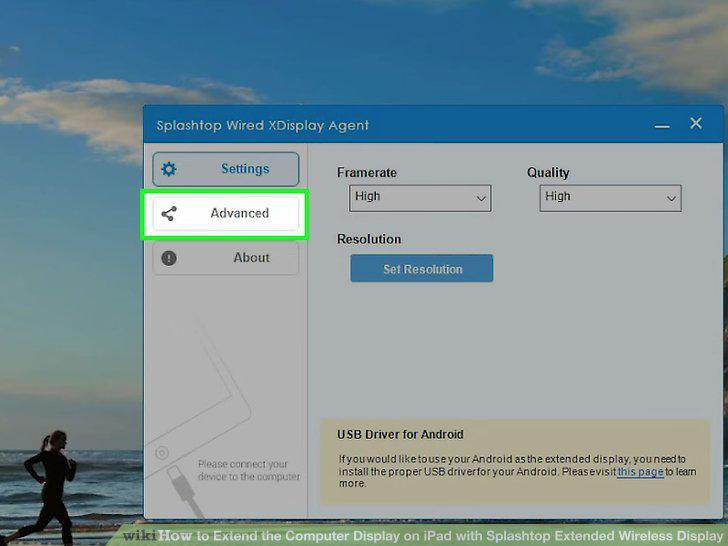
Extend the display.
14
Close the app when you're ready to disconnect.
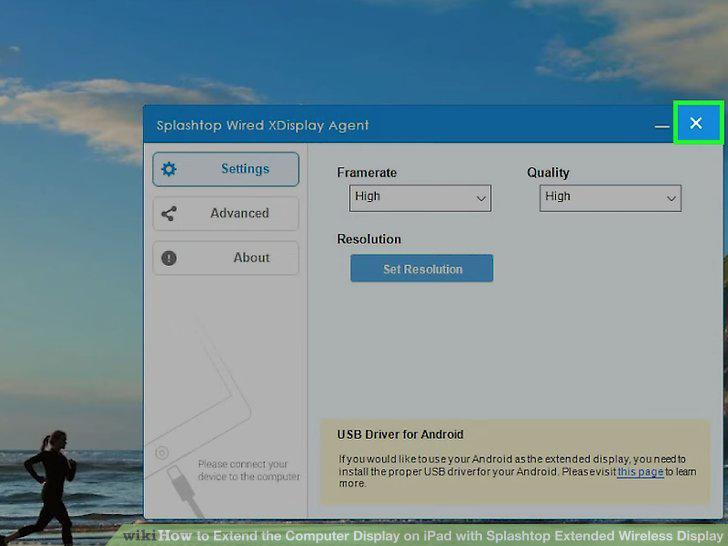
Close the app when you're ready to disconnect.
Comments (0)
No comments yet. Be the first to share your thoughts!