How to Teach K-12 Students Remotely
Choose a learning management system (LMS) to manage your class.. Write down your directions like an informal conversation.. Email your students' parents at least once a week to keep them updated.
Steps
Choose a learning management system (LMS) to manage your class.
Choose a learning management system (LMS) to manage your class.
Write down your directions like an informal conversation.
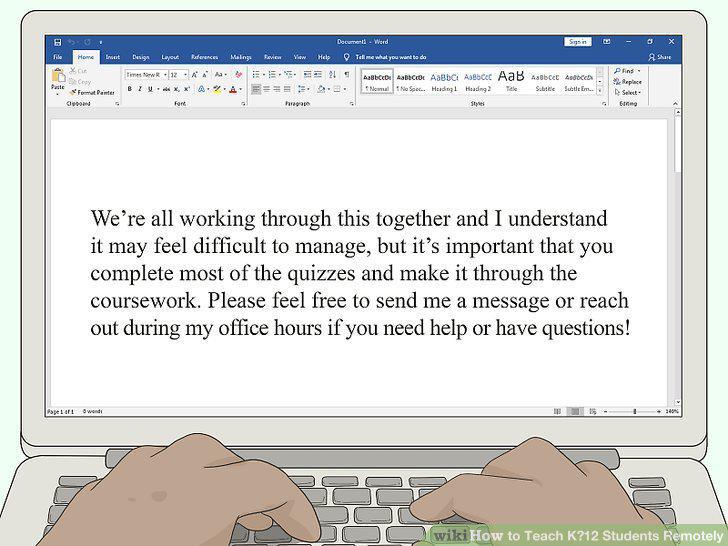
Write down your directions like an informal conversation.
Email your students' parents at least once a week to keep them updated.
Email your students' parents at least once a week to keep them updated.
Send group messages to your students and parents for quick reminders.
Send group messages to your students and parents for quick reminders.
Encourage your students to communicate with each other.
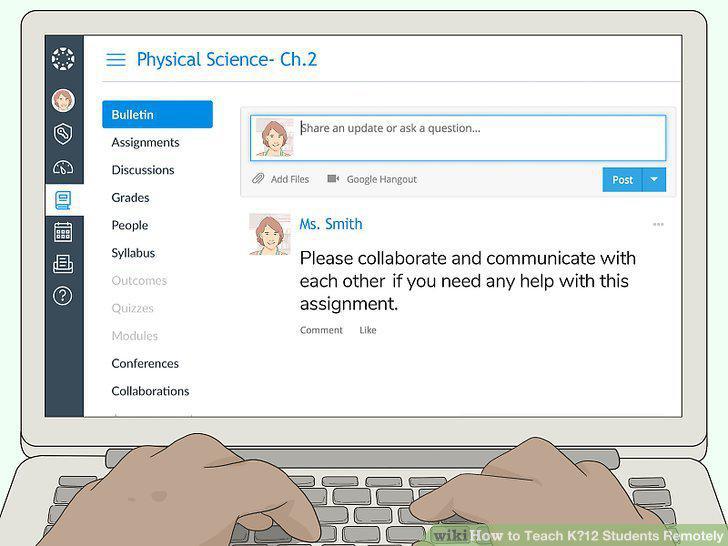
Encourage your students to communicate with each other.
Reach out to struggling students individually.
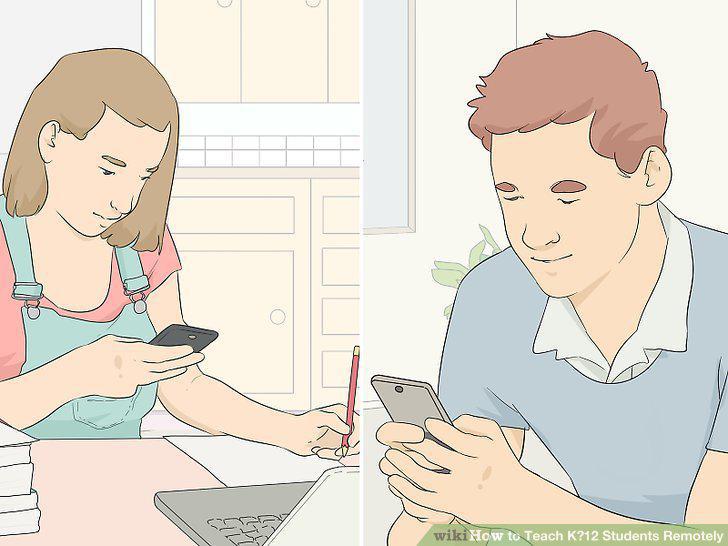
Reach out to struggling students individually.
Check online learning resources for lessons you can use.
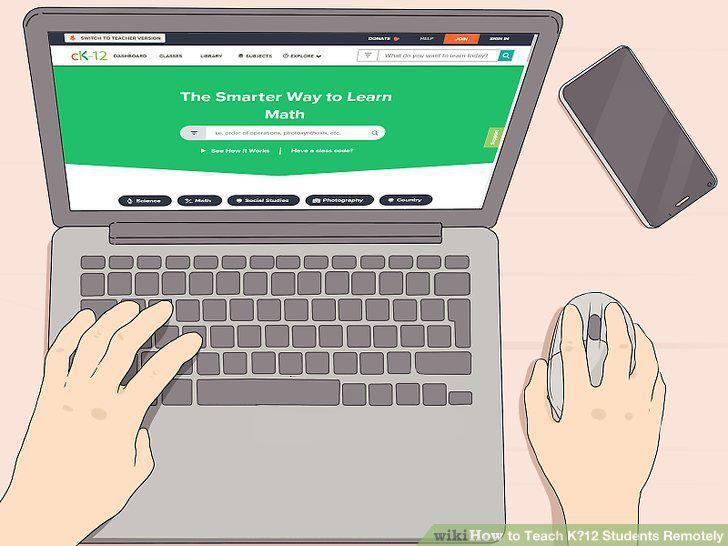
Check online learning resources for lessons you can use.
Give Pre-K to 1st-grade students short activities for a total of 45 minutes.
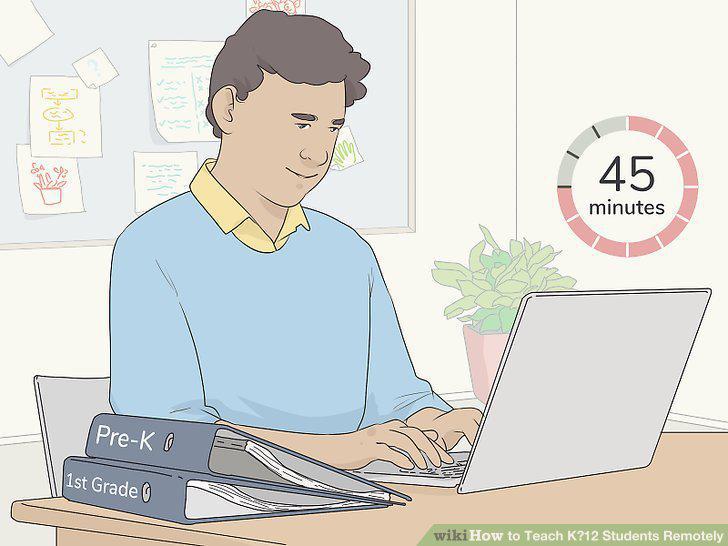
Give Pre-K to 1st-grade students short activities for a total of 45 minutes.
Assign 10-15 minute learning activities to grades 2-4 for about 1 hour a day.
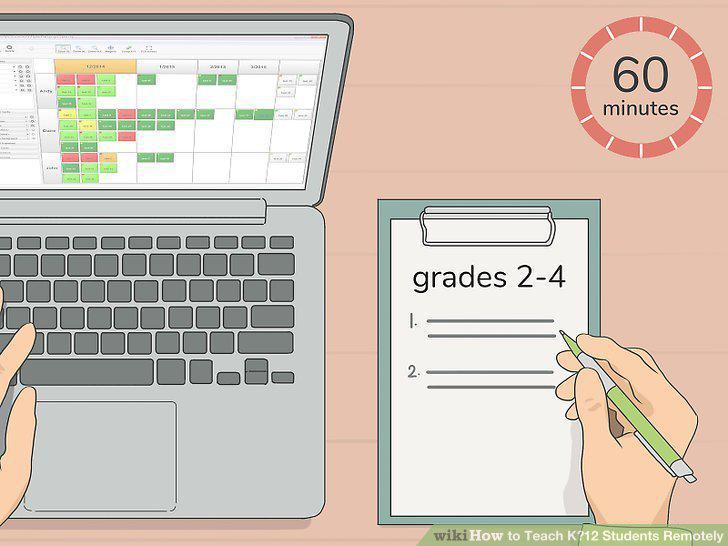
Assign 10-15 minute learning activities to grades 2-4 for about 1 hour a day.
Use 20-25 minute activities for a total of 90 minutes for grades 5-6.
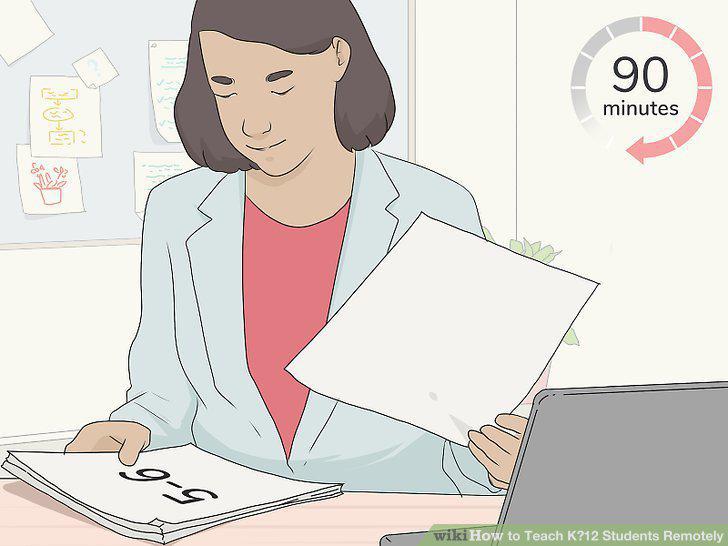
Use 20-25 minute activities for a total of 90 minutes for grades 5-6.
Get middle and high school students to do 3 hours of learning each day.
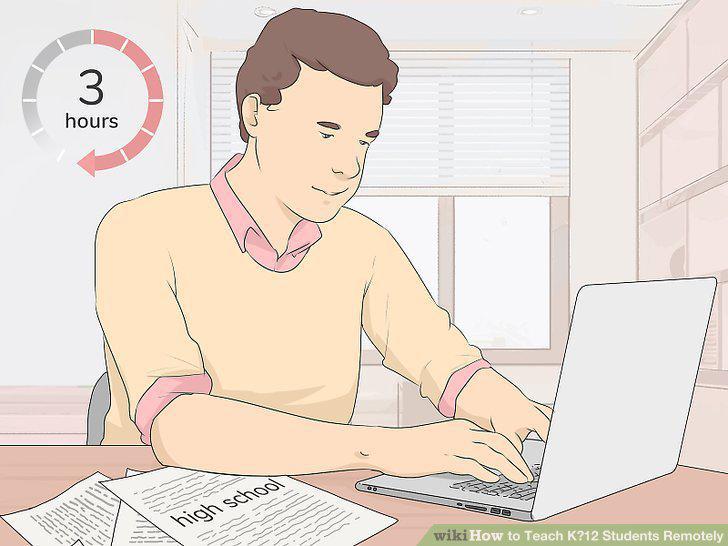
Get middle and high school students to do 3 hours of learning each day.
Put your lesson plans and materials on the LMS so they're easy to find.
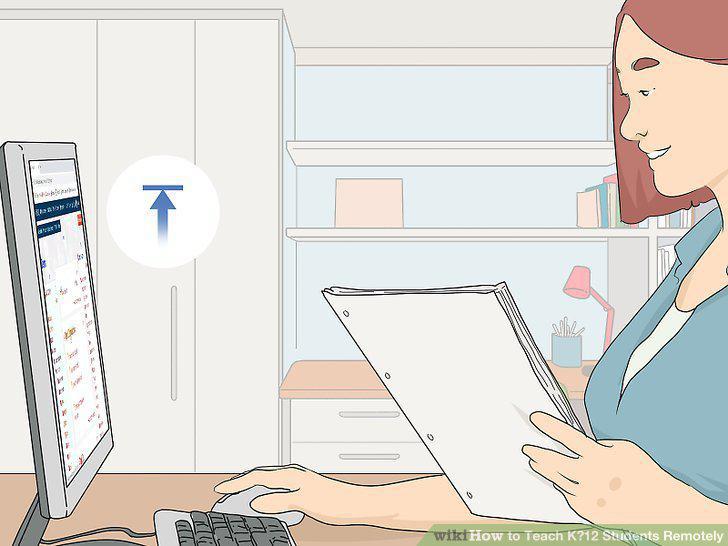
Put your lesson plans and materials on the LMS so they're easy to find.
Post daily assignments each morning for your students to complete.
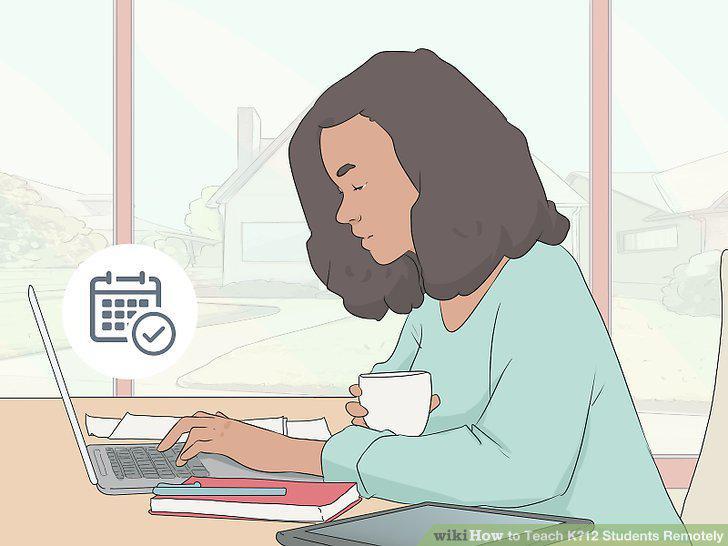
Post daily assignments each morning for your students to complete.
Create short videos that explain the details of an assignment.
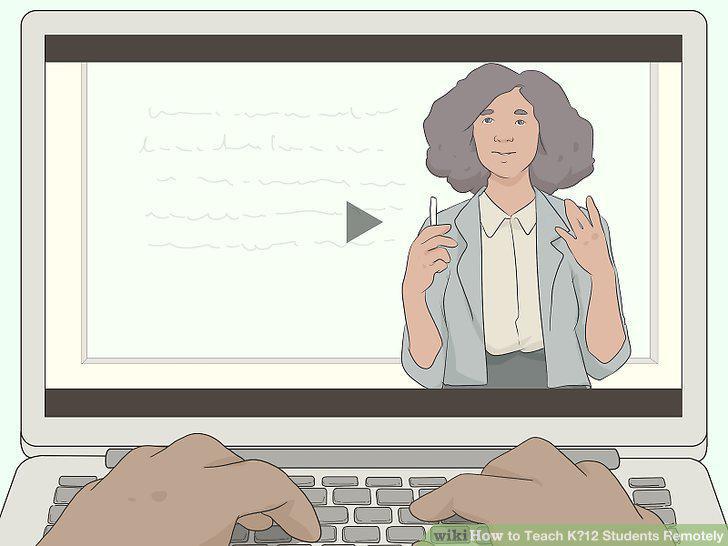
Create short videos that explain the details of an assignment.
Hold office hours each day so students or parents can reach out to you.
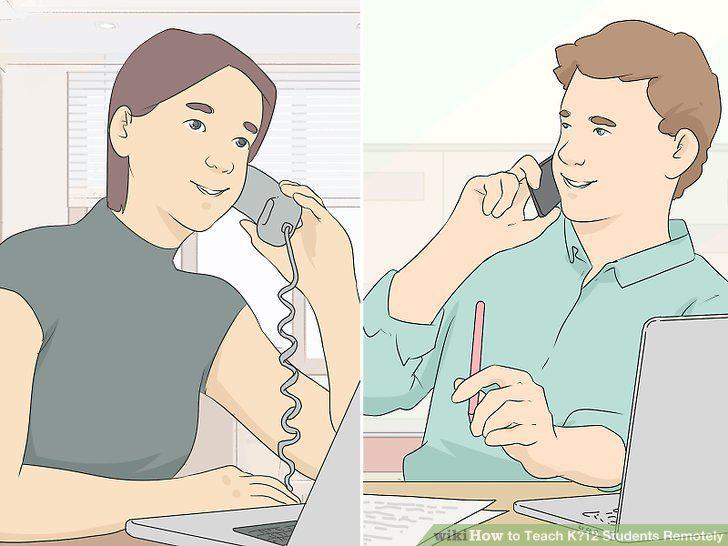
Hold office hours each day so students or parents can reach out to you.
Establish a set time if you plan to do live video classes.
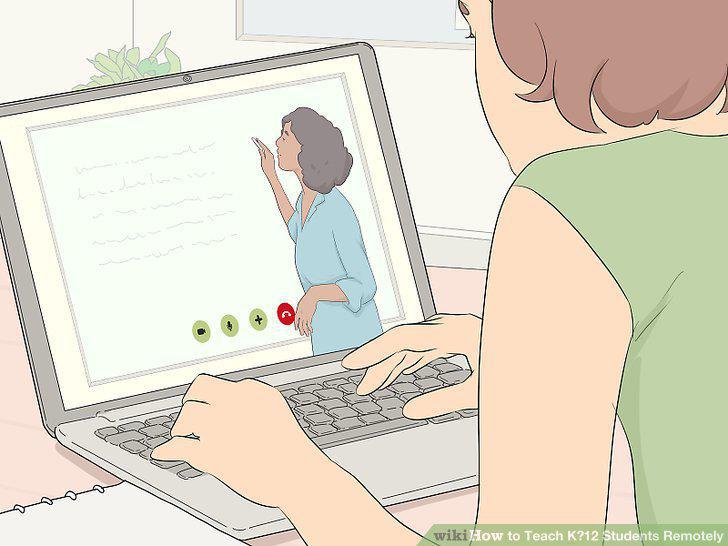
Establish a set time if you plan to do live video classes.
Encourage your students to engage and ask questions.
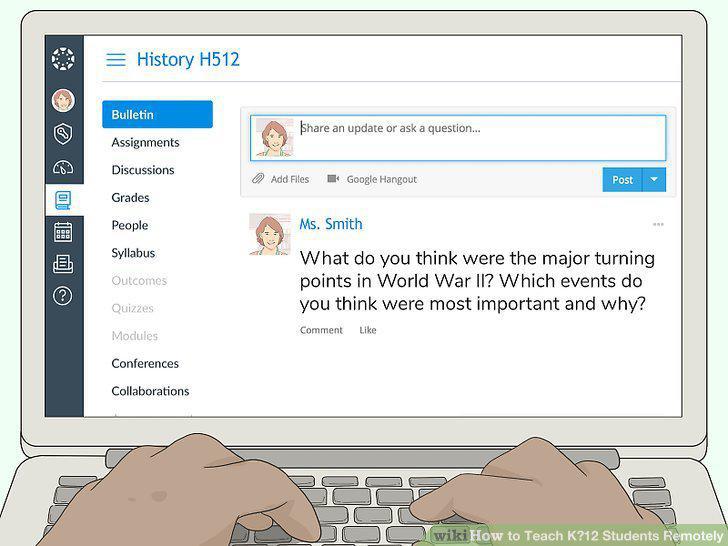
Encourage your students to engage and ask questions.
Expect a few technical issues and take deep breaths when they happen.
Expect a few technical issues and take deep breaths when they happen.
Get your students to test the LMS features so they know how to use them.

Get your students to test the LMS features so they know how to use them.
Give your students a low-stress video assignment in the beginning.
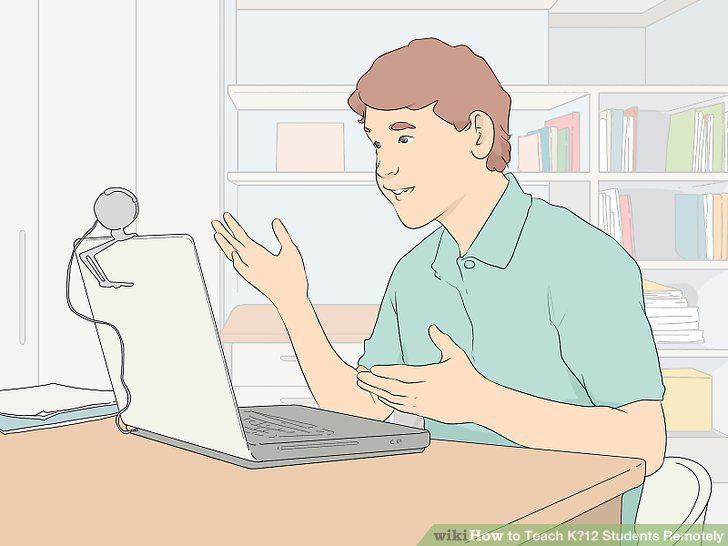
Give your students a low-stress video assignment in the beginning.
Have your students send you a PDF file of their handwritten work.
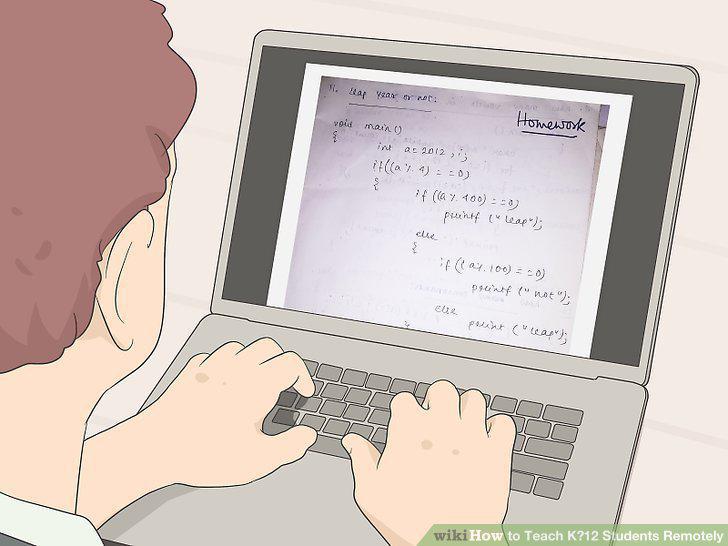
Have your students send you a PDF file of their handwritten work.
Show examples of what you expect an assignment to look like.
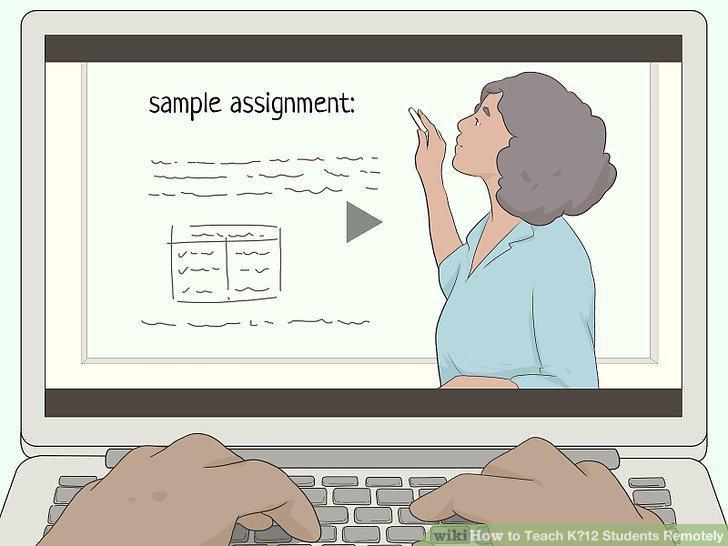
Show examples of what you expect an assignment to look like.
Comments (0)
No comments yet. Be the first to share your thoughts!