How to Delete an iPhone App
Locate the icon for the app you want to delete.. Tap and hold the icon for one second.. Tap Delete App on the menu.
Steps
1
Locate the icon for the app you want to delete.
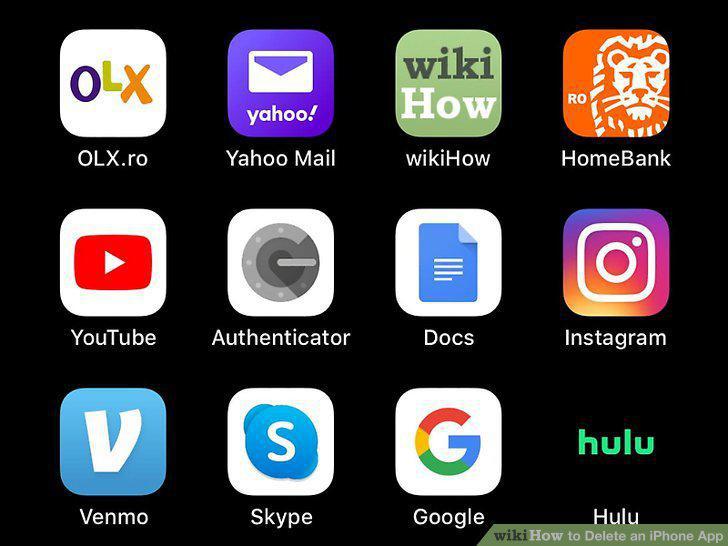
Locate the icon for the app you want to delete.
2
Tap and hold the icon for one second.
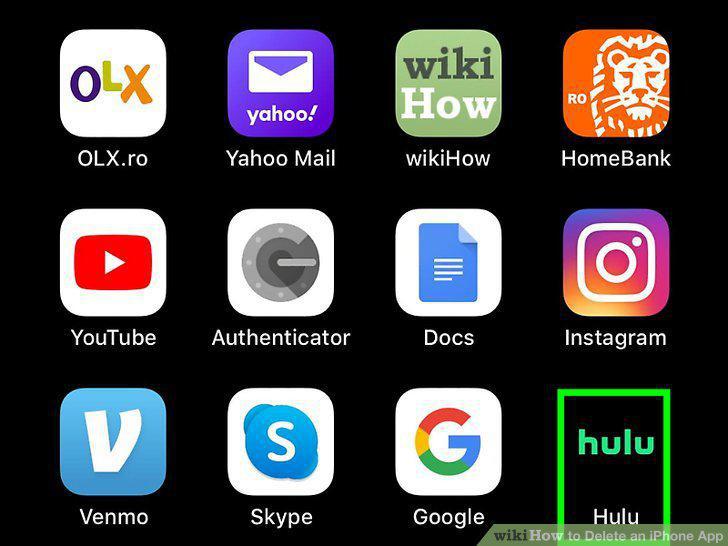
Tap and hold the icon for one second.
3
Tap Delete App on the menu.
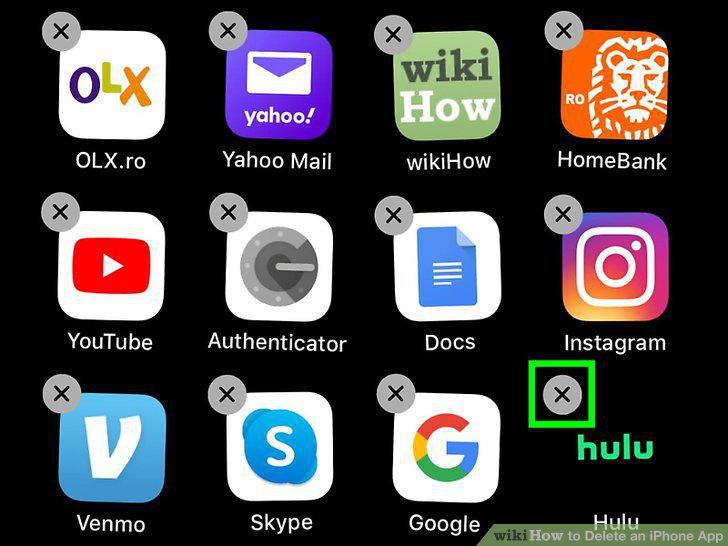
Tap Delete App on the menu.
4
Tap Delete to confirm.
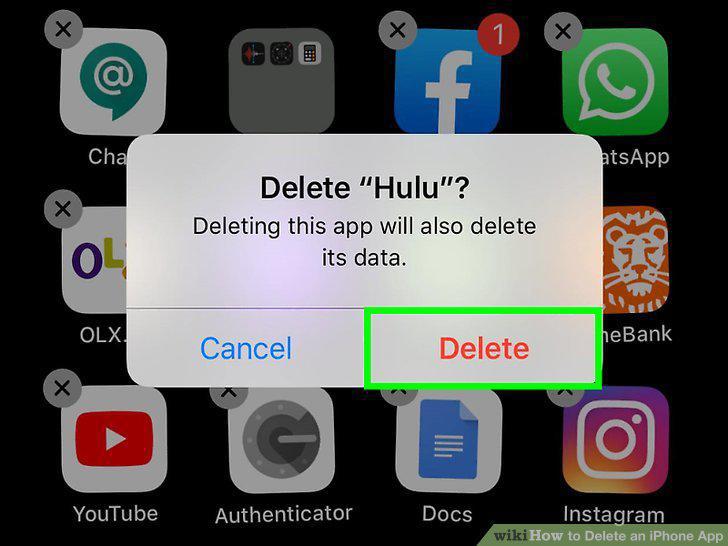
Tap Delete to confirm.
5
Open the App Store .
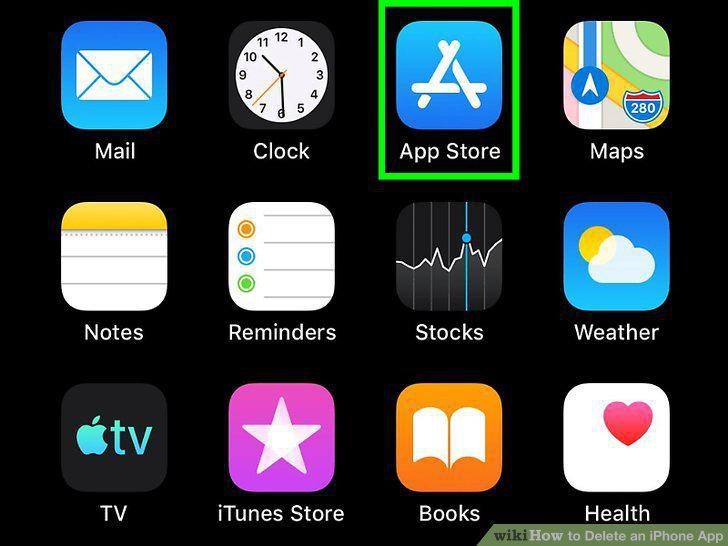
Open the App Store .
6
Tap your profile icon.

Tap your profile icon.
7
Scroll down to the app you want to delete.
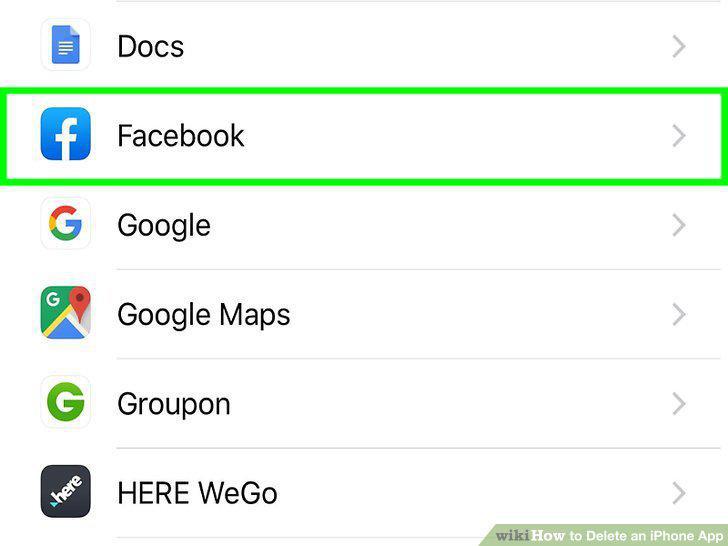
Scroll down to the app you want to delete.
8
Swipe left on the app.
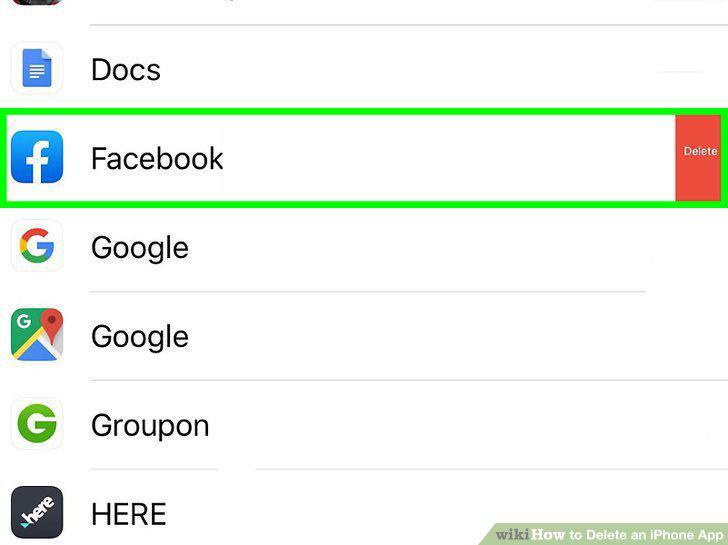
Swipe left on the app.
9
Tap the red Delete button.
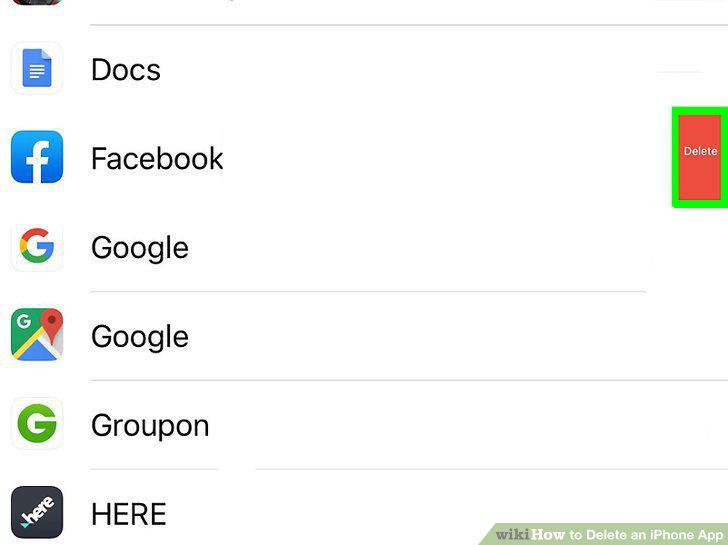
Tap the red Delete button.
10
Tap Delete to confirm.
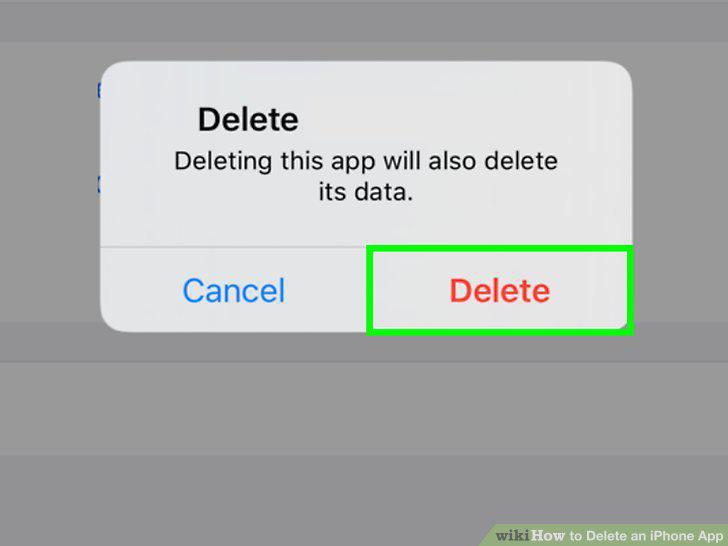
Tap Delete to confirm.
Comments (0)
No comments yet. Be the first to share your thoughts!