How to Install the Pinterest "Pin It" Button
Go to Pinterest's browser button webpage.. Click Get our browser button.. Locate the Pinterest browser button.
Steps
1
Go to Pinterest's browser button webpage.
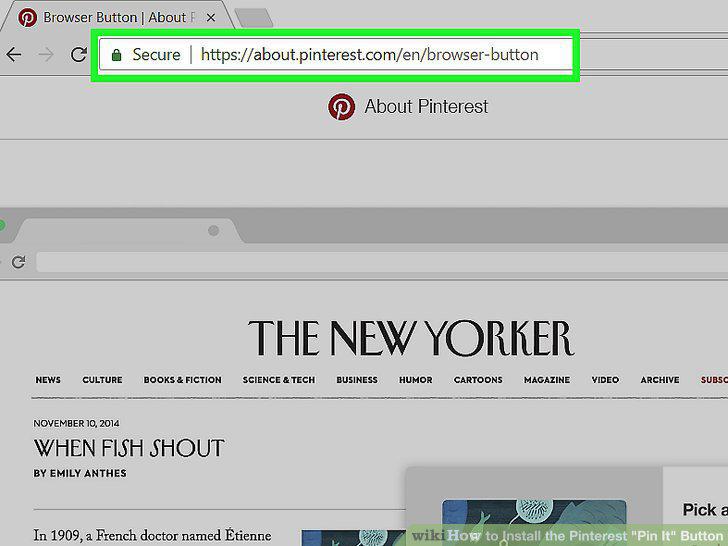
Go to Pinterest's browser button webpage.
2
Click Get our browser button.
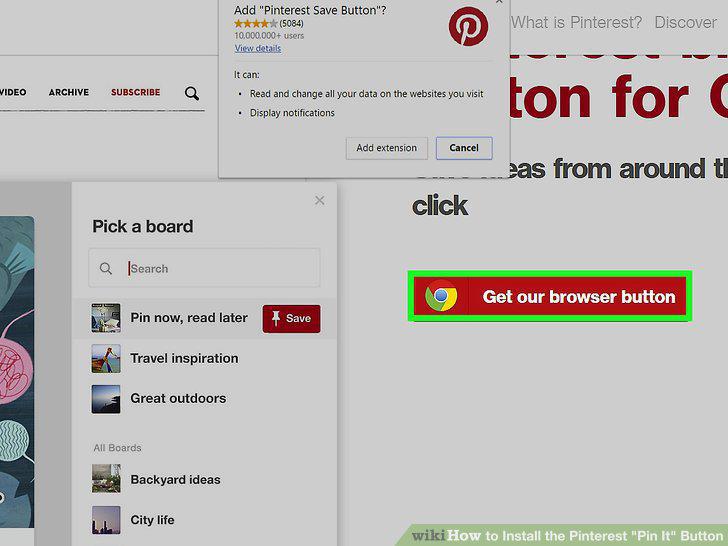
Click Get our browser button.
3
Locate the Pinterest browser button.
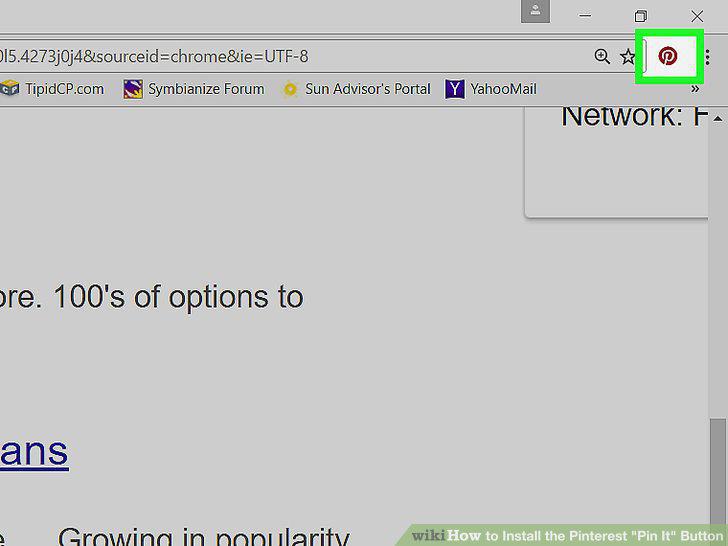
Locate the Pinterest browser button.
4
Navigate to a site with images you want to pin.

Navigate to a site with images you want to pin.
5
Click the Pinterest browser button.
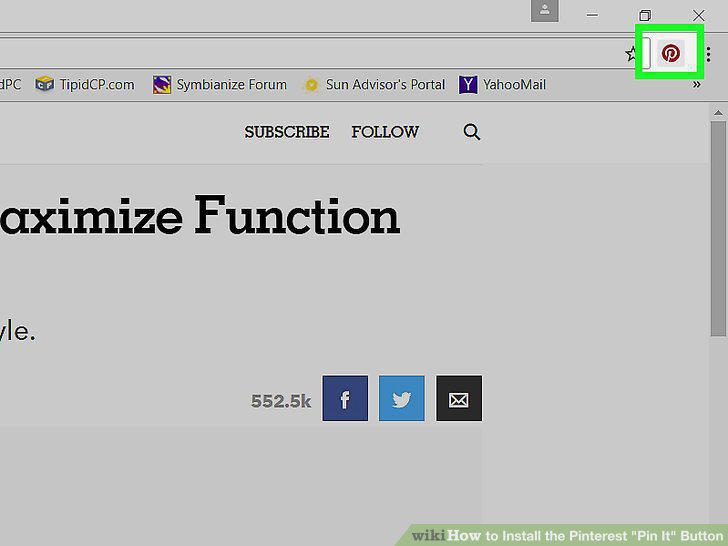
Click the Pinterest browser button.
6
Click Save on an image.
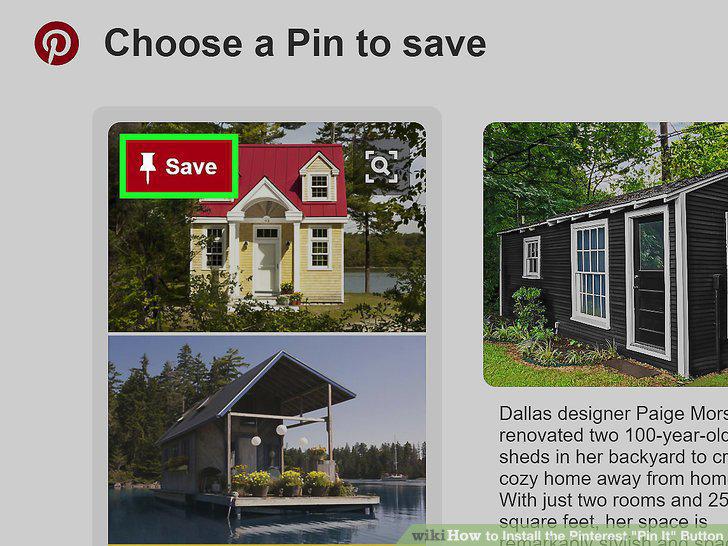
Click Save on an image.
7
Click Save located to the right of a board's name.
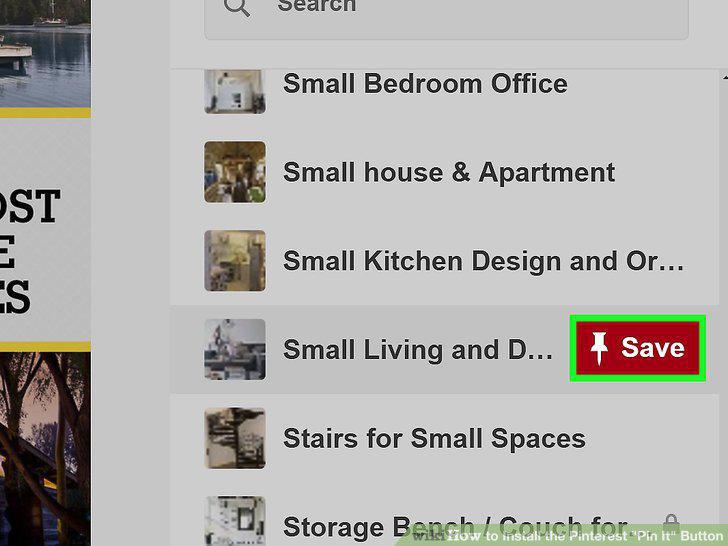
Click Save located to the right of a board's name.
Comments (0)
No comments yet. Be the first to share your thoughts!