How to Make a Google Chrome Theme
Open Google Chrome .. Open the Chrome Theme Creator site.. Click Upload an Image.
Steps
1
Open Google Chrome .
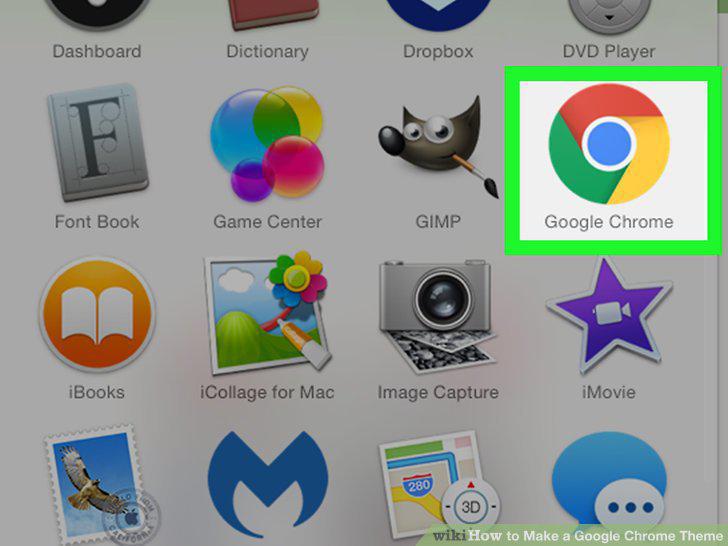
Open Google Chrome .
2
Open the Chrome Theme Creator site.
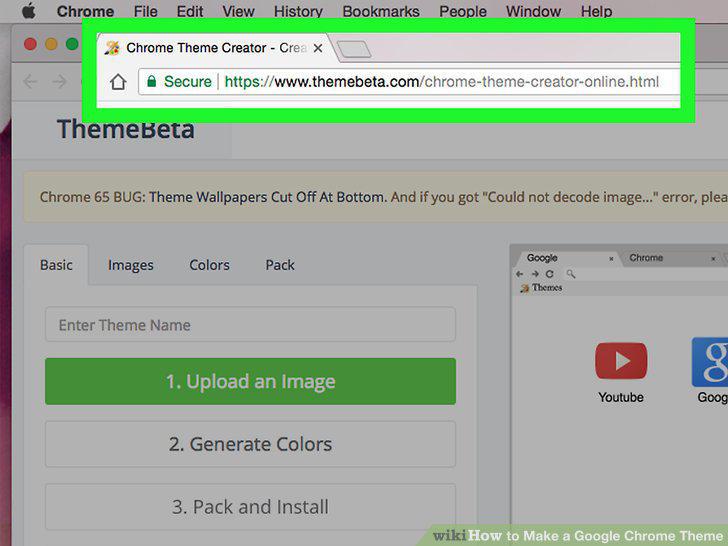
Open the Chrome Theme Creator site.
3
Click Upload an Image.
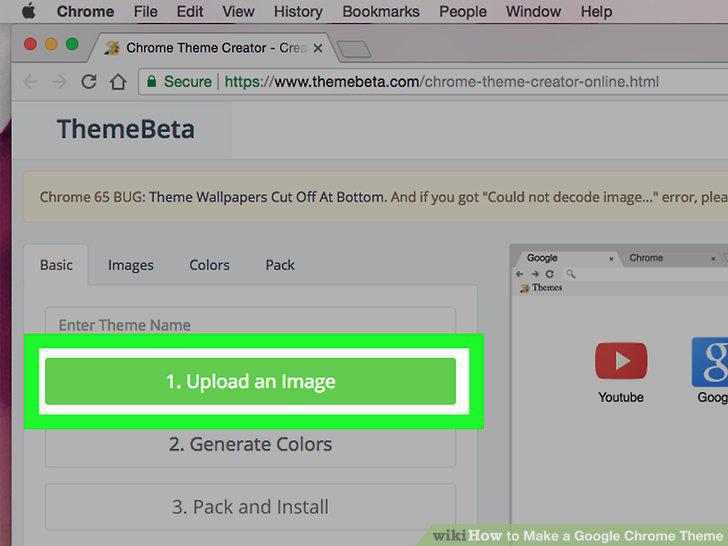
Click Upload an Image.
4
Select an image.
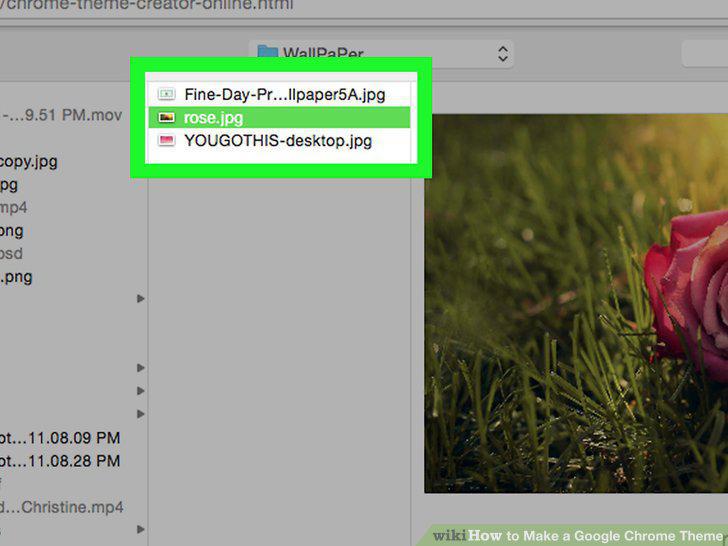
Select an image.
5
Click Open.
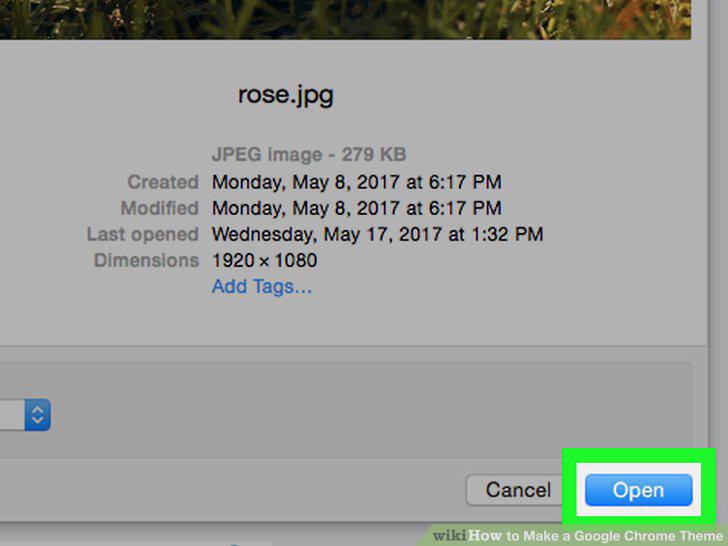
Click Open.
6
Re-position your image.
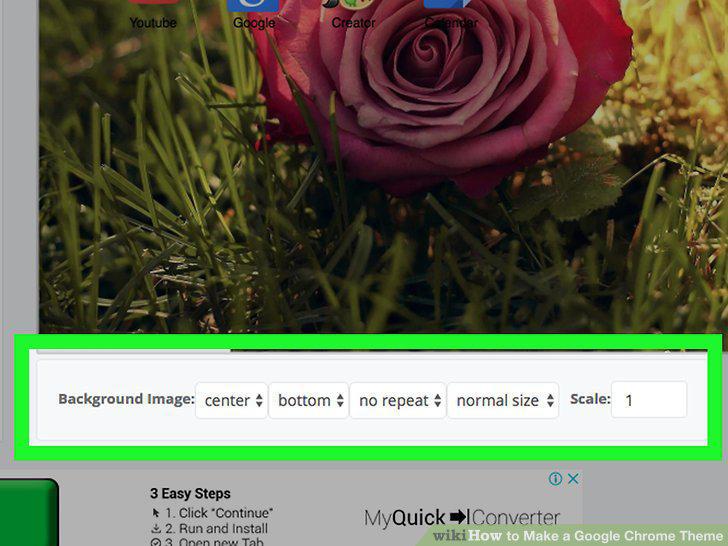
Re-position your image.
7
Review your image.
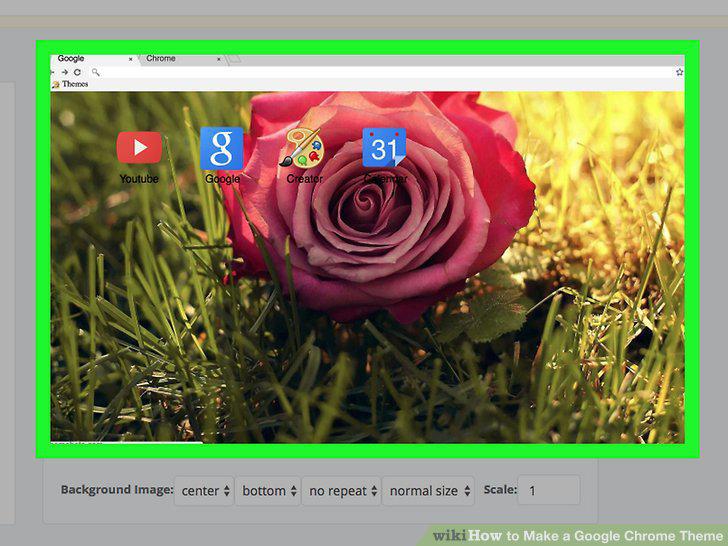
Review your image.
8
Click the Images tab.
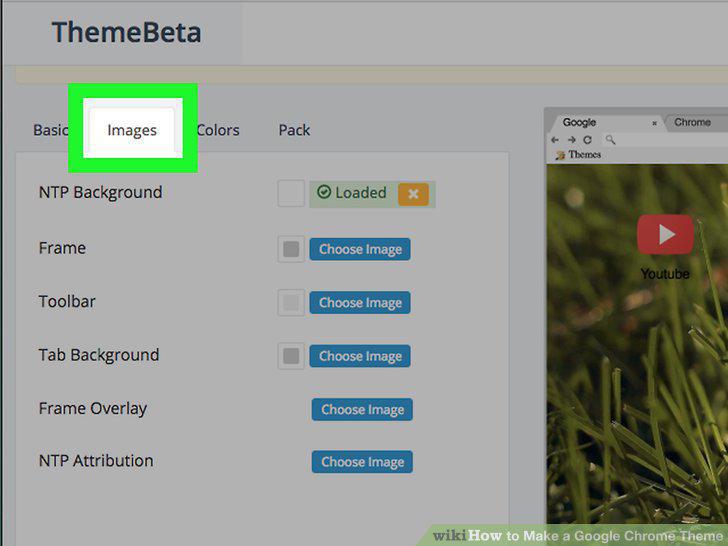
Click the Images tab.
9
Add a frame image.
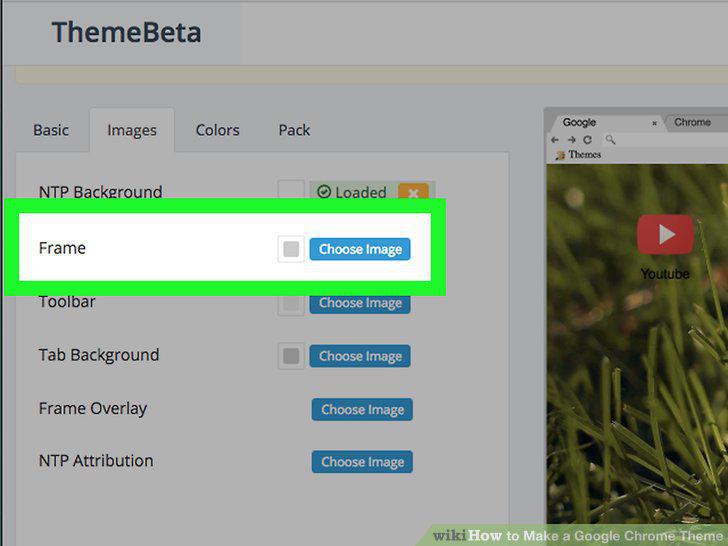
Add a frame image.
10
Add a toolbar image.
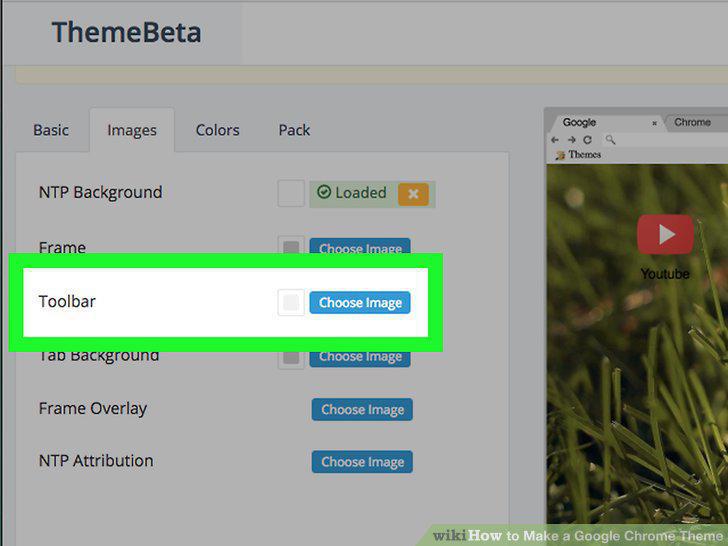
Add a toolbar image.
11
Add a tab background.
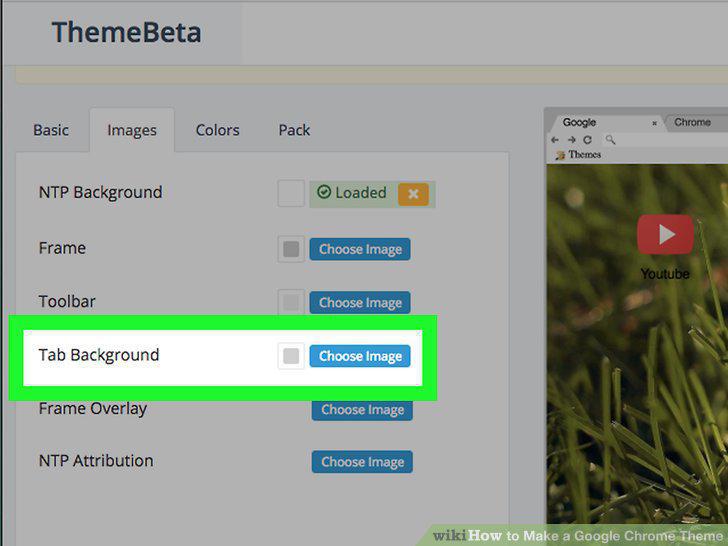
Add a tab background.
12
Review your theme.
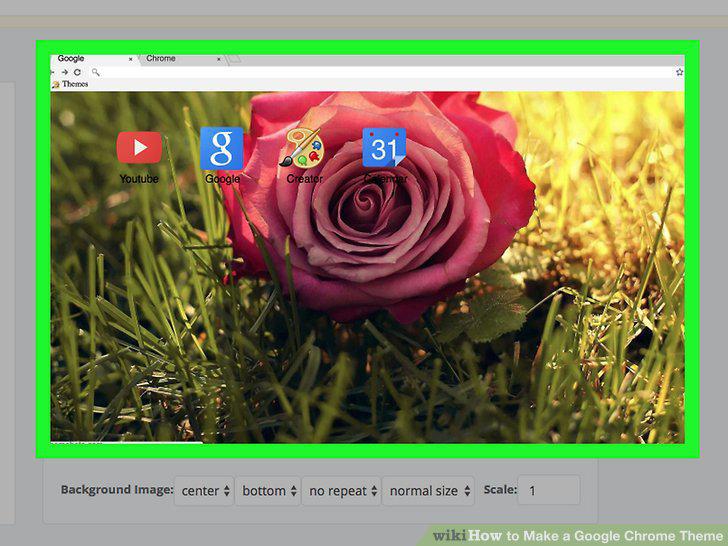
Review your theme.
13
Click the Colors tab.
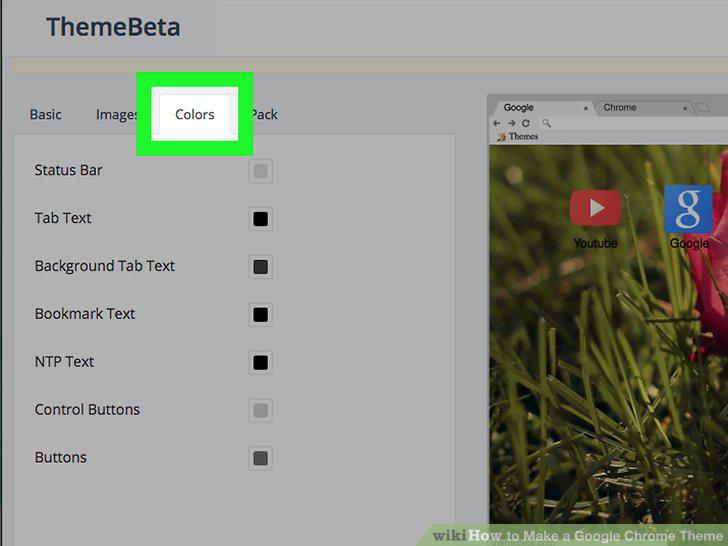
Click the Colors tab.
14
Change the color of the status bar.
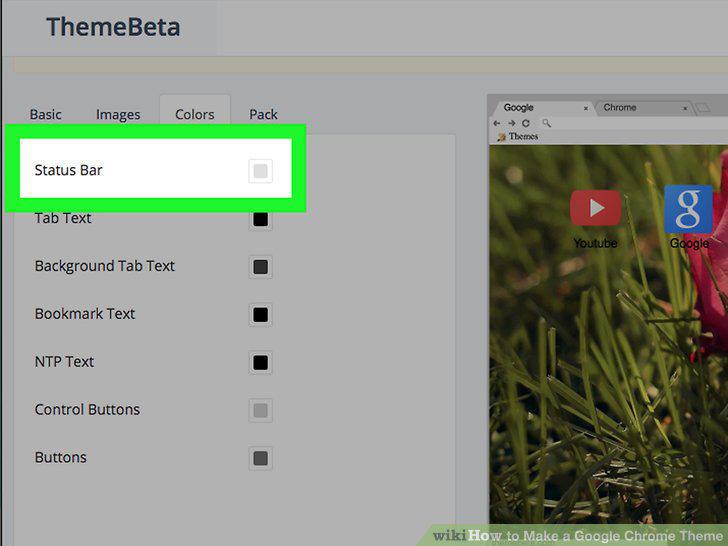
Change the color of the status bar.
15
Change the tab text color.
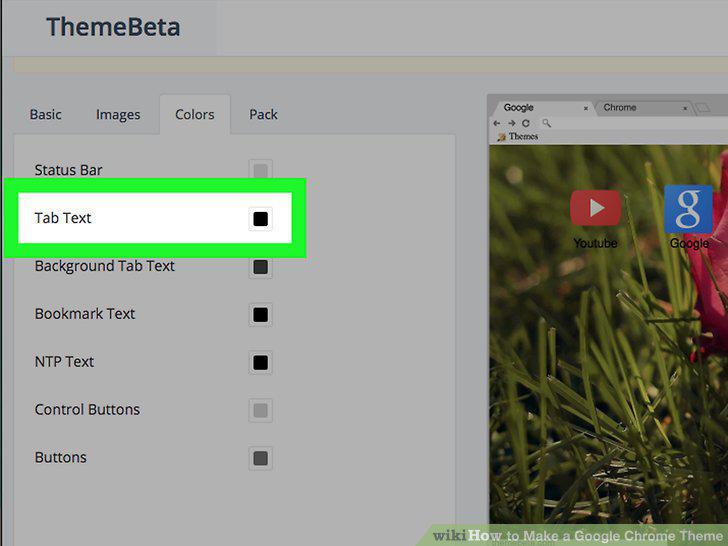
Change the tab text color.
16
Change the background tab text color.
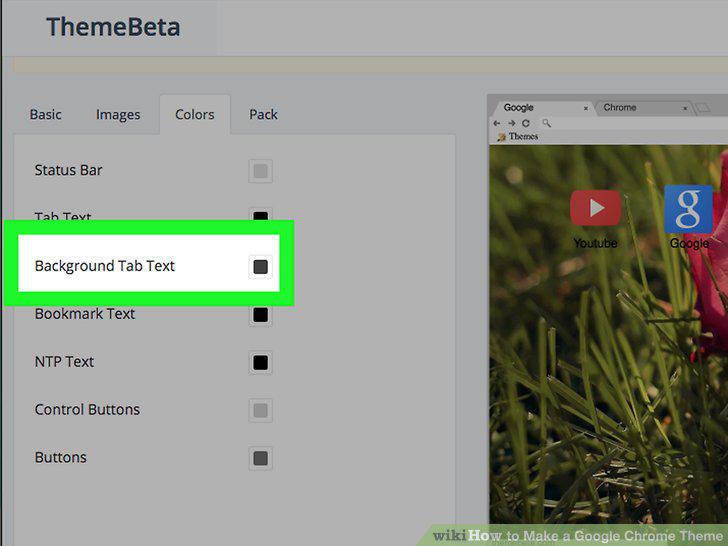
Change the background tab text color.
17
Change the bookmark text color.
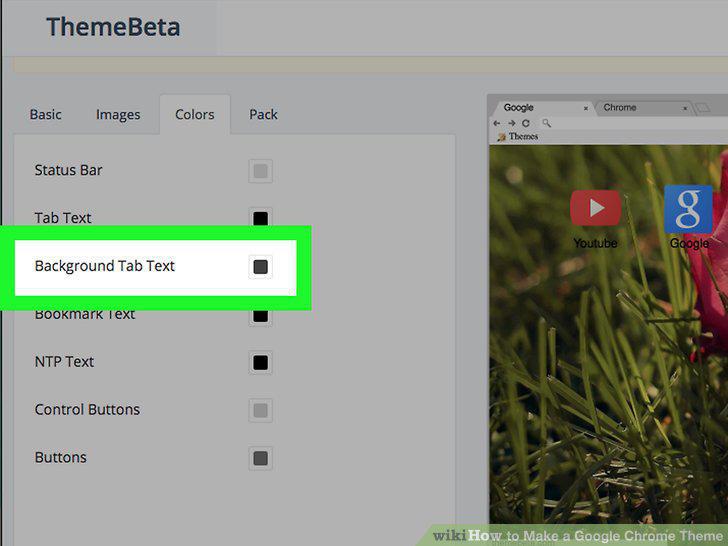
Change the bookmark text color.
18
Change the button color.
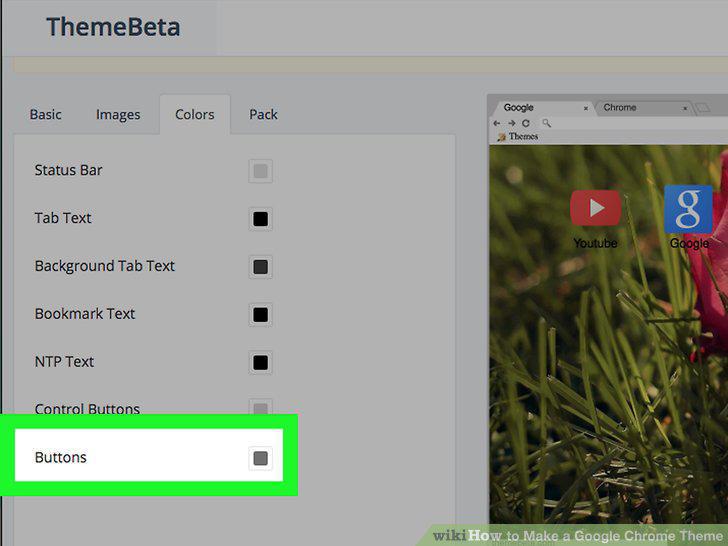
Change the button color.
19
Review your changes.
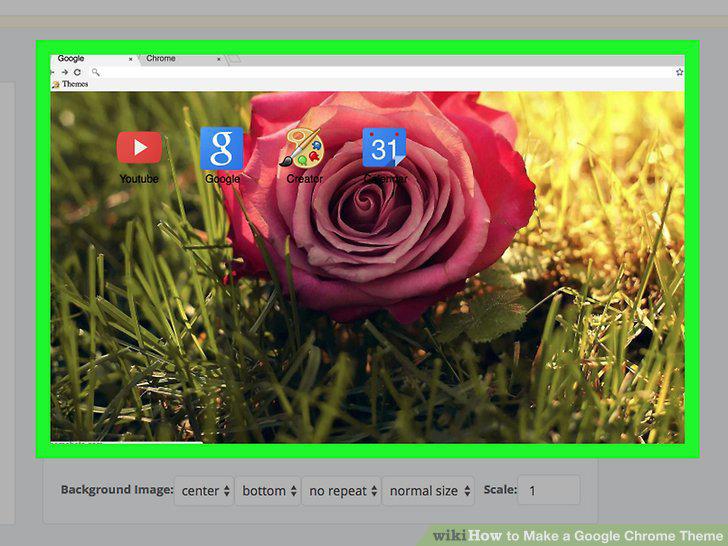
Review your changes.
20
Click the Pack tab.
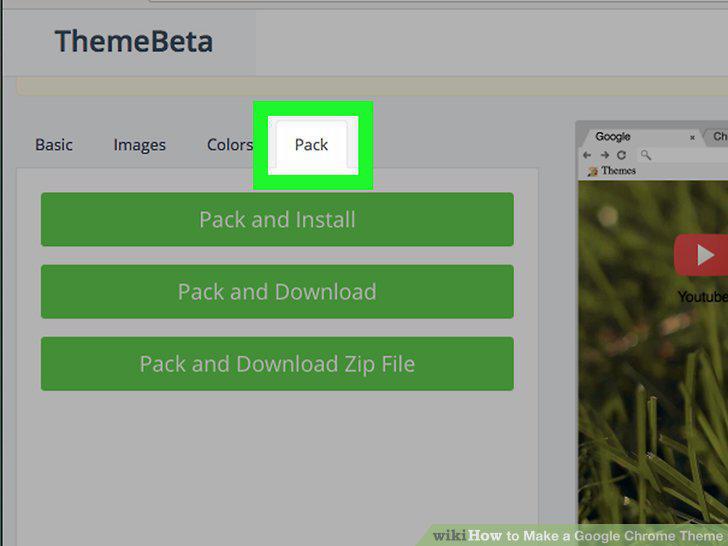
Click the Pack tab.
21
Click Pack and Download Zip File.
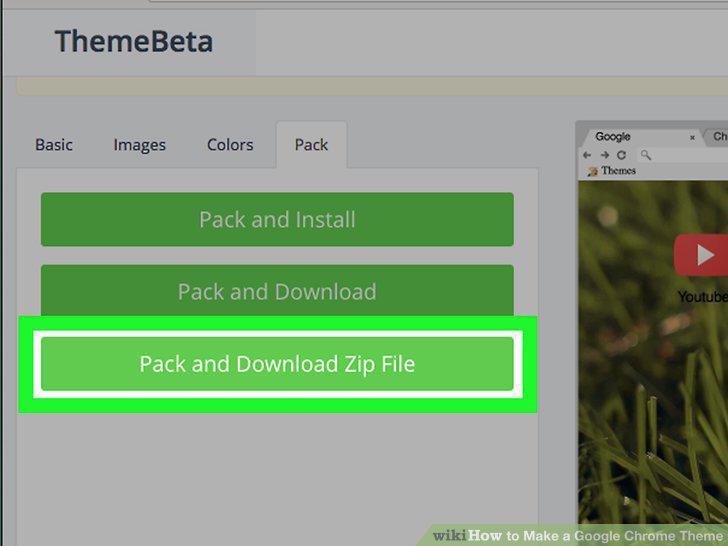
Click Pack and Download Zip File.
22
Click Pack and Install.
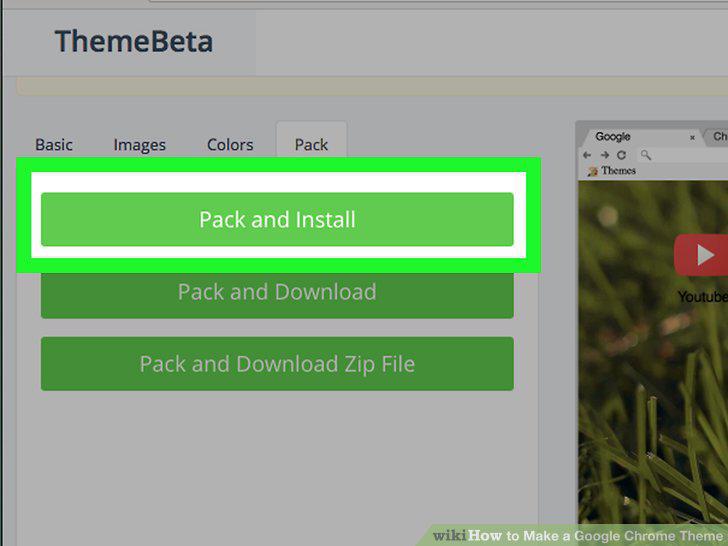
Click Pack and Install.
23
Click Add theme when prompted.
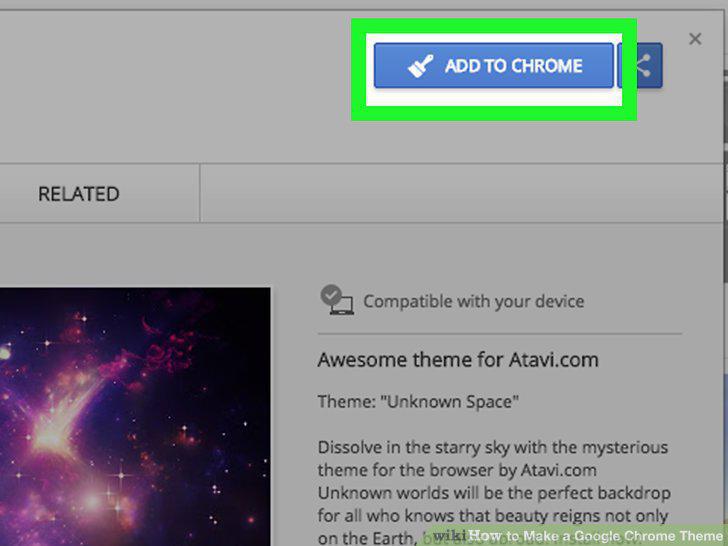
Click Add theme when prompted.
24
Open a new tab.
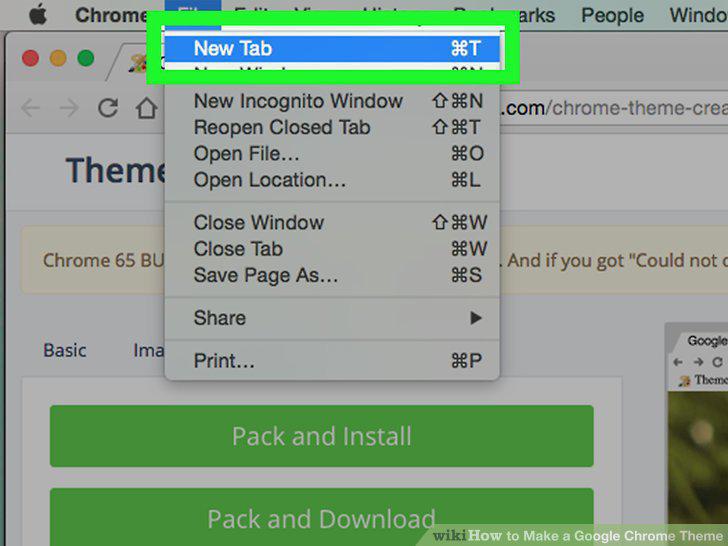
Open a new tab.
25
Review your theme.
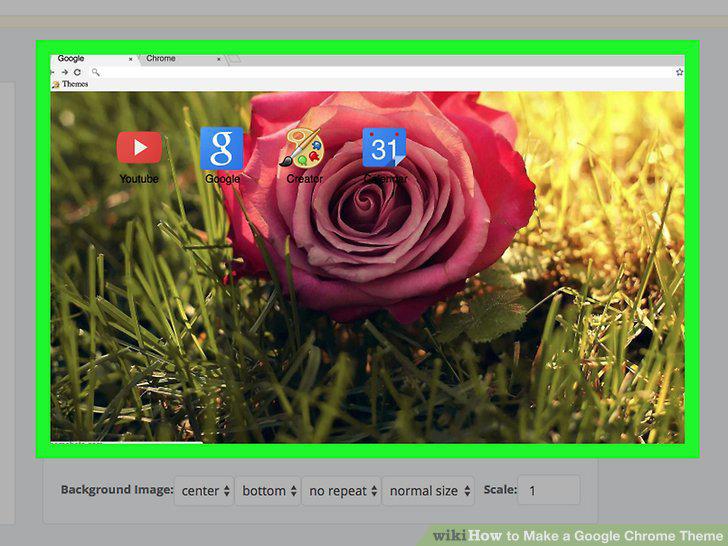
Review your theme.
Comments (0)
No comments yet. Be the first to share your thoughts!