How to Create a Mailing List in Yahoo
Sign into https://mail.yahoo.com.. Click the Contacts icon.. Make sure your contacts list is up to date.
Steps
1
Sign into https://mail.yahoo.com.
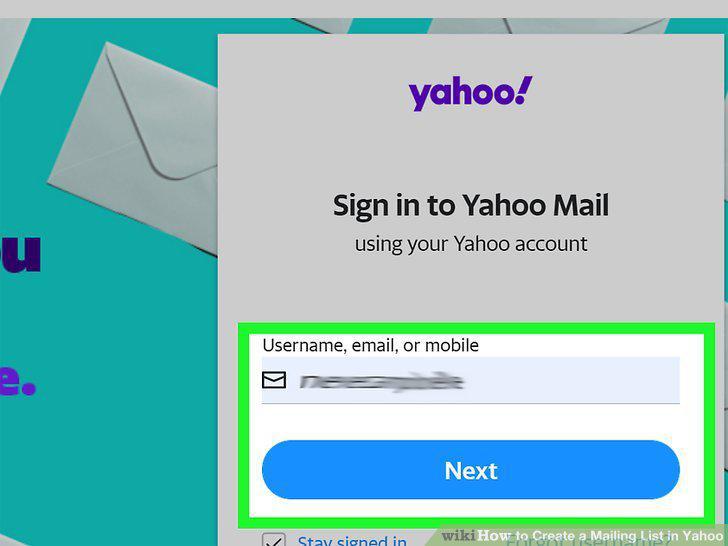
Sign into https://mail.yahoo.com.
2
Click the Contacts icon.
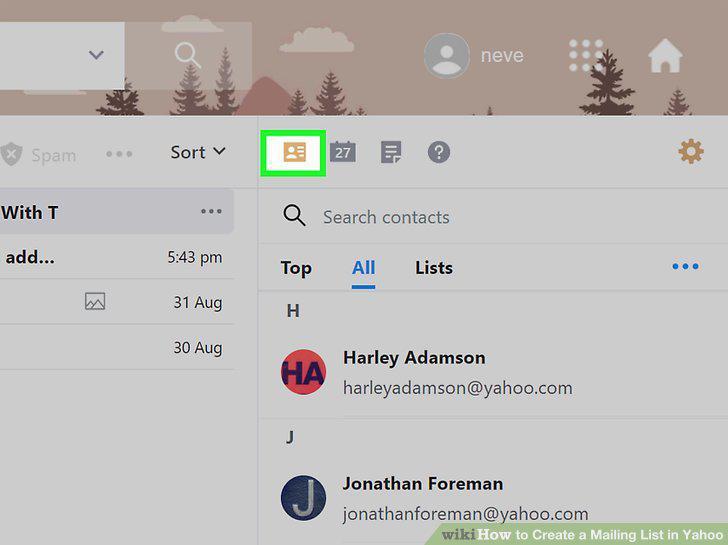
Click the Contacts icon.
3
Make sure your contacts list is up to date.
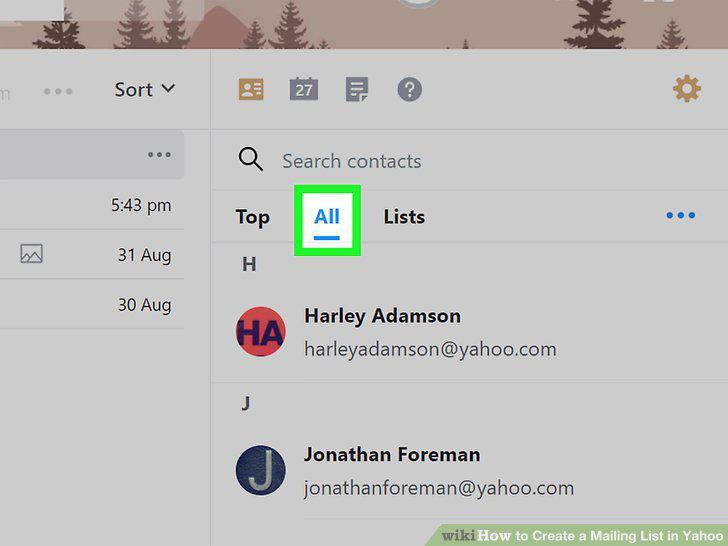
Make sure your contacts list is up to date.
4
Click the Lists tab.
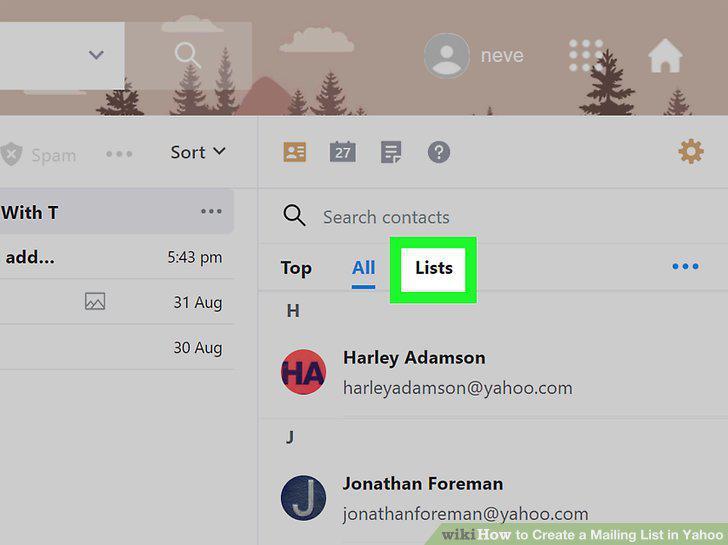
Click the Lists tab.
5
Click + Create List.
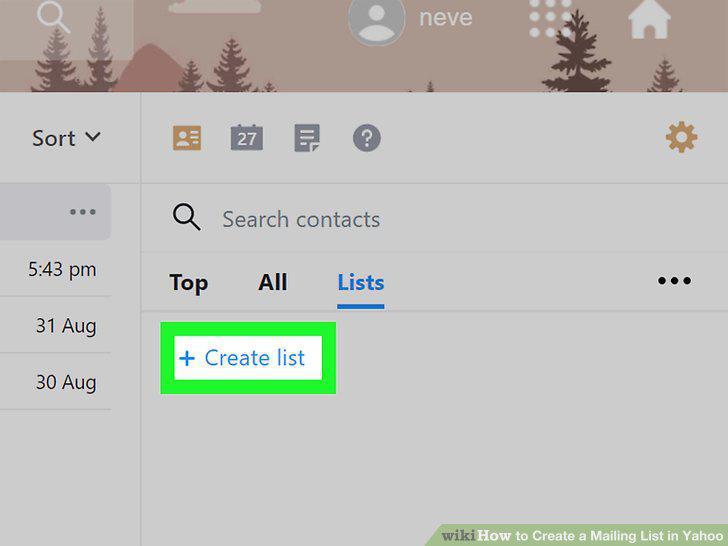
Click + Create List.
6
Enter a name for your list.
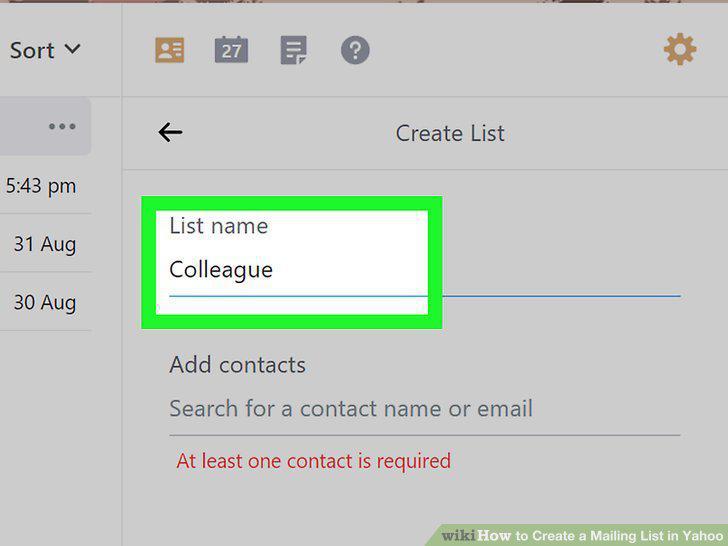
Enter a name for your list.
7
Add contacts to the list.
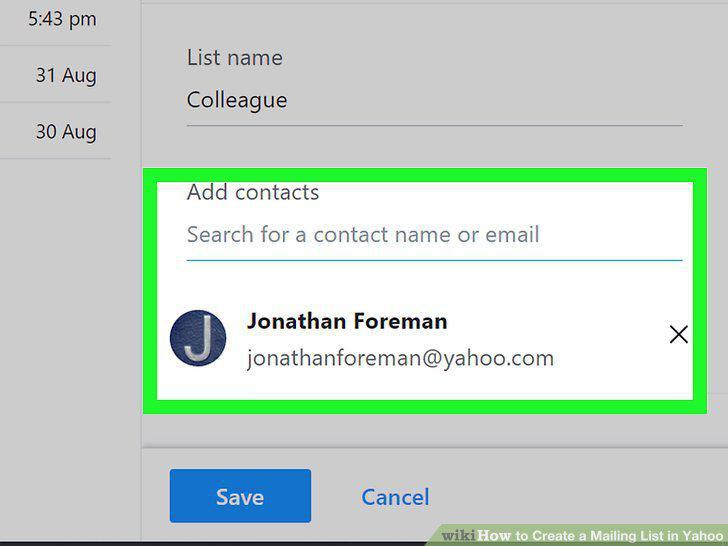
Add contacts to the list.
8
Click the Save button.
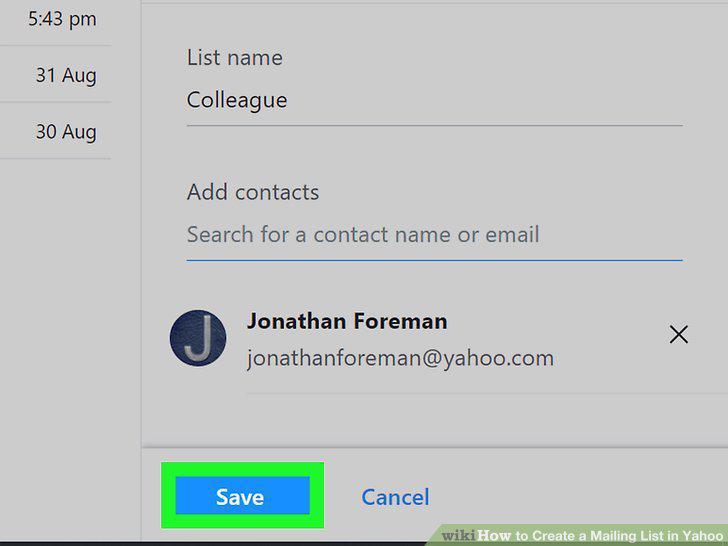
Click the Save button.
9
Compose a new message in Yahoo Mail.
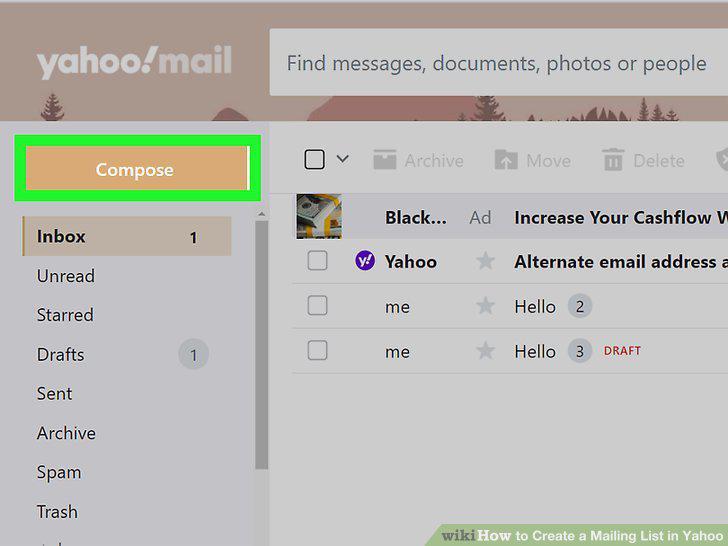
Compose a new message in Yahoo Mail.
10
Type your own email address into the "To" field.
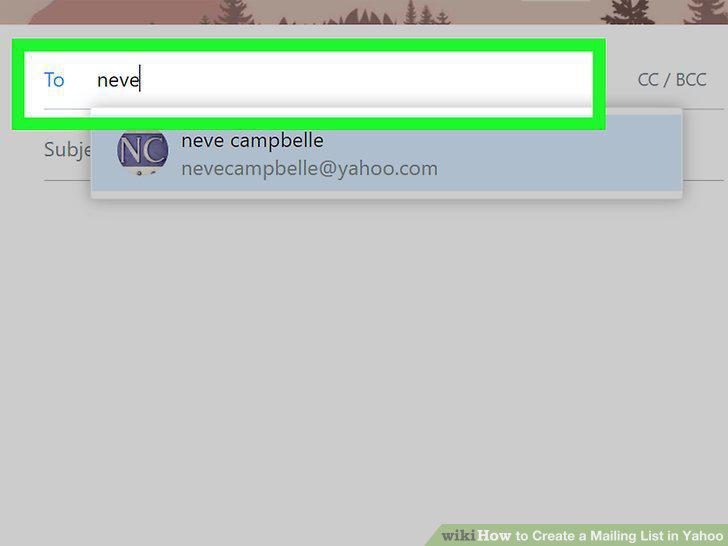
Type your own email address into the "To" field.
11
Click CC / BCC.
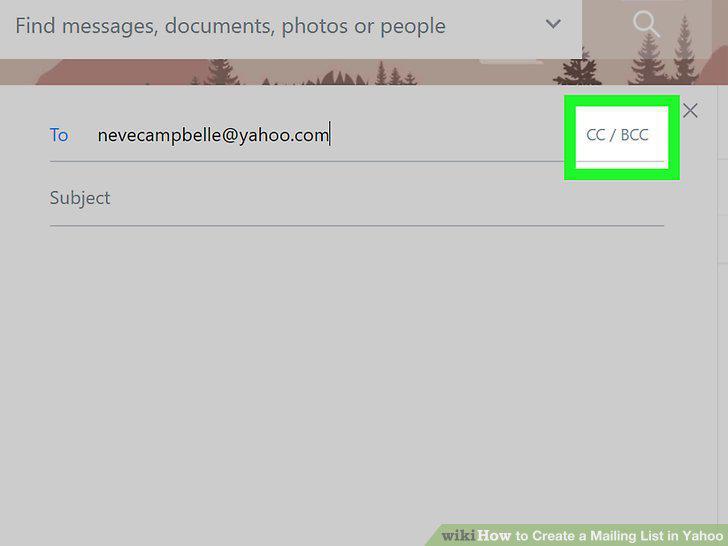
Click CC / BCC.
12
Type the name of the group mailing list into the "BCC" field.
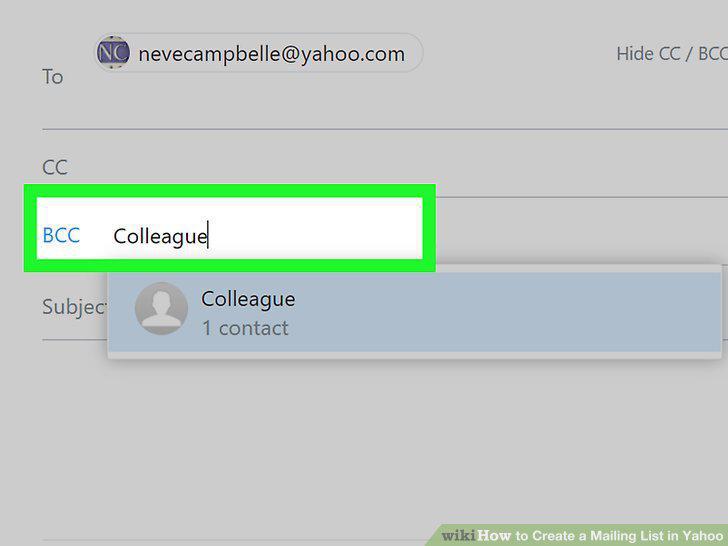
Type the name of the group mailing list into the "BCC" field.
13
Enter the subject of your message.
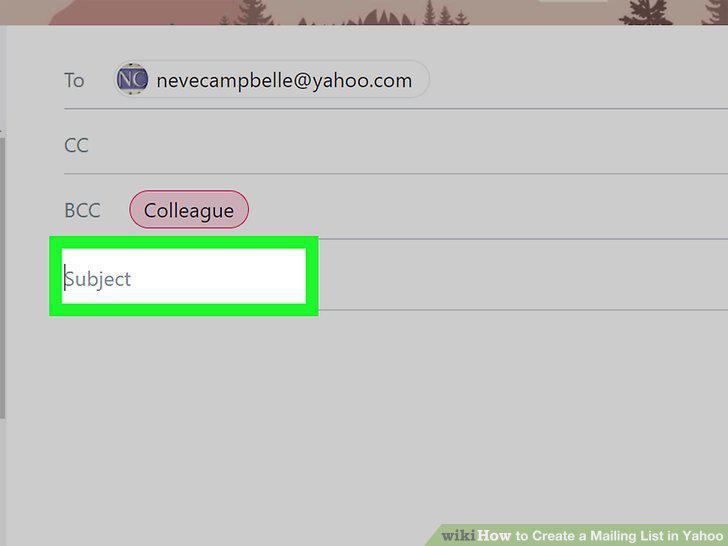
Enter the subject of your message.
14
Create your message.
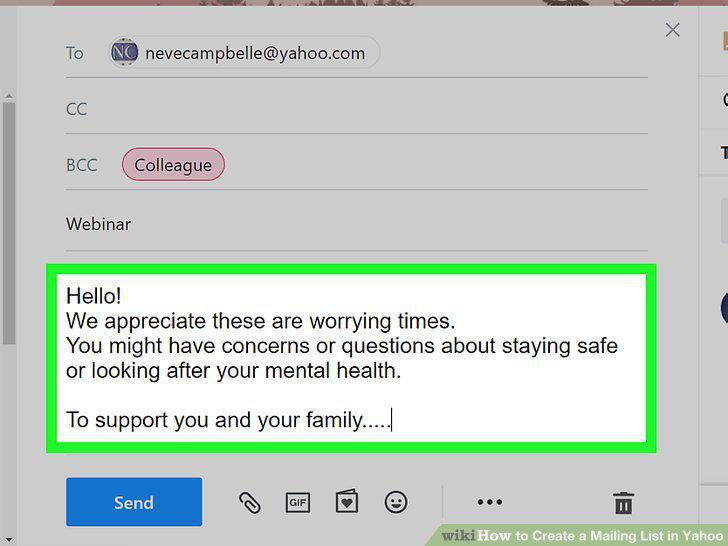
Create your message.
15
Click the Send button to send your message.
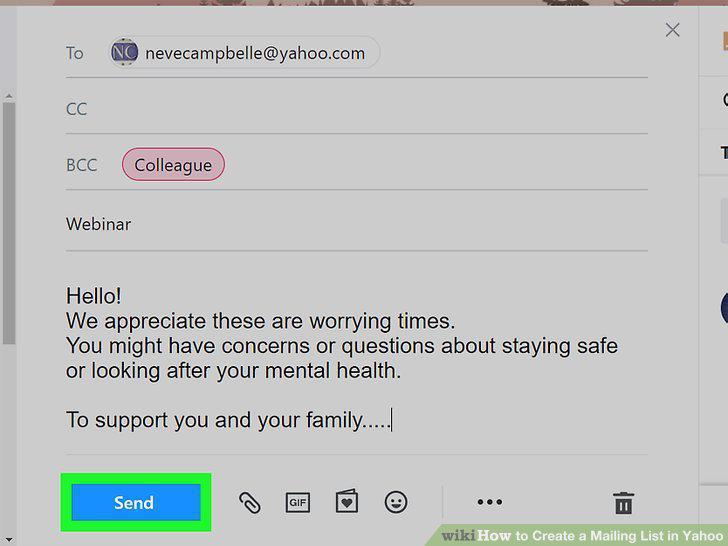
Click the Send button to send your message.
Comments (0)
No comments yet. Be the first to share your thoughts!