How to Format DVD RW
Insert the DVD-RW disc into a DVD burner drive.. Erase the existing data.. Access the "Burn files to disc" window.
Steps
1
Insert the DVD-RW disc into a DVD burner drive.
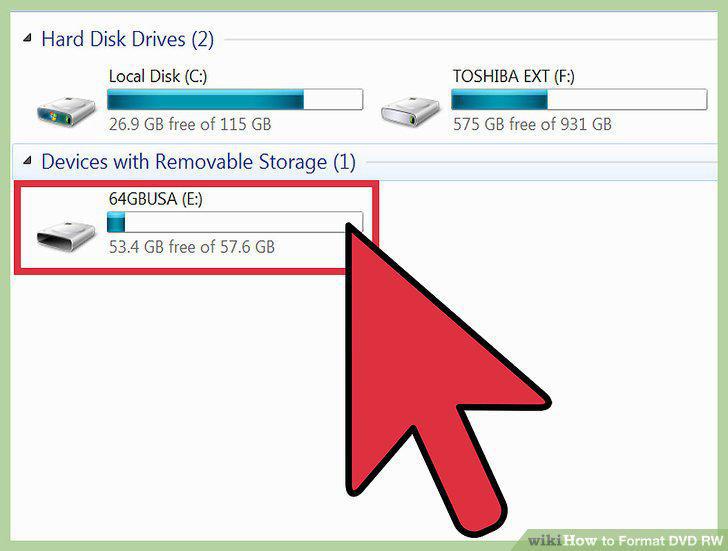
Insert the DVD-RW disc into a DVD burner drive.
2
Erase the existing data.
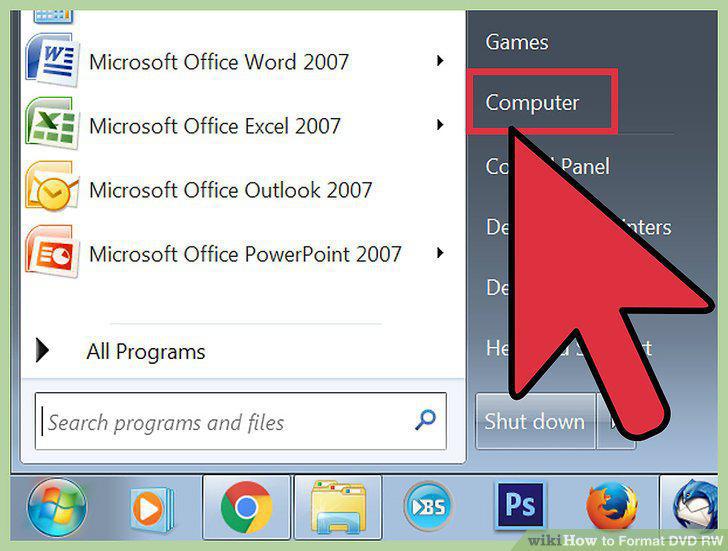
Erase the existing data.
3
Access the "Burn files to disc" window.
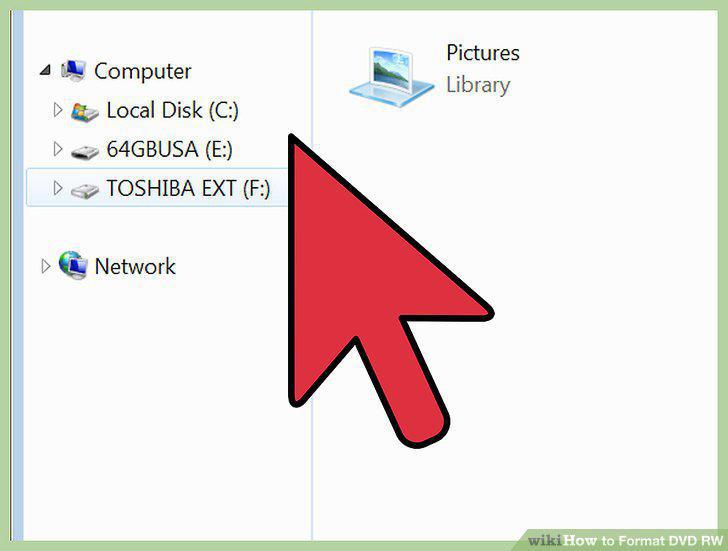
Access the "Burn files to disc" window.
4
Give your disc a name.
Give your disc a name.
5
Select the format you want to use.
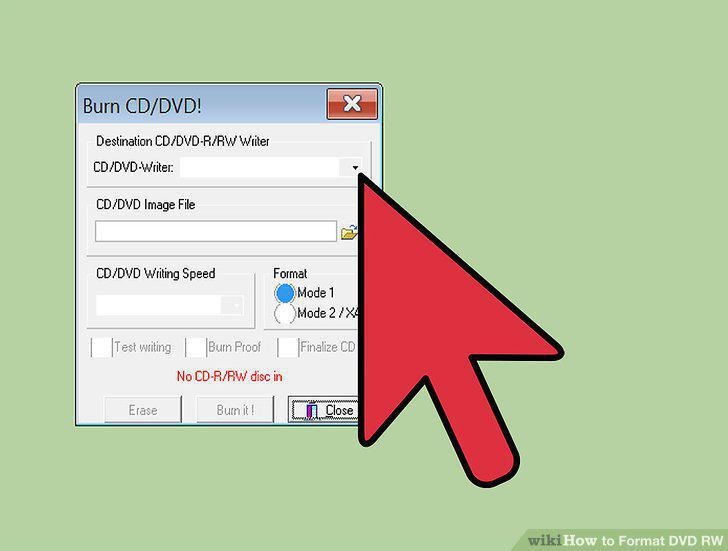
Select the format you want to use.
6
Finish the formatting process.
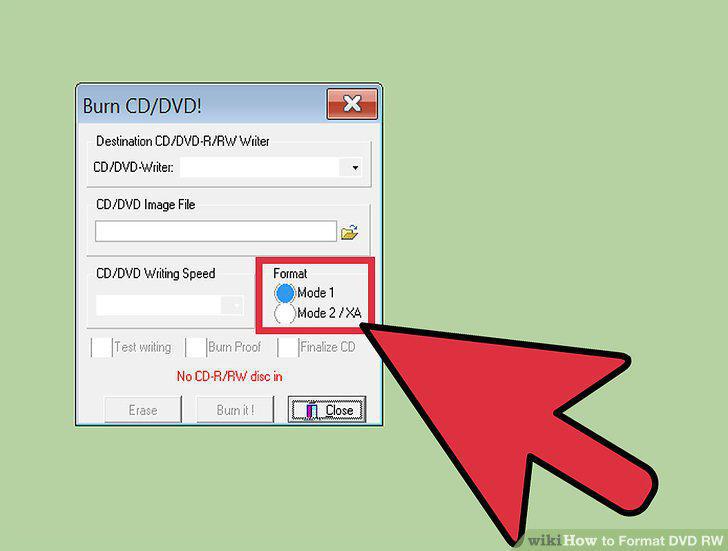
Finish the formatting process.
7
Add your files to the disc.
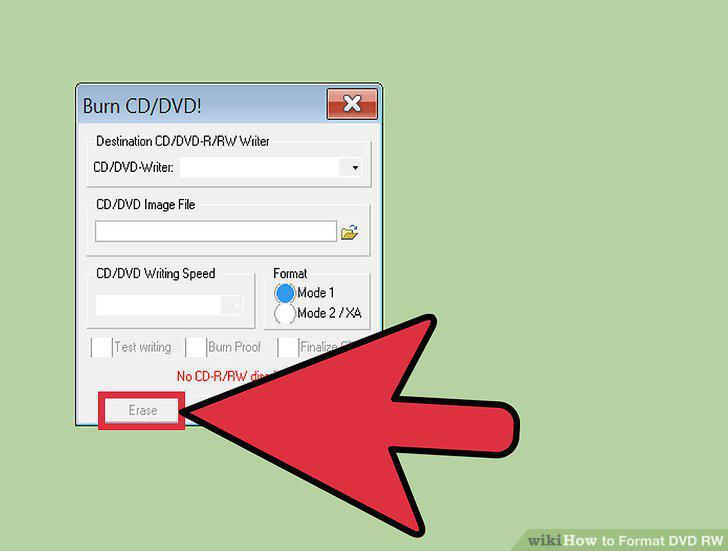
Add your files to the disc.
8
Insert the DVD-RW disc into your drive.
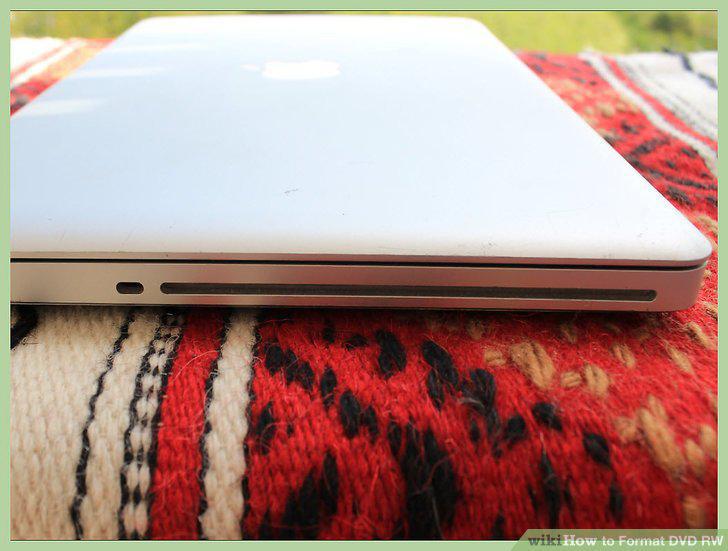
Insert the DVD-RW disc into your drive.
9
Open the Disk Utility.
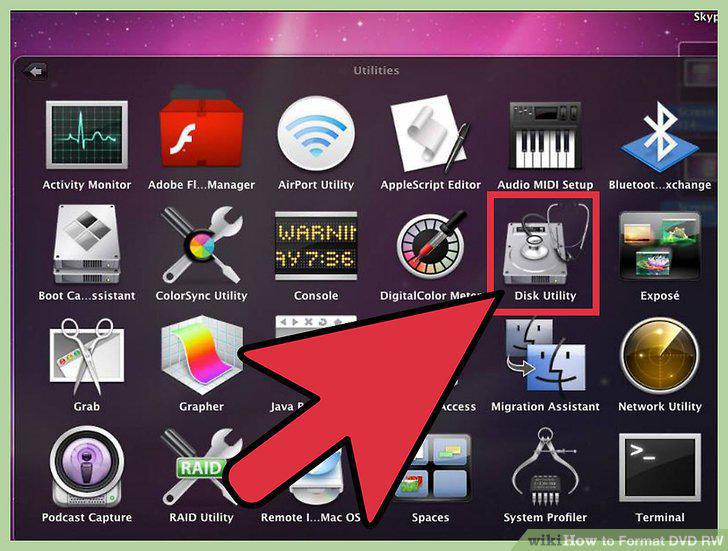
Open the Disk Utility.
10
Find your DVD-RW in the utility.
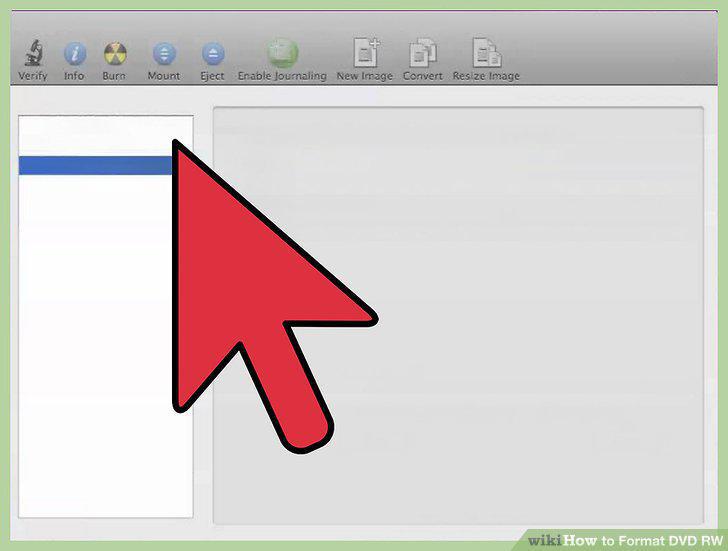
Find your DVD-RW in the utility.
11
Click the "Erase" tab to open the formatting utility.
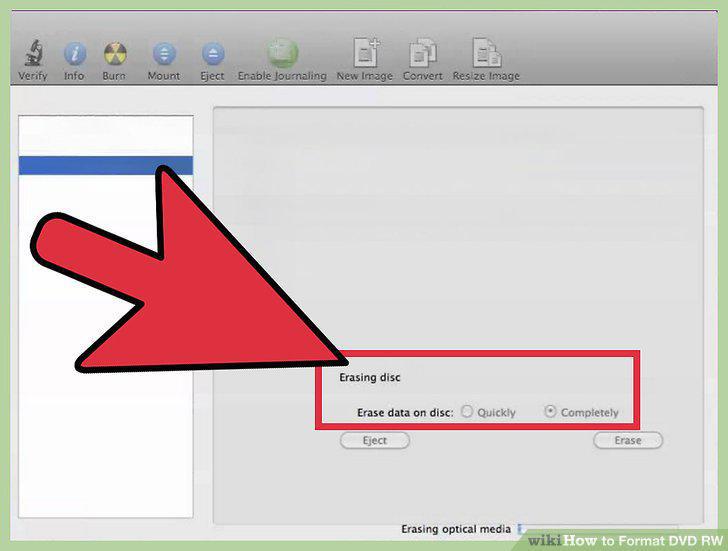
Click the "Erase" tab to open the formatting utility.
12
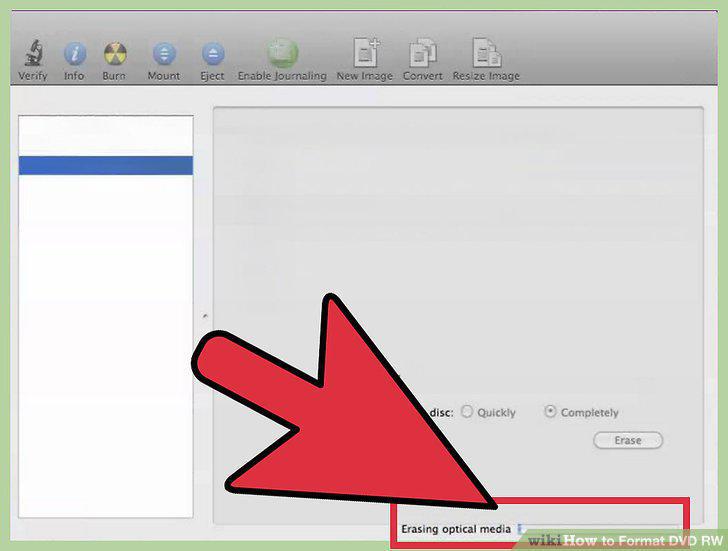
Click the "Erase" button.
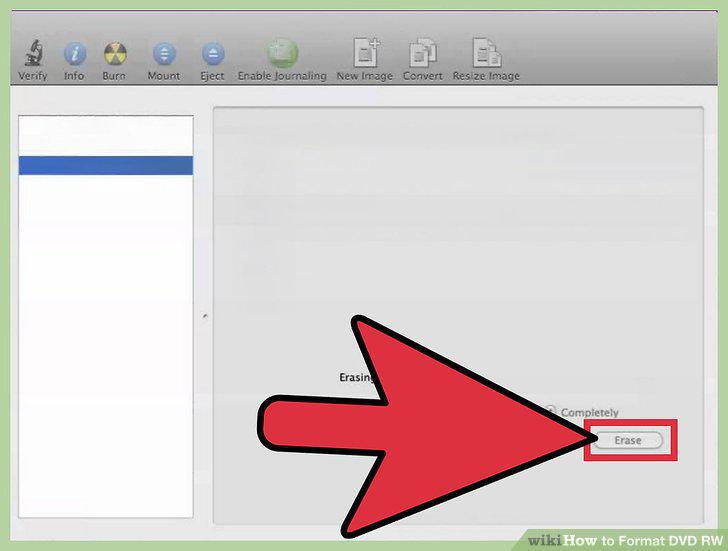
Click the "Erase" button.
13
Burn your data to the DVD-RW.
Burn your data to the DVD-RW.
Comments (0)
No comments yet. Be the first to share your thoughts!