How to Fill Color in Illustrator on PC or Mac
Open Adobe Illustrator for Windows or macOS.. Open the file with the object you want to fill.. Click the selection tool.
Steps
1
Open Adobe Illustrator for Windows or macOS.
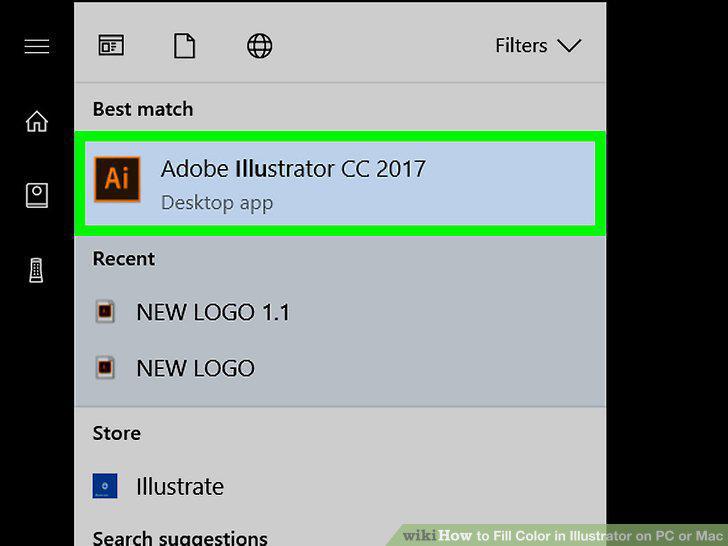
Open Adobe Illustrator for Windows or macOS.
2
Open the file with the object you want to fill.
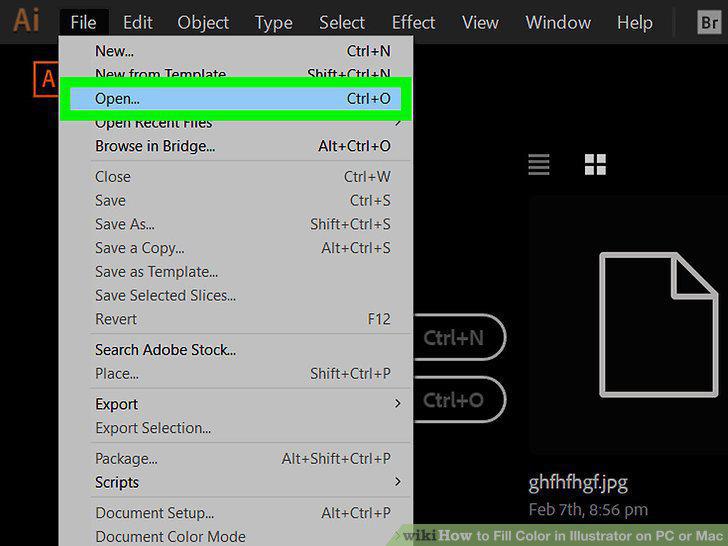
Open the file with the object you want to fill.
3
Click the selection tool.
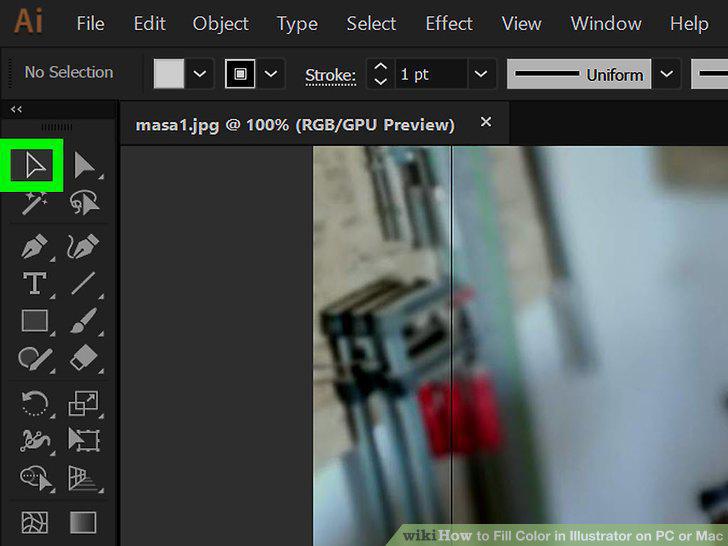
Click the selection tool.
4
Select the object you want to fill.
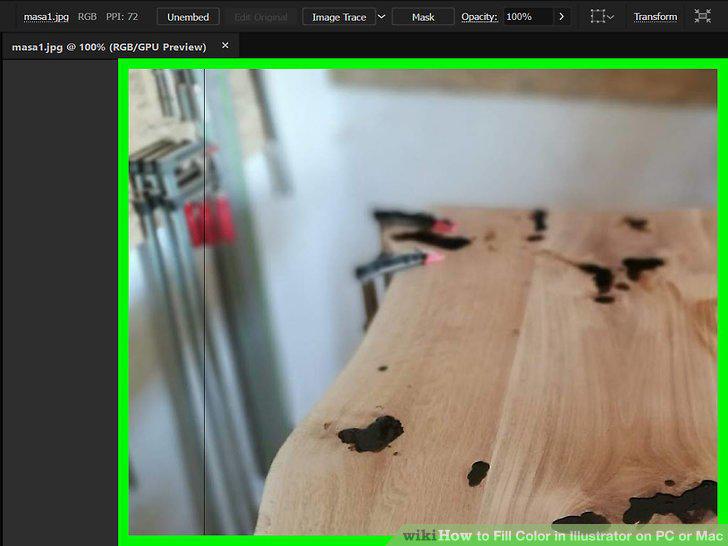
Select the object you want to fill.
5
Click the down-arrow next to the fill tool.
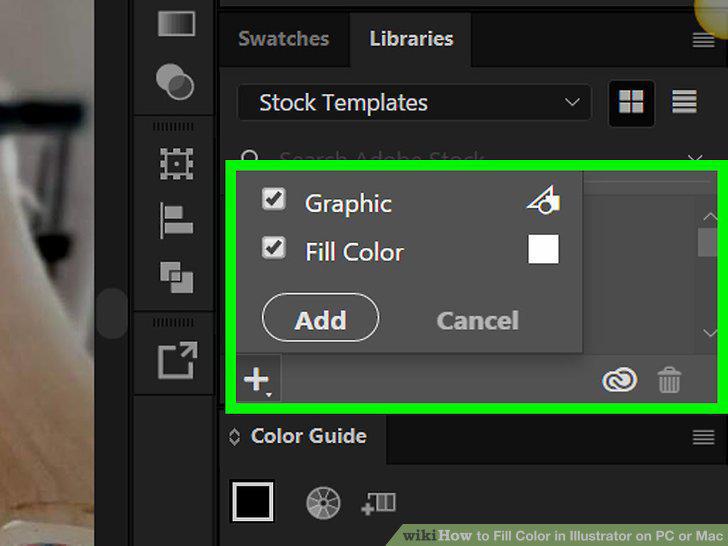
Click the down-arrow next to the fill tool.
6
Select a fill color.
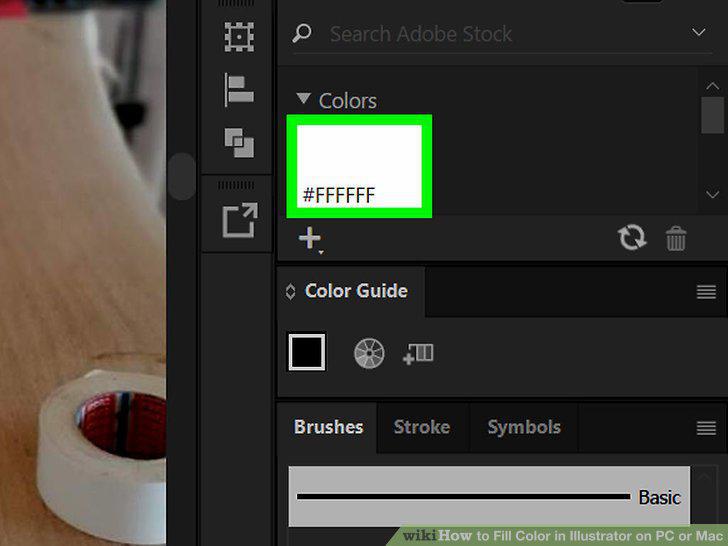
Select a fill color.
Comments (0)
No comments yet. Be the first to share your thoughts!