How to Freeze a Row on Google Sheets on Android
Open Sheets on your Android.. Tap +.. Tap New spreadsheet.
Steps
1
Open Sheets on your Android.

Open Sheets on your Android.
2
Tap +.

Tap +.
3
Tap New spreadsheet.
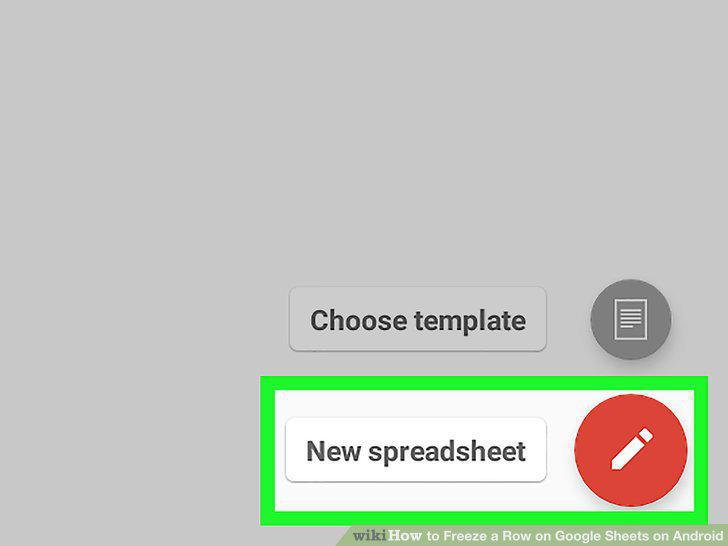
Tap New spreadsheet.
4
Type header into cells A1, B1, and C1.
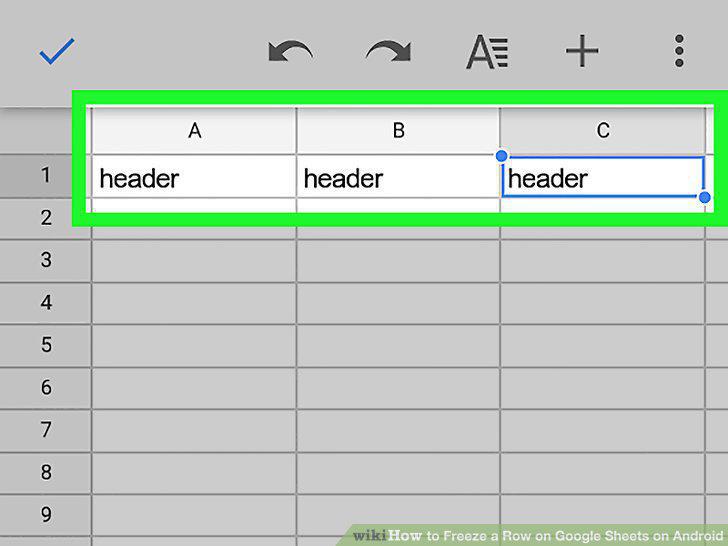
Type header into cells A1, B1, and C1.
5
Type test into cells A2, B2, and C2.
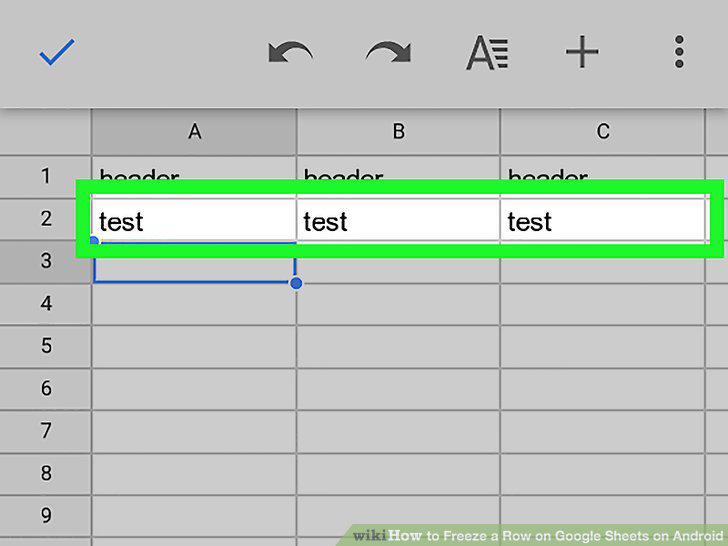
Type test into cells A2, B2, and C2.
6
Type test into cells A3, B3, and C3.
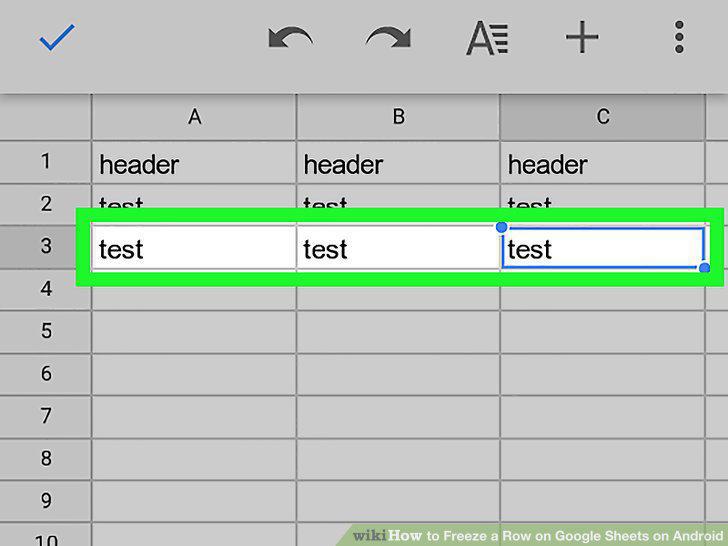
Type test into cells A3, B3, and C3.
7
Tap the Sheet tab.
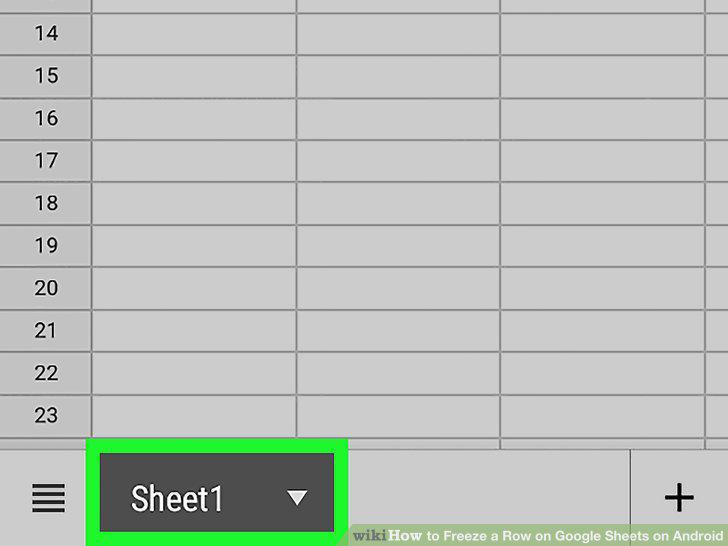
Tap the Sheet tab.
8
Scroll down to "Freeze Rows" and tap .
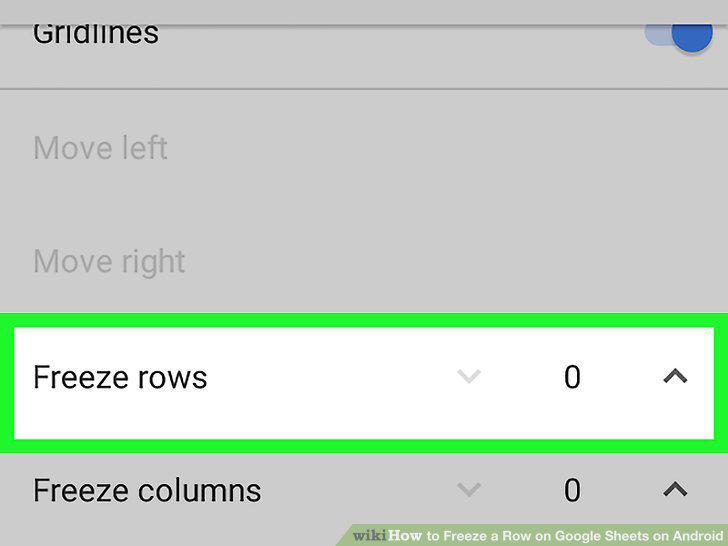
Scroll down to "Freeze Rows" and tap .
Comments (0)
No comments yet. Be the first to share your thoughts!