How to See Your First Tweet
Open Twitter.. Click your profile icon.. Click Settings and privacy.
Steps
1
Open Twitter.
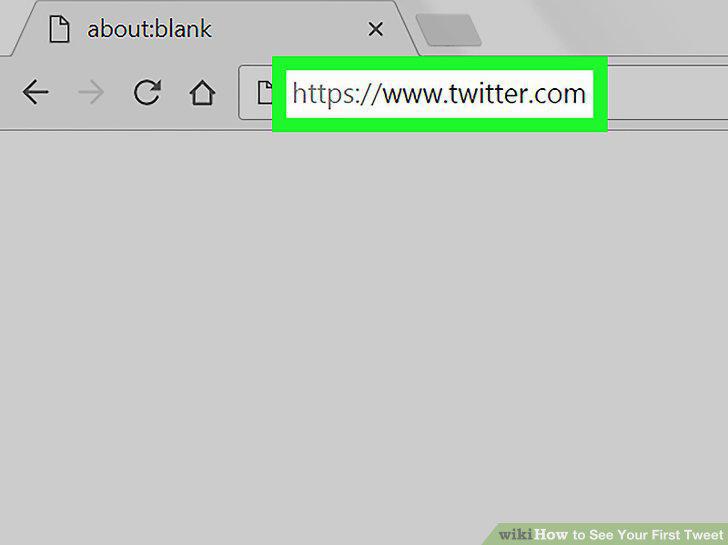
Open Twitter.
2
Click your profile icon.

Click your profile icon.
3
Click Settings and privacy.
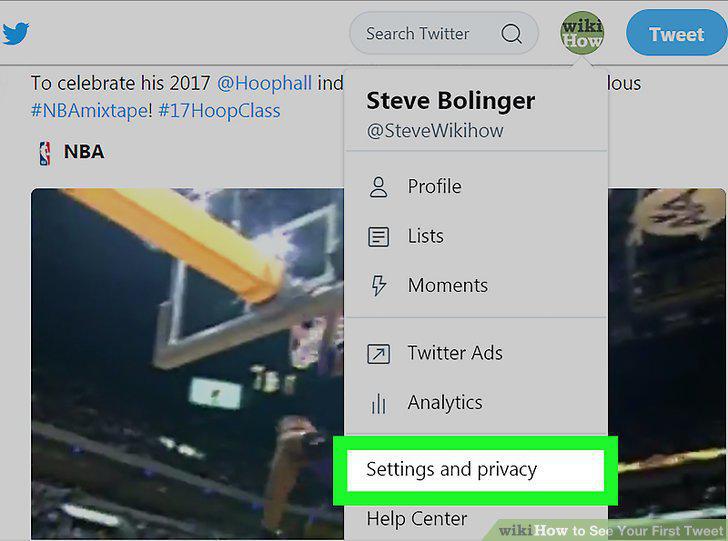
Click Settings and privacy.
4
Scroll down and click Request your archive.
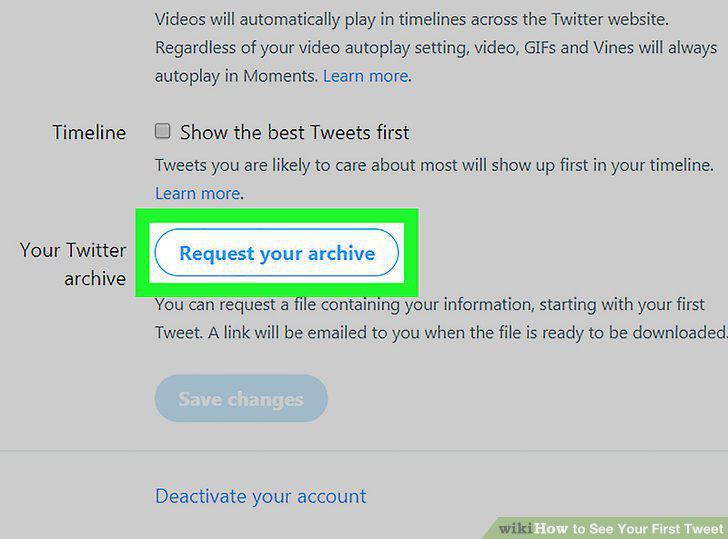
Scroll down and click Request your archive.
5
Click Close when prompted.
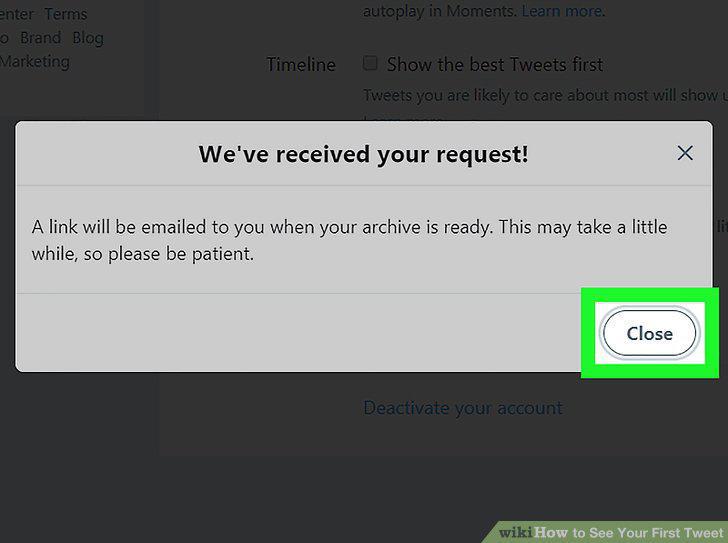
Click Close when prompted.
6
Open your Twitter email inbox.
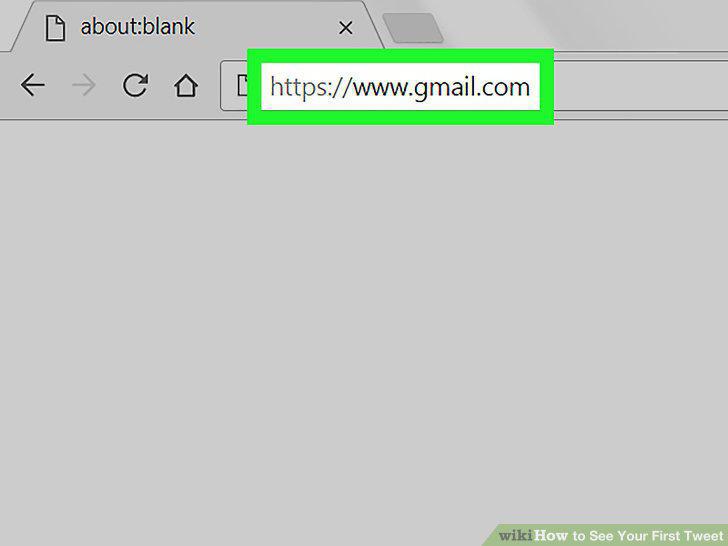
Open your Twitter email inbox.
7
Open the "It's Tweet archive time" email.
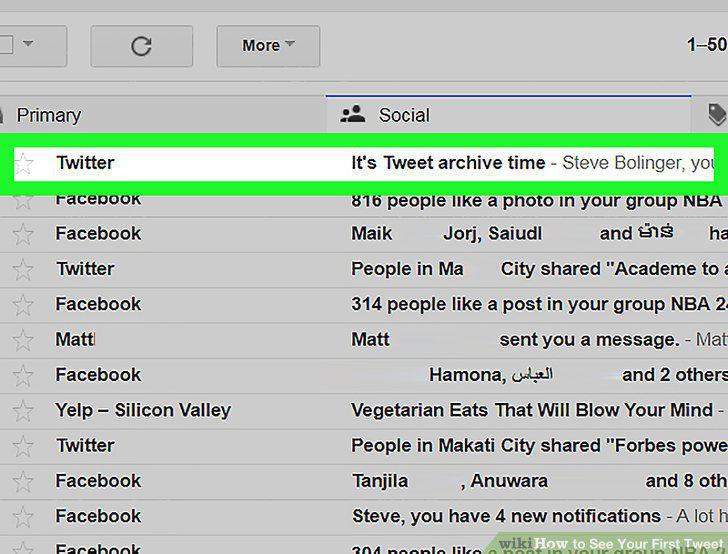
Open the "It's Tweet archive time" email.
8
Click Download now.
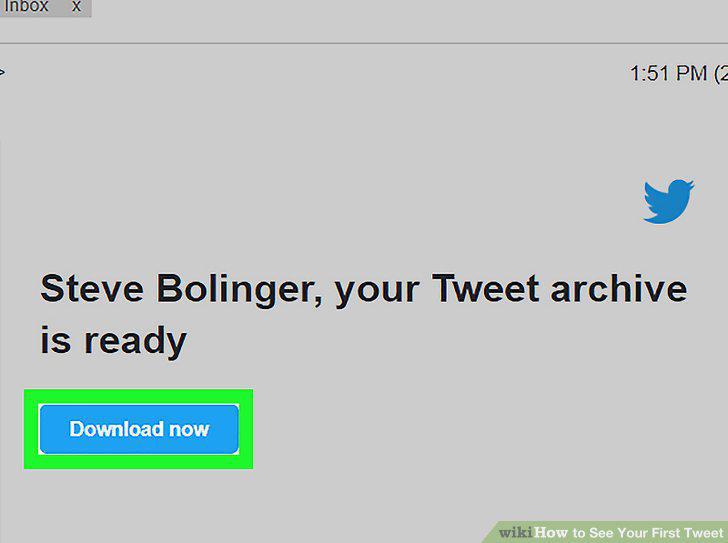
Click Download now.
9
Click Download.
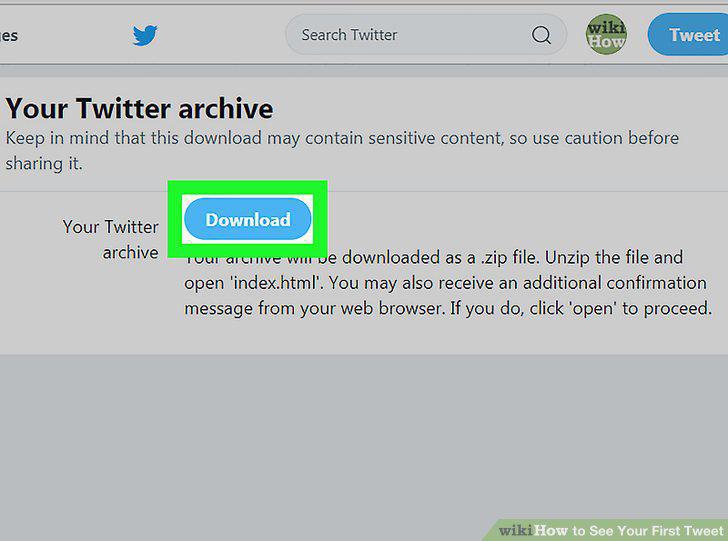
Click Download.
10
Open the Twitter archive ZIP folder.
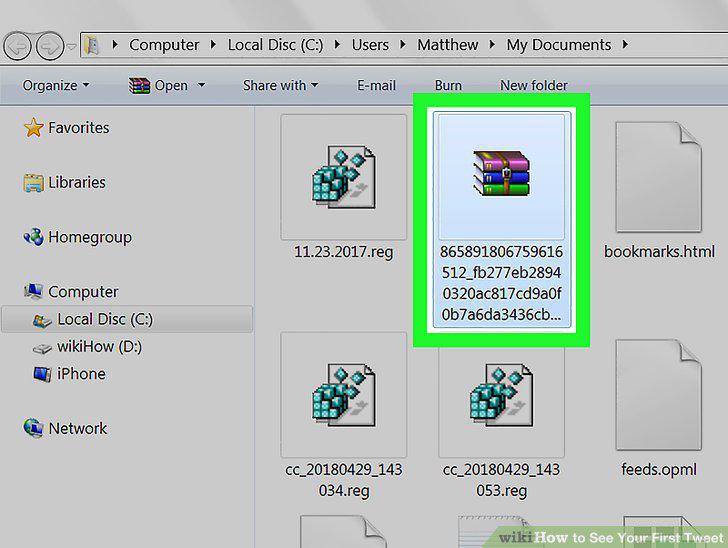
Open the Twitter archive ZIP folder.
11
Double-click the "index" file.
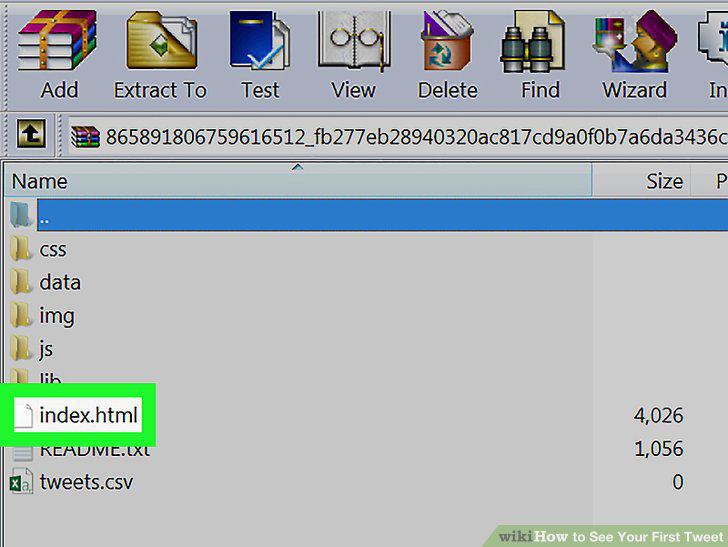
Double-click the "index" file.
12
Select the month of your first tweet.
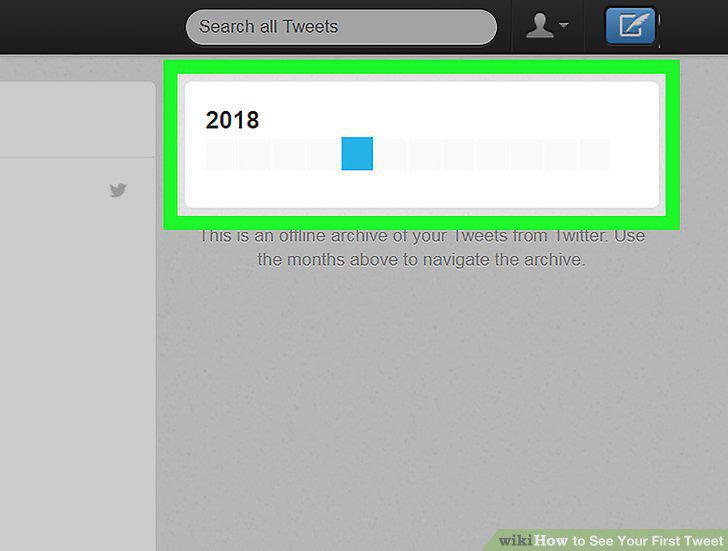
Select the month of your first tweet.
13
Scroll down to the bottom of the page.
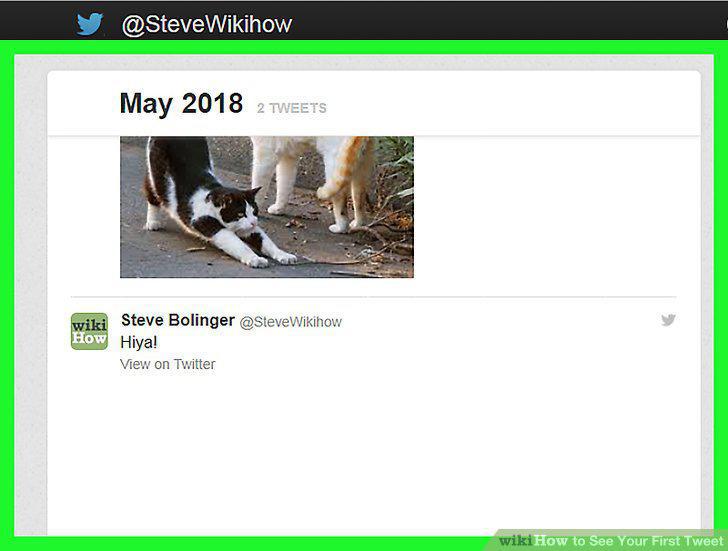
Scroll down to the bottom of the page.
14
Review your first tweet.
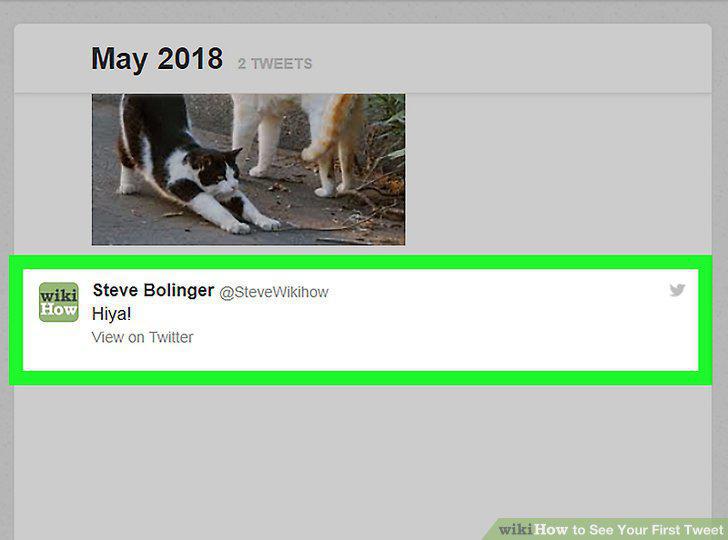
Review your first tweet.
15
Click View on Twitter.
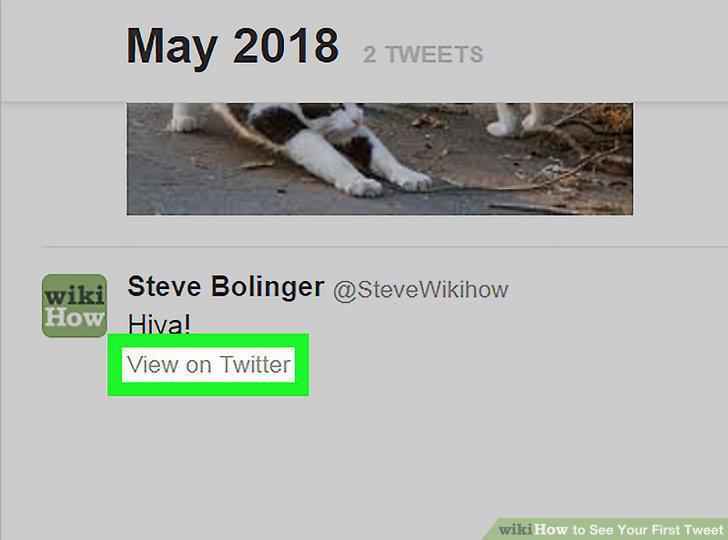
Click View on Twitter.
Comments (0)
No comments yet. Be the first to share your thoughts!