How to Change the Netflix Language
Go to https://www.netflix.com/profiles/manage in a web browser.. Select your profile.. Select the drop-down under "Language.
Steps
1
Go to https://www.netflix.com/profiles/manage in a web browser.
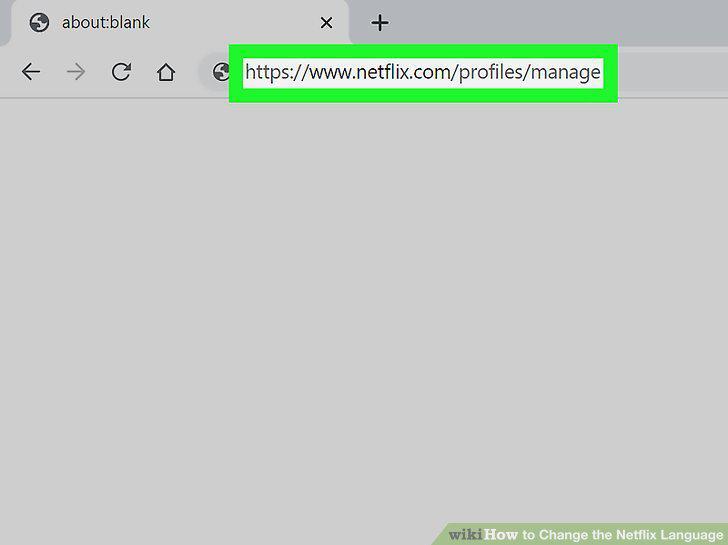
Go to https://www.netflix.com/profiles/manage in a web browser.
2
Select your profile.
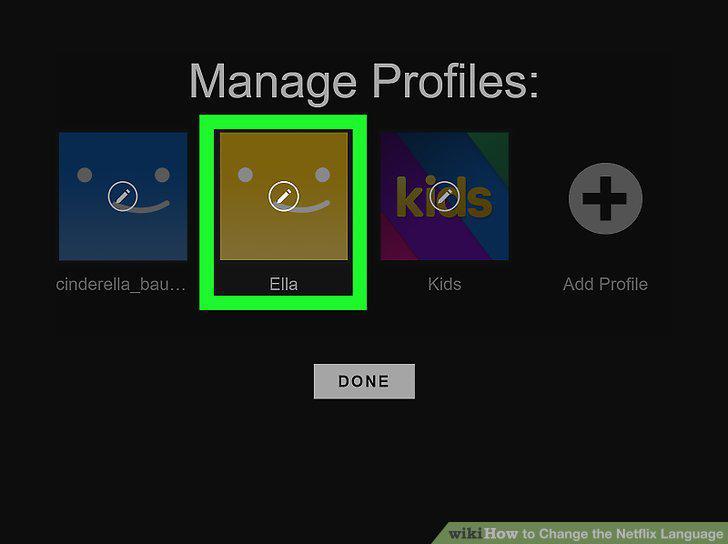
Select your profile.
3
Select the drop-down under "Language.
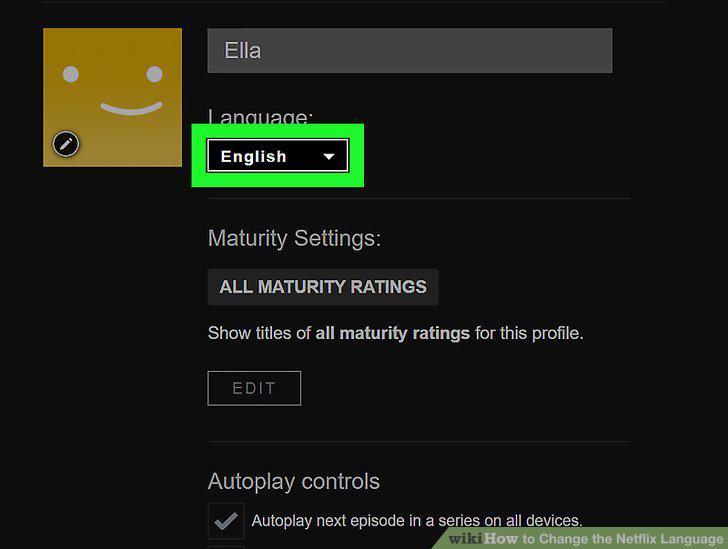
Select the drop-down under "Language.
4
Click or tap Save.
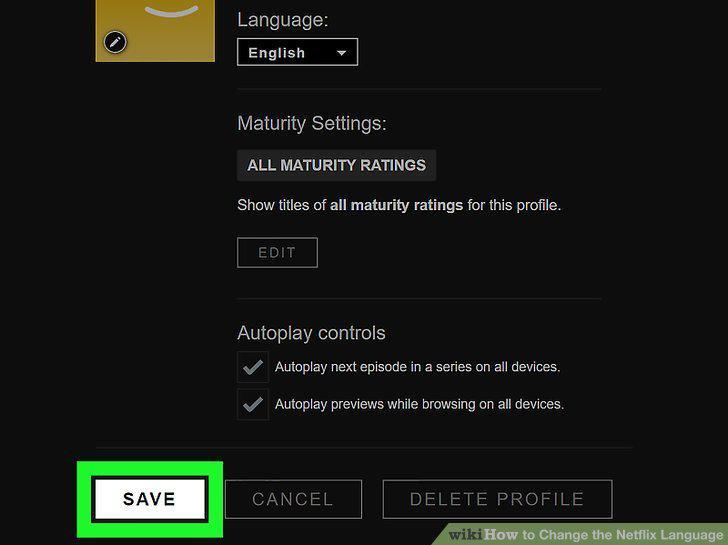
Click or tap Save.
5
Click or tap Done.
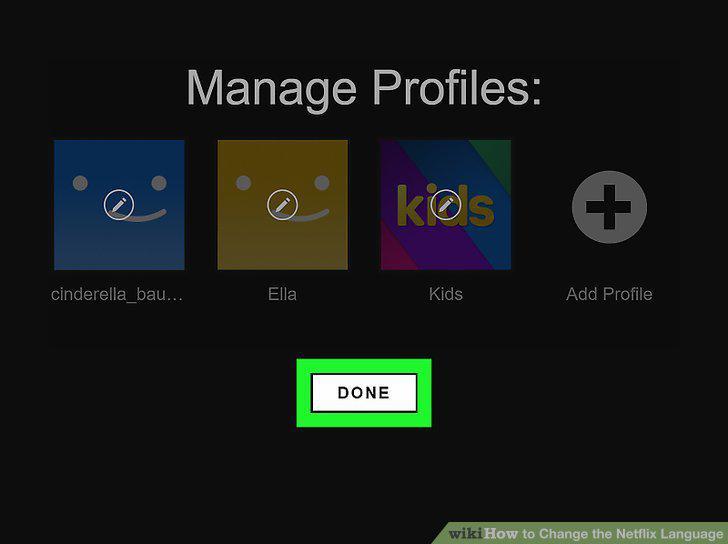
Click or tap Done.
6
Start the program you want to watch in Netflix.
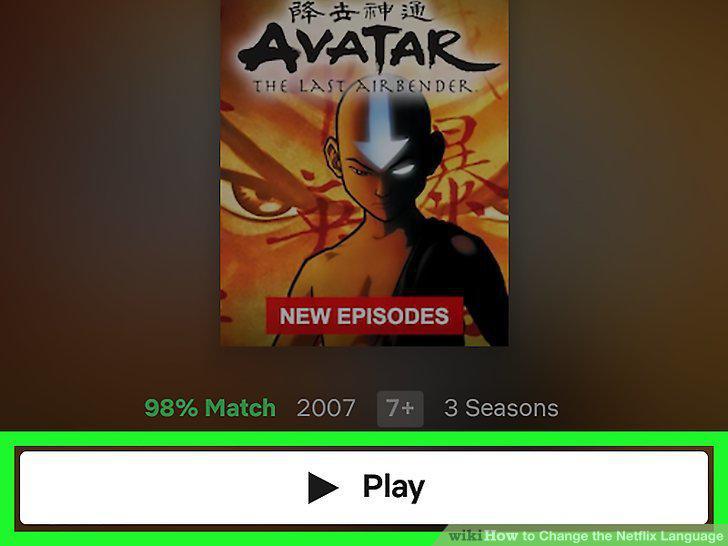
Start the program you want to watch in Netflix.
7
Click the dialog box with writing inside it.
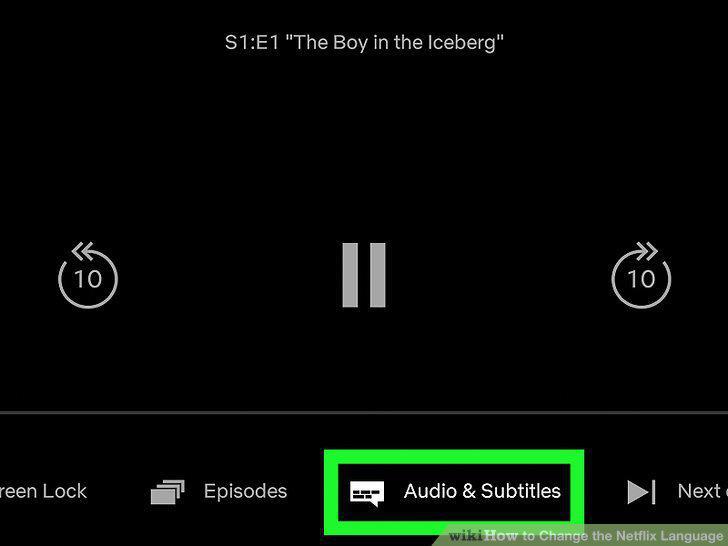
Click the dialog box with writing inside it.
8
Select an audio language.
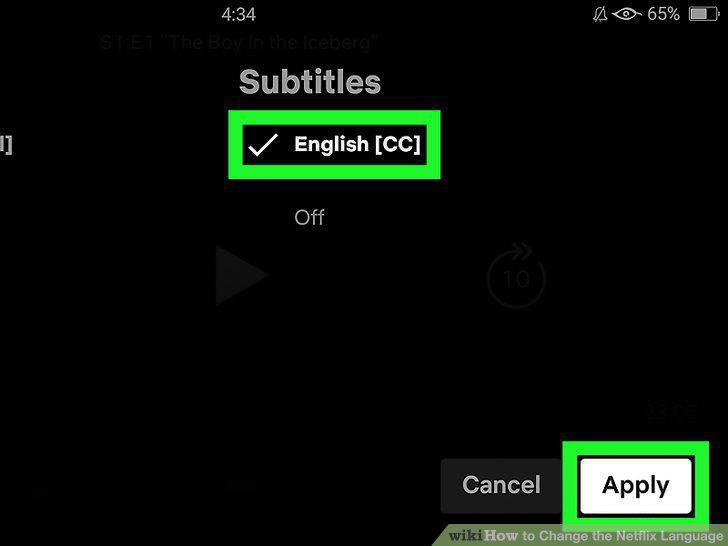
Select an audio language.
Comments (0)
No comments yet. Be the first to share your thoughts!