How to Edit a Post Page in WordPress on PC or Mac
Log in to your WordPress website.. Click on Posts in the side menu.. Click on the title of the post you want to edit.
Steps
1
Log in to your WordPress website.
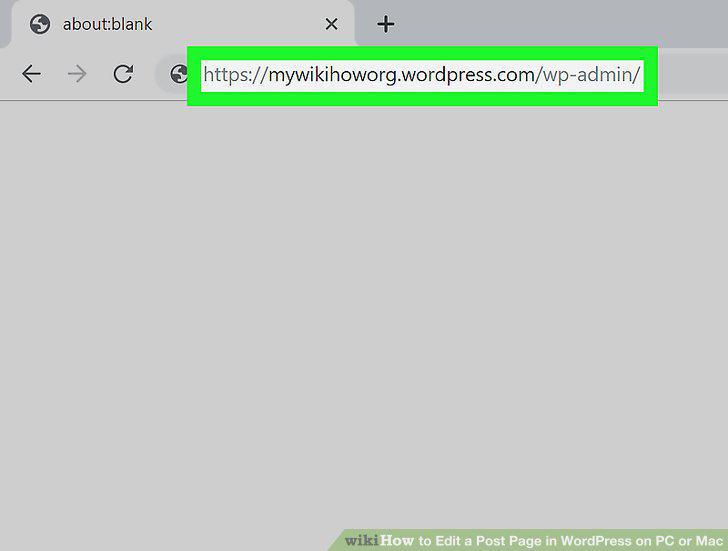
Log in to your WordPress website.
2
Click on Posts in the side menu.
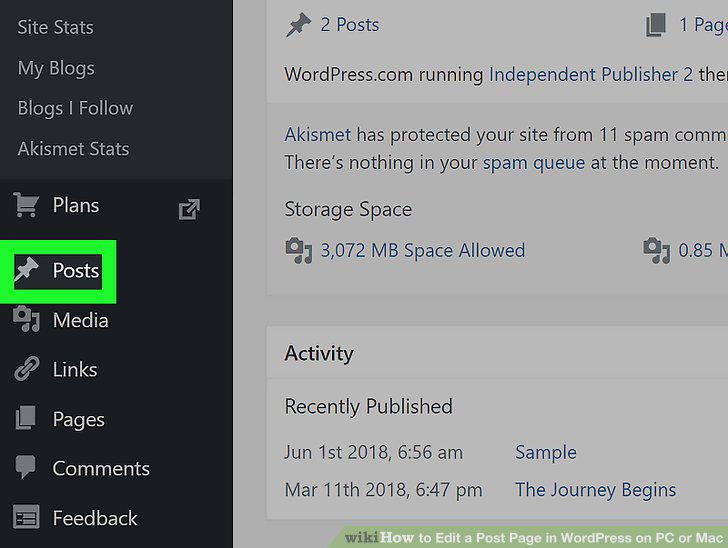
Click on Posts in the side menu.
3
Click on the title of the post you want to edit.
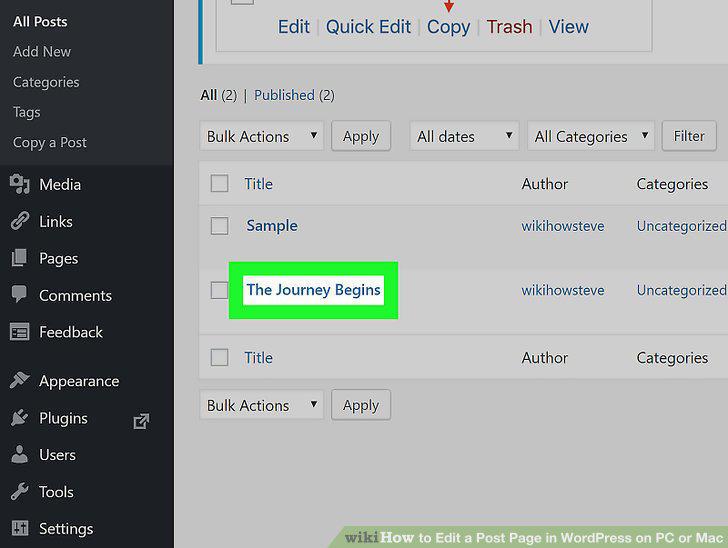
Click on the title of the post you want to edit.
4
Click on the information you want to change to edit it.
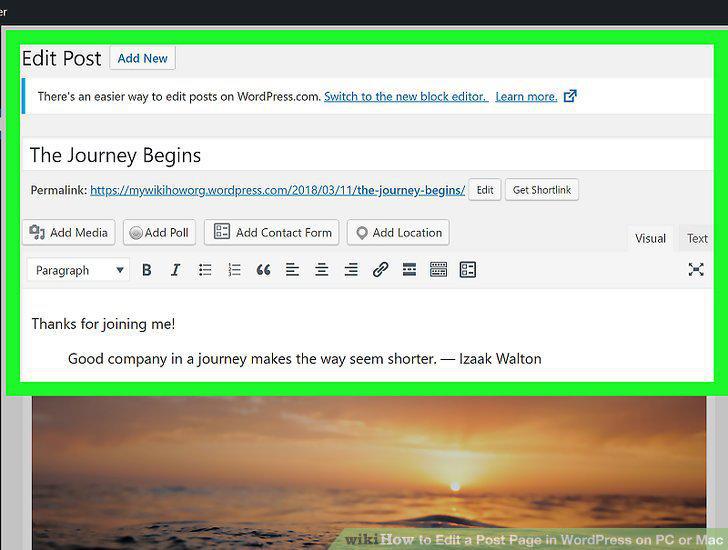
Click on the information you want to change to edit it.
5
Click on Preview Changes.
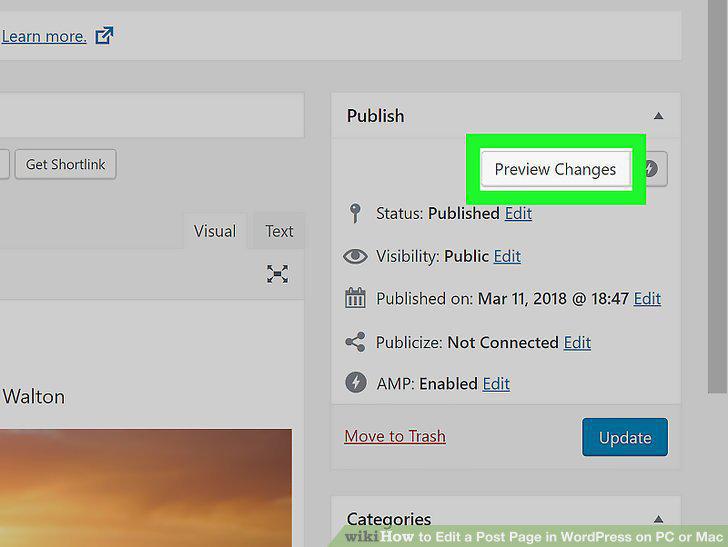
Click on Preview Changes.
6
Return to the Edit Post window.
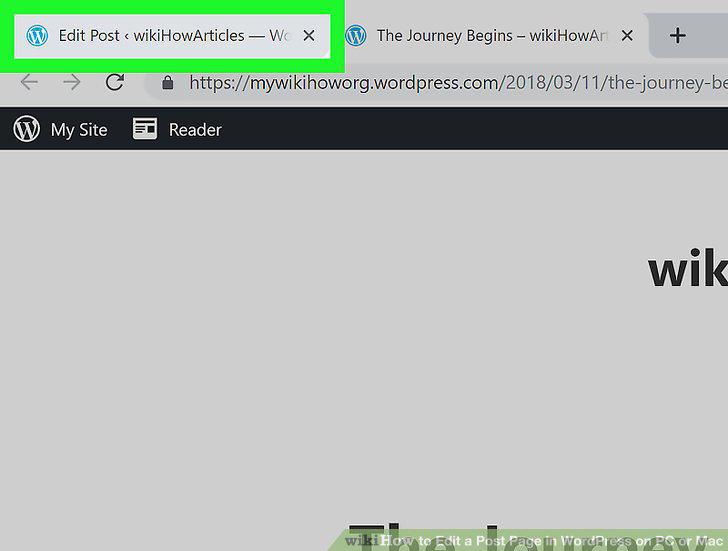
Return to the Edit Post window.
7
Click the blue Update button.
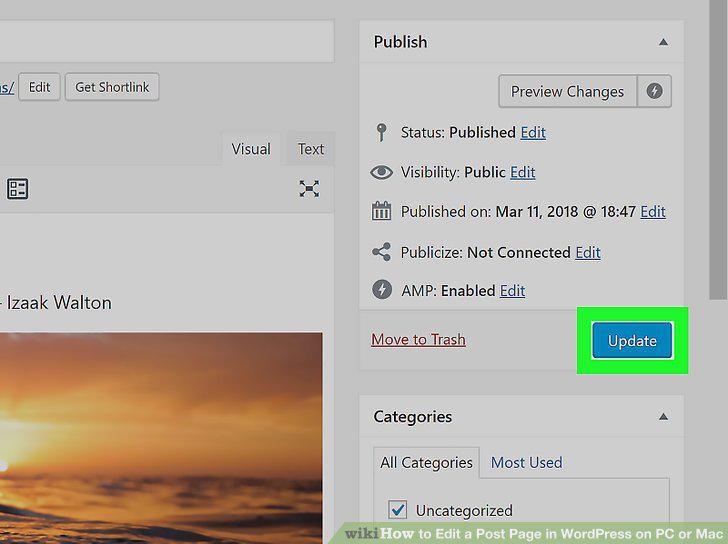
Click the blue Update button.
Comments (0)
No comments yet. Be the first to share your thoughts!