How to Maintain Your Computer
Clean out all the junk left behind by browsers.. Search for and destroy spyware and/or viruses on your PC.. Defrag your hard drive to keep your computer running smoothly.
Steps
1
Clean out all the junk left behind by browsers.
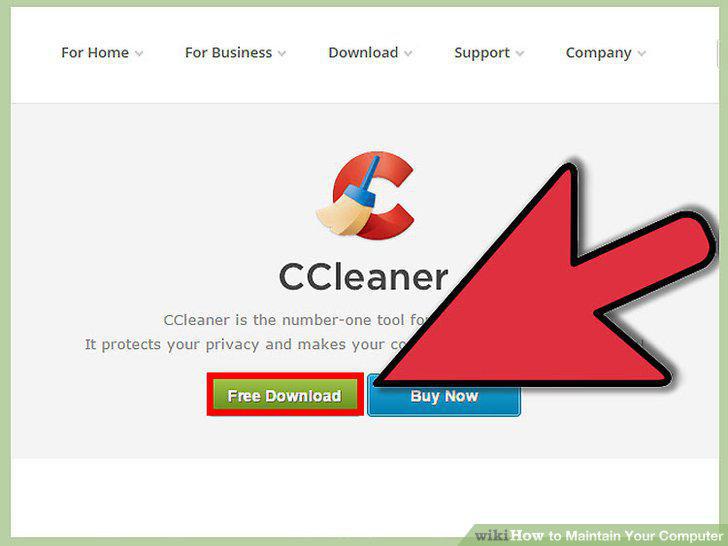
Clean out all the junk left behind by browsers.
2
Search for and destroy spyware and/or viruses on your PC.
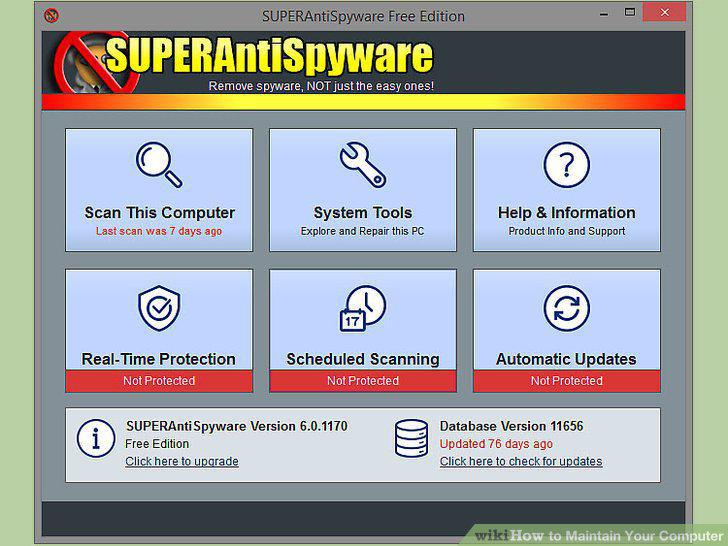
Search for and destroy spyware and/or viruses on your PC.
3
Defrag your hard drive to keep your computer running smoothly.
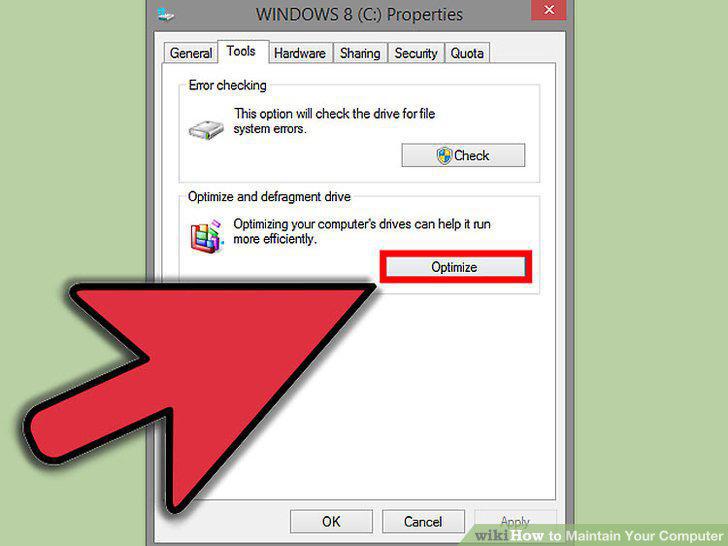
Defrag your hard drive to keep your computer running smoothly.
4
Uninstall programs you no longer use, and delete music you no longer listen to.
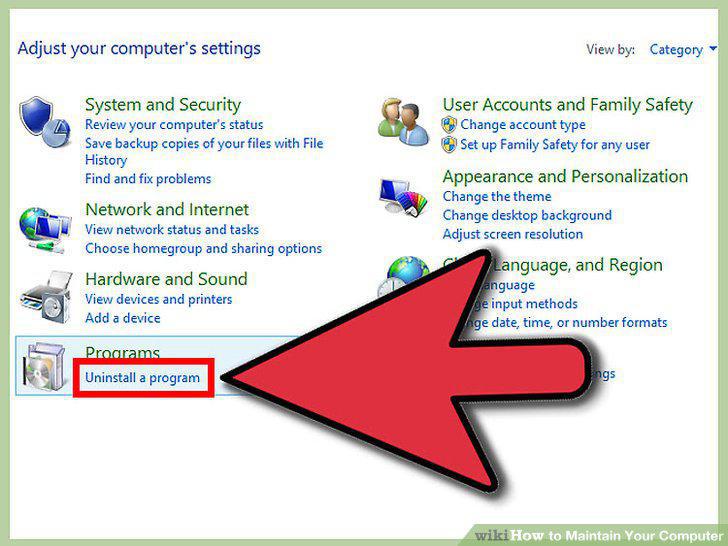
Uninstall programs you no longer use, and delete music you no longer listen to.
5
Control what programs are allowed to run at startup.
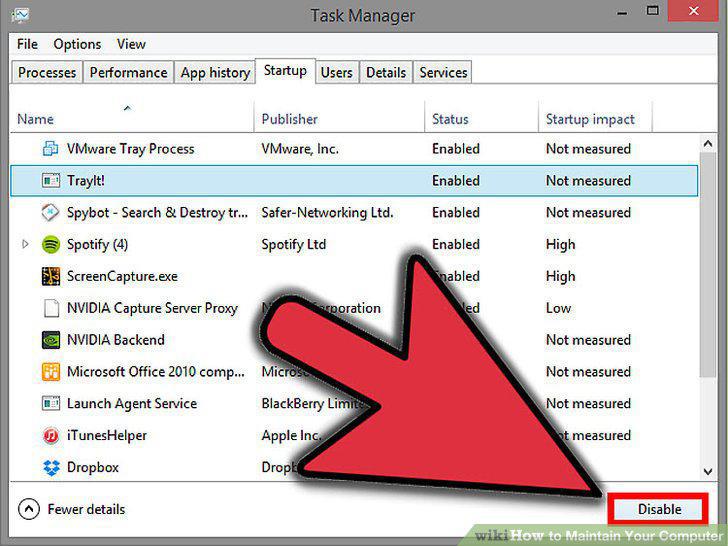
Control what programs are allowed to run at startup.
6
Use your computer's disk management systems.
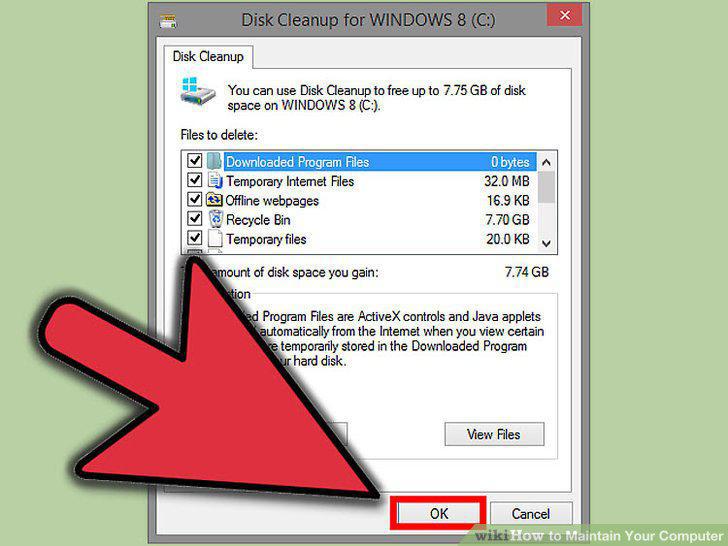
Use your computer's disk management systems.
7
Always run your computer on a UPS as this will help protect it from electric sur
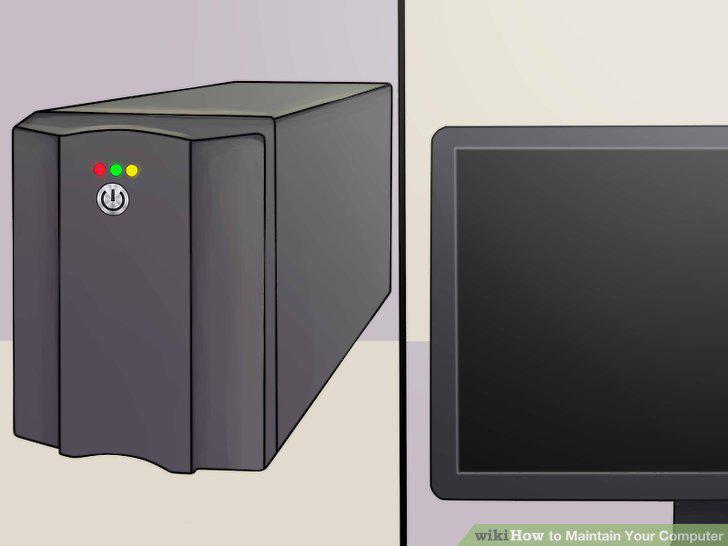
Always run your computer on a UPS as this will help protect it from electric surges.
8
Clean your computer.

Clean your computer.
9
Be careful when plugging in USB, Ethernet, speakers, printer etc.
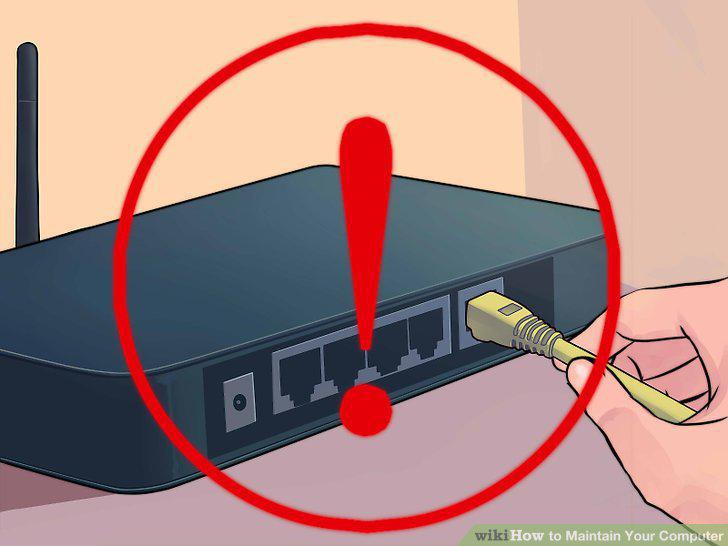
Be careful when plugging in USB, Ethernet, speakers, printer etc.
Comments (0)
No comments yet. Be the first to share your thoughts!