How to Find the Author Of a Website
Look at the top and bottom of an article.. Find the website's copyright information.. Look for a "Contact" or "About" page.
Steps
1
Look at the top and bottom of an article.
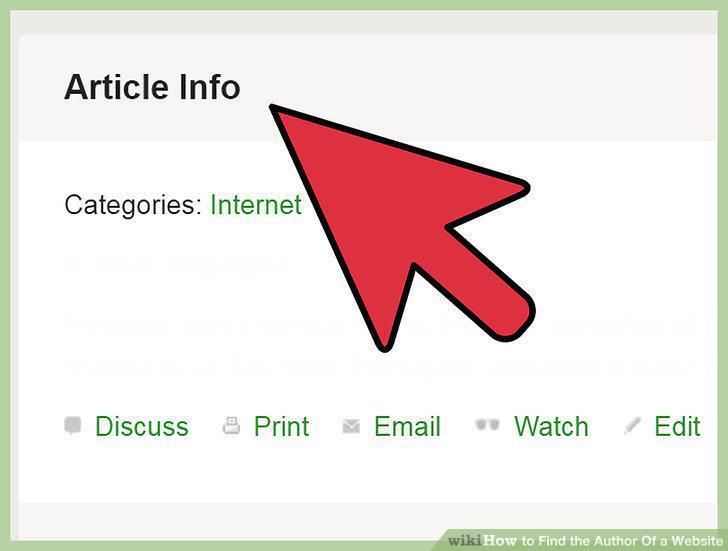
Look at the top and bottom of an article.
2
Find the website's copyright information.
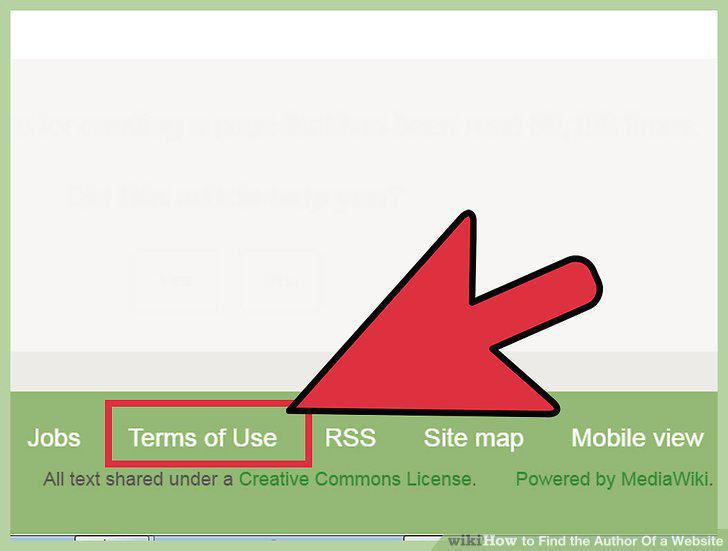
Find the website's copyright information.
3
Look for a "Contact" or "About" page.
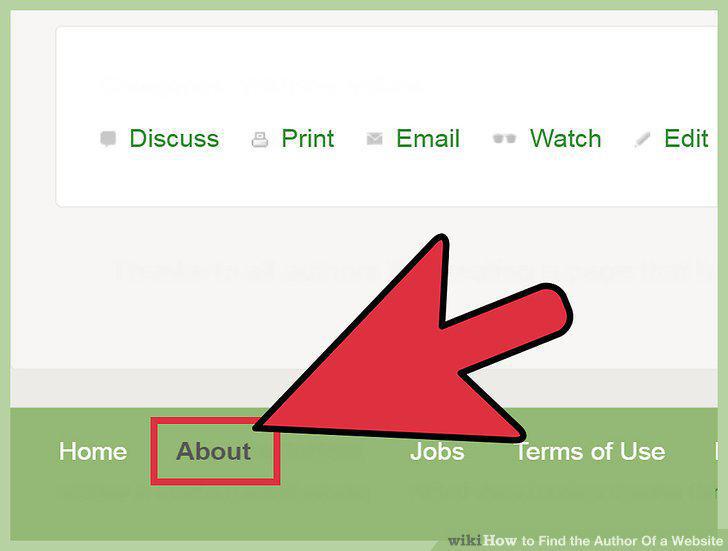
Look for a "Contact" or "About" page.
4
Ask the owners.
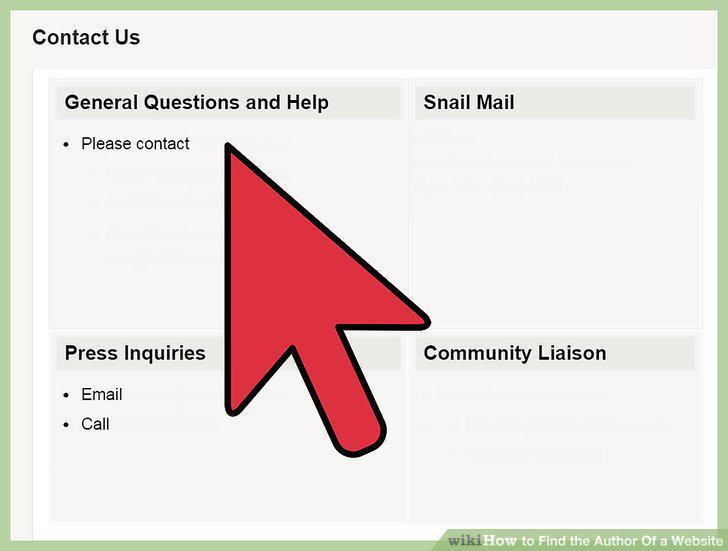
Ask the owners.
5
Search Google for a portion of the text to look for the original author.
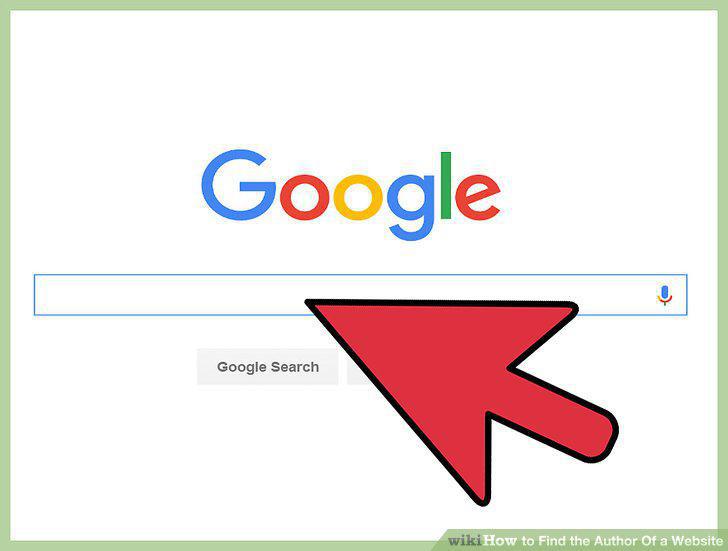
Search Google for a portion of the text to look for the original author.
6
Use WHOIS to find the website owner.
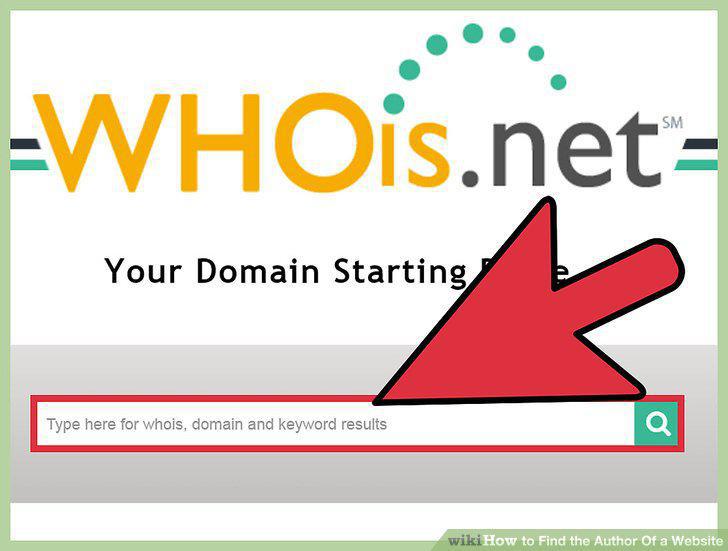
Use WHOIS to find the website owner.
7
Find the title of the page or article.
Find the title of the page or article.
8
Get the website name.
Get the website name.
9
Try to find the publisher.
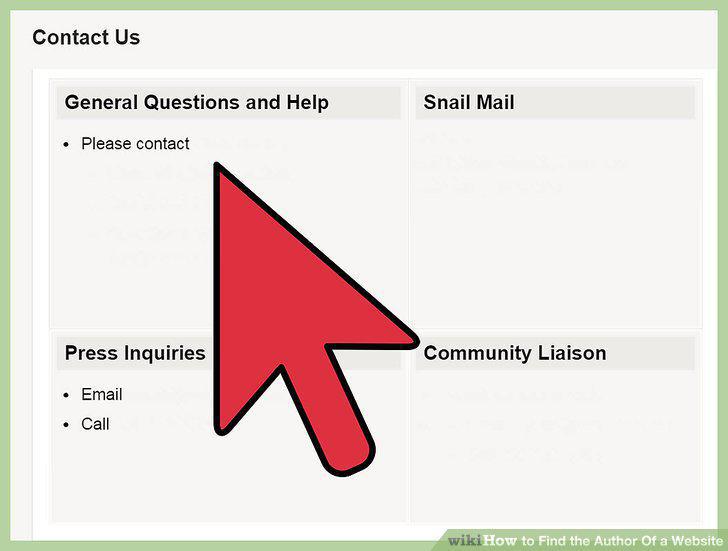
Try to find the publisher.
10
Find the date the page or article was published.
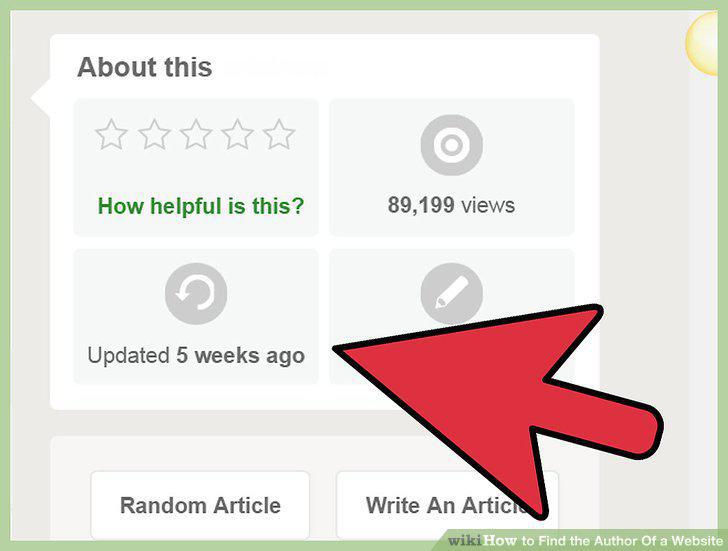
Find the date the page or article was published.
11
Get a version number if possible (MLA).
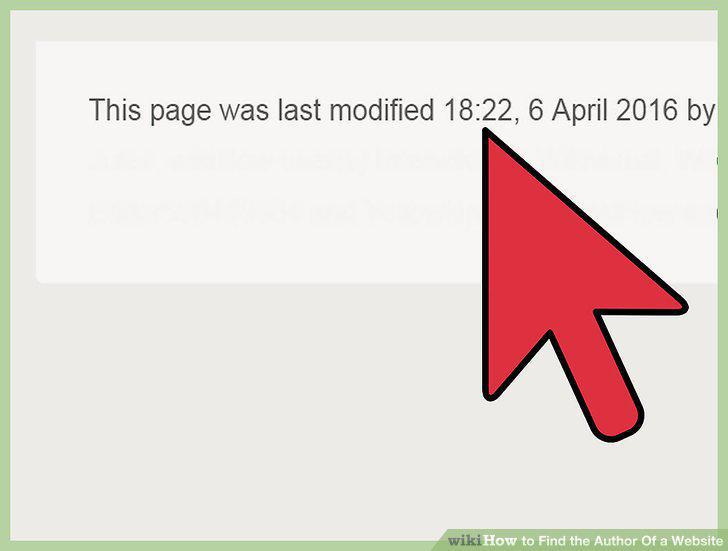
Get a version number if possible (MLA).
12
Get the article or web page URL (APA and older MLA).
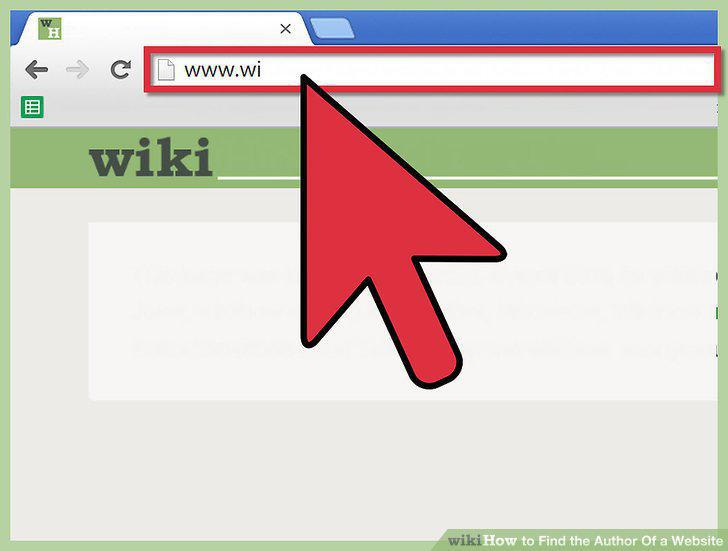
Get the article or web page URL (APA and older MLA).
13
Get the DOI (digital object identifier) for scholarly journals (APA).
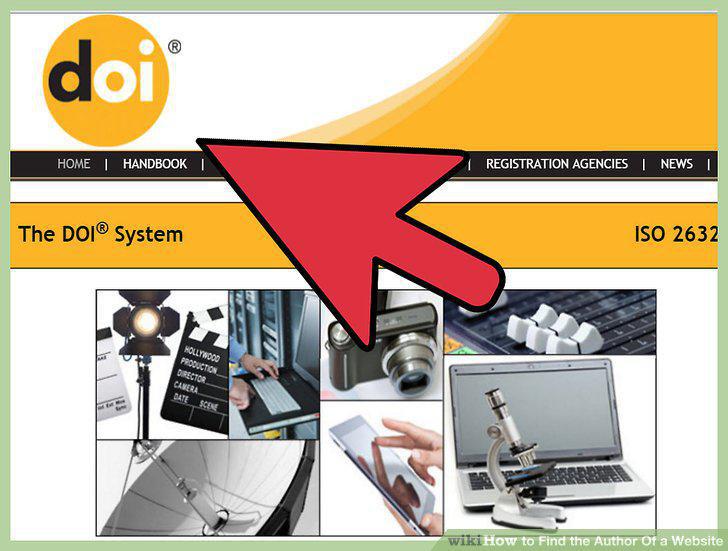
Get the DOI (digital object identifier) for scholarly journals (APA).
14
Construct a citation from your available information.
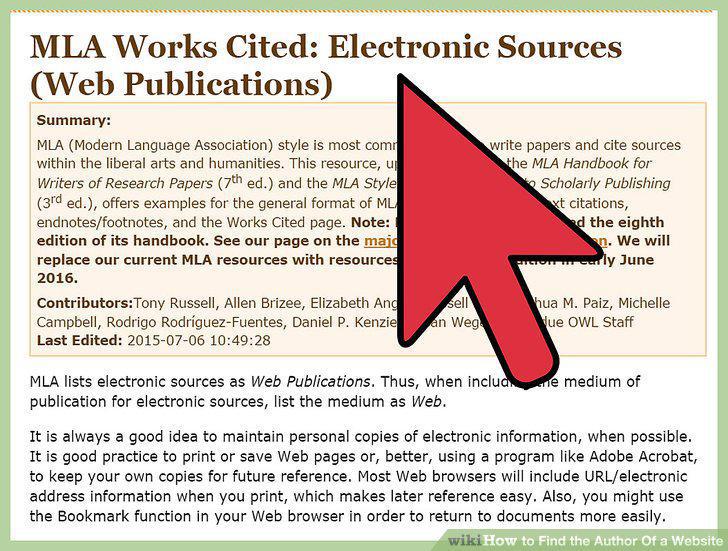
Construct a citation from your available information.
Comments (0)
No comments yet. Be the first to share your thoughts!