How to Unlock iCloud Activation Lock on PC or Mac
Have the previous owner sign in to https://www.icloud.com in a web browser.. Click Find my iPhone.. Click All Devices.
Steps
1
Have the previous owner sign in to https://www.icloud.com in a web browser.
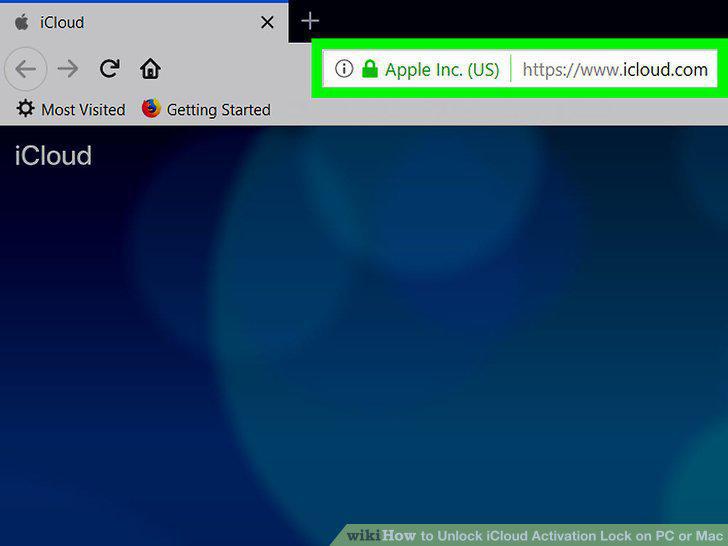
Have the previous owner sign in to https://www.icloud.com in a web browser.
2
Click Find my iPhone.
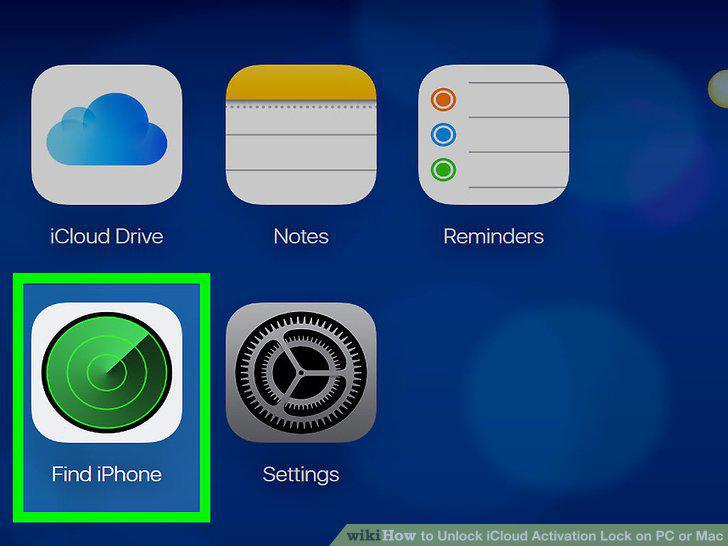
Click Find my iPhone.
3
Click All Devices.
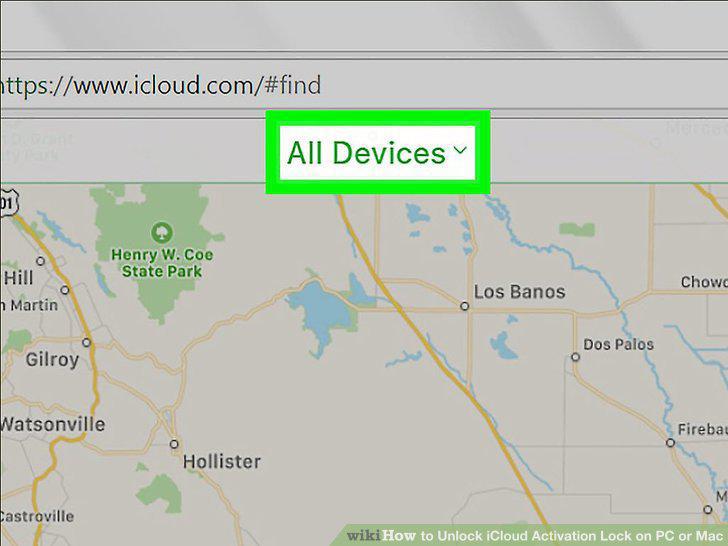
Click All Devices.
4
Click the locked device.
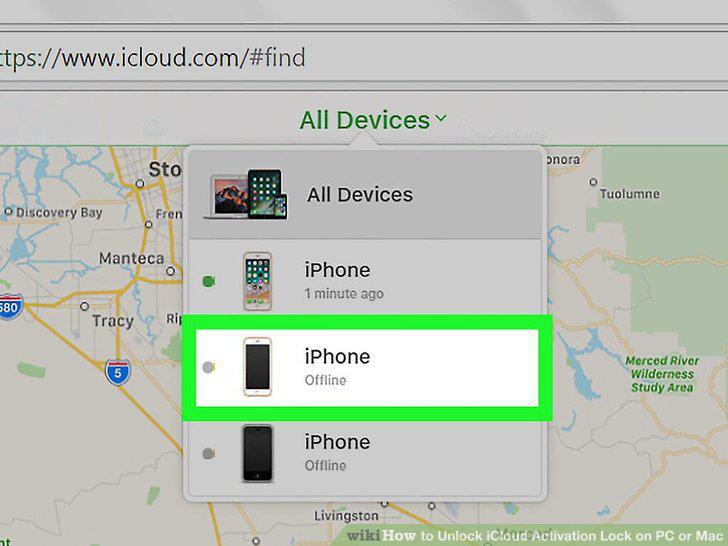
Click the locked device.
5
Click Erase iPhone/iPad.
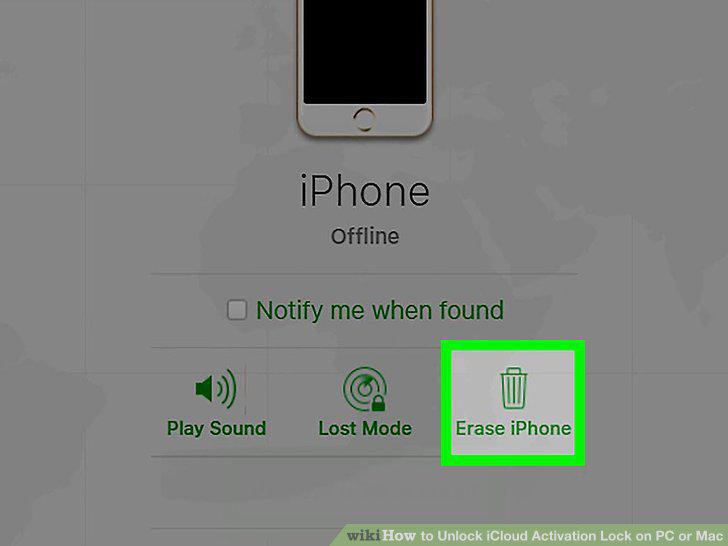
Click Erase iPhone/iPad.
6
Click Remove from Account.
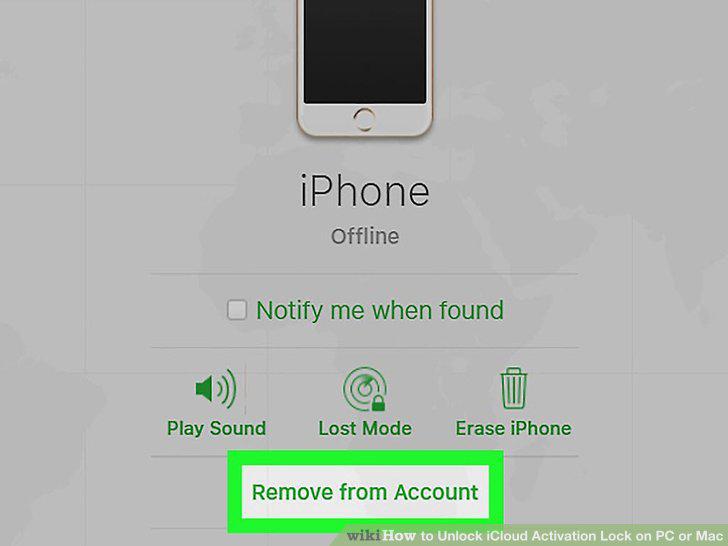
Click Remove from Account.
7
Turn the iPhone or iPad off and then back on.
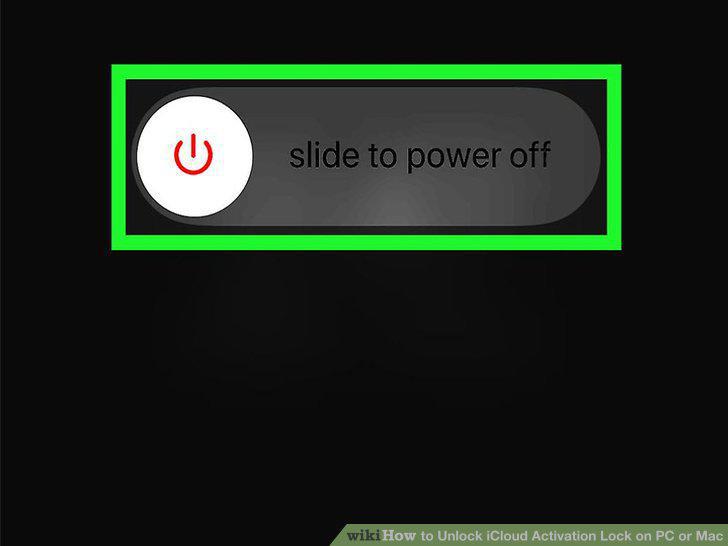
Turn the iPhone or iPad off and then back on.
8
Search the internet for an iCloud Activation Lock removal service.
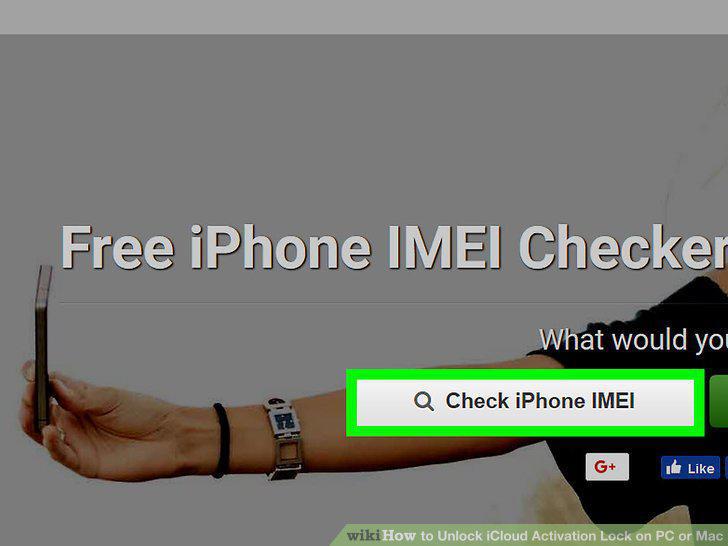
Search the internet for an iCloud Activation Lock removal service.
9
Get your iPhone's IMEI number.
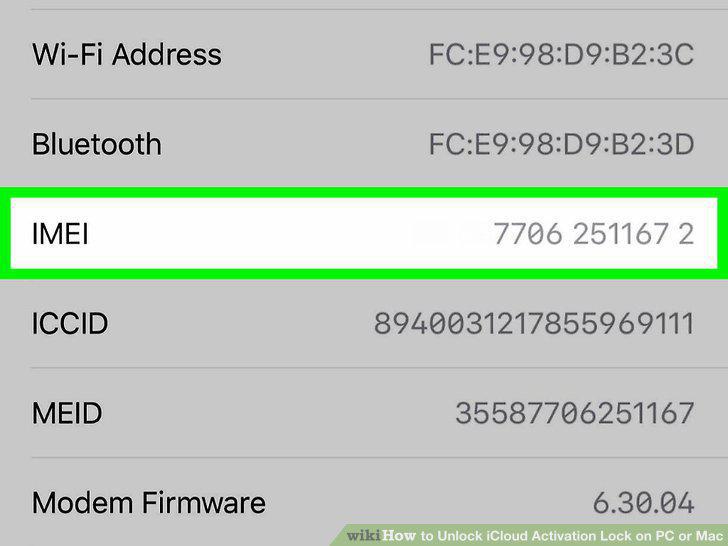
Get your iPhone's IMEI number.
10
Follow the on-screen instructions on the unlocking service's website.
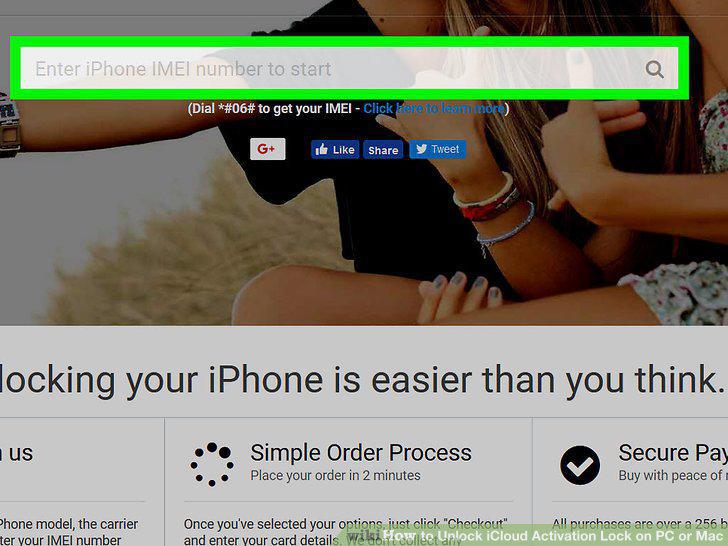
Follow the on-screen instructions on the unlocking service's website.
Comments (0)
No comments yet. Be the first to share your thoughts!