How to Clear the Router History
Open an internet browser on your computer.. Enter your router's IP address into the address bar.. Enter your router's admin username and password.
Steps
1
Open an internet browser on your computer.
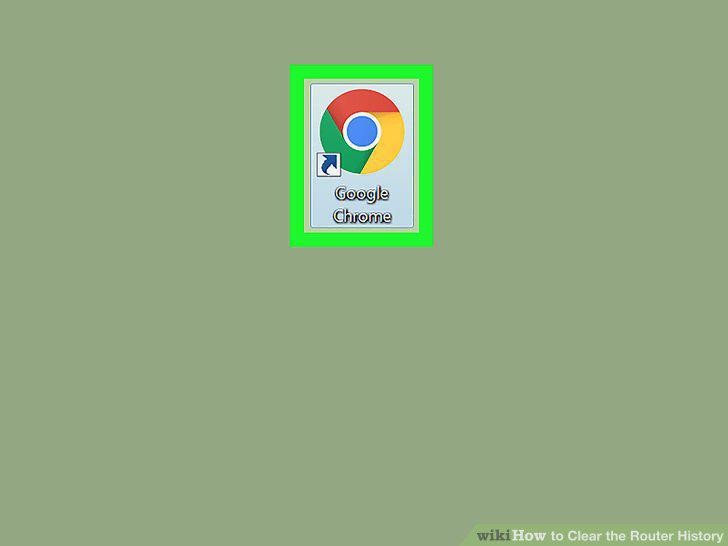
Open an internet browser on your computer.
2
Enter your router's IP address into the address bar.
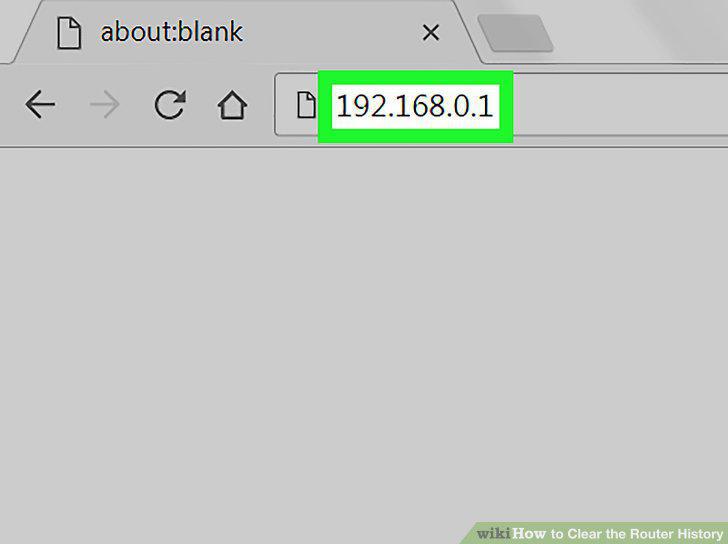
Enter your router's IP address into the address bar.
3
Enter your router's admin username and password.
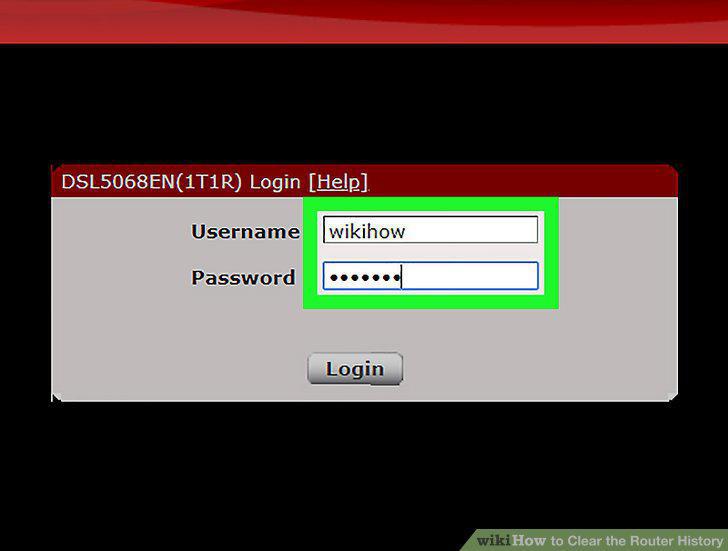
Enter your router's admin username and password.
4
Click the Login button.
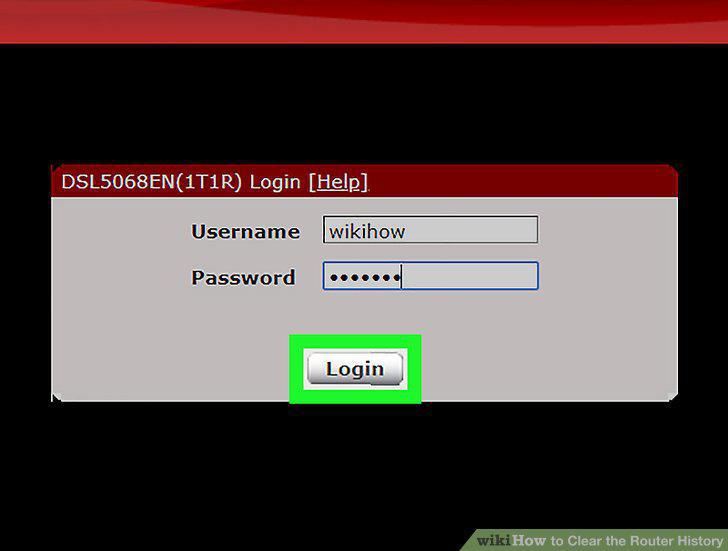
Click the Login button.
5
Click the Status tab on the navigation bar.
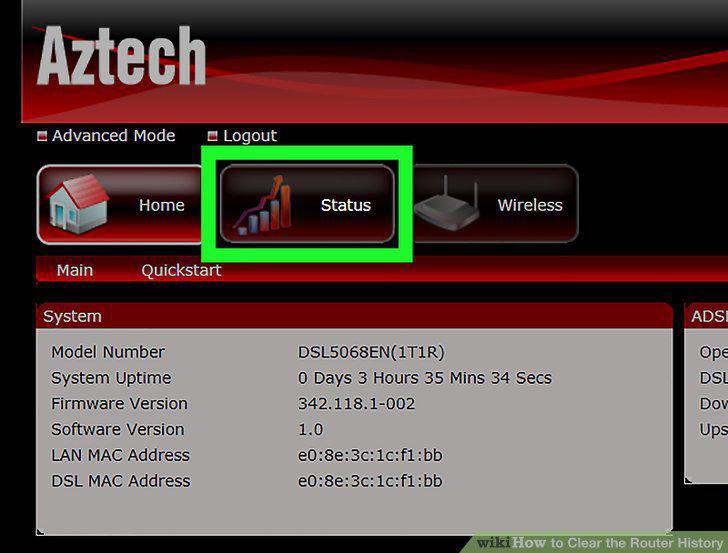
Click the Status tab on the navigation bar.
6
Click System Log or Administration-Event Log on the navigation bar.
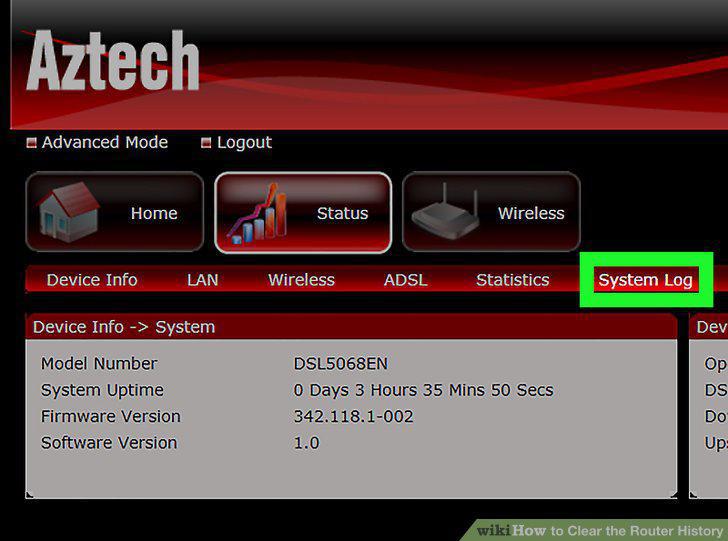
Click System Log or Administration-Event Log on the navigation bar.
7
Click the Clear Log button.
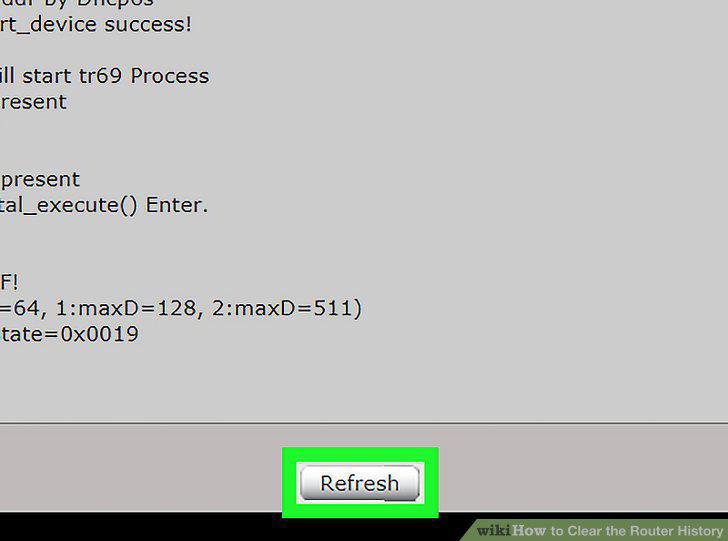
Click the Clear Log button.
Comments (0)
No comments yet. Be the first to share your thoughts!