How to Cancel Free Trial on Hulu on iPhone or iPad
Open your iPhone or iPad's Settings app.. Tap your name at the top of the Settings menu.. Tap iTunes & App Store.
Steps
1
Open your iPhone or iPad's Settings app.
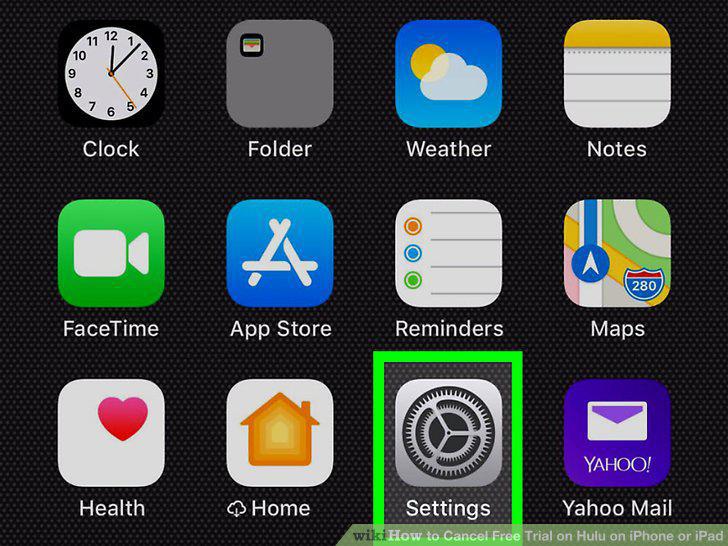
Open your iPhone or iPad's Settings app.
2
Tap your name at the top of the Settings menu.
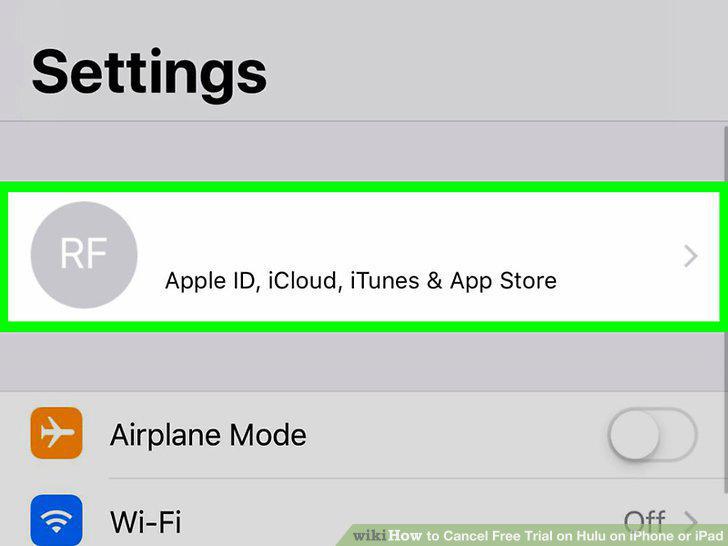
Tap your name at the top of the Settings menu.
3
Tap iTunes & App Store.
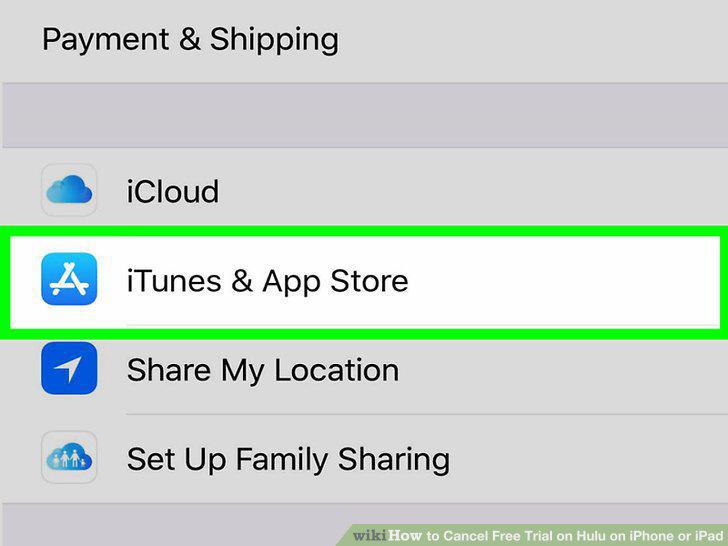
Tap iTunes & App Store.
4
Tap your Apple ID email address at the top.
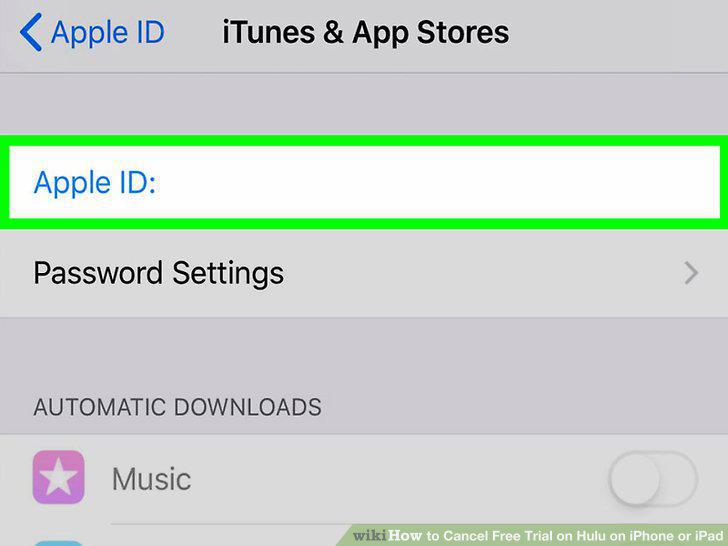
Tap your Apple ID email address at the top.
5
Select View Apple ID in the pop-up.
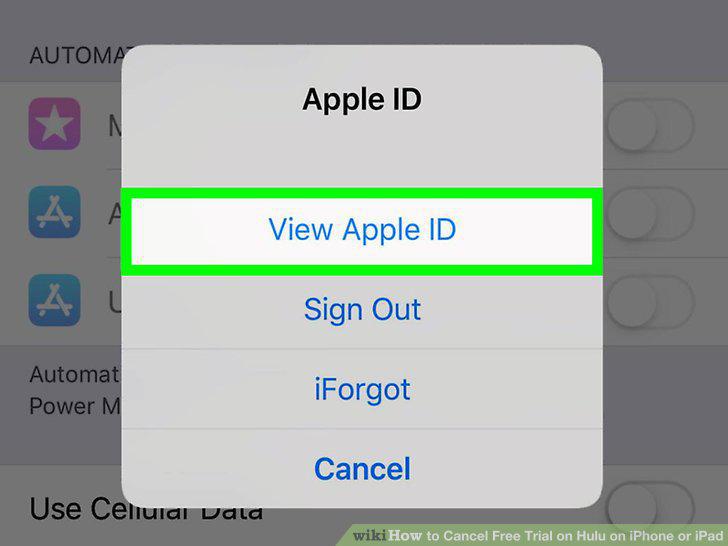
Select View Apple ID in the pop-up.
6
Tap Subscriptions in Account Settings.
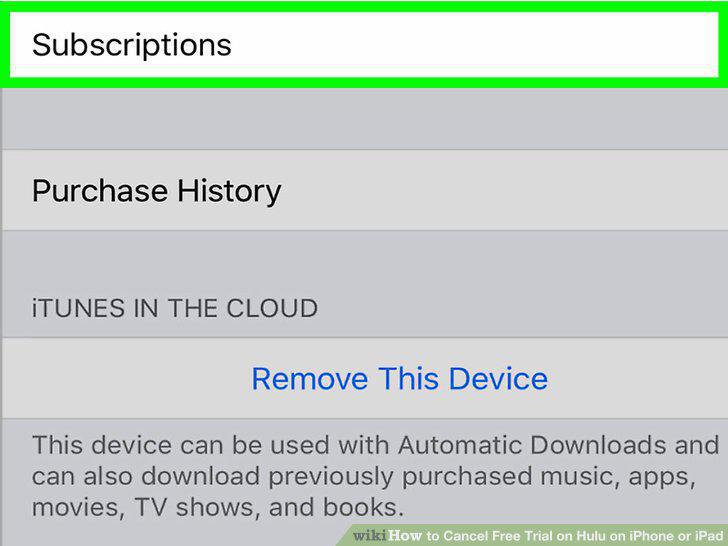
Tap Subscriptions in Account Settings.
7
Tap your Hulu trial subscription.
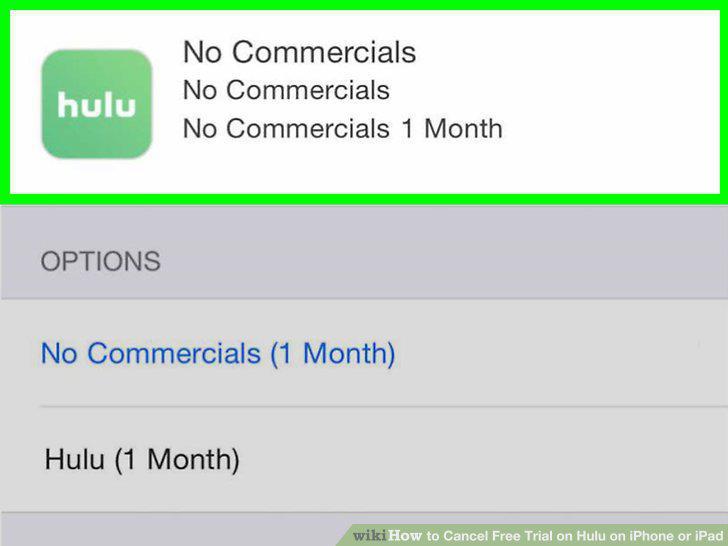
Tap your Hulu trial subscription.
8
Tap the Cancel Trial button.
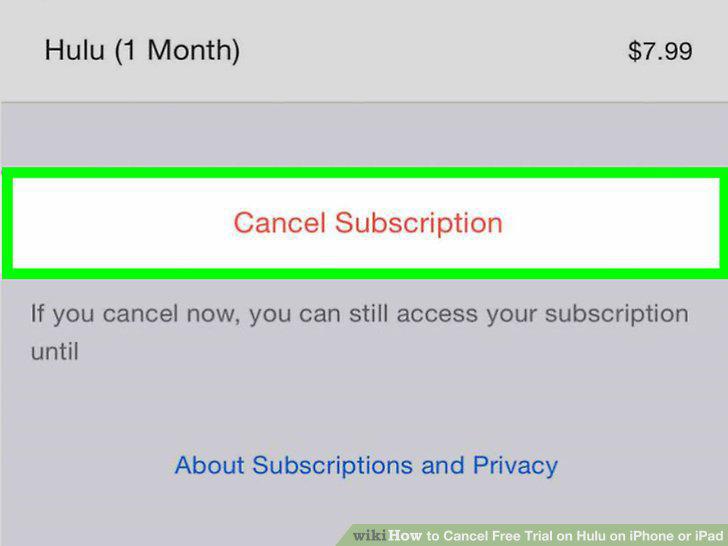
Tap the Cancel Trial button.
9
Tap Confirm in the confirmation pop-up.
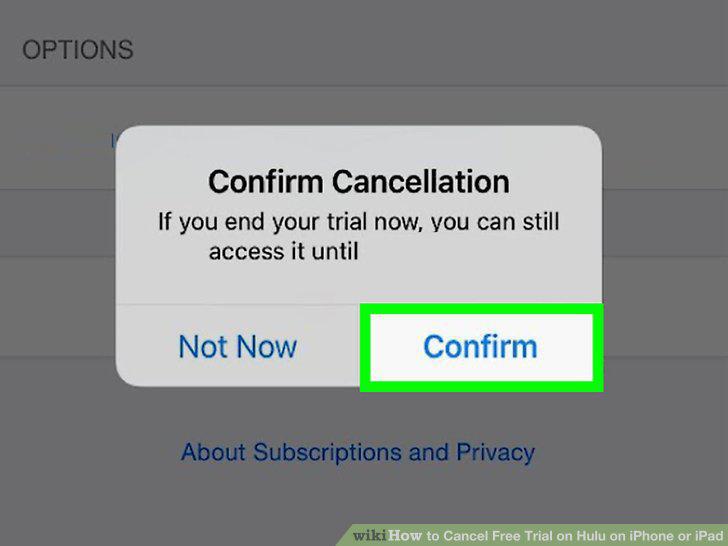
Tap Confirm in the confirmation pop-up.
Comments (0)
No comments yet. Be the first to share your thoughts!