How to Update Unity
Open Unity.. Click the Help and Check for Updates.. Click Download new version.
Steps
1
Open Unity.
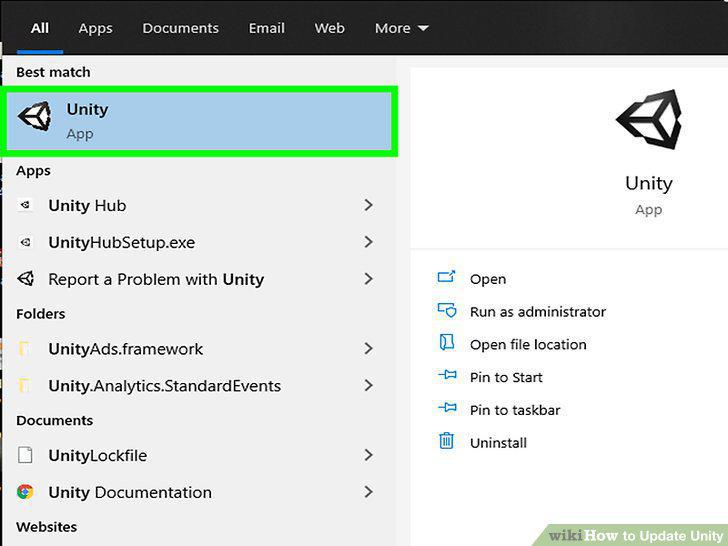
Open Unity.
2
Click the Help and Check for Updates.
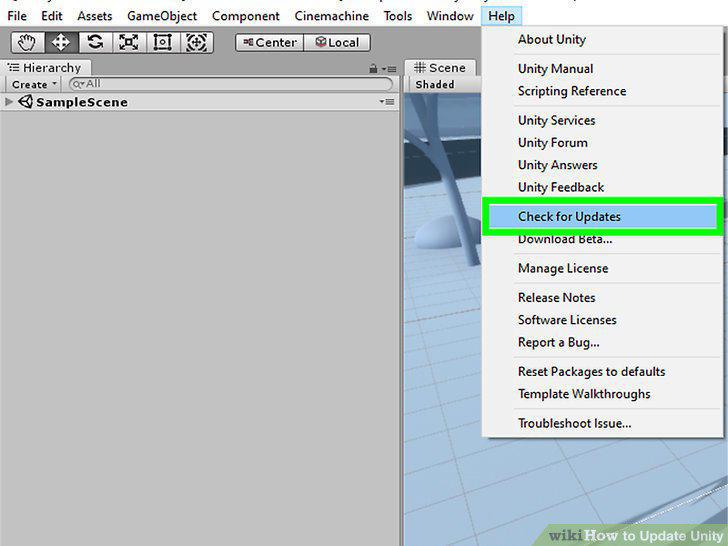
Click the Help and Check for Updates.
3
Click Download new version.
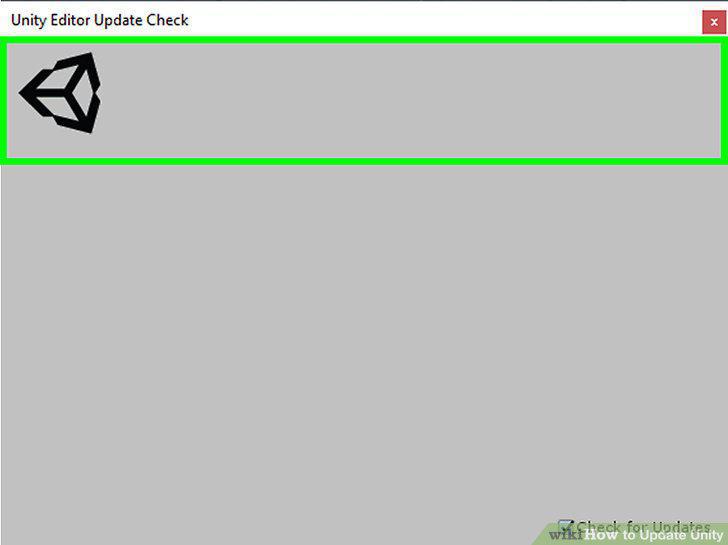
Click Download new version.
4
Download and run the installer.
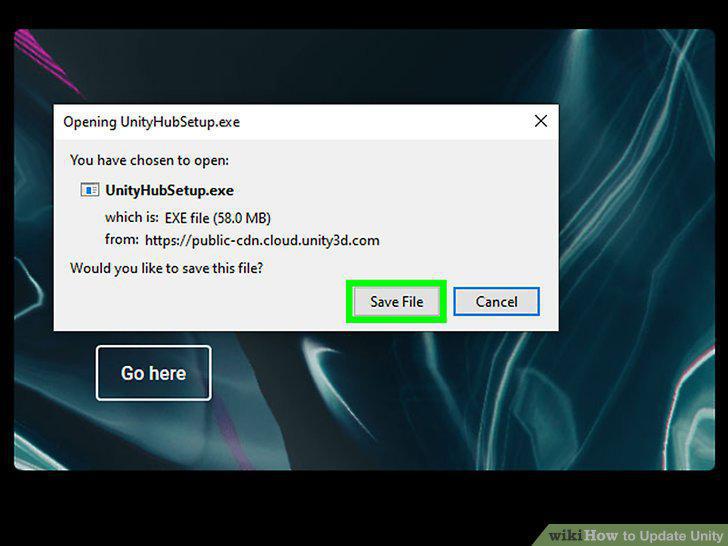
Download and run the installer.
5
Double-click the saved file to launch the Installer.
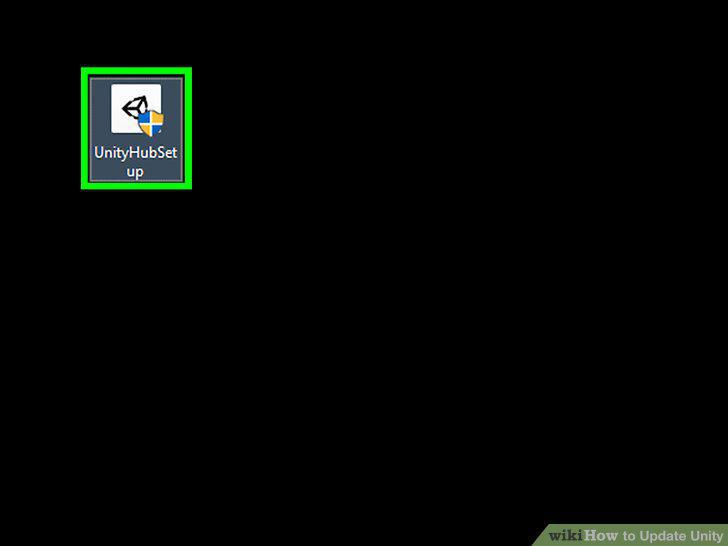
Double-click the saved file to launch the Installer.
6
Follow the Download Assistant.
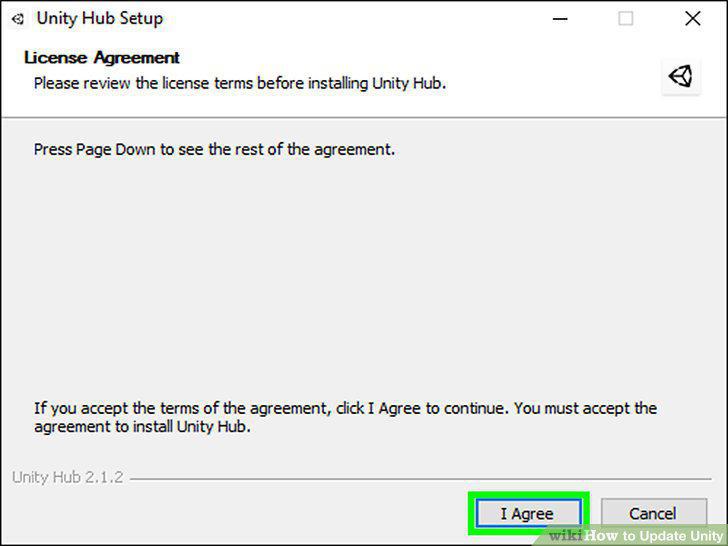
Follow the Download Assistant.
7
Close Unity.
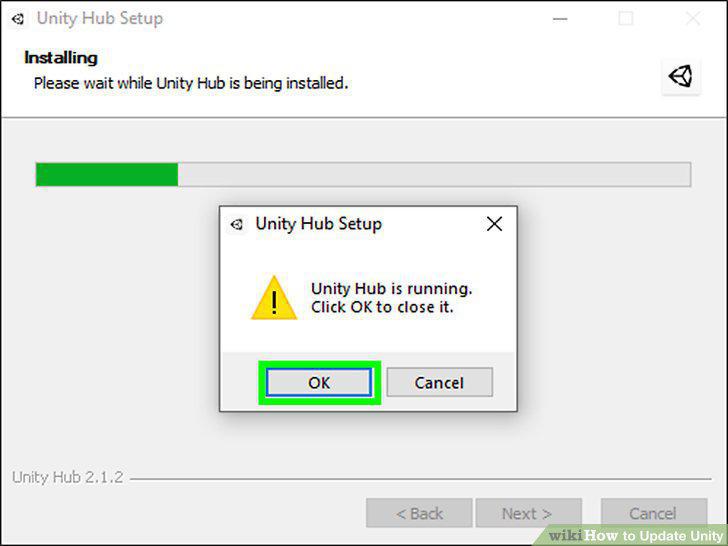
Close Unity.
8
Choose the components to download including Unity.
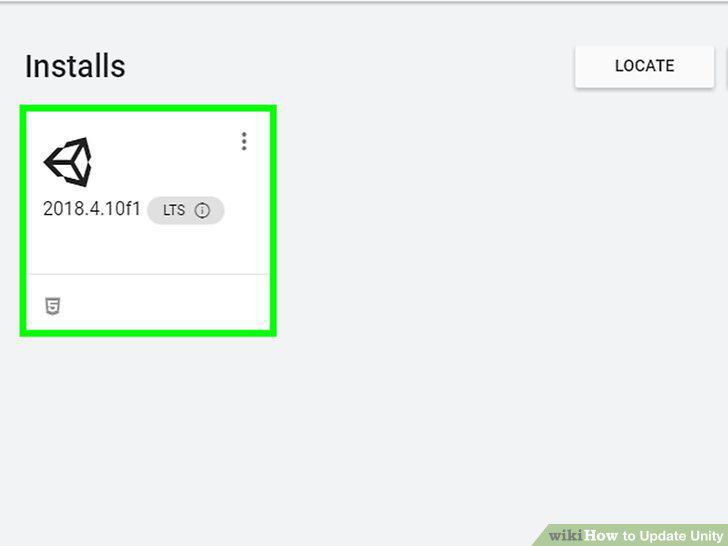
Choose the components to download including Unity.
9
Click Finish.
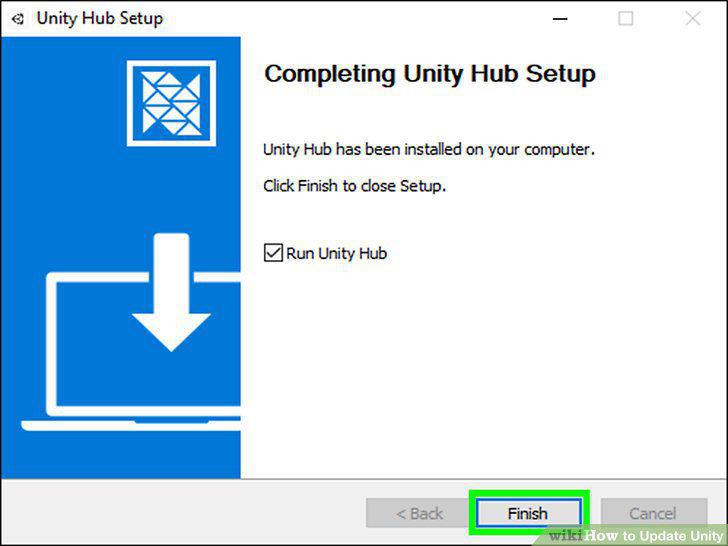
Click Finish.
Comments (0)
No comments yet. Be the first to share your thoughts!