How to Merge Cells on Google Sheets on Android
Open the Google Sheets app on your Android.. Tap the spreadsheet you want to edit.. Tap a cell on the spreadsheet.
Steps
1
Open the Google Sheets app on your Android.

Open the Google Sheets app on your Android.
2
Tap the spreadsheet you want to edit.
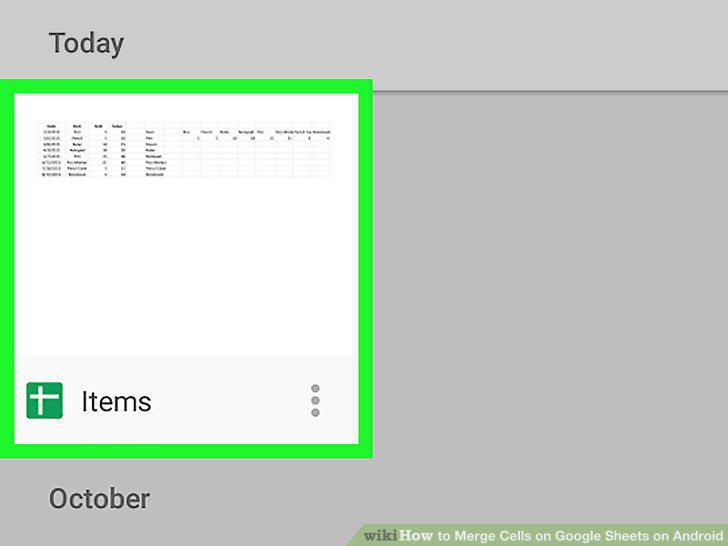
Tap the spreadsheet you want to edit.
3
Tap a cell on the spreadsheet.
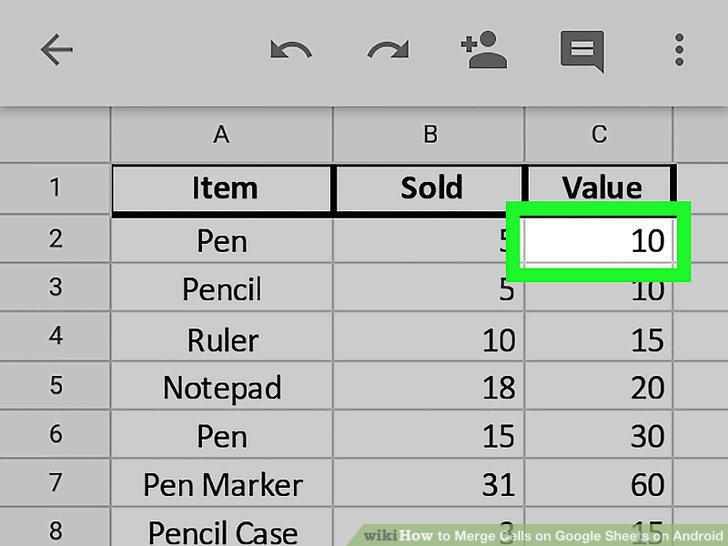
Tap a cell on the spreadsheet.
4
Drag the blue cell outline to include multiple cells.
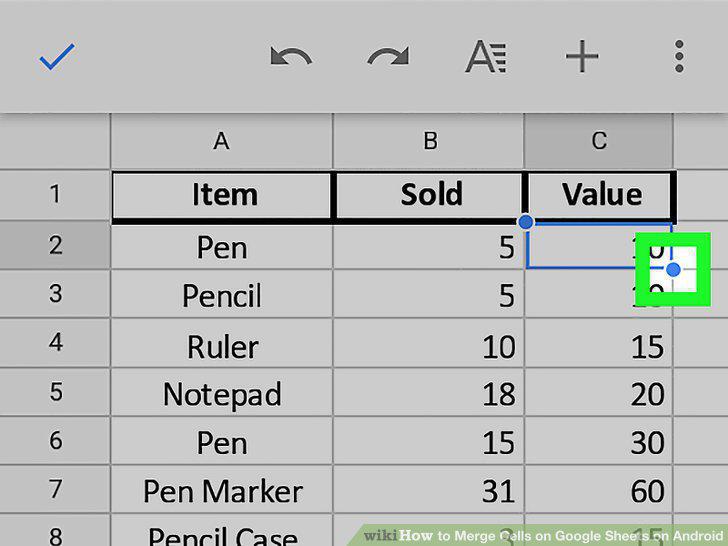
Drag the blue cell outline to include multiple cells.
5
Tap the A icon at the top.
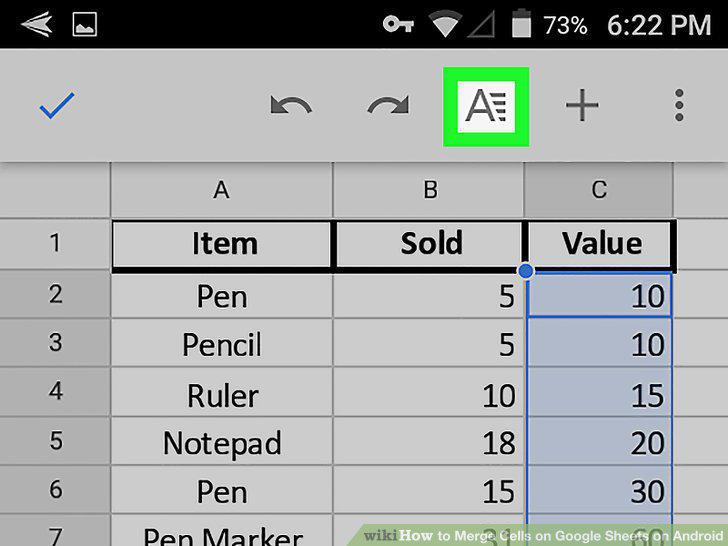
Tap the A icon at the top.
6
Tap the CELL tab.
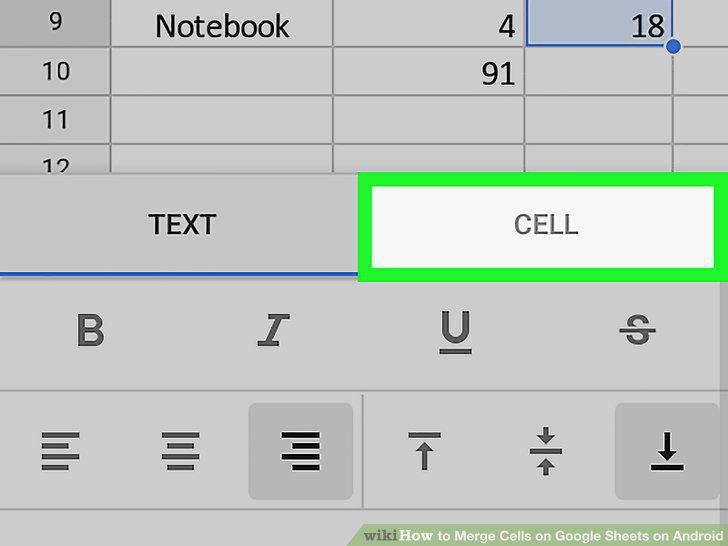
Tap the CELL tab.
7
Scroll down and slide the Merge Cells switch to .
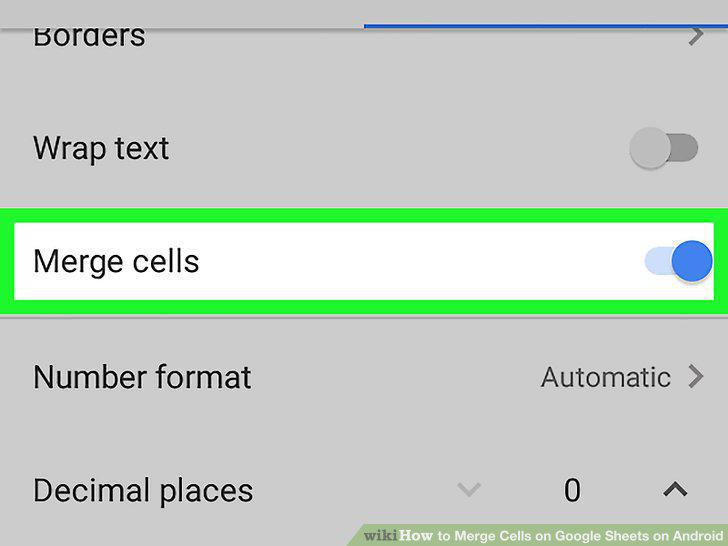
Scroll down and slide the Merge Cells switch to .
Comments (0)
No comments yet. Be the first to share your thoughts!