How to Edit Videos on Chromebook
Download and install Cyberlink PowerDirector.. Open the Google Play Store .. Type Cyberlink in the search bar.
Steps
Download and install Cyberlink PowerDirector.
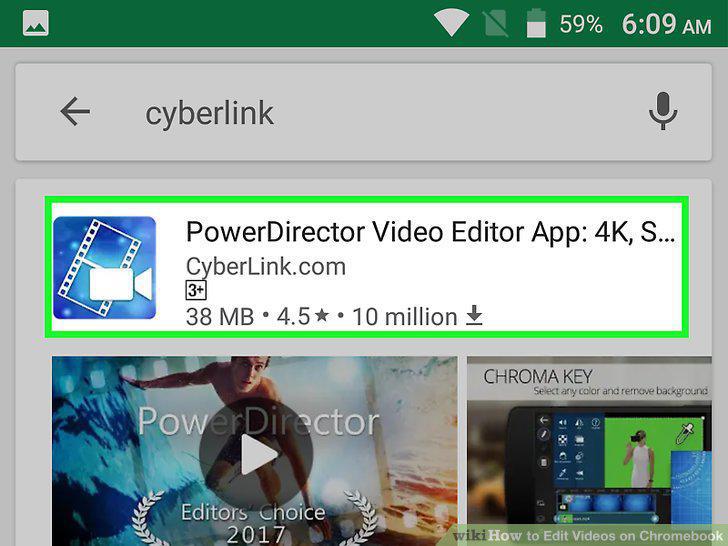
Download and install Cyberlink PowerDirector.
Open the Google Play Store .
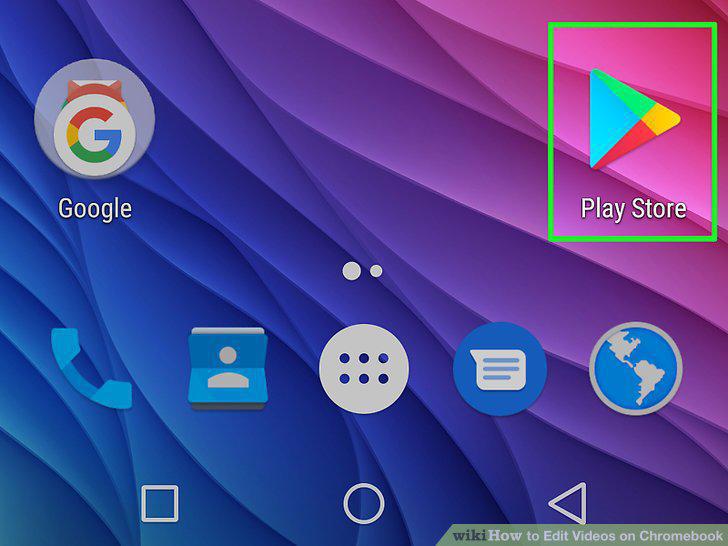
Open the Google Play Store .
Type Cyberlink in the search bar.
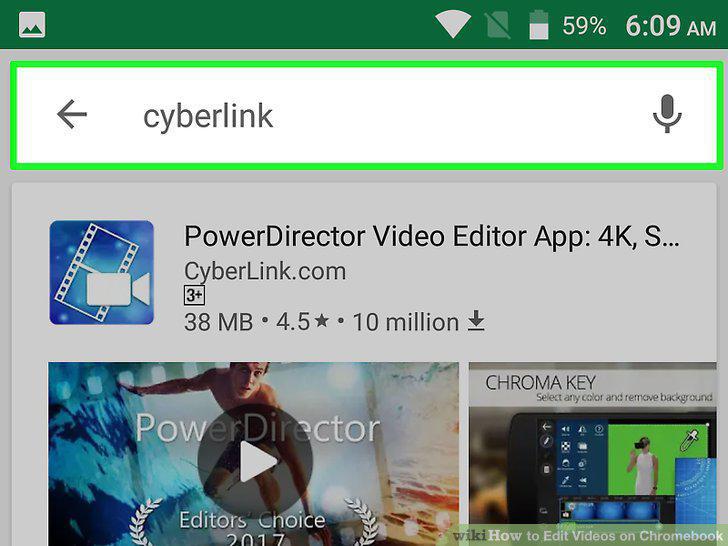
Type Cyberlink in the search bar.
Click PowerDirector Video Editor App.
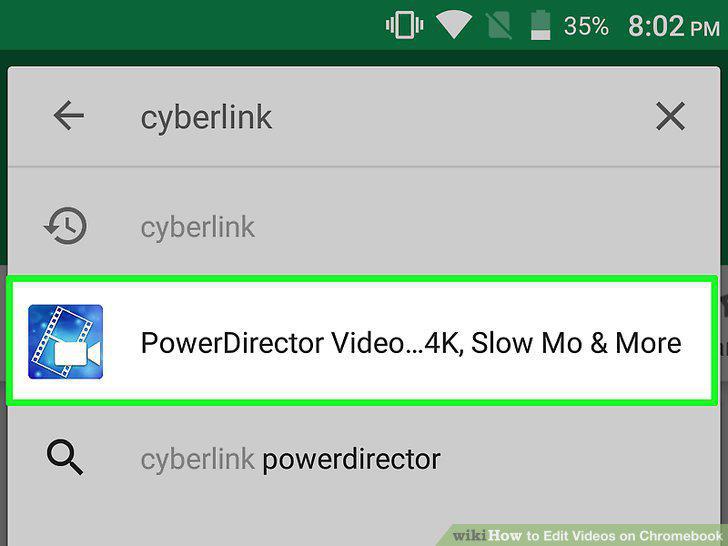
Click PowerDirector Video Editor App.
Click Install.
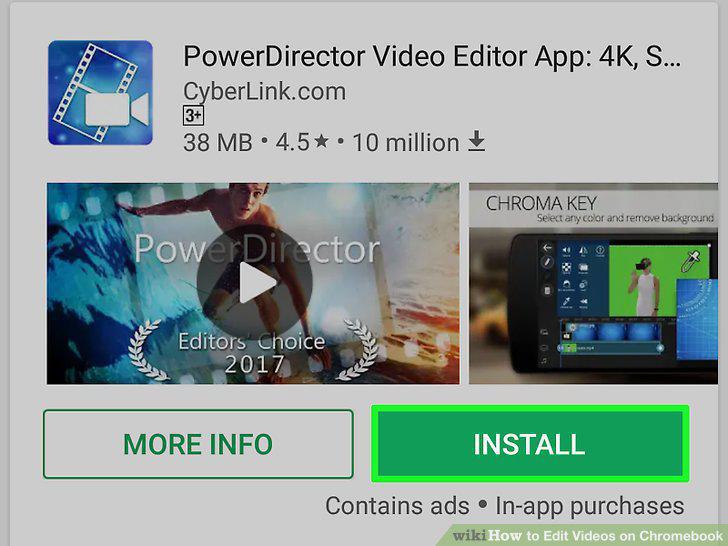
Click Install.
Open Cyberlink PowerDirector.
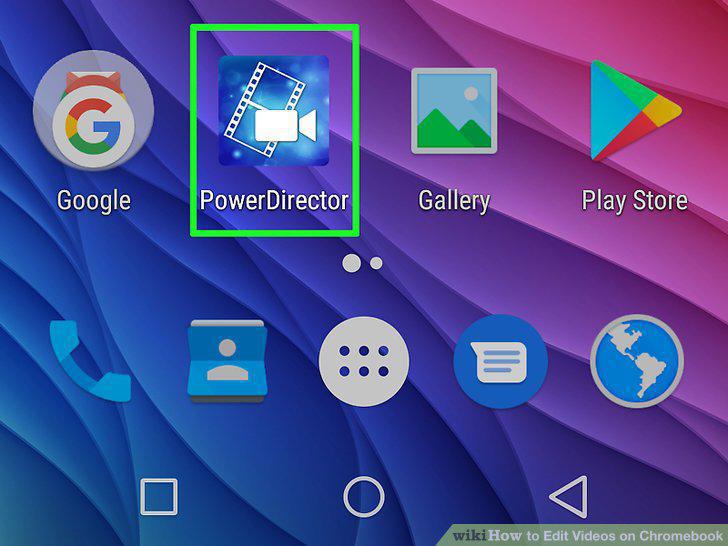
Open Cyberlink PowerDirector.
Click or tap New Project.
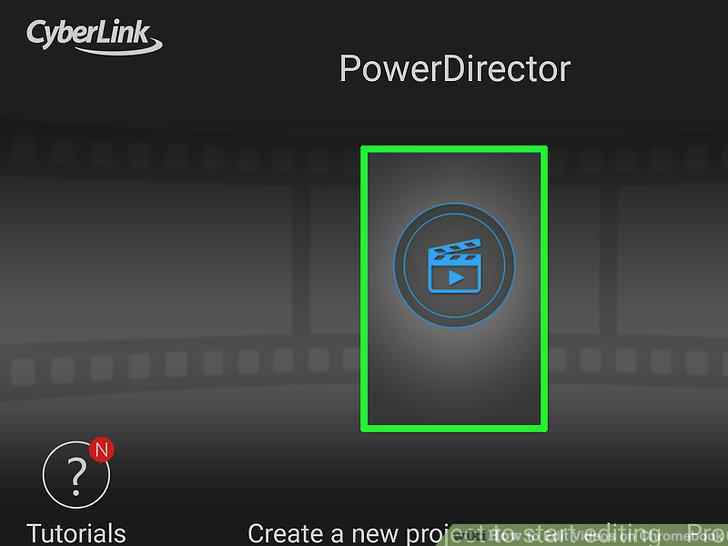
Click or tap New Project.
Type a name for the project.
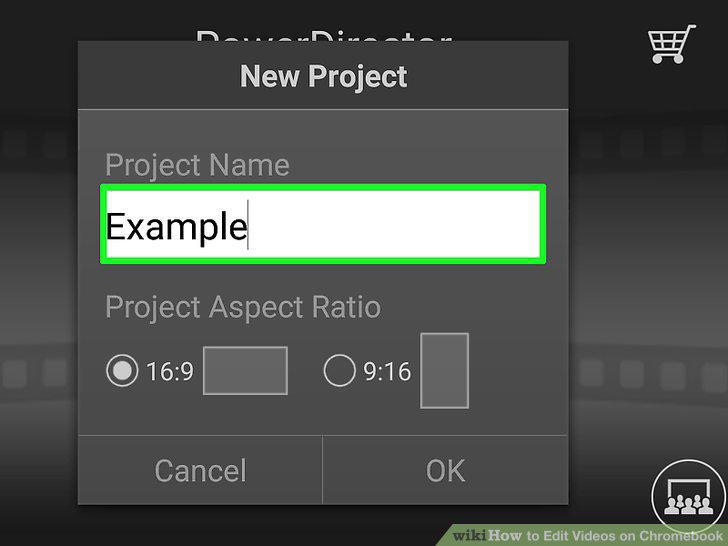
Type a name for the project.
Select an aspect ratio and click OK.
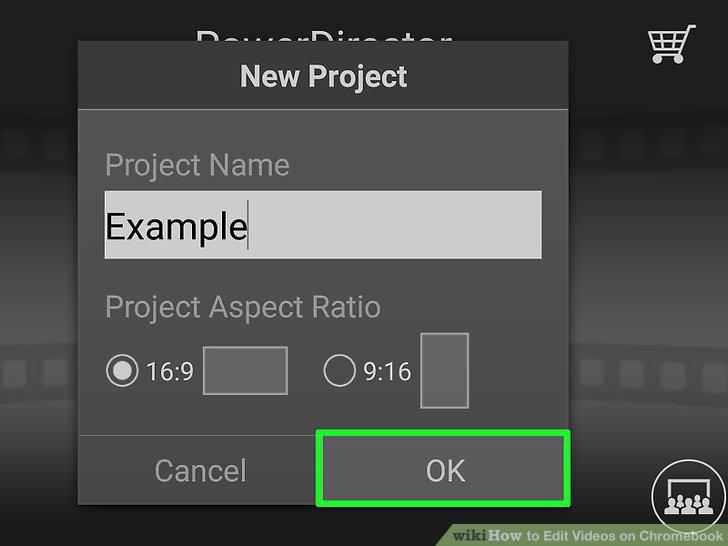
Select an aspect ratio and click OK.
Click or tap the icon that has music notes and a film strip.
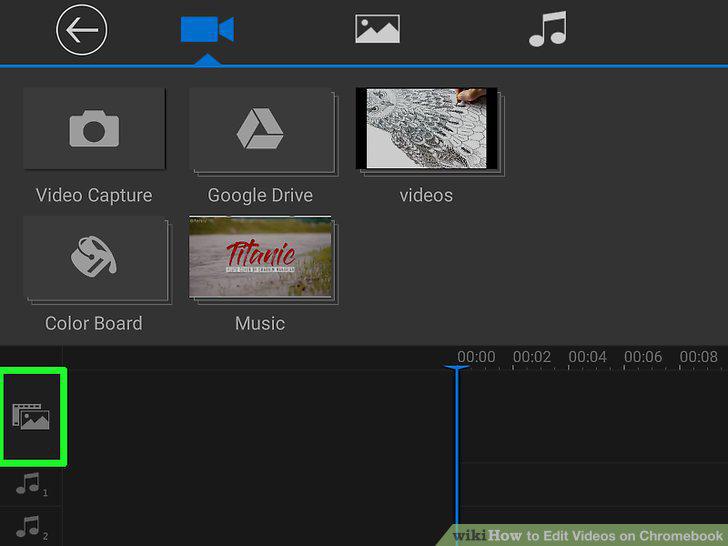
Click or tap the icon that has music notes and a film strip.
Click or tap a video folder or icon.
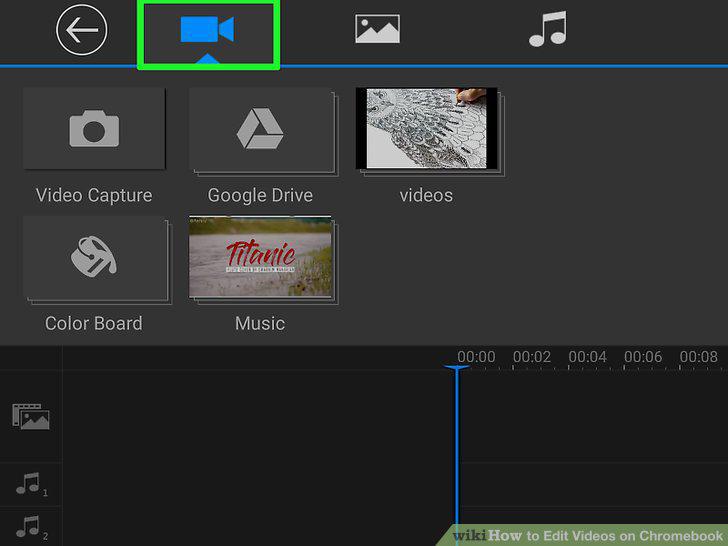
Click or tap a video folder or icon.
Click or tap a video.
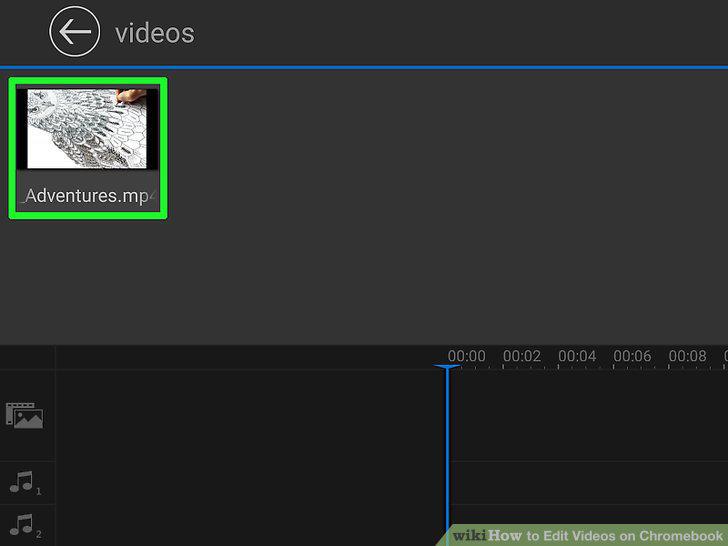
Click or tap a video.
Click or tap .
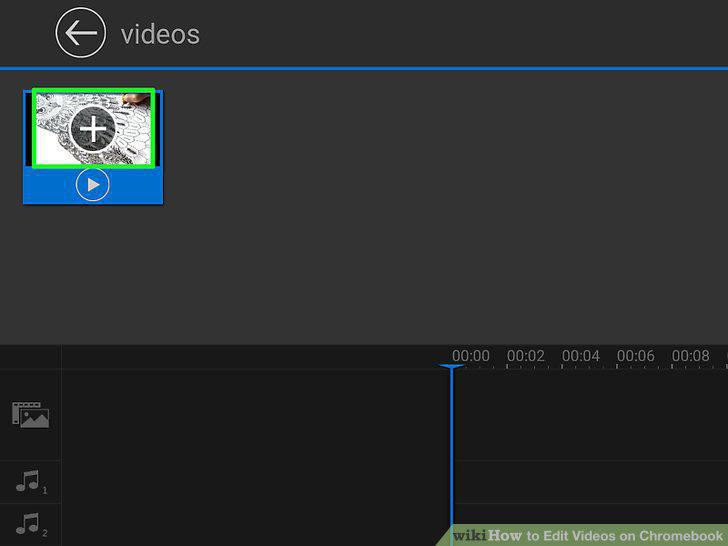
Click or tap .
Click or tap video clip at the bottom of the screen.
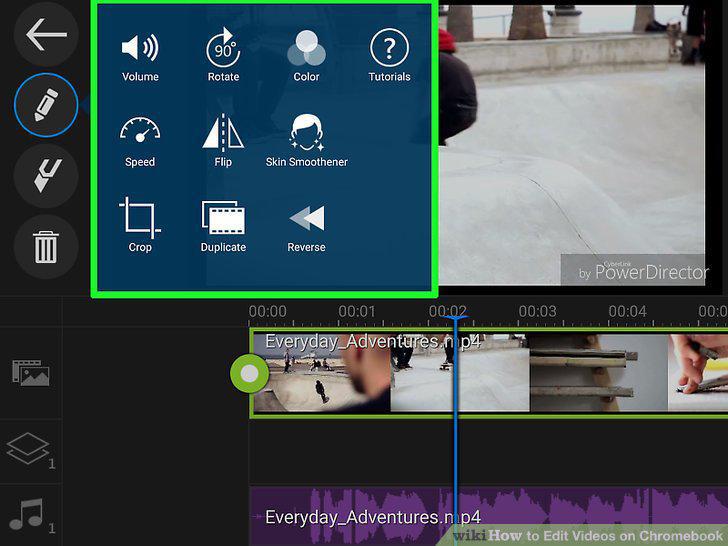
Click or tap video clip at the bottom of the screen.
Click or tap the icon with the filmstrip and music notes.
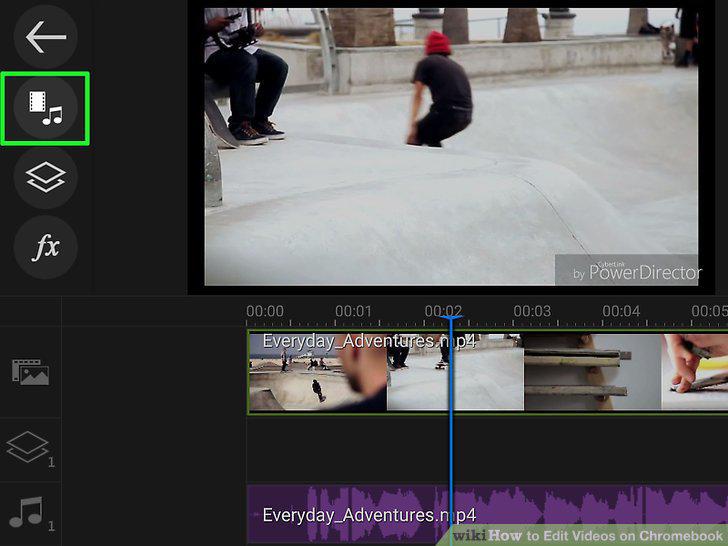
Click or tap the icon with the filmstrip and music notes.
Click or tap the image icon.
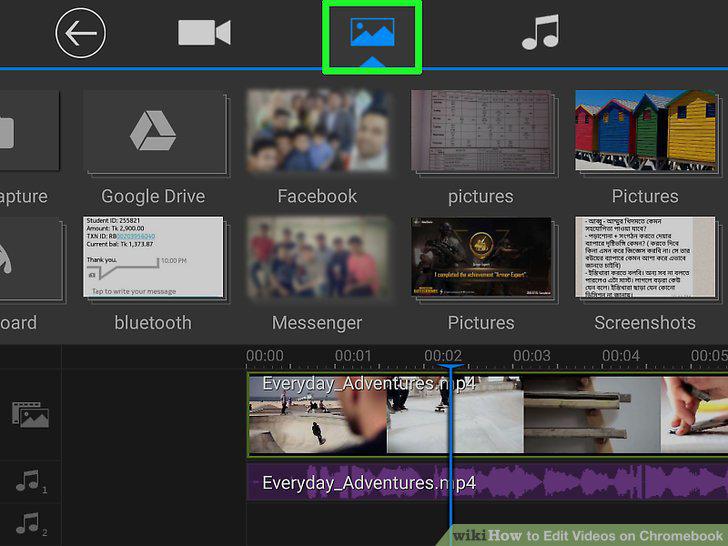
Click or tap the image icon.
Click or tap an image folder.
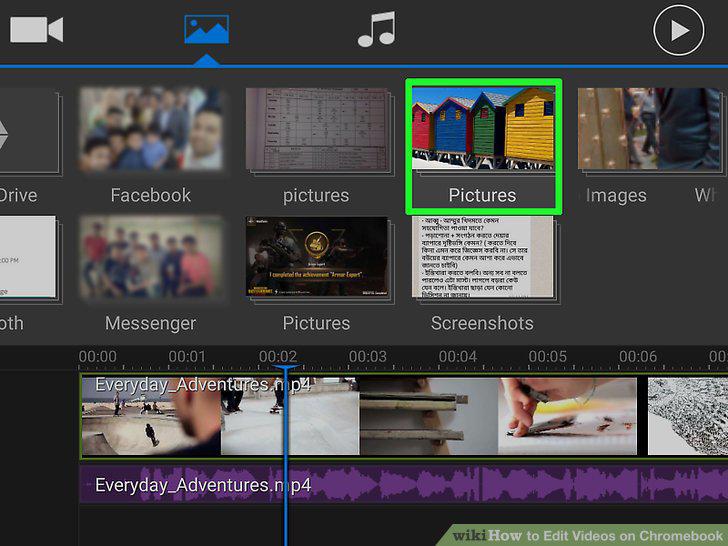
Click or tap an image folder.
Click or tap an image.
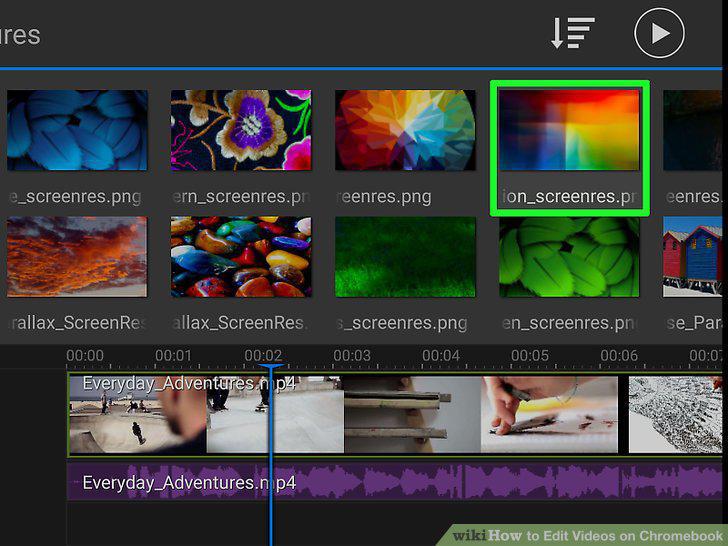
Click or tap an image.
Click or tap .
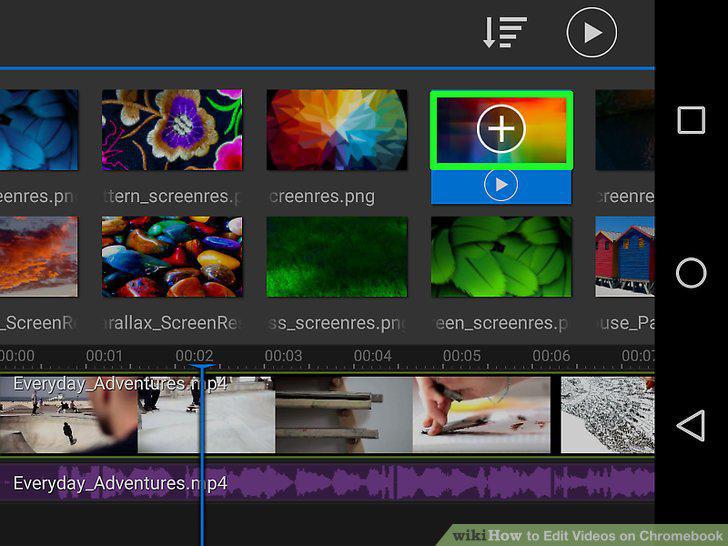
Click or tap .
Edit the image.
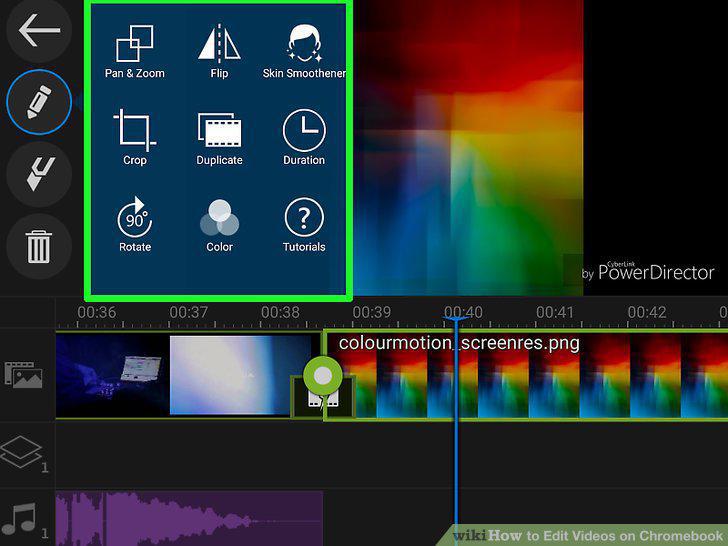
Edit the image.
Click or Tap the icon with the filmstrip and music notes.
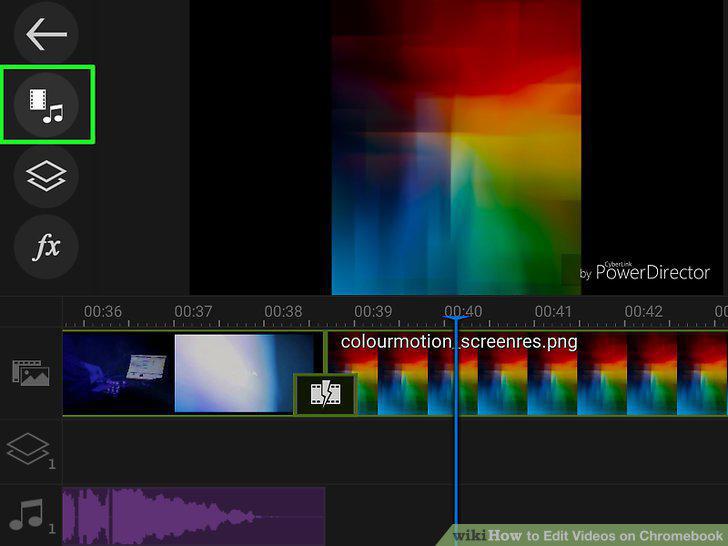
Click or Tap the icon with the filmstrip and music notes.
Click or tap the music icon.
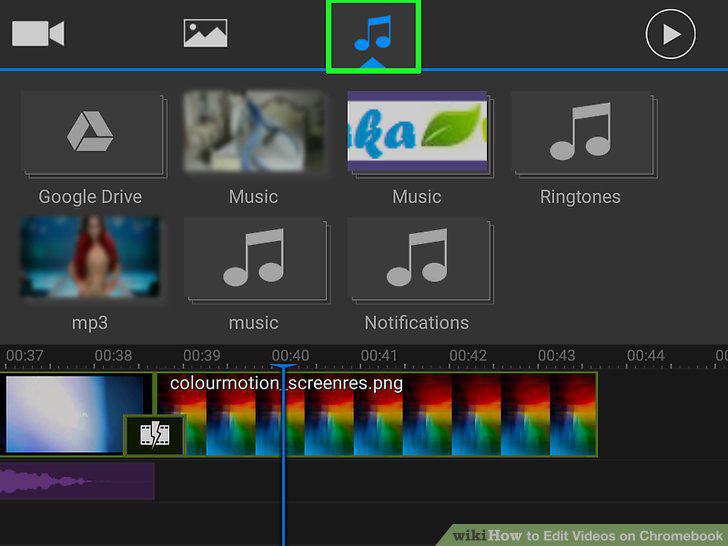
Click or tap the music icon.
Click or tap a sound folder.
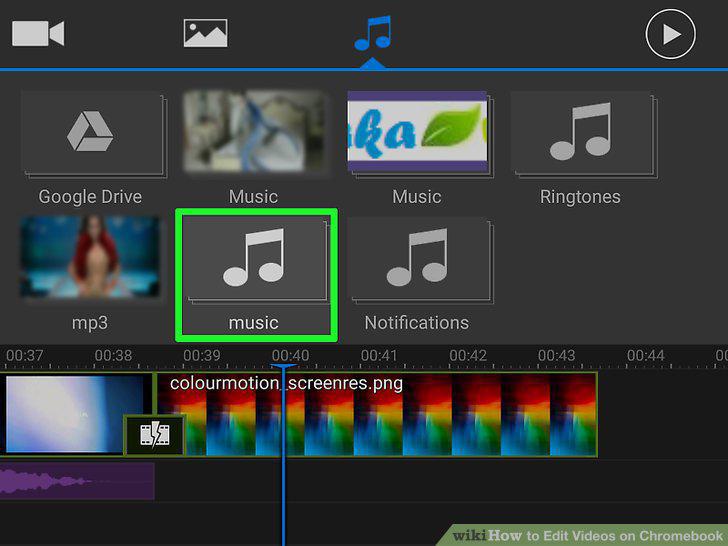
Click or tap a sound folder.
Click or tap a music track.
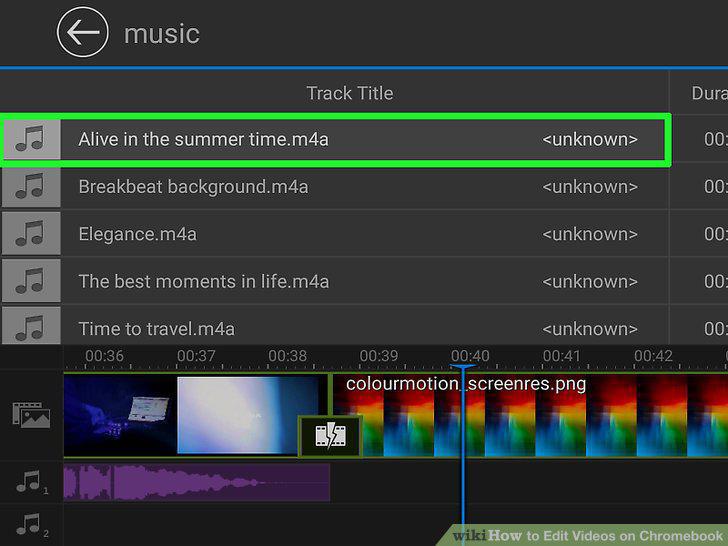
Click or tap a music track.
Click or tap .
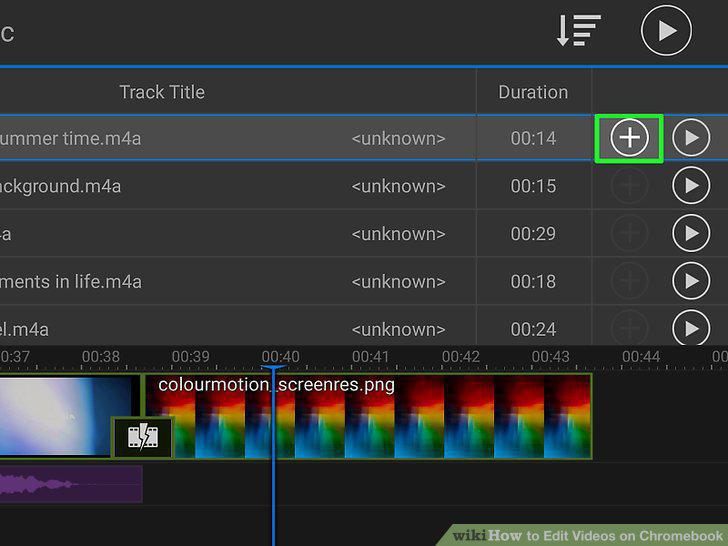
Click or tap .
Edit sound file.
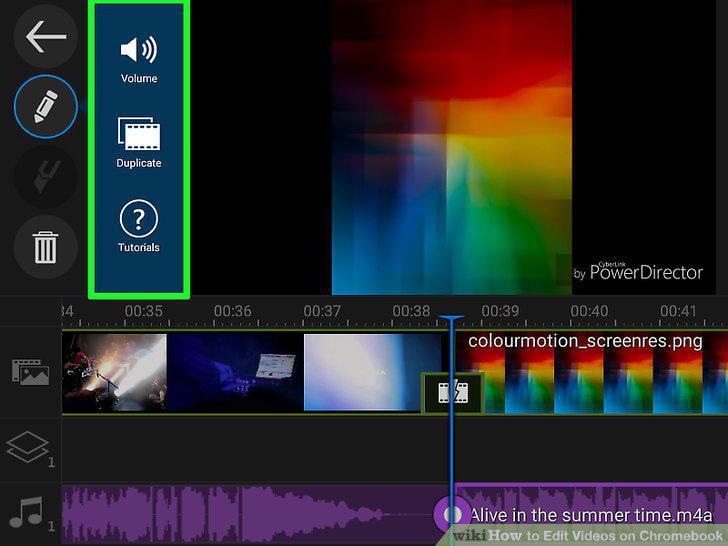
Edit sound file.
Click or tap the video file icon.
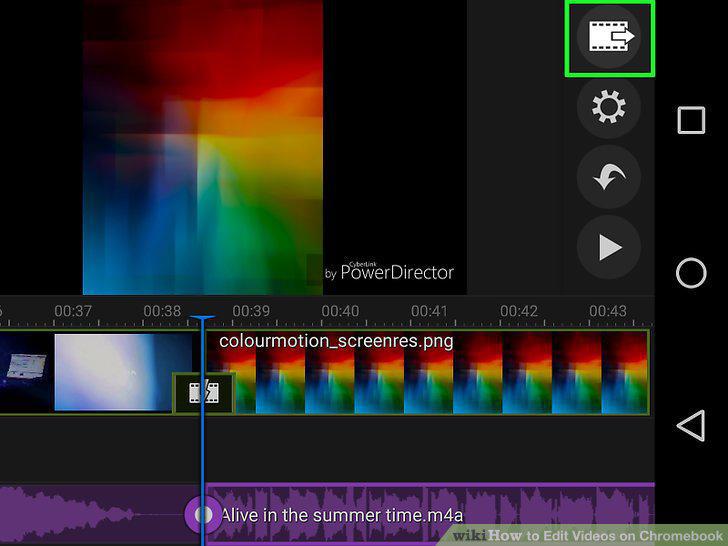
Click or tap the video file icon.
Click or tap Save Project.
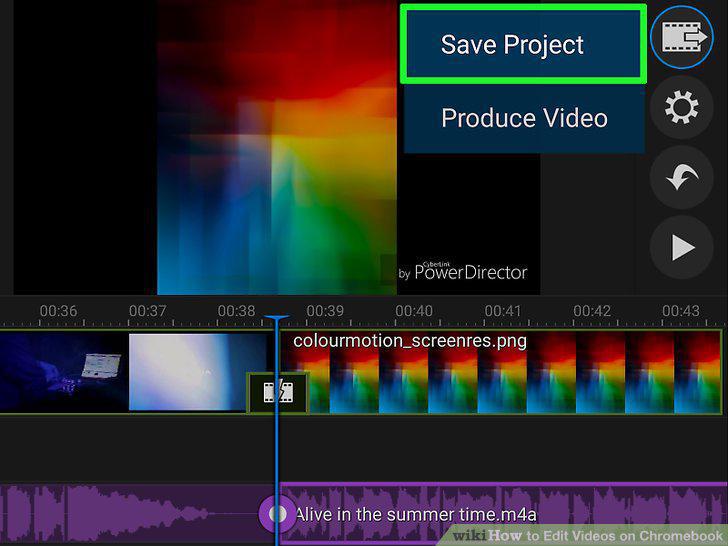
Click or tap Save Project.
Click or tap the video file icon.
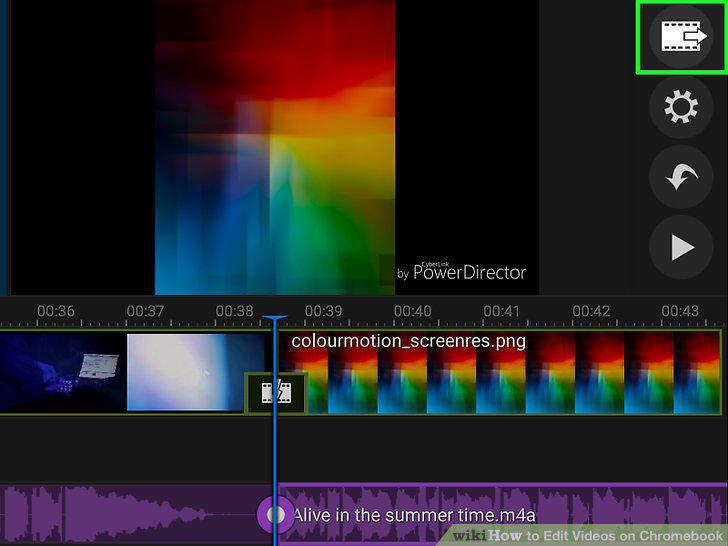
Click or tap the video file icon.
Click Produce Video.
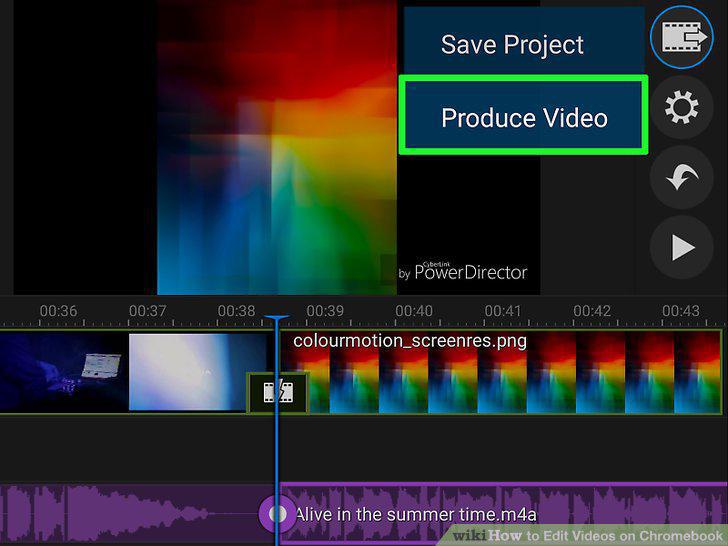
Click Produce Video.
Comments (0)
No comments yet. Be the first to share your thoughts!