How to Post Multiple Pictures on Reddit on Android
Download and install the Imgur app from the Play Store.. Open the Imgur app on your Android.. Tap the camera icon at the bottom.
Steps
1
Download and install the Imgur app from the Play Store.
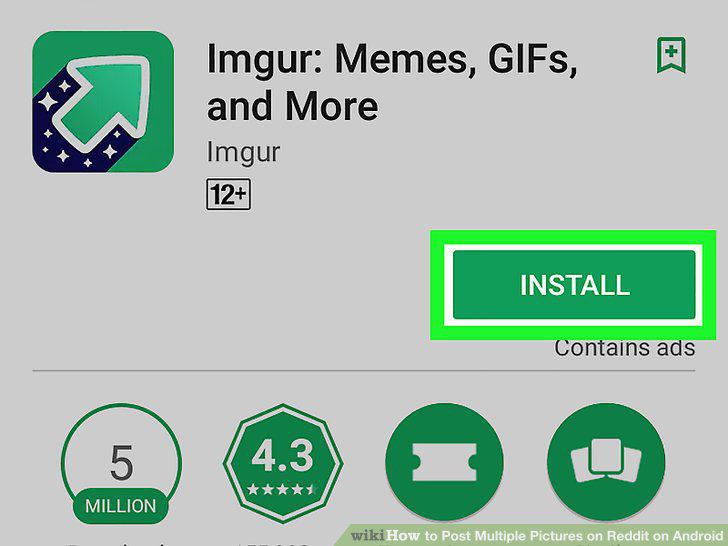
Download and install the Imgur app from the Play Store.
2
Open the Imgur app on your Android.
Open the Imgur app on your Android.
3
Tap the camera icon at the bottom.
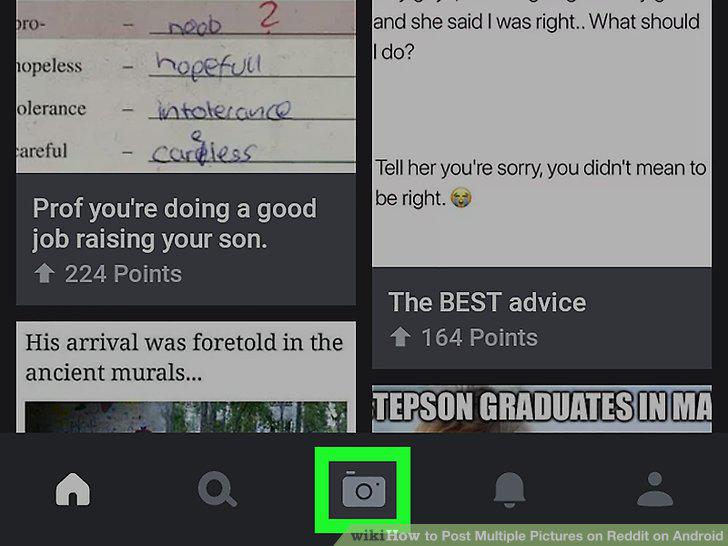
Tap the camera icon at the bottom.
4
Tap all the images you want to upload.
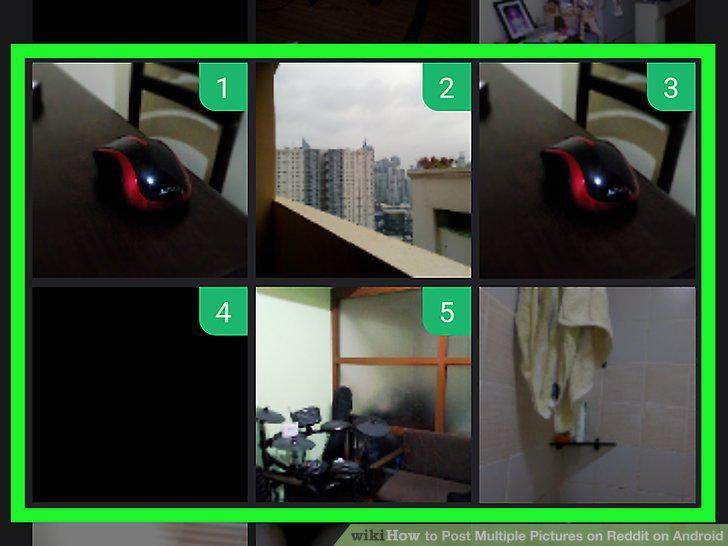
Tap all the images you want to upload.
5
Tap the Next button.
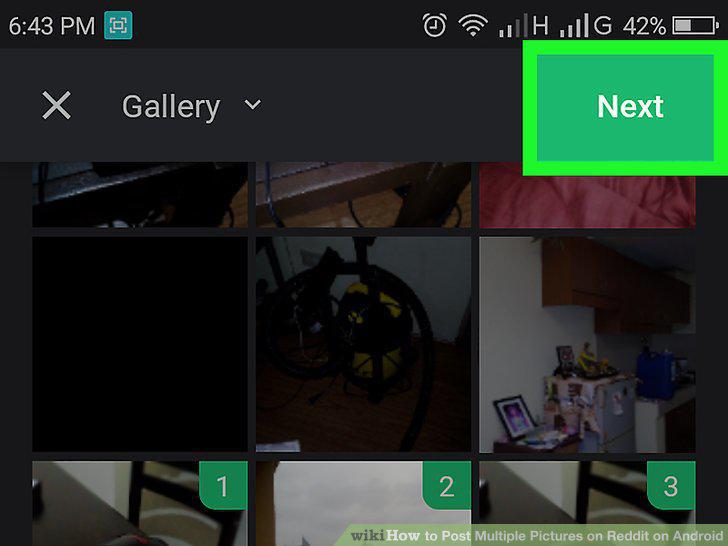
Tap the Next button.
6
Tap the green Upload button on the top-right.
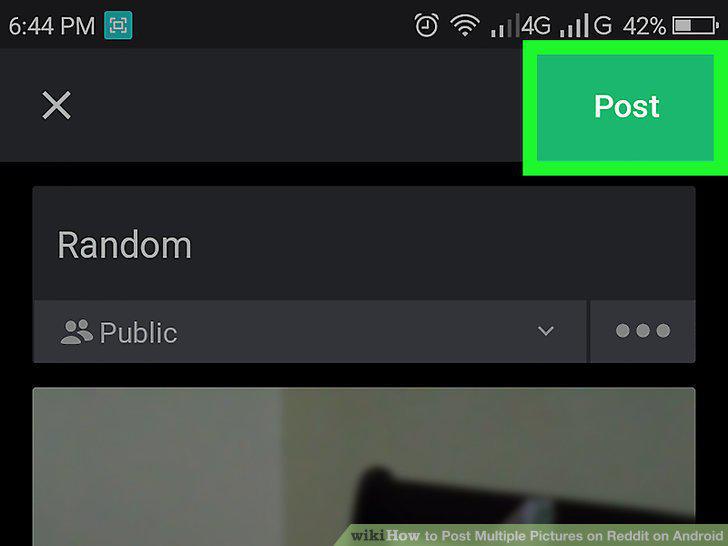
Tap the green Upload button on the top-right.
7
Tap the figurehead icon on the bottom-right.

Tap the figurehead icon on the bottom-right.
8
Tap the album you want to share.
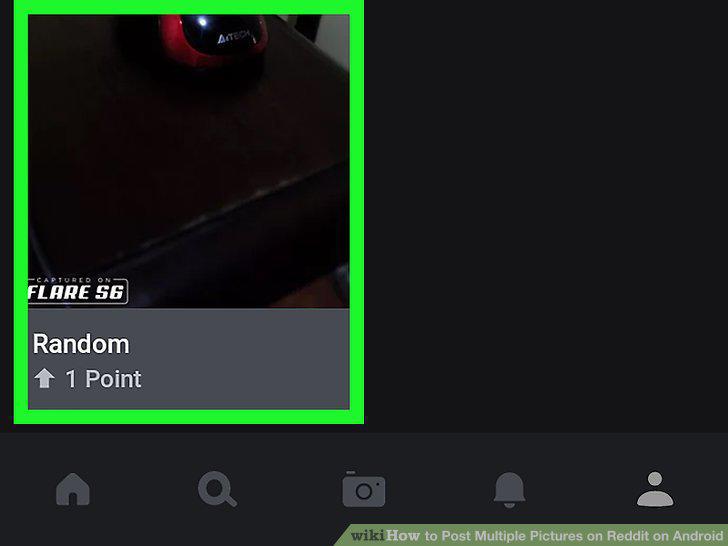
Tap the album you want to share.
9
Tap the icon.
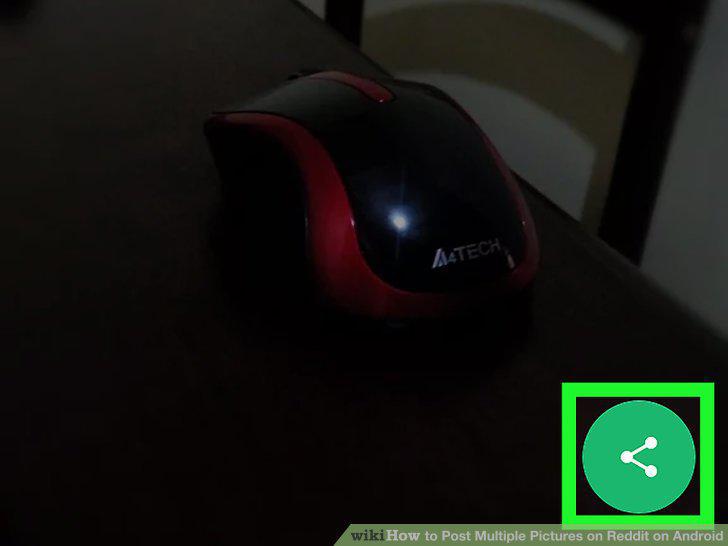
Tap the icon.
10
Tap Copy to clipboard on the Share menu.
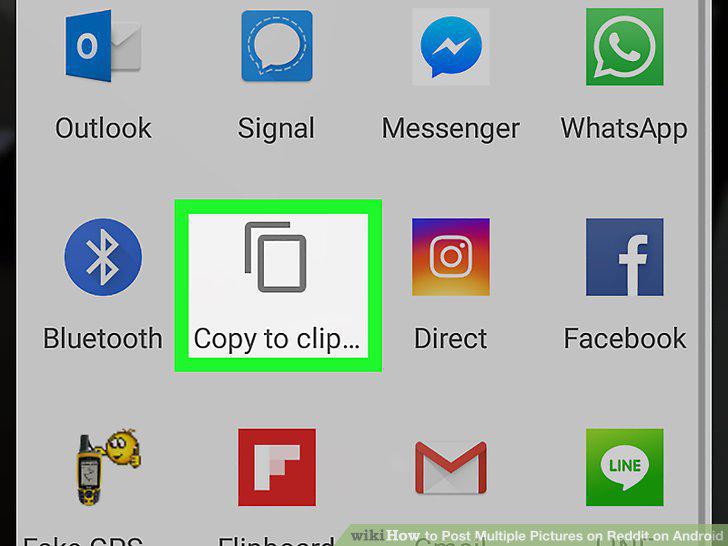
Tap Copy to clipboard on the Share menu.
11
Open Reddit on your Android.
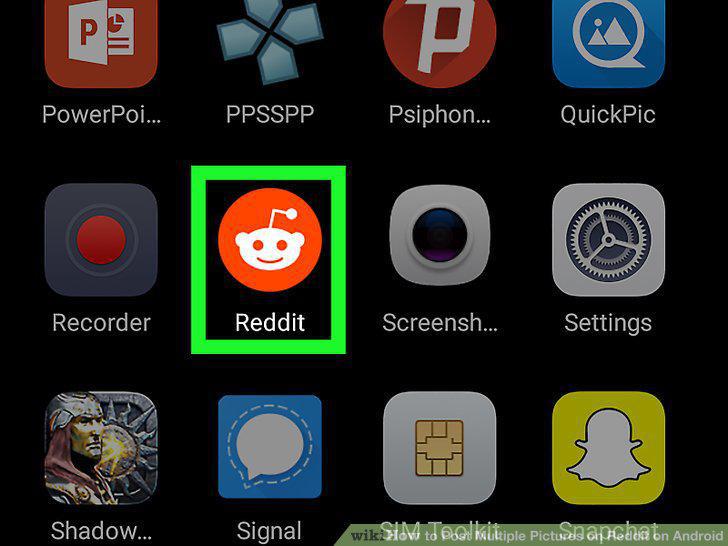
Open Reddit on your Android.
12
Tap the icon.
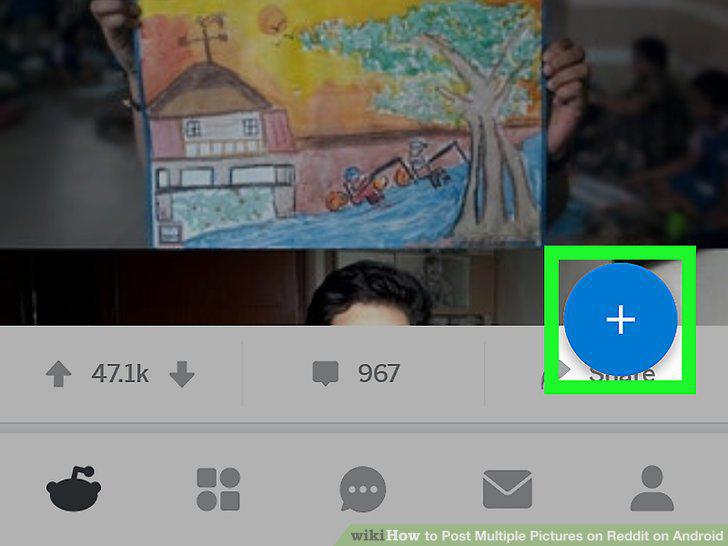
Tap the icon.
13
Tap Post a link.
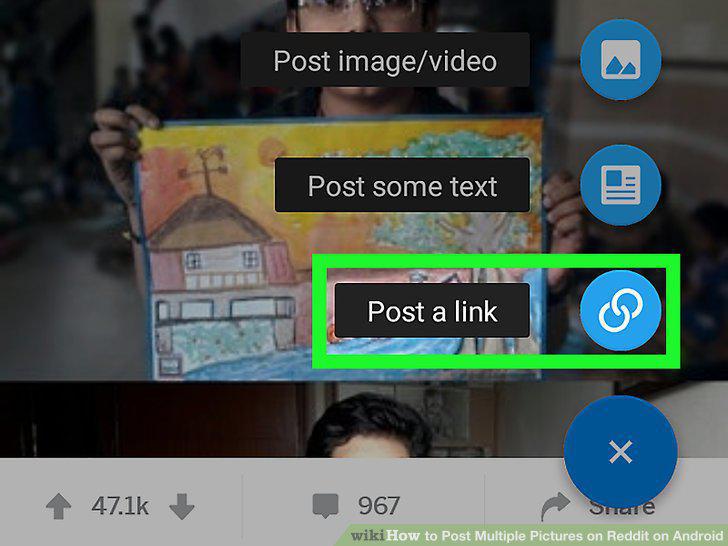
Tap Post a link.
14
Select a subreddit to make your post.

Select a subreddit to make your post.
15
Add a title to your post.
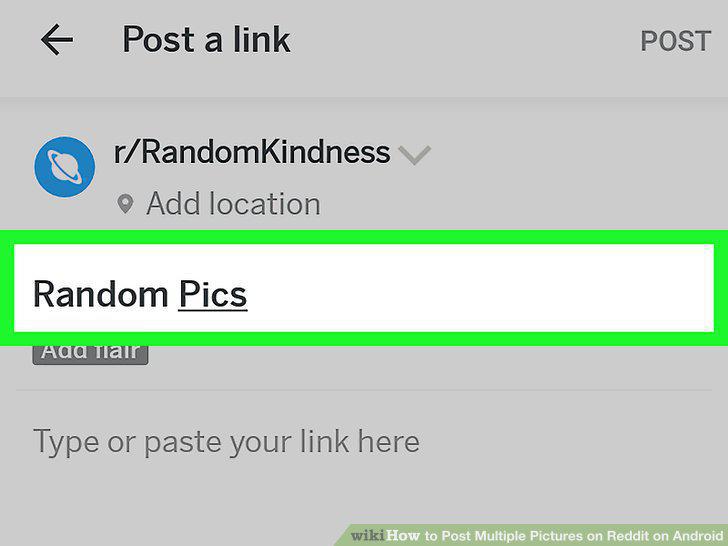
Add a title to your post.
16
Paste the album link into the post.
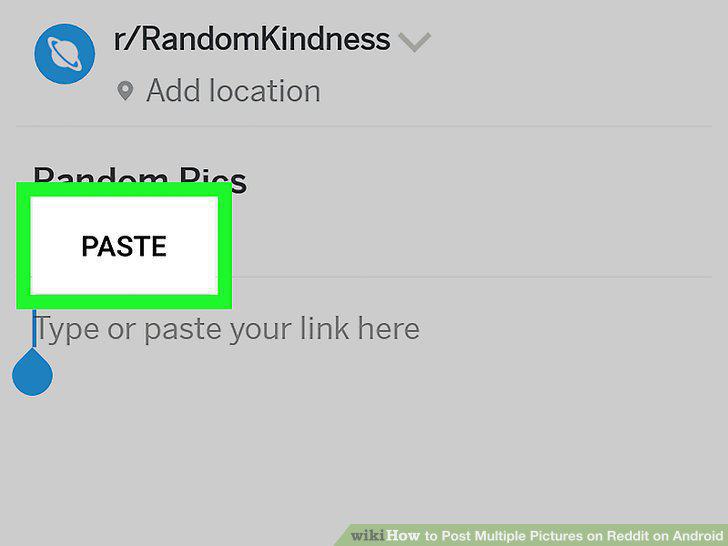
Paste the album link into the post.
17
Tap the POST button.

Tap the POST button.
Comments (0)
No comments yet. Be the first to share your thoughts!