How to Install Bootstrap
Open the Bootstrap website in your internet browser.. Click the Download button.. Click the Download button below "Compiled CSS and JS.
Steps
1
Open the Bootstrap website in your internet browser.
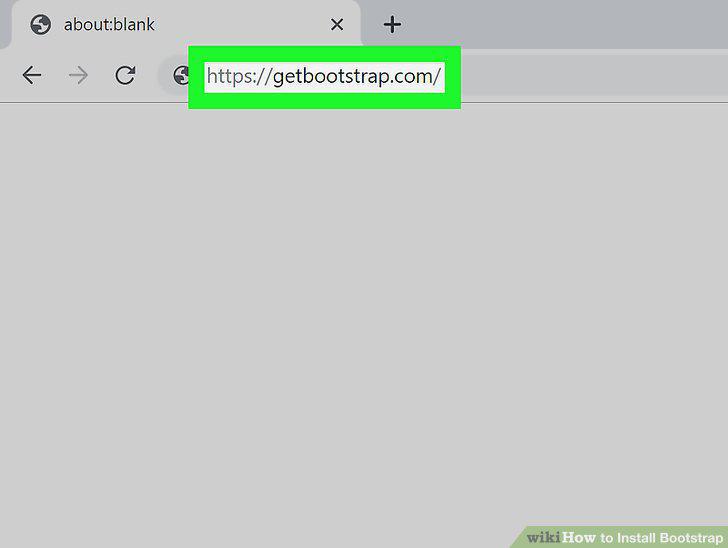
Open the Bootstrap website in your internet browser.
2
Click the Download button.
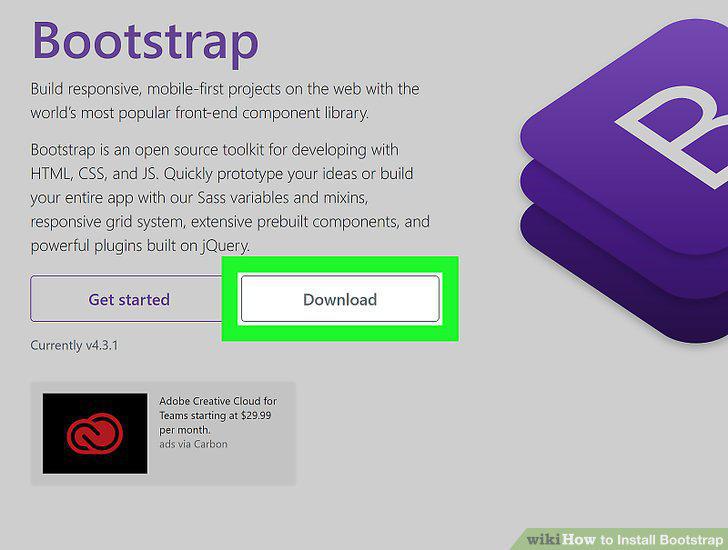
Click the Download button.
3
Click the Download button below "Compiled CSS and JS.
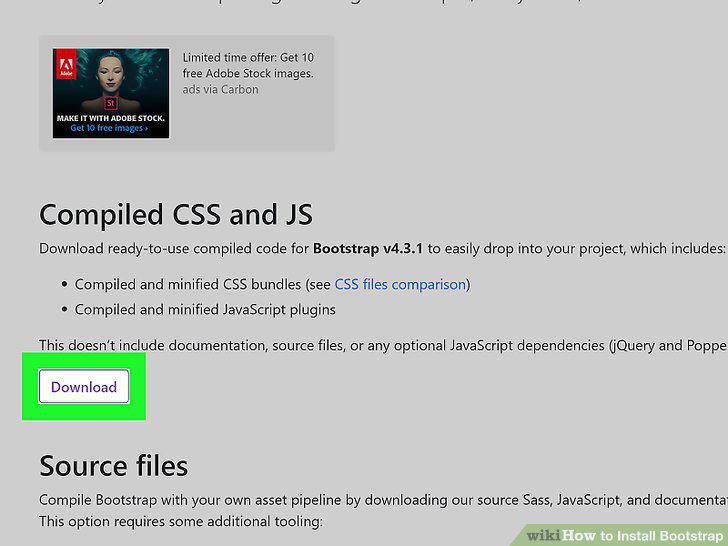
Click the Download button below "Compiled CSS and JS.
4
Extract the files from the ZIP archive.
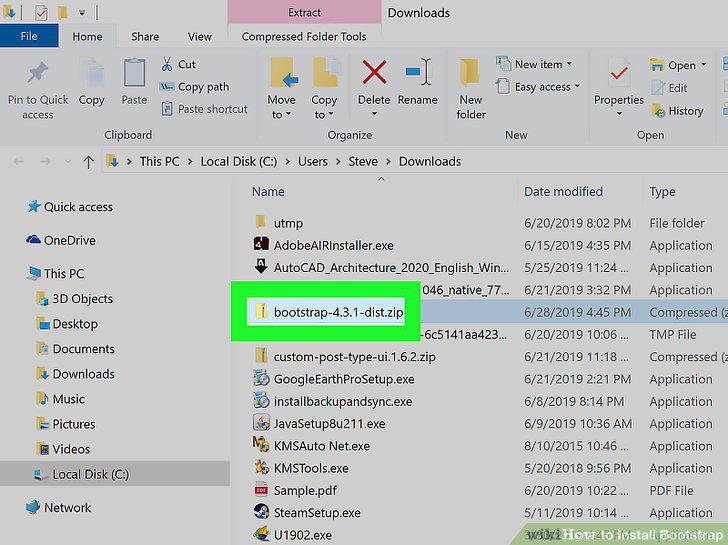
Extract the files from the ZIP archive.
5
Move the extracted folders to the same folder as your website HTML files.
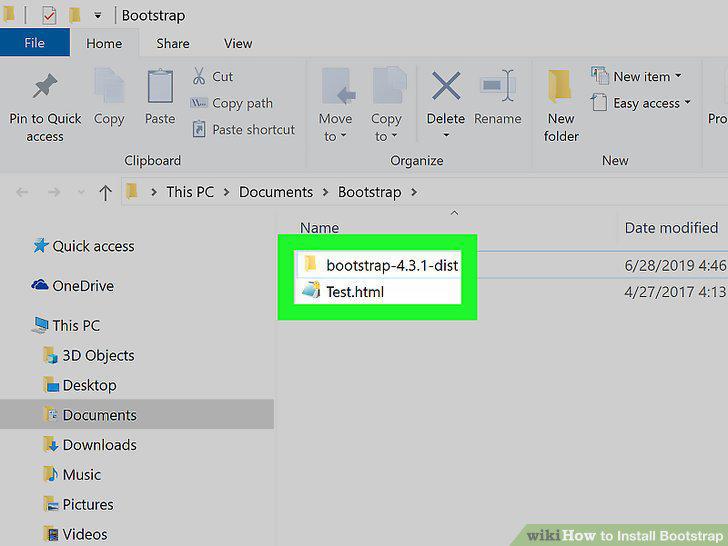
Move the extracted folders to the same folder as your website HTML files.
6
Right-click the HTML file you want to use with Bootstrap.
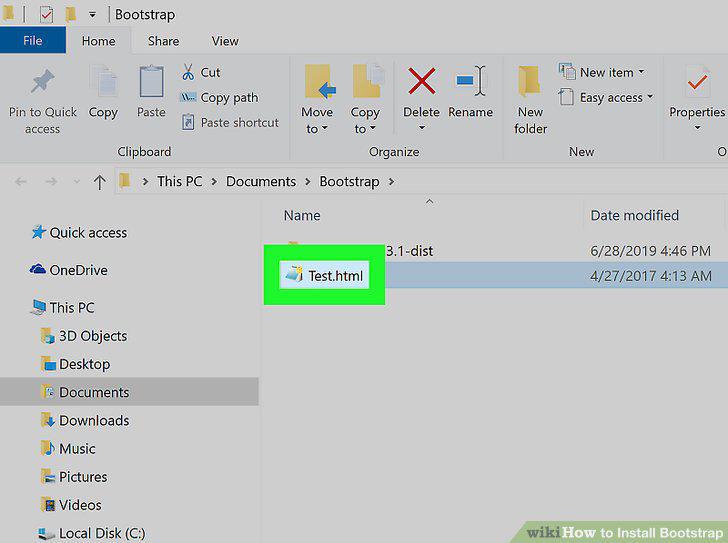
Right-click the HTML file you want to use with Bootstrap.
7
Hover over Open with on the right-click menu.
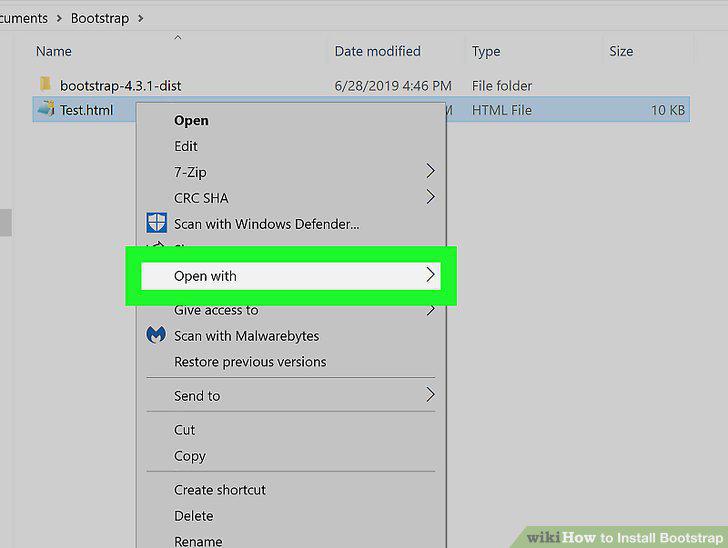
Hover over Open with on the right-click menu.
8
Select your text editor program.
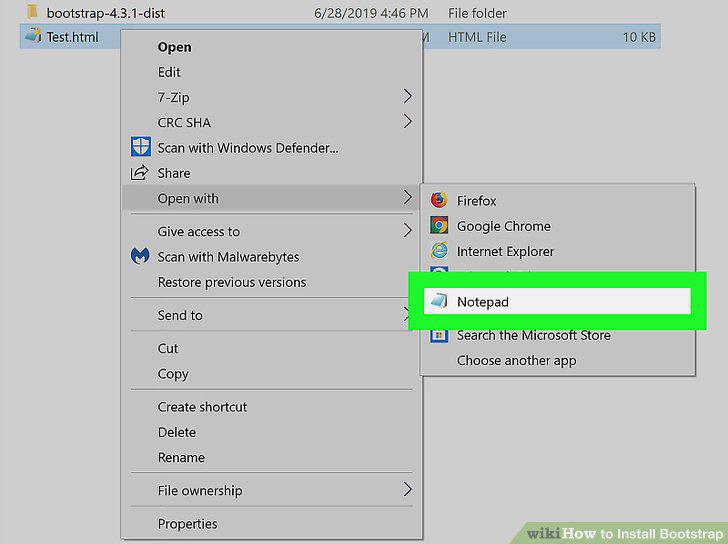
Select your text editor program.
9
Add the Bootstrap links to your HTML file's header.
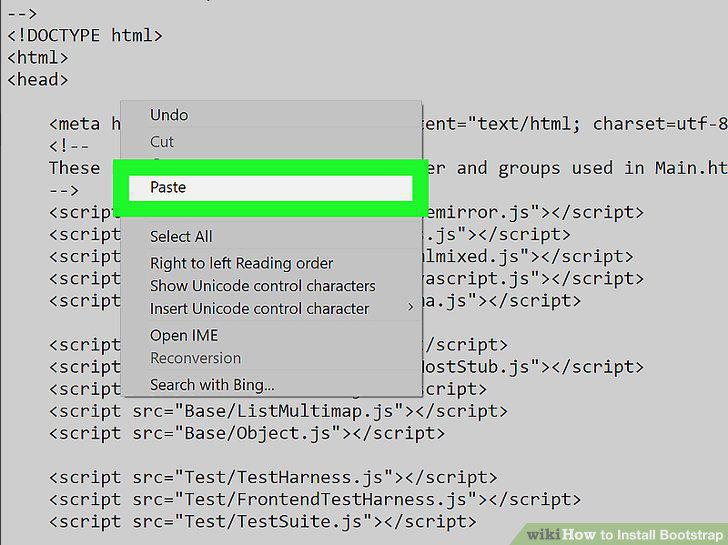
Add the Bootstrap links to your HTML file's header.
10
Check the placement of your Bootstrap links in the code.
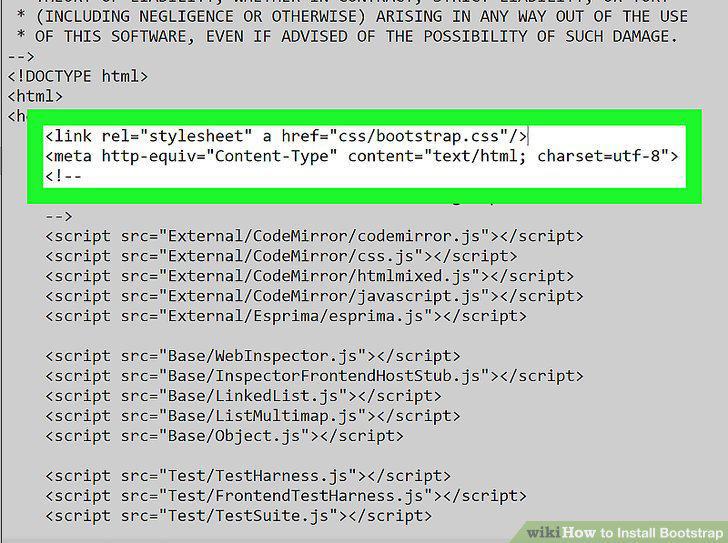
Check the placement of your Bootstrap links in the code.
Comments (0)
No comments yet. Be the first to share your thoughts!