How to Retrieve Deleted Memories on Snapchat
Go to the Recoverit download page and click the Windows or macOS Try it Free button.. Connect your Android to your computer via USB cable.. Open Recoverit (if it does not open automatically).
Steps
1
Go to the Recoverit download page and click the Windows or macOS Try it Free but
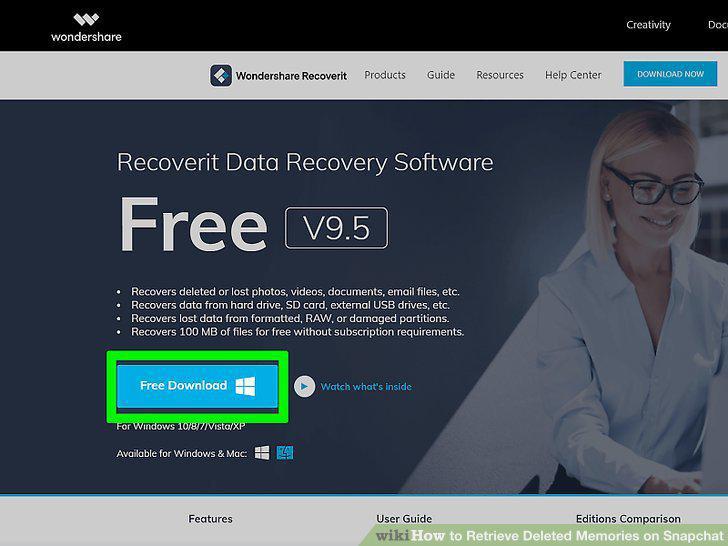
Go to the Recoverit download page and click the Windows or macOS Try it Free button.
2
Connect your Android to your computer via USB cable.
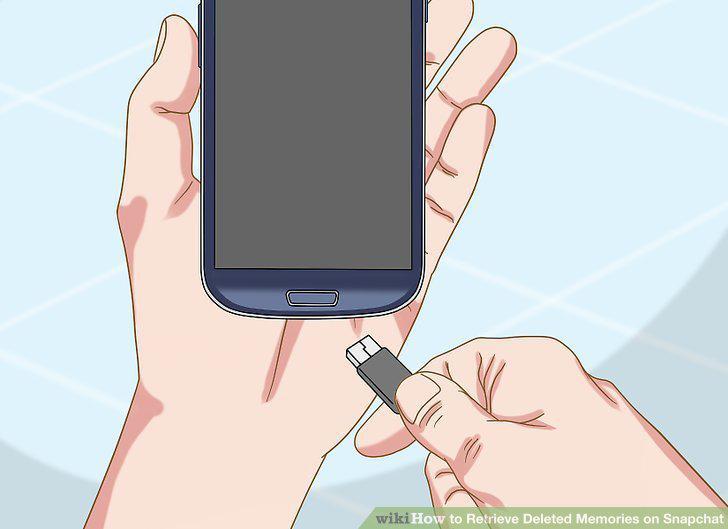
Connect your Android to your computer via USB cable.
3
Open Recoverit (if it does not open automatically).
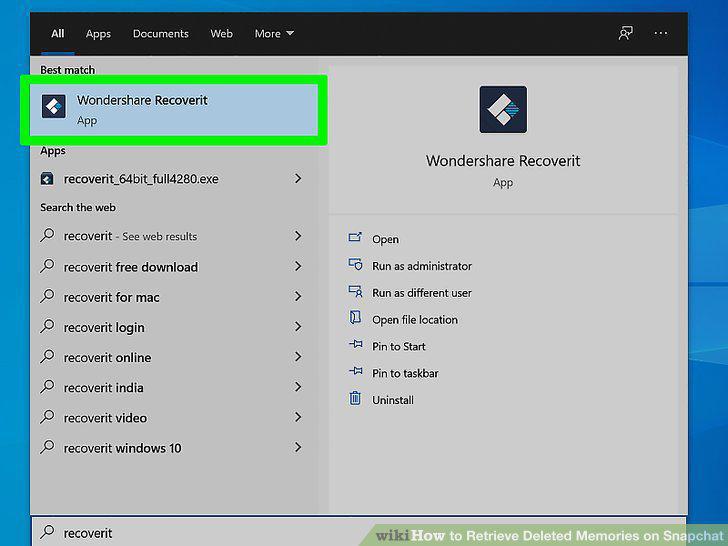
Open Recoverit (if it does not open automatically).
4
Click your Android from the list of "External Devices.
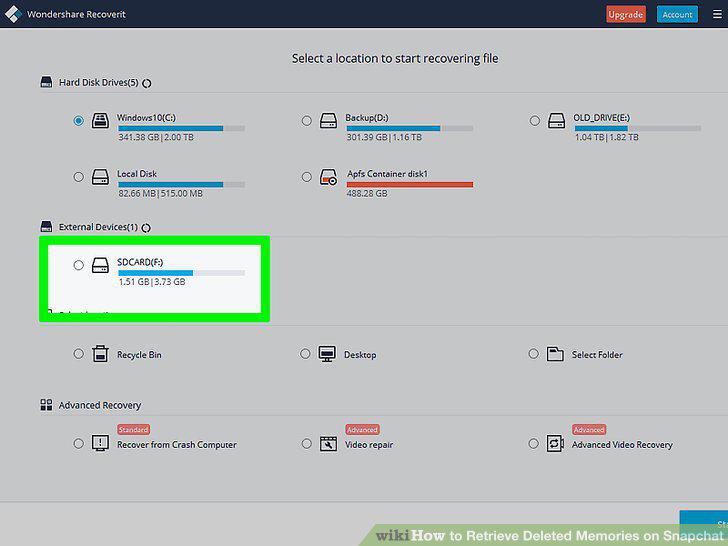
Click your Android from the list of "External Devices.
5
Look for your Snapchat Memories.
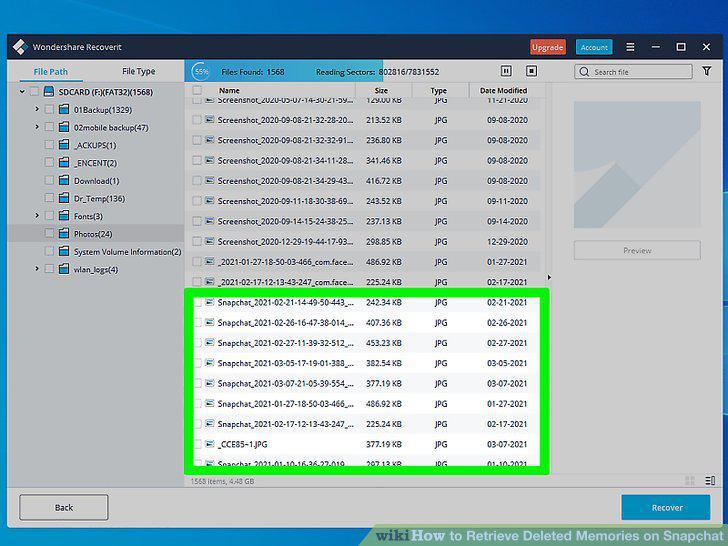
Look for your Snapchat Memories.
6
Click Recover.
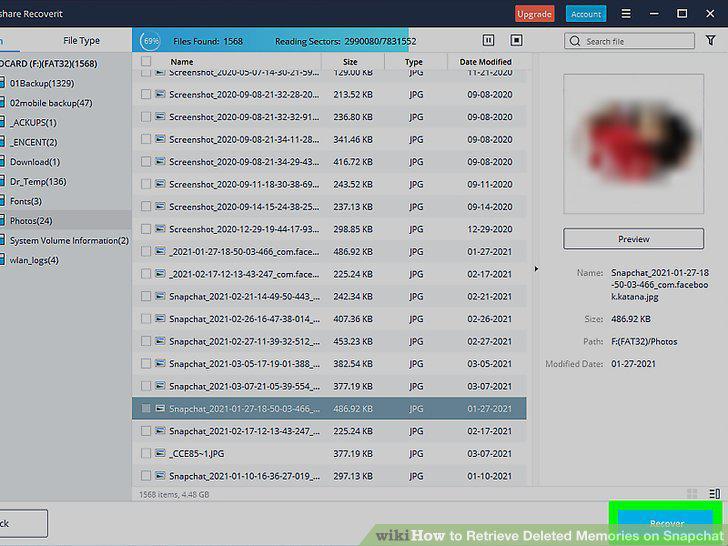
Click Recover.
Comments (0)
No comments yet. Be the first to share your thoughts!