How to Change the Notification Sound on iPhone
Open your iPhone's Settings .. Scroll down and tap Sounds.. Scroll down to the "SOUNDS AND VIBRATION PATTERNS" section.
Steps
1
Open your iPhone's Settings .
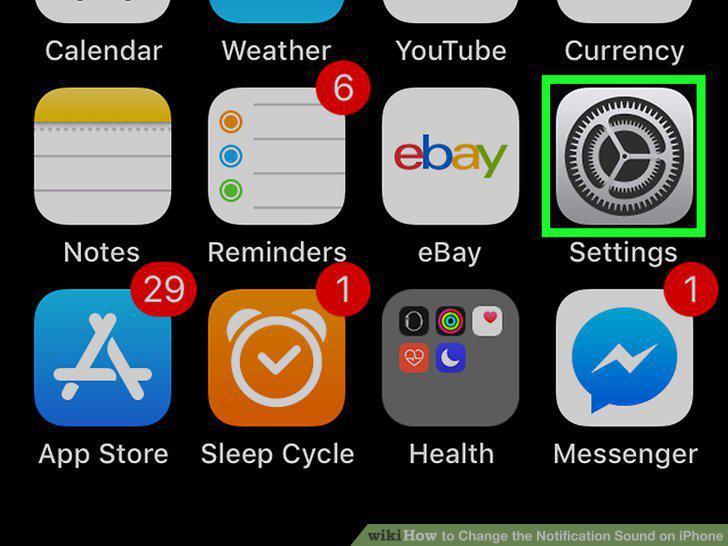
Open your iPhone's Settings .
2
Scroll down and tap Sounds.
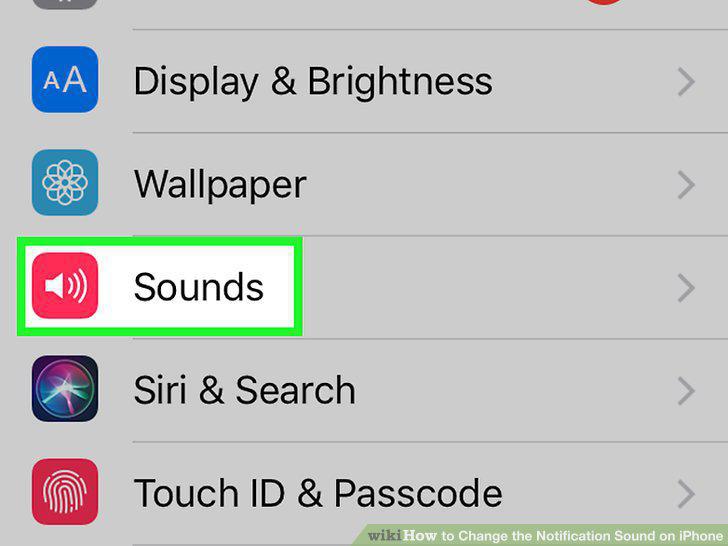
Scroll down and tap Sounds.
3
Scroll down to the "SOUNDS AND VIBRATION PATTERNS" section.
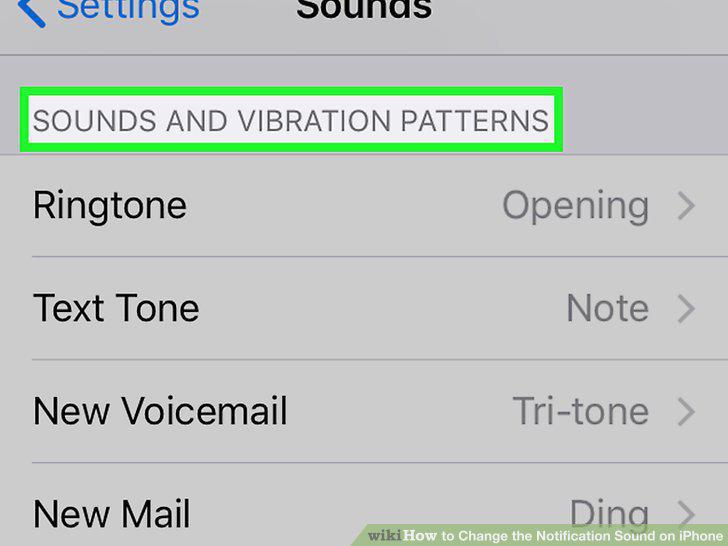
Scroll down to the "SOUNDS AND VIBRATION PATTERNS" section.
4
Tap the notification type you want to change.
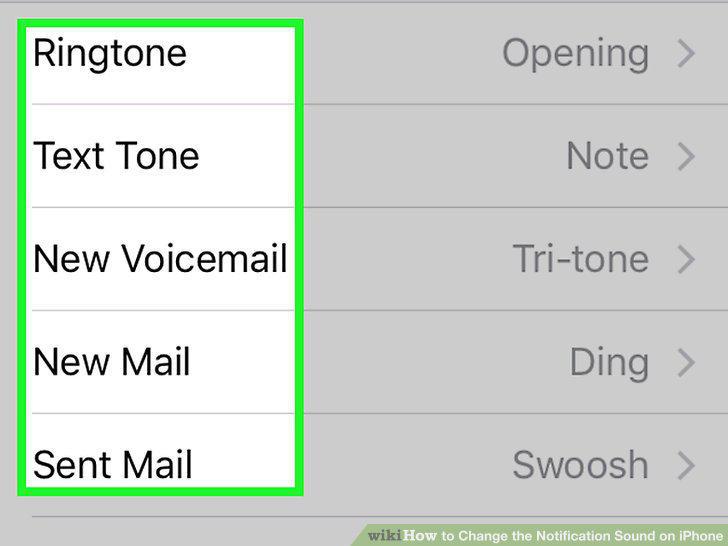
Tap the notification type you want to change.
5
Select a tone from the "ALERT TONES" section.
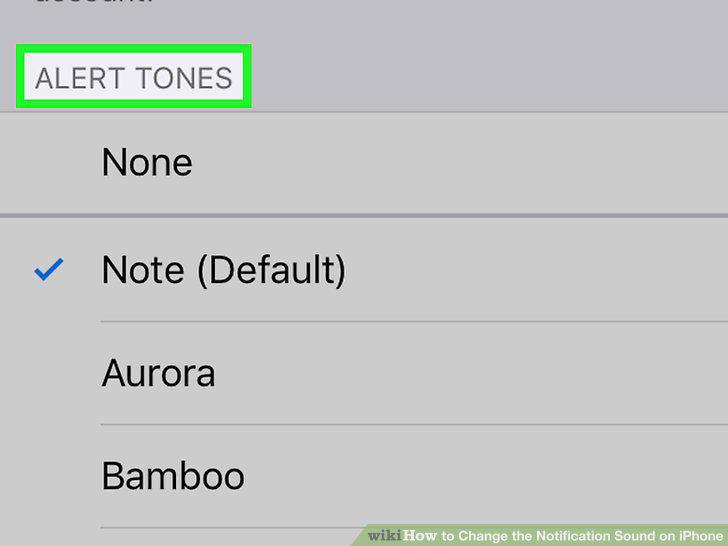
Select a tone from the "ALERT TONES" section.
Comments (0)
No comments yet. Be the first to share your thoughts!