How to Connect an iPad to Bluetooth Devices
Open your iPad's Settings.. Tap Bluetooth.. Tap the grey "Bluetooth" switch .
Steps
1
Open your iPad's Settings.
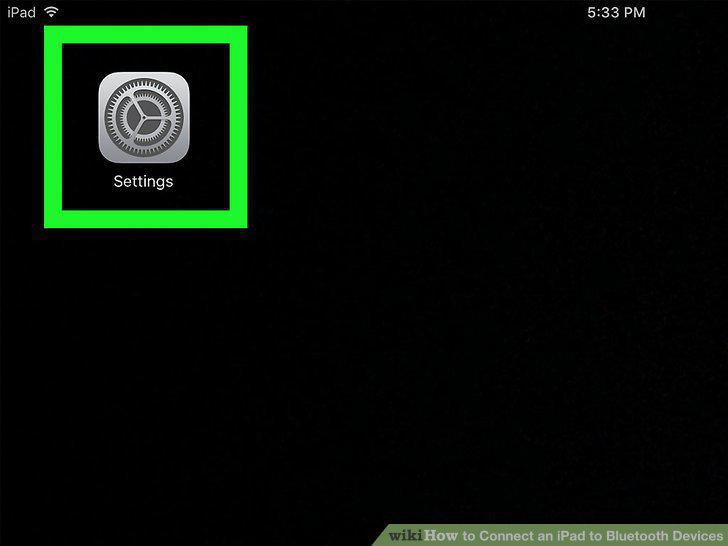
Open your iPad's Settings.
2
Tap Bluetooth.
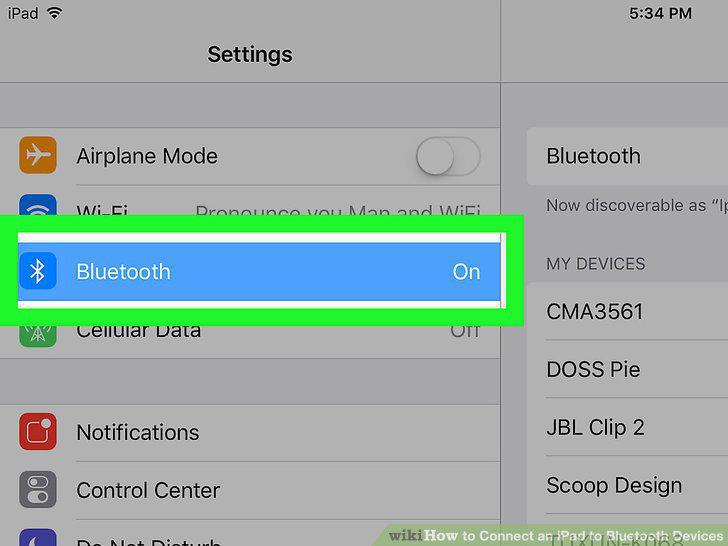
Tap Bluetooth.
3
Tap the grey "Bluetooth" switch .
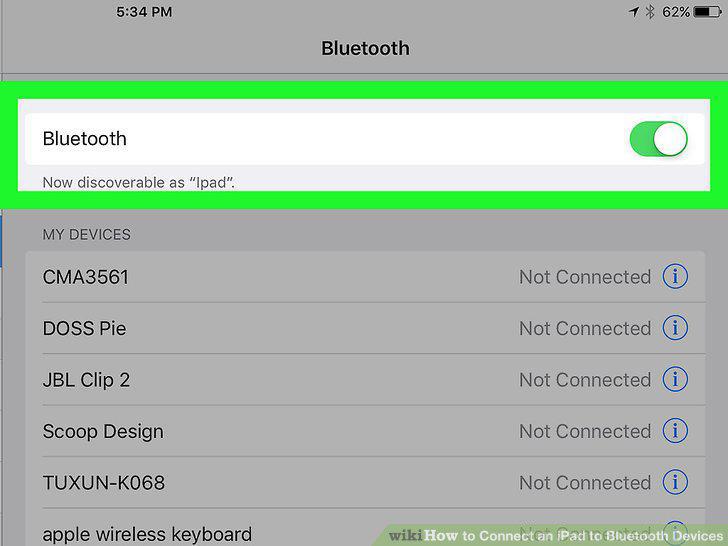
Tap the grey "Bluetooth" switch .
4
Turn on your Bluetooth item.
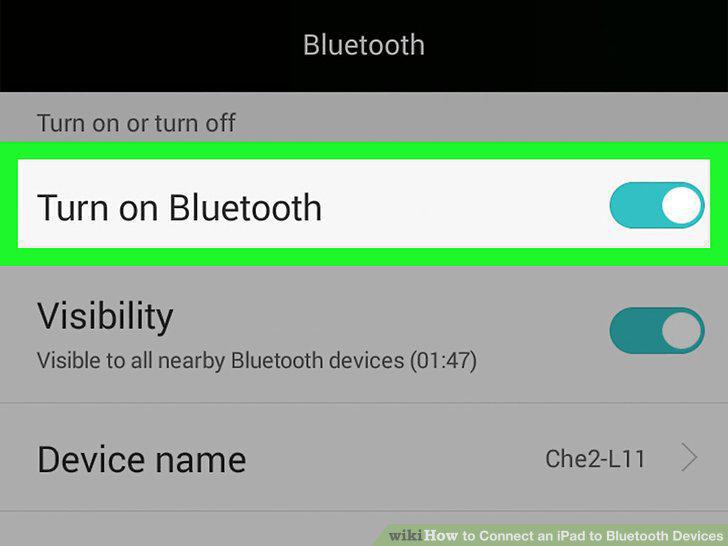
Turn on your Bluetooth item.
5
Press the Bluetooth item's "Pairing" button.
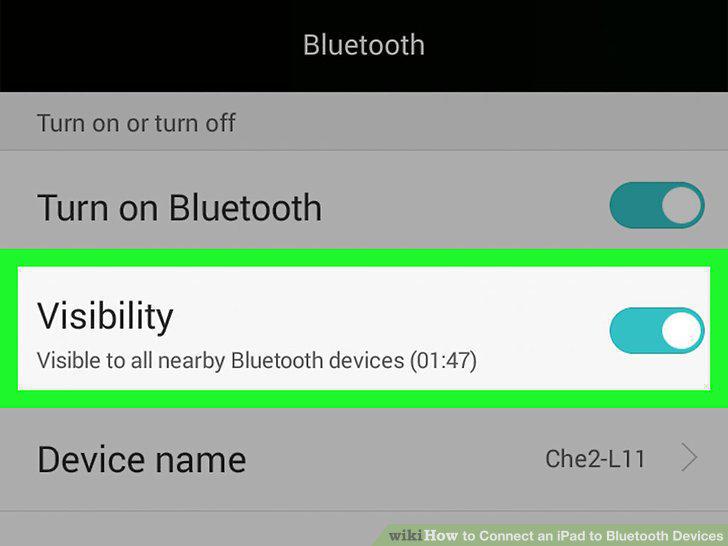
Press the Bluetooth item's "Pairing" button.
6
Wait for the Bluetooth item's name to appear.
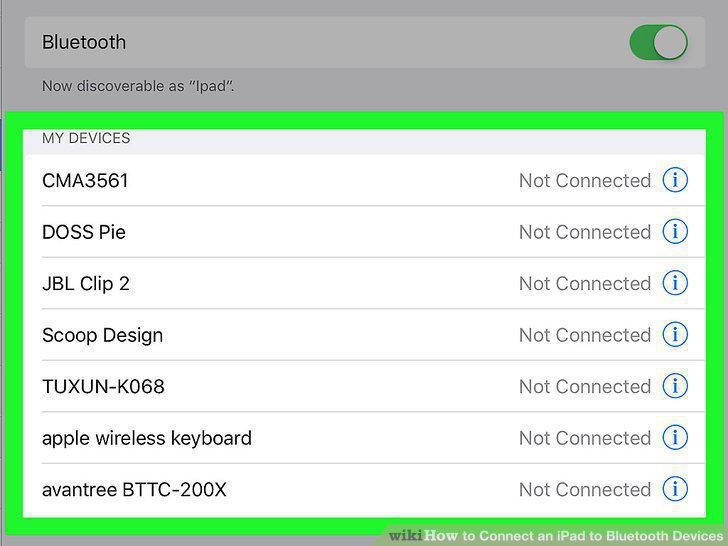
Wait for the Bluetooth item's name to appear.
7
Select your Bluetooth item's name.
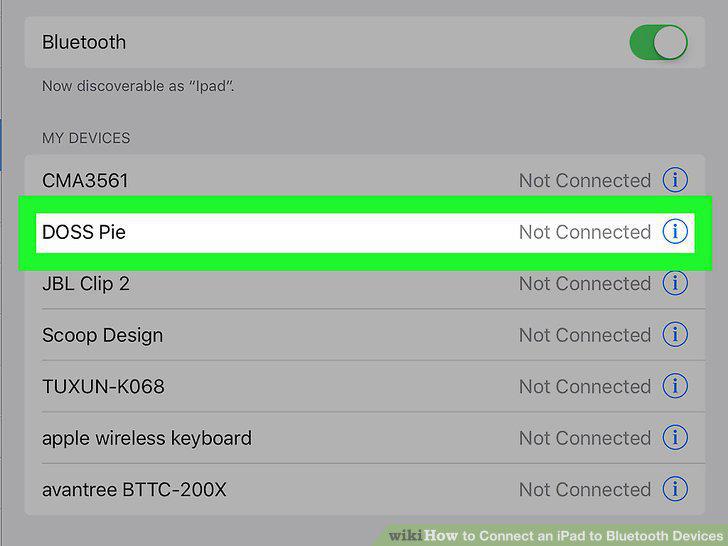
Select your Bluetooth item's name.
8
Wait for the pairing process to complete.
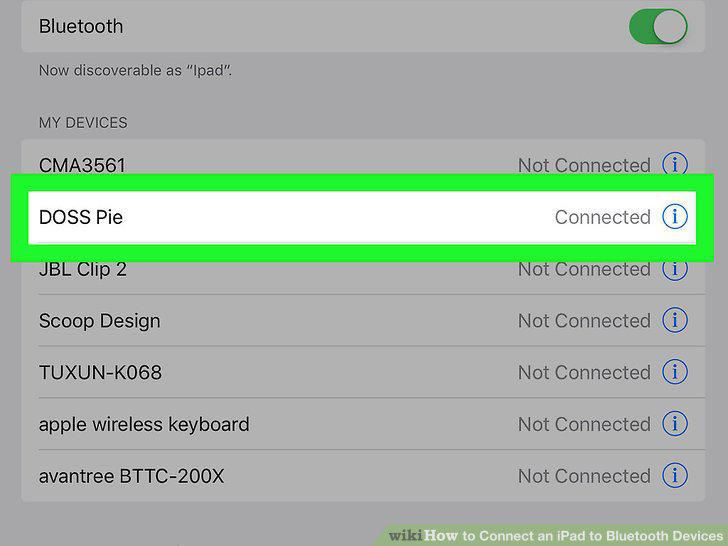
Wait for the pairing process to complete.
9
Understand your iPad's limitations.
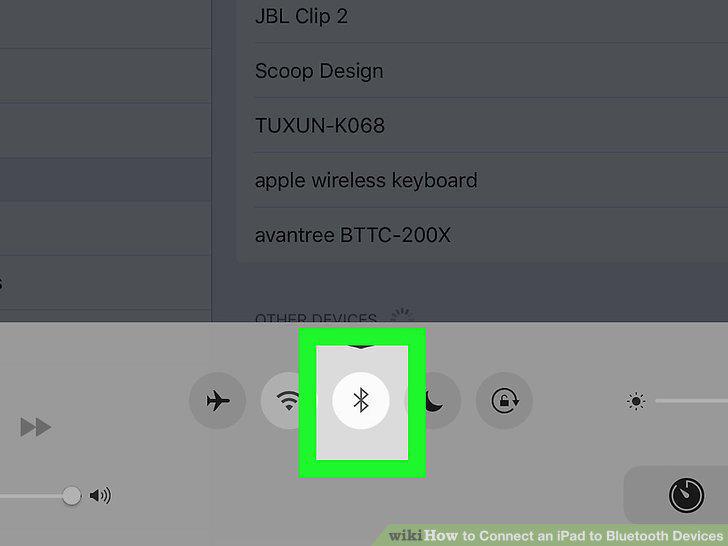
Understand your iPad's limitations.
10
Read the Bluetooth item's manual.
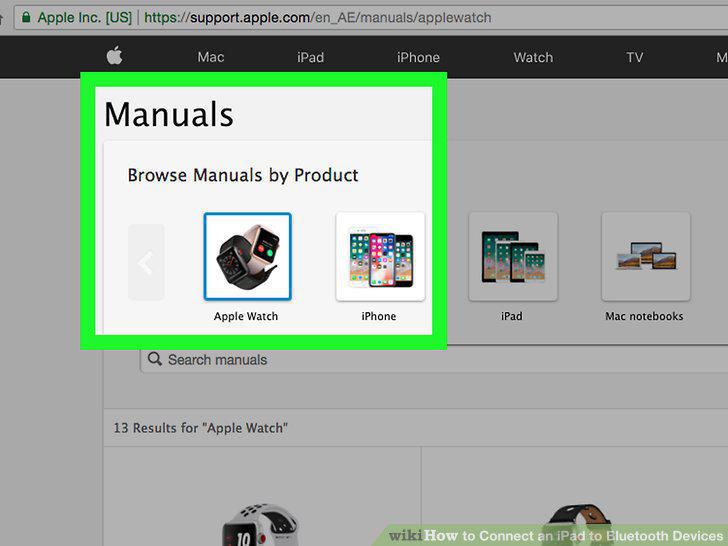
Read the Bluetooth item's manual.
11
Ensure that you are within range.
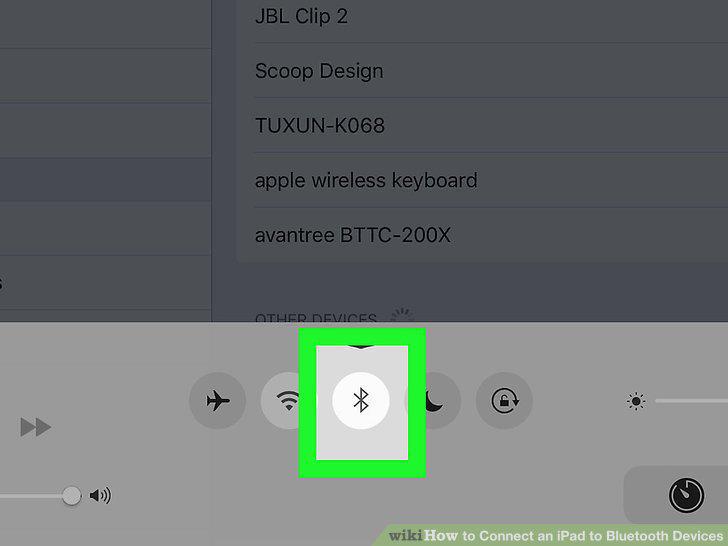
Ensure that you are within range.
12
Connect your iPad to its charger while pairing.
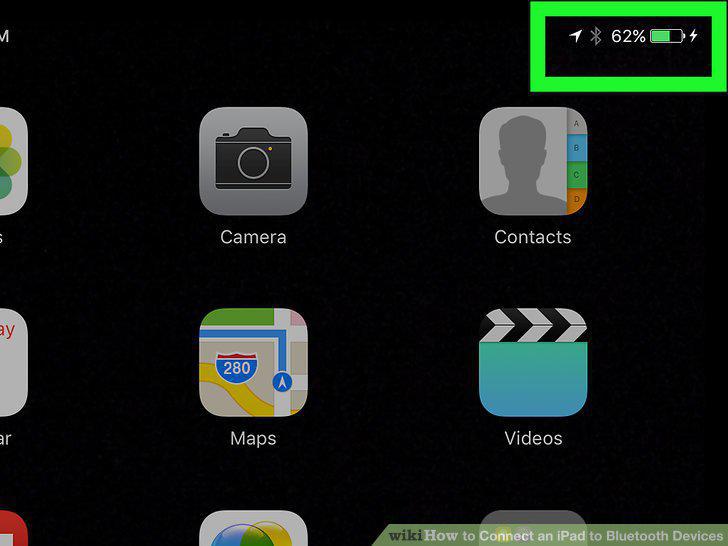
Connect your iPad to its charger while pairing.
13
Restart your iPad
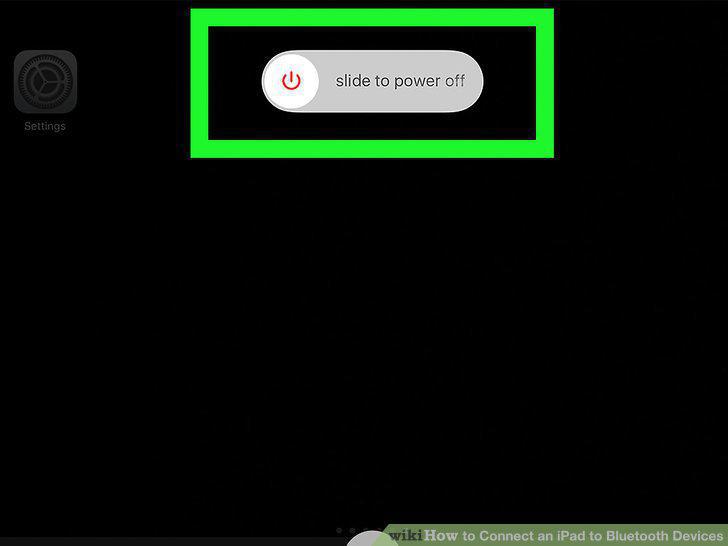
Restart your iPad
14
Re-pair the item.
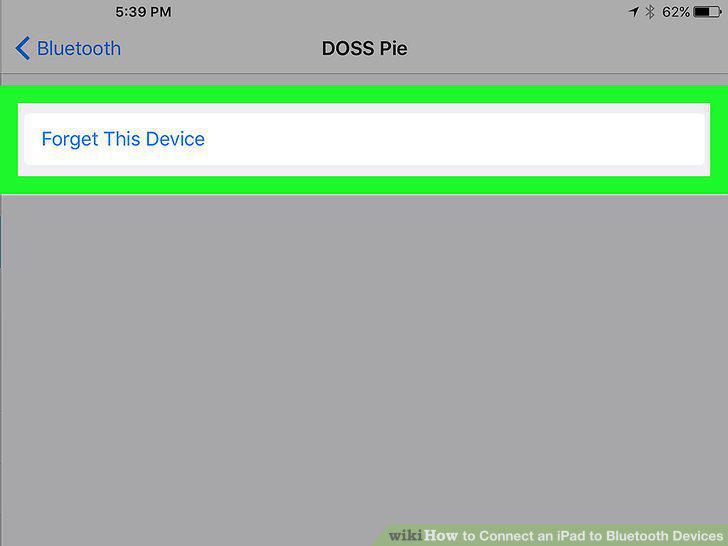
Re-pair the item.
15
Update your iPad's software
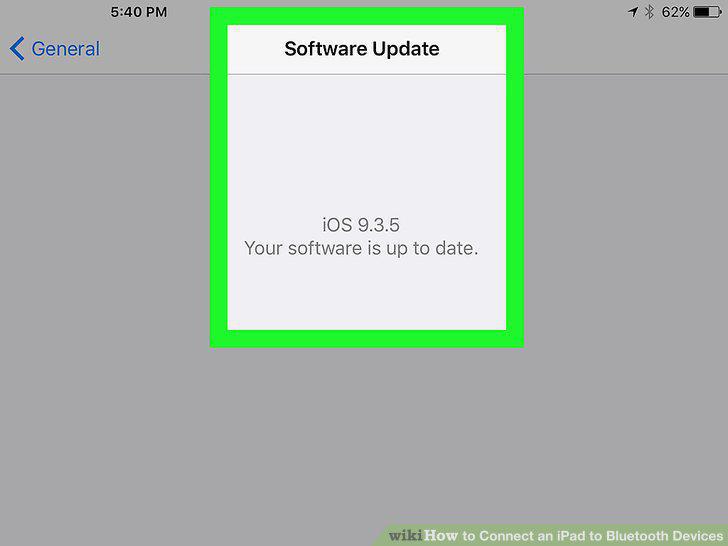
Update your iPad's software
Comments (0)
No comments yet. Be the first to share your thoughts!