How to Search Messages on WhatsApp
Tap the WhatsApp app on your Home screen.. Tap Chats.. Swipe down.
Steps
1
Tap the WhatsApp app on your Home screen.
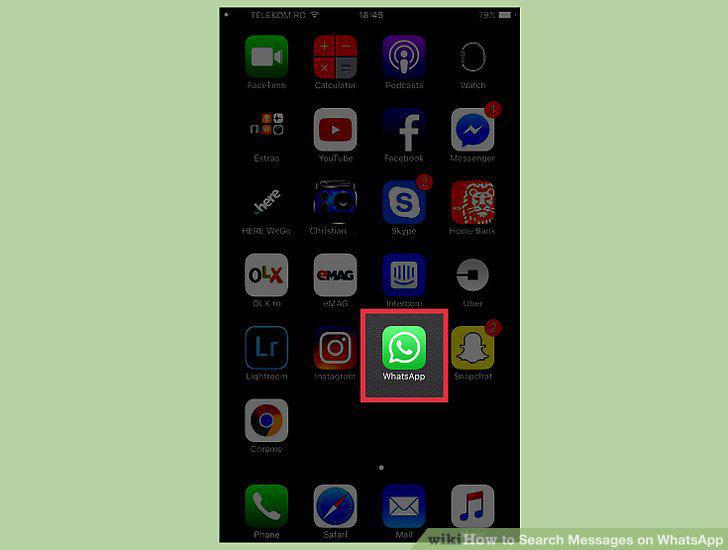
Tap the WhatsApp app on your Home screen.
2
Tap Chats.
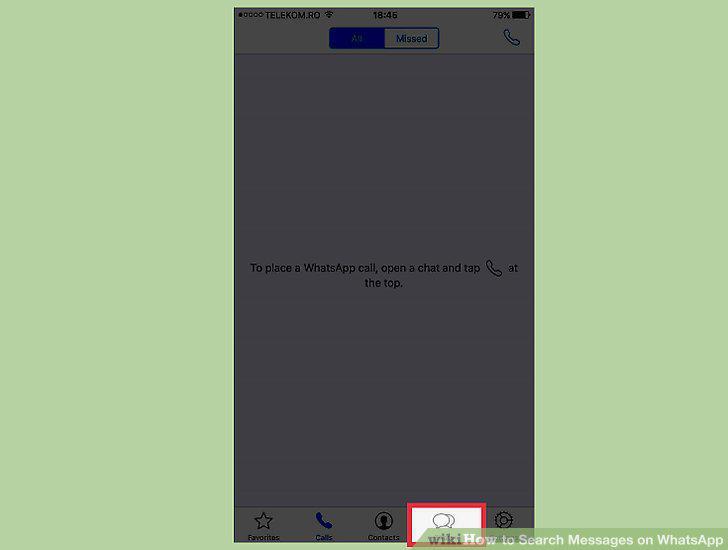
Tap Chats.
3
Swipe down.
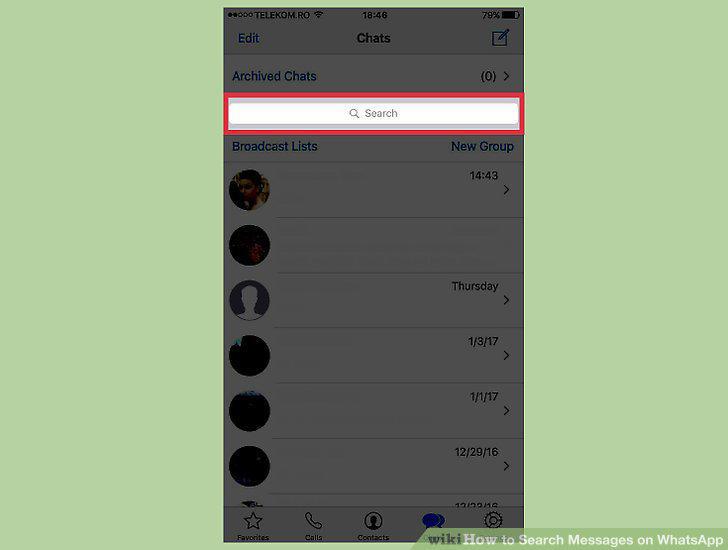
Swipe down.
4
Tap the Search bar.
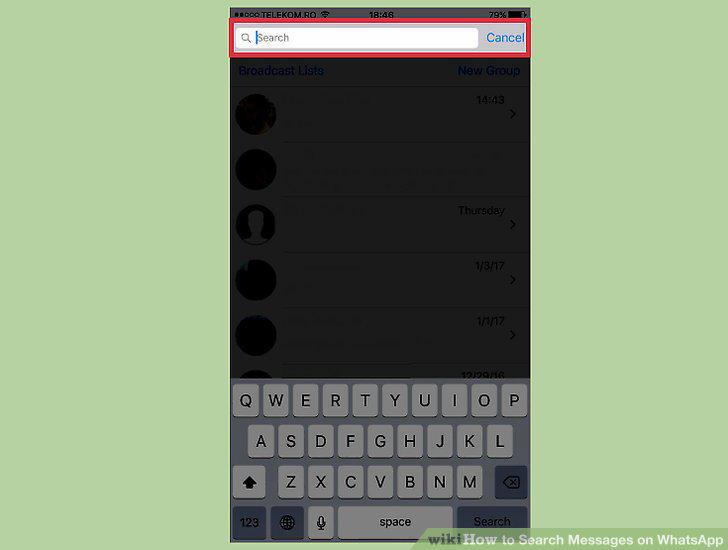
Tap the Search bar.
5
Type a search term.
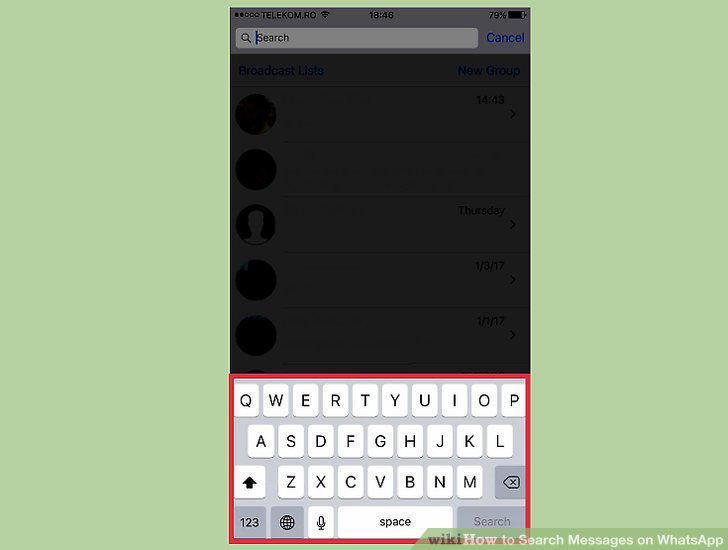
Type a search term.
6
Tap a conversation from the search results.
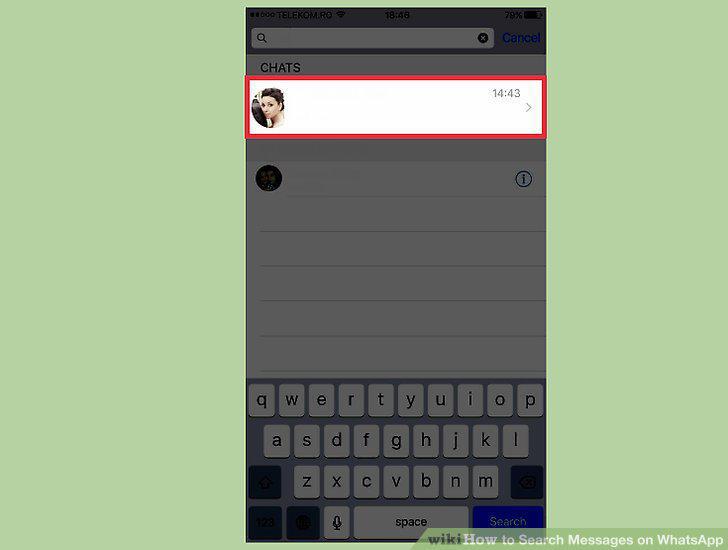
Tap a conversation from the search results.
7
Tap the WhatsApp app.
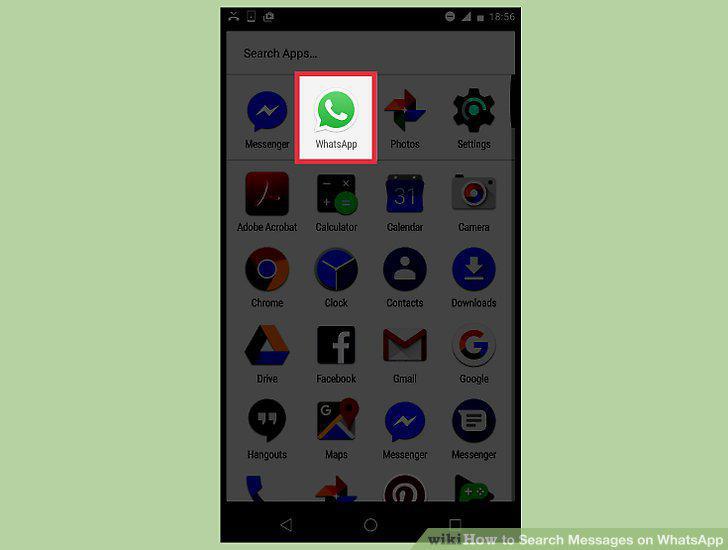
Tap the WhatsApp app.
8
Tap the Chats tab.
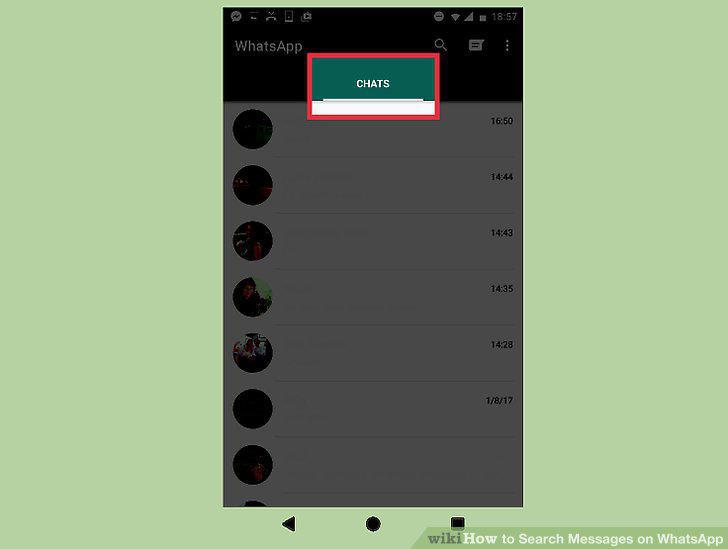
Tap the Chats tab.
9
Tap the magnifying glass button.
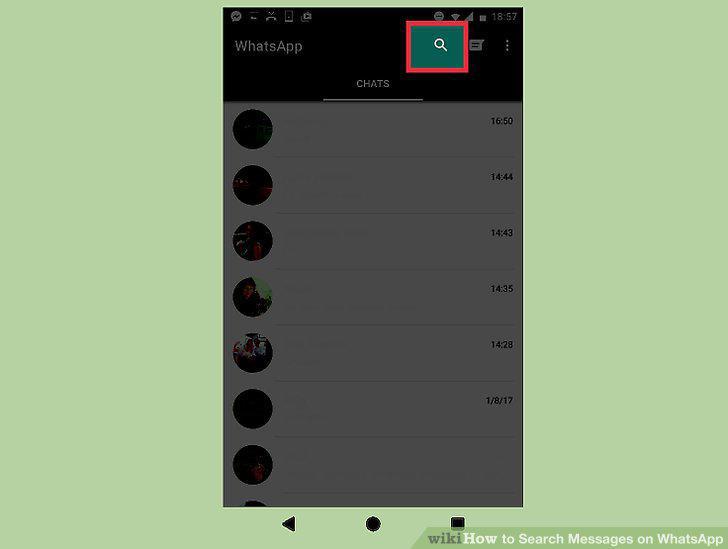
Tap the magnifying glass button.
10
Type your search term.
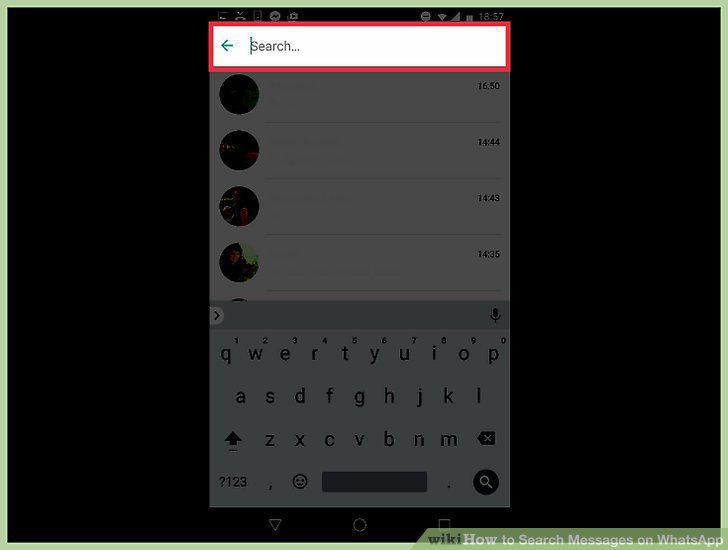
Type your search term.
11
Tap the search result you want to open.
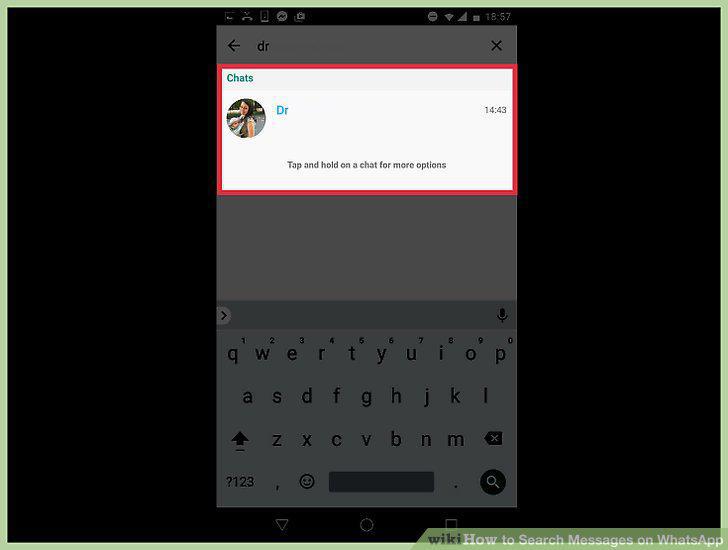
Tap the search result you want to open.
Comments (0)
No comments yet. Be the first to share your thoughts!