How to Change Your Keyboard Language on Samsung Galaxy
Open an app that allows you to type in messages.. Tap the gear icon on your keyboard.. Tap Languages and types.
Steps
1
Open an app that allows you to type in messages.
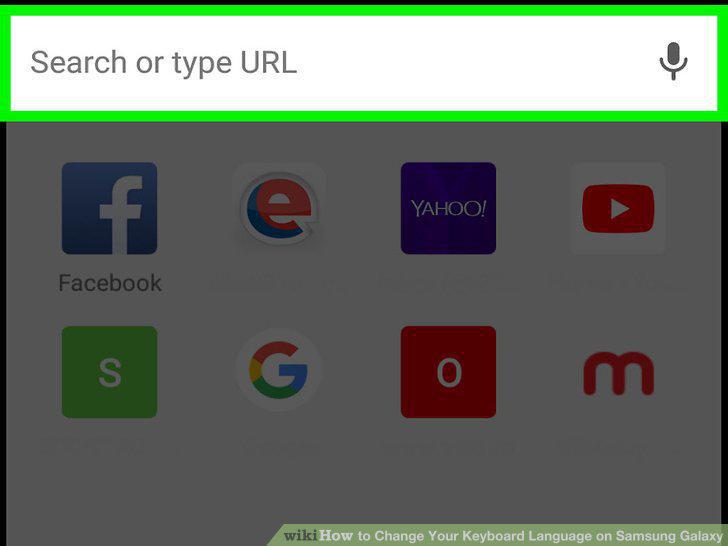
Open an app that allows you to type in messages.
2
Tap the gear icon on your keyboard.
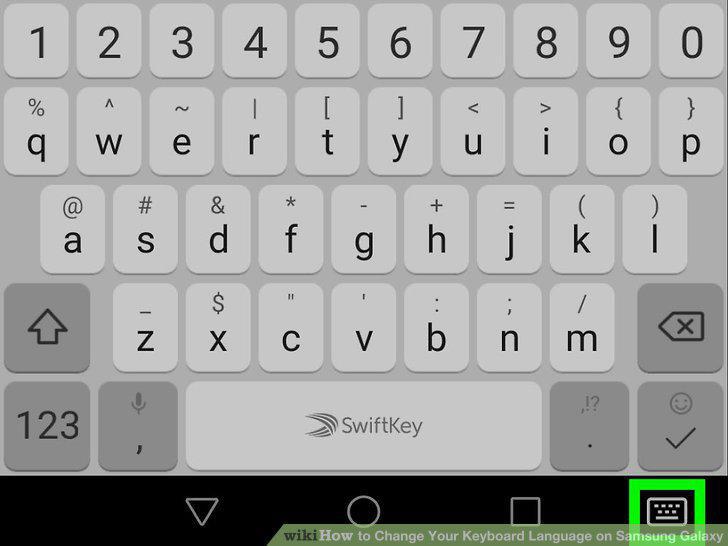
Tap the gear icon on your keyboard.
3
Tap Languages and types.
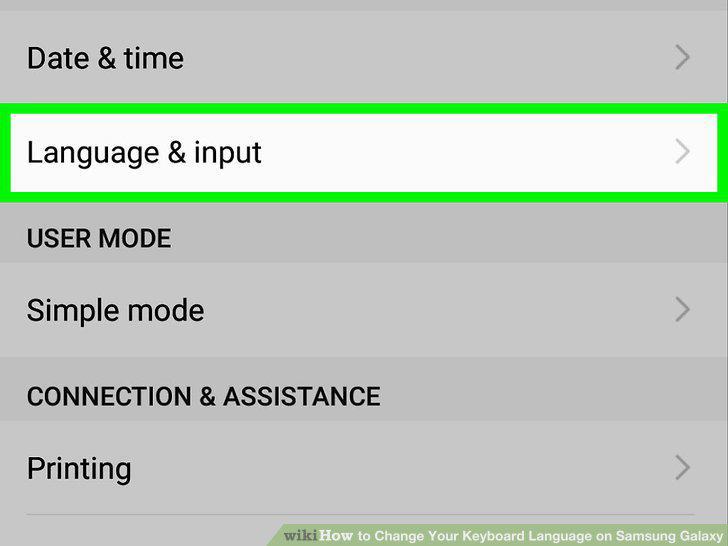
Tap Languages and types.
4
Tap the MANAGE INPUT LANGUAGES button.
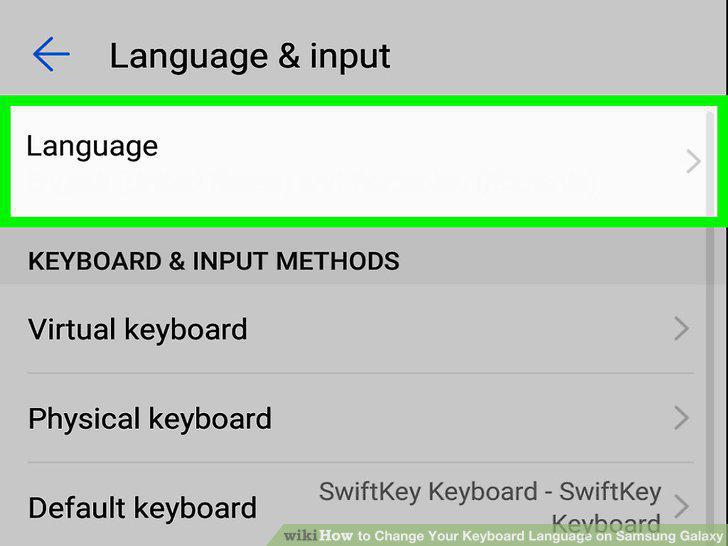
Tap the MANAGE INPUT LANGUAGES button.
5
Slide the switch next to a downloaded language to .
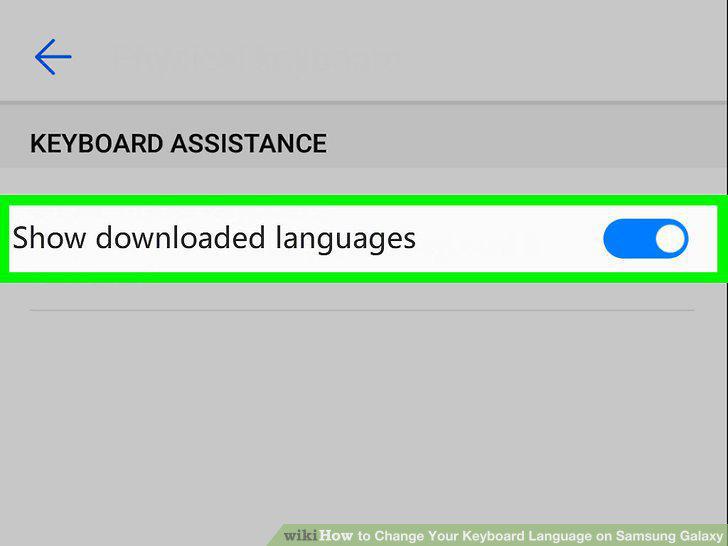
Slide the switch next to a downloaded language to .
6
Tap the icon next to a language under "AVAILABLE LANGUAGES".
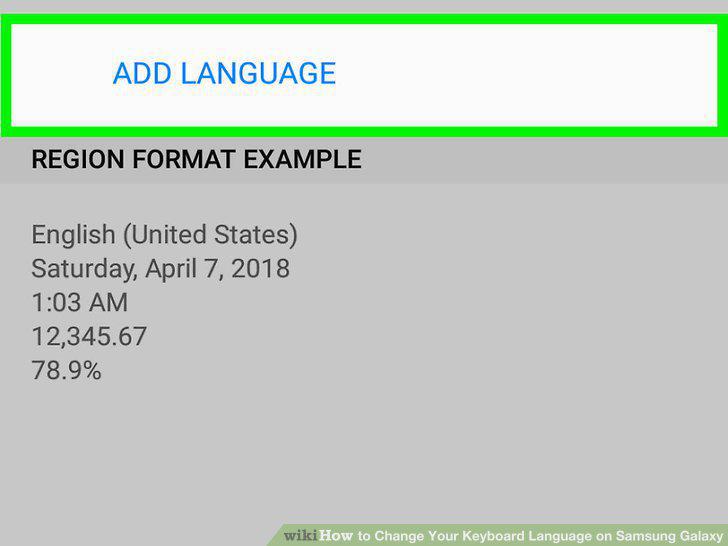
Tap the icon next to a language under "AVAILABLE LANGUAGES".
Comments (0)
No comments yet. Be the first to share your thoughts!