How to Alter the Size of Your Windows Desktop Taskbar
Unlock the taskbar.. Place the mouse cursor on the line at the top of the taskbar.. Click and drag the taskbar's edge up.
Steps
1
Unlock the taskbar.
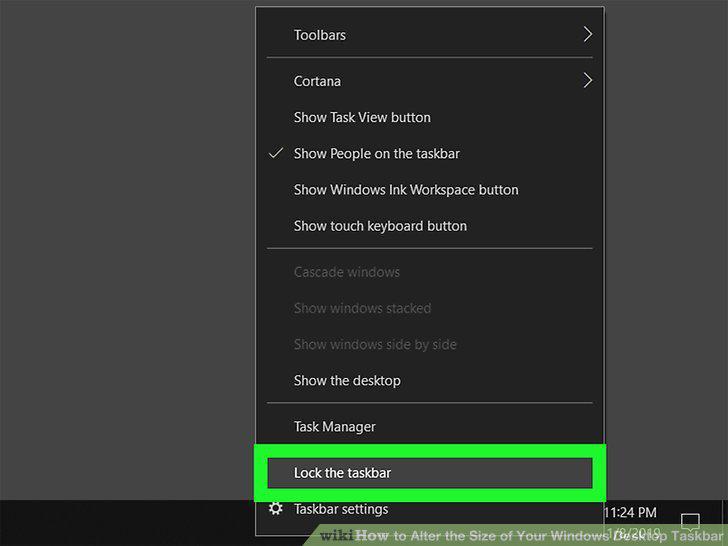
Unlock the taskbar.
2
Place the mouse cursor on the line at the top of the taskbar.
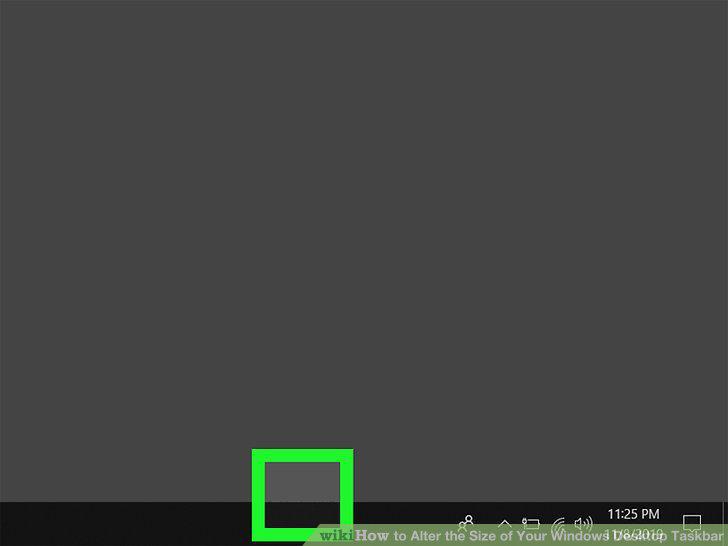
Place the mouse cursor on the line at the top of the taskbar.
3
Click and drag the taskbar's edge up.
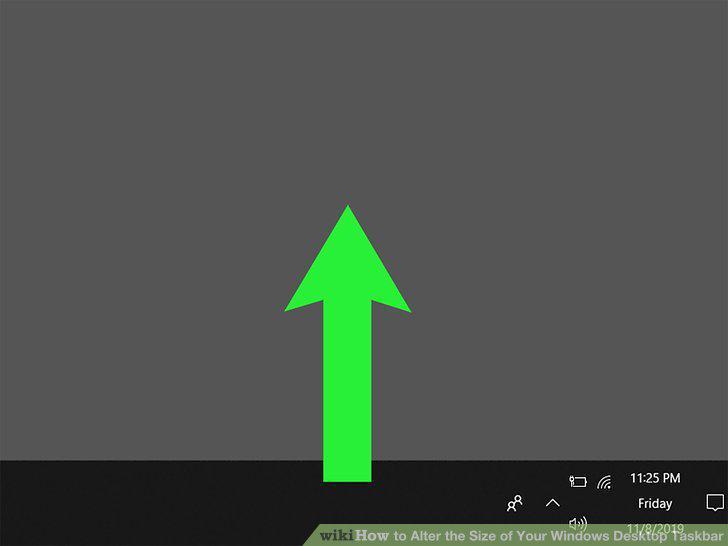
Click and drag the taskbar's edge up.
4
Reposition the taskbar.
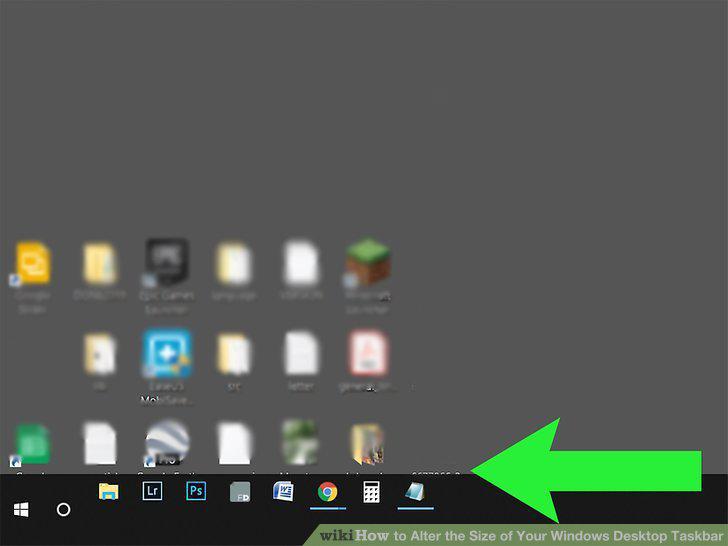
Reposition the taskbar.
5
Turn off Auto-hide.
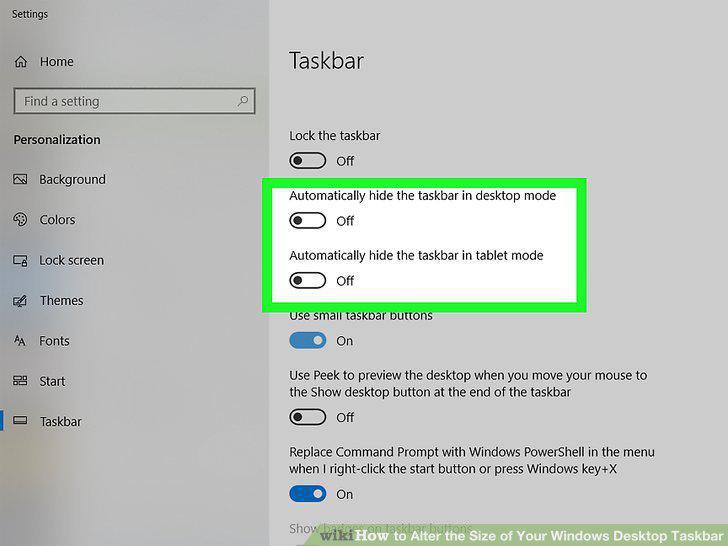
Turn off Auto-hide.
6
Make the taskbar icons small.
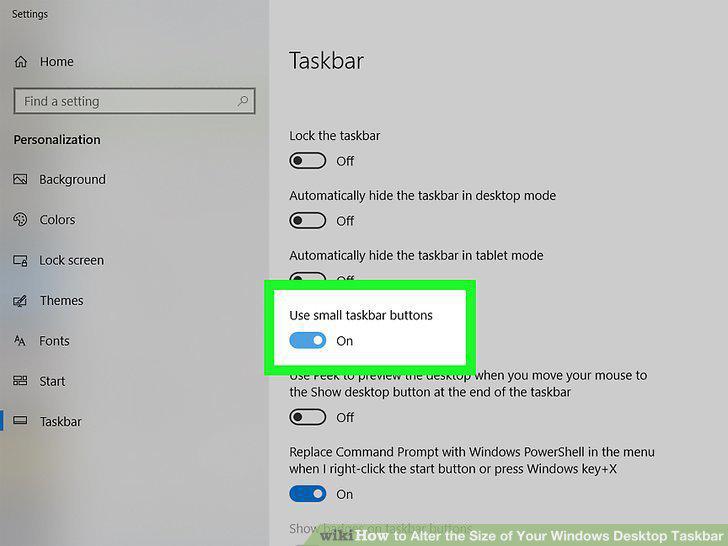
Make the taskbar icons small.
7
Click in the lower-right corner (Windows 8 & 10 only).
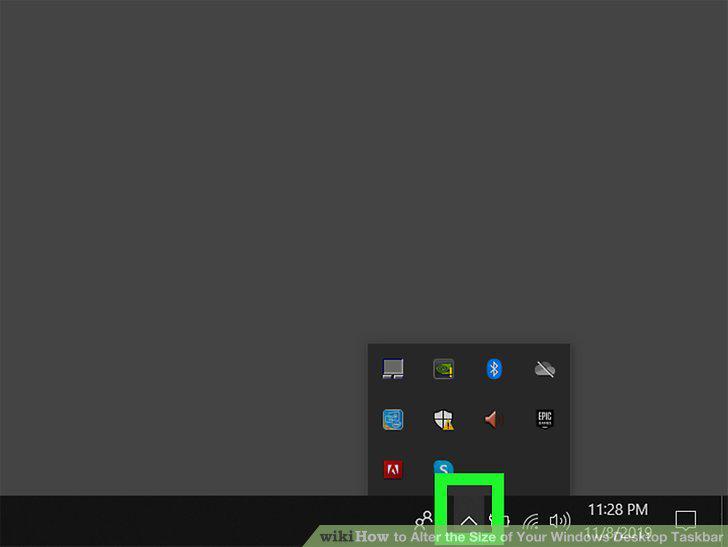
Click in the lower-right corner (Windows 8 & 10 only).
8
Lock the taskbar again.
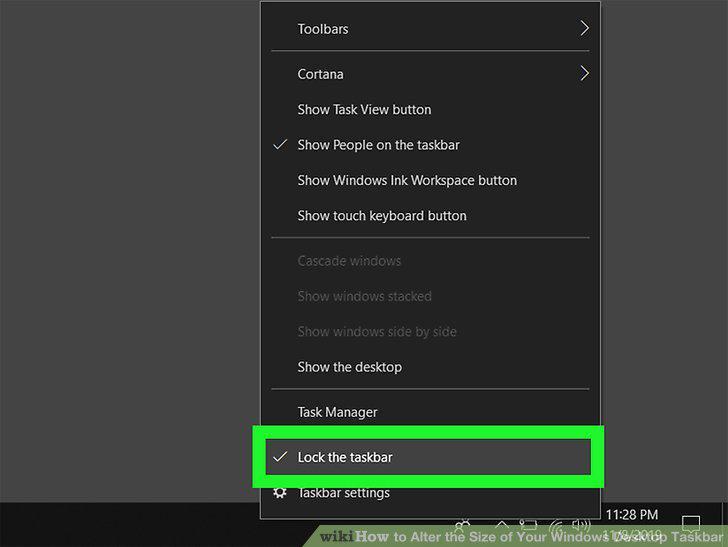
Lock the taskbar again.
Comments (0)
No comments yet. Be the first to share your thoughts!