How to Remove Fingerprints from a TV Screen
Turn off your TV and unplug it.. Use a dry anti-static cloth to gently wipe the TV screen.. Moisten a clean cloth with water and wipe the screen.
Steps
Turn off your TV and unplug it.
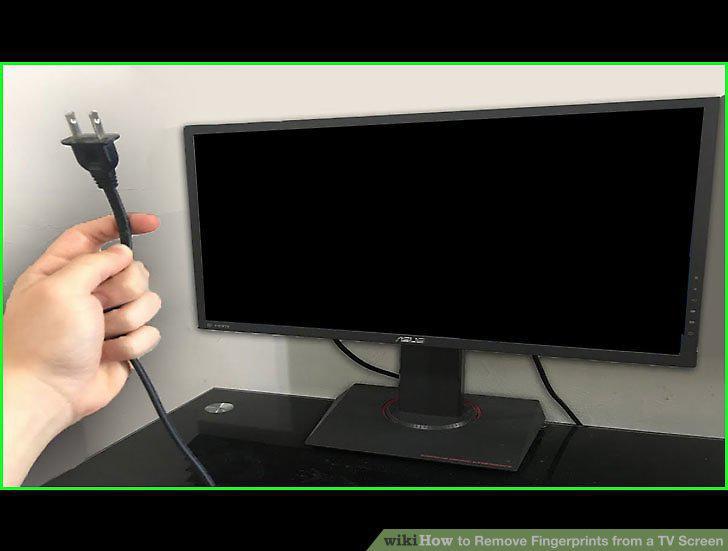
Turn off your TV and unplug it.
Use a dry anti-static cloth to gently wipe the TV screen.
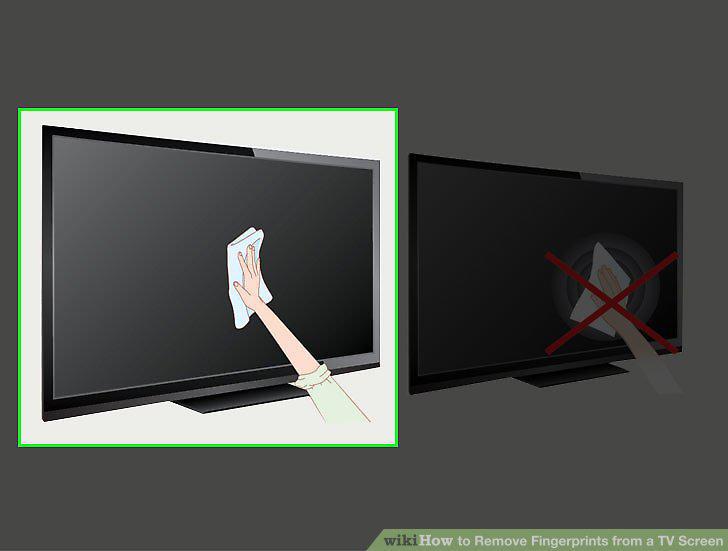
Use a dry anti-static cloth to gently wipe the TV screen.
Moisten a clean cloth with water and wipe the screen.
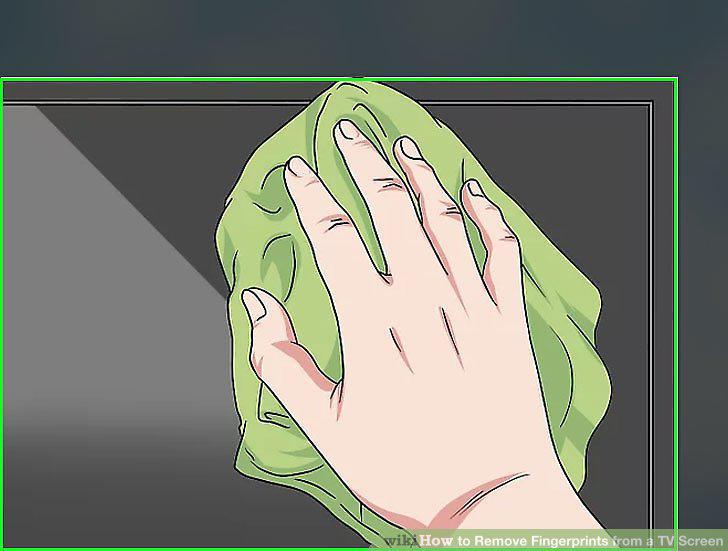
Moisten a clean cloth with water and wipe the screen.
Avoid using window cleaner, alcohol, soap or other cleaning products.
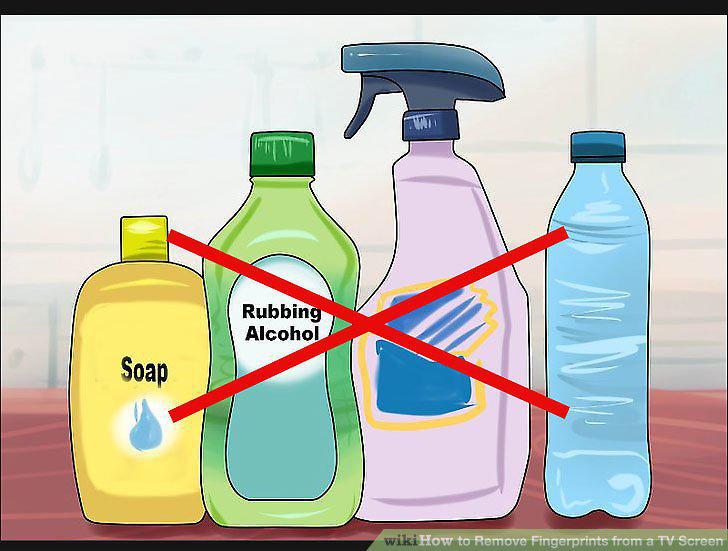
Avoid using window cleaner, alcohol, soap or other cleaning products.
Give the screen 1 hour to dry before plugging it back in.
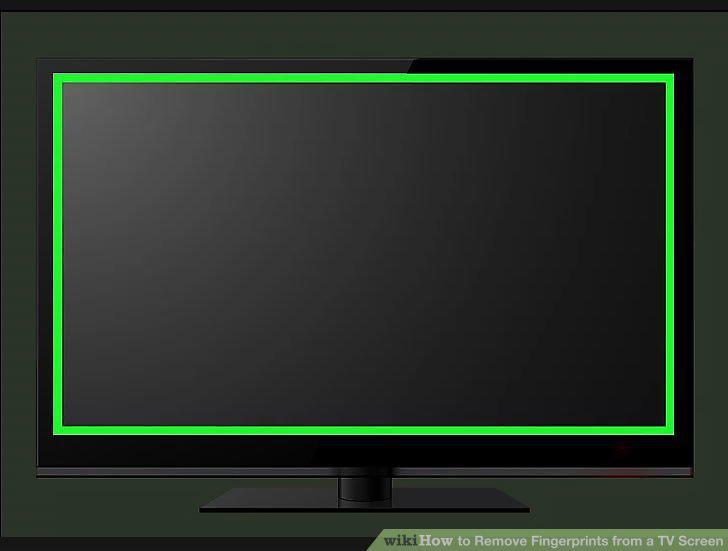
Give the screen 1 hour to dry before plugging it back in.
Turn your TV off, unplug it, and let it cool down.
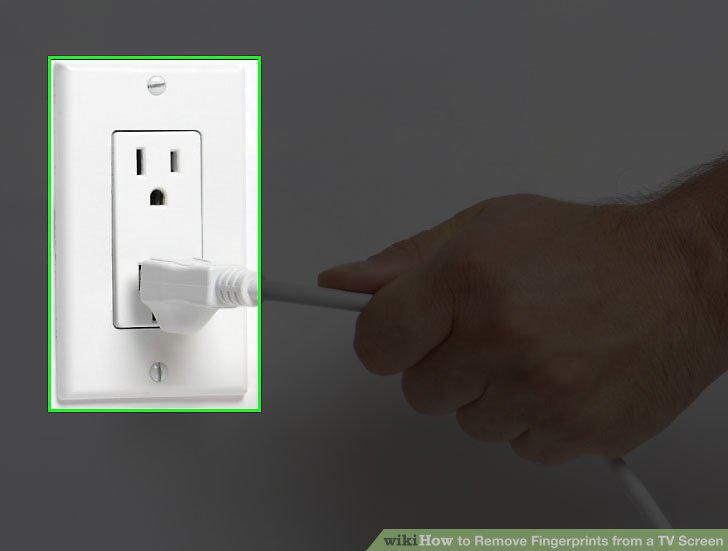
Turn your TV off, unplug it, and let it cool down.
Use a clean cloth to gently wipe the screen.
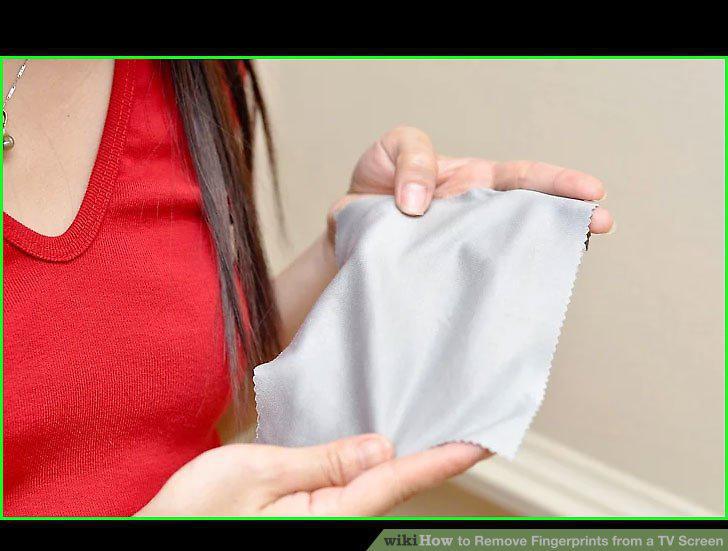
Use a clean cloth to gently wipe the screen.
Mix equal parts isopropyl alcohol and water in a measuring cup.
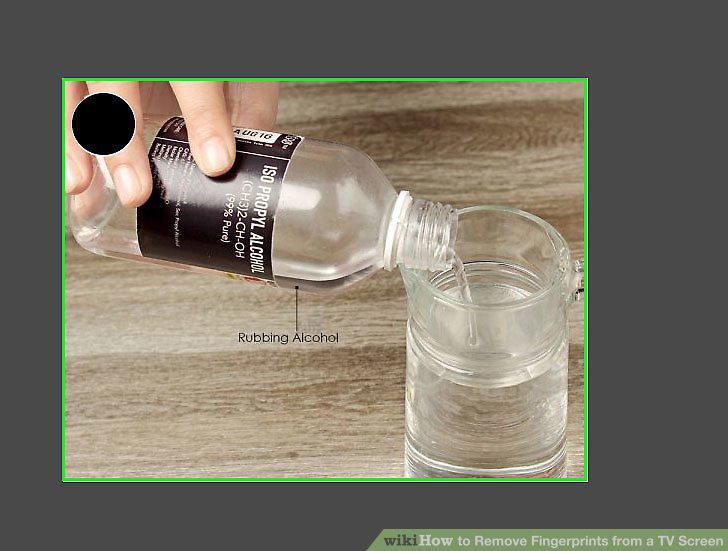
Mix equal parts isopropyl alcohol and water in a measuring cup.
Dip a clean cloth into your solution, wring it out, and wipe the display.
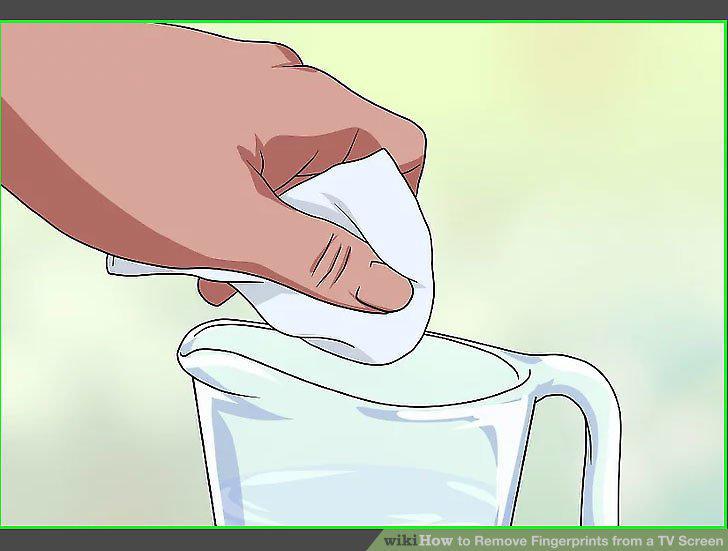
Dip a clean cloth into your solution, wring it out, and wipe the display.
Dry the screen with a clean cloth.
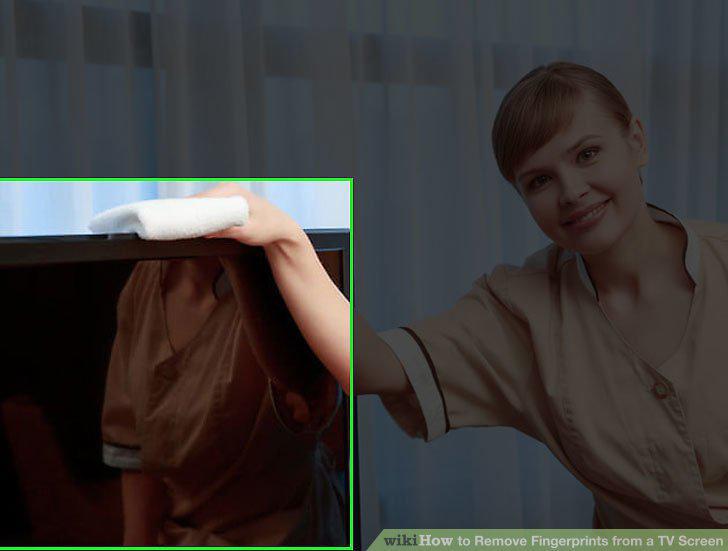
Dry the screen with a clean cloth.
Unplug your TV and wait for it to cool down.
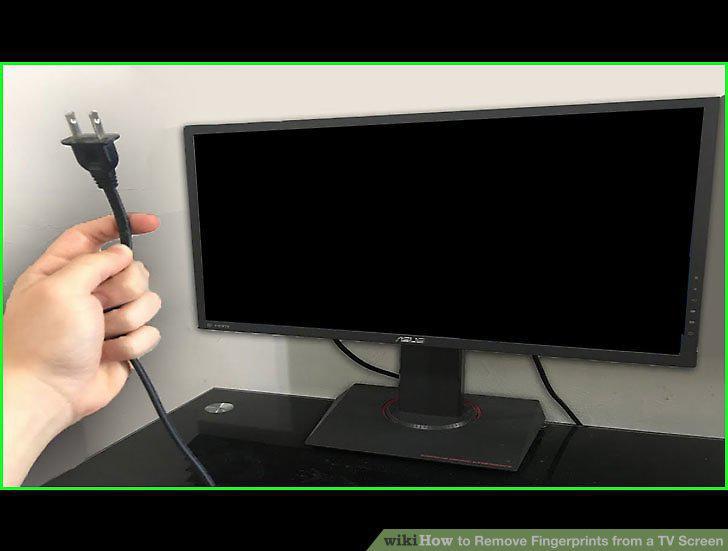
Unplug your TV and wait for it to cool down.
Mix equal parts vinegar and water in a spray bottle.
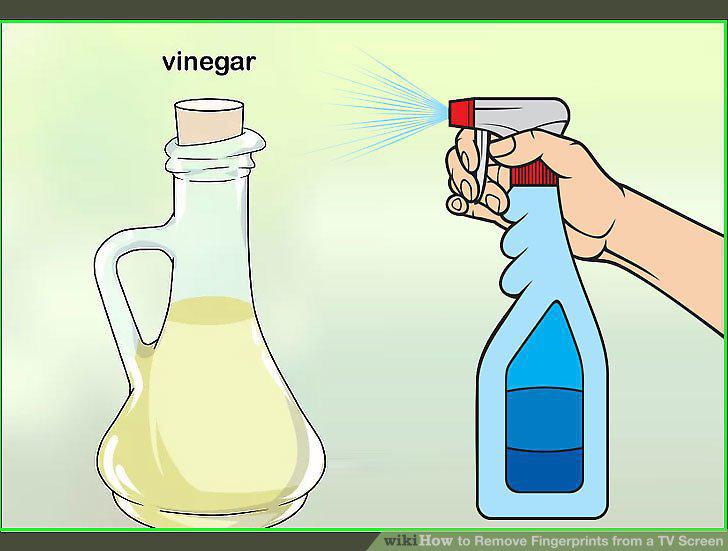
Mix equal parts vinegar and water in a spray bottle.
Spray the vinegar and water mixture onto a microfiber cloth.
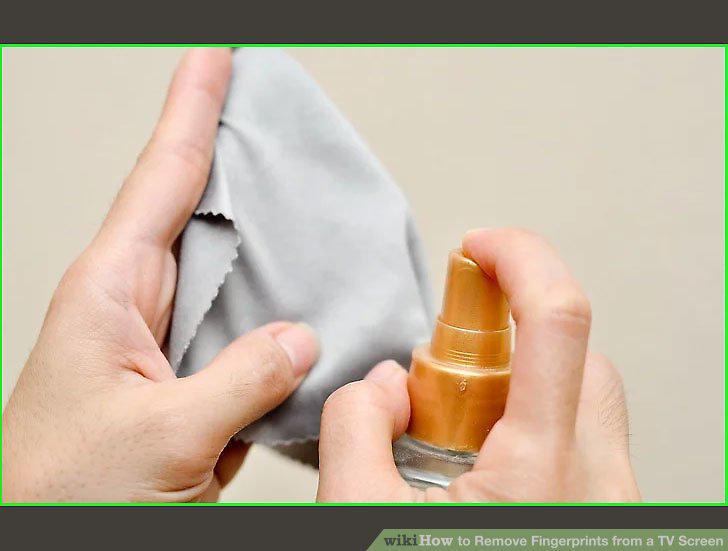
Spray the vinegar and water mixture onto a microfiber cloth.
Wipe the screen in small, circular motions with your cloth.
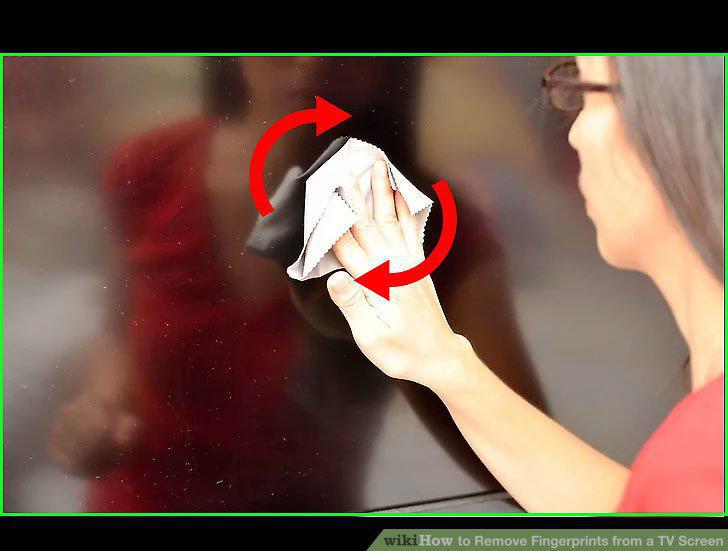
Wipe the screen in small, circular motions with your cloth.
Dry the screen by wiping it with a clean, dry microfiber cloth.
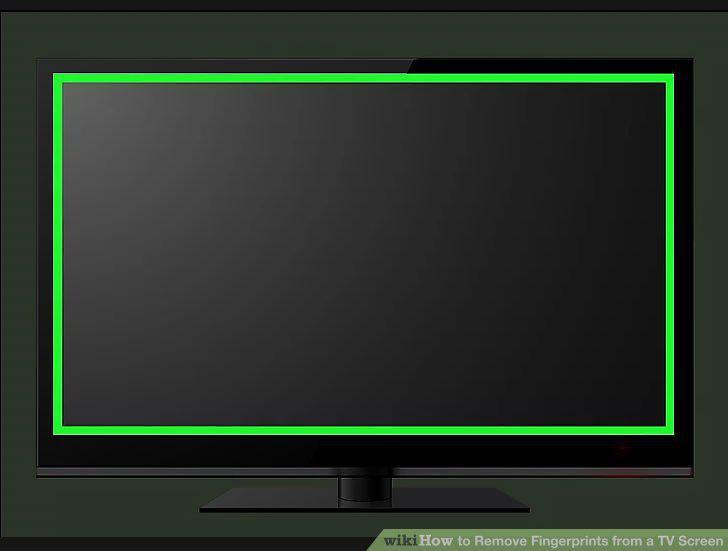
Dry the screen by wiping it with a clean, dry microfiber cloth.
Comments (0)
No comments yet. Be the first to share your thoughts!