How to Set Up Google Home
Find a good place for your Google Home.. Plug Google Home into an open power outlet.. Download the Google Home app.
Steps
Find a good place for your Google Home.
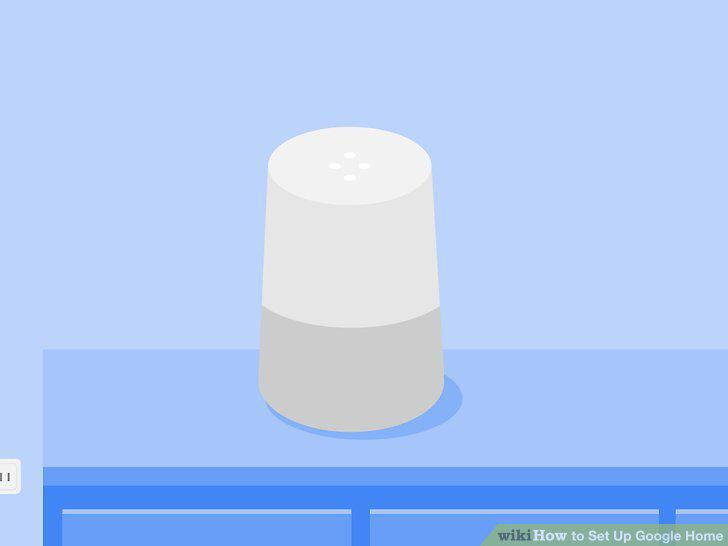
Find a good place for your Google Home.
Plug Google Home into an open power outlet.
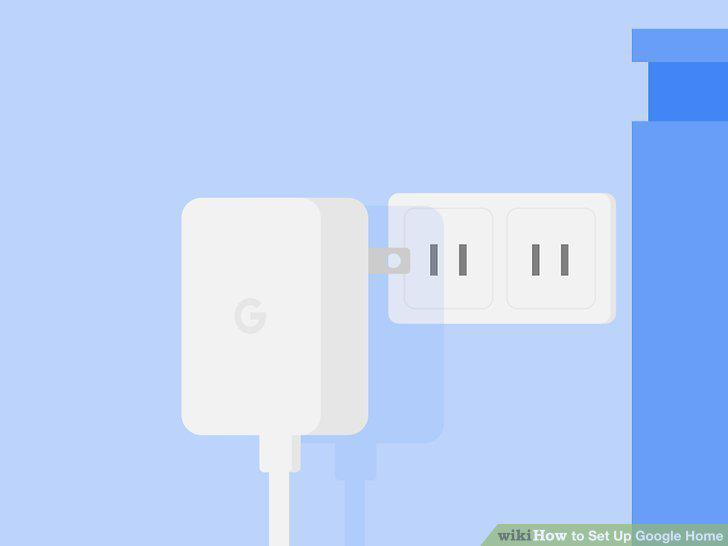
Plug Google Home into an open power outlet.
Download the Google Home app.
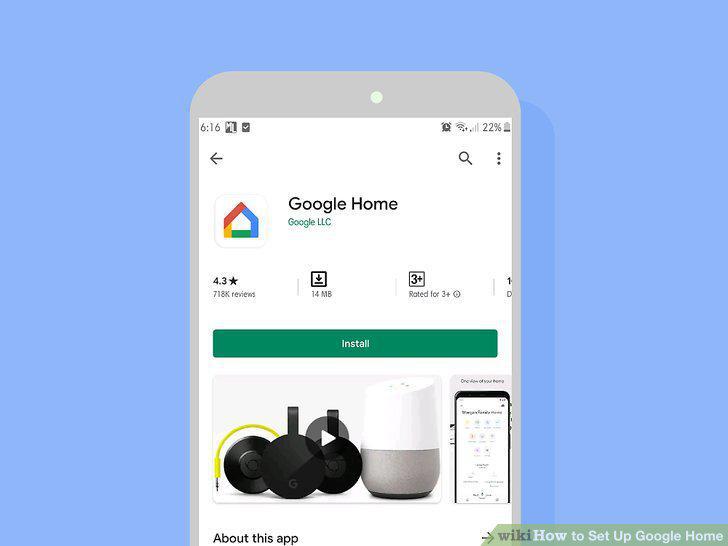
Download the Google Home app.
Open the Google Home app.
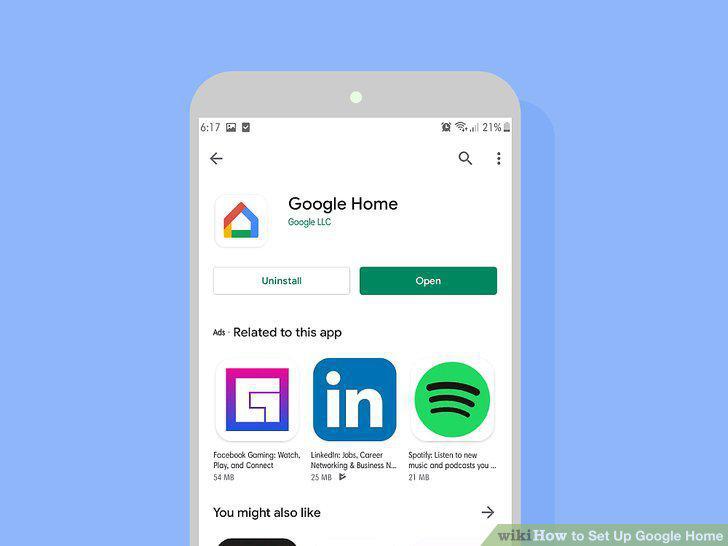
Open the Google Home app.
If you aren't automatically signed in, select a Google account and tap OK.
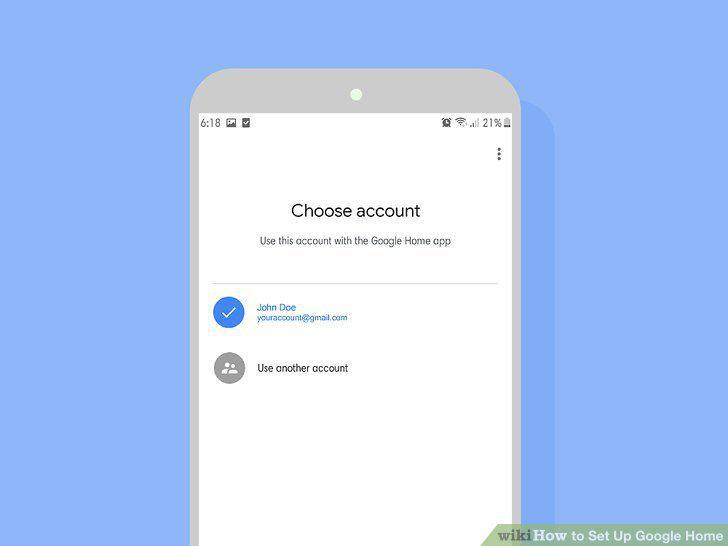
If you aren't automatically signed in, select a Google account and tap OK.
Tap Accept to agree to terms of service.
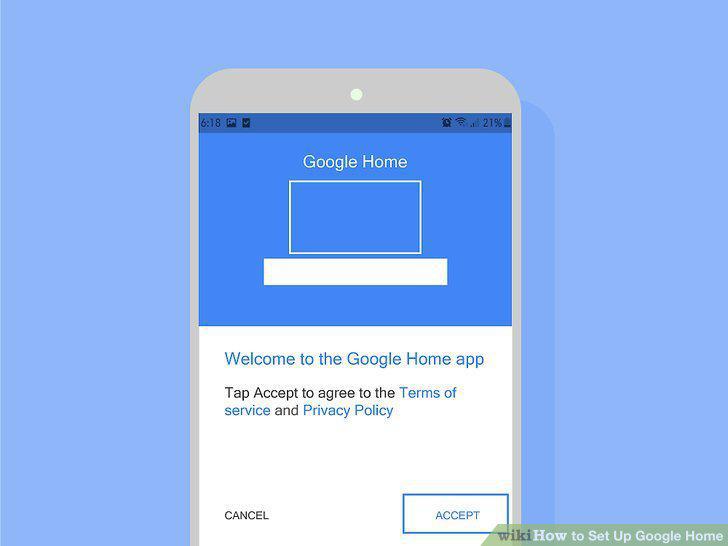
Tap Accept to agree to terms of service.
Tap Turn On Location to enable location permissions.
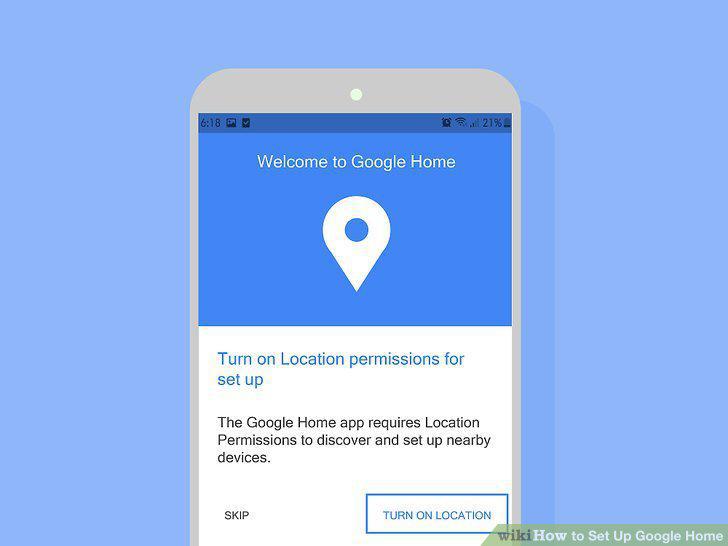
Tap Turn On Location to enable location permissions.
Open the Google Home app.
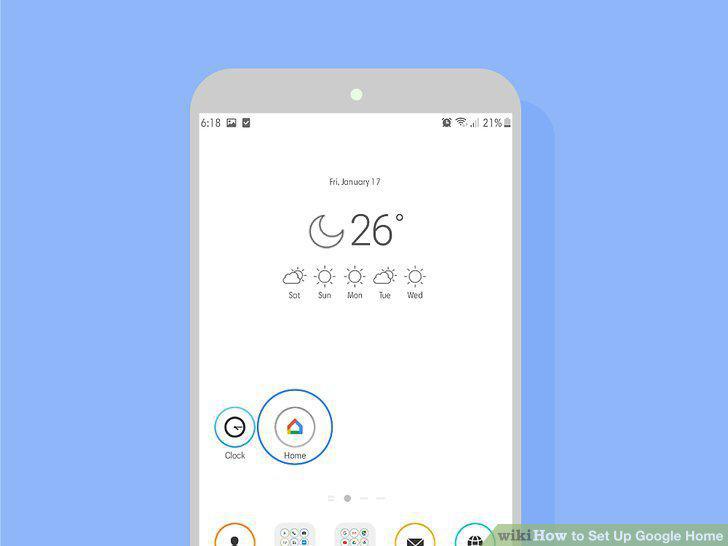
Open the Google Home app.
Tap Continue if the Google Home app recognizes your Google Home immediately.
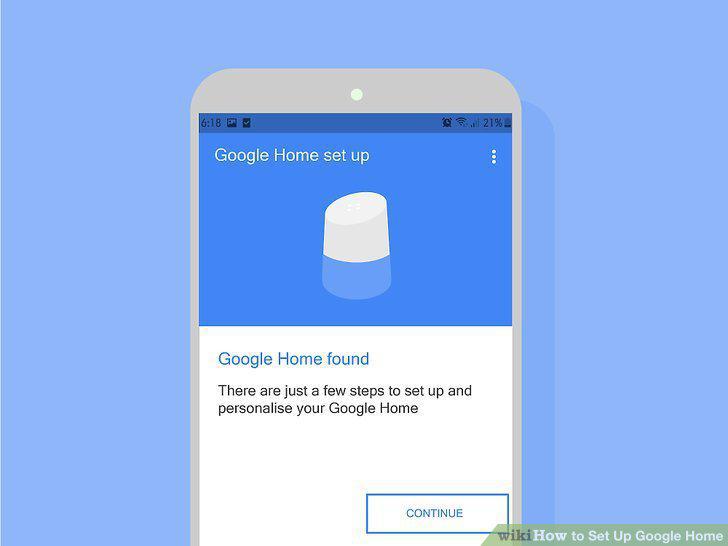
Tap Continue if the Google Home app recognizes your Google Home immediately.
Tap Play Test Sound.
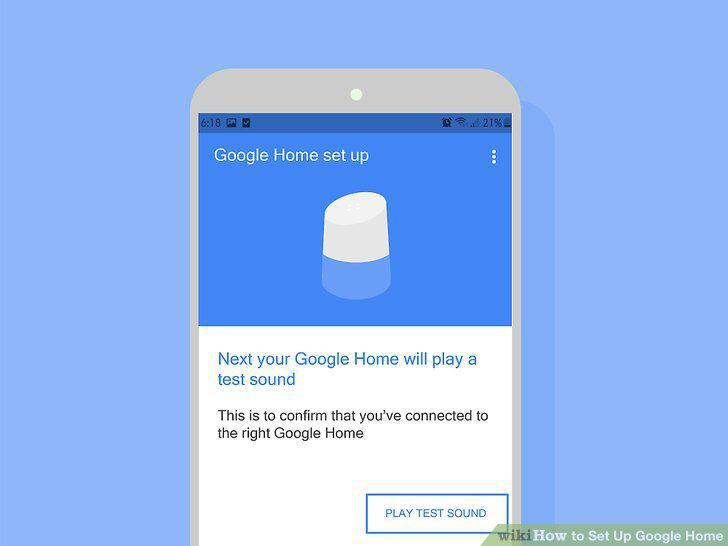
Tap Play Test Sound.
Select the room your Google Home is in and tap Continue.
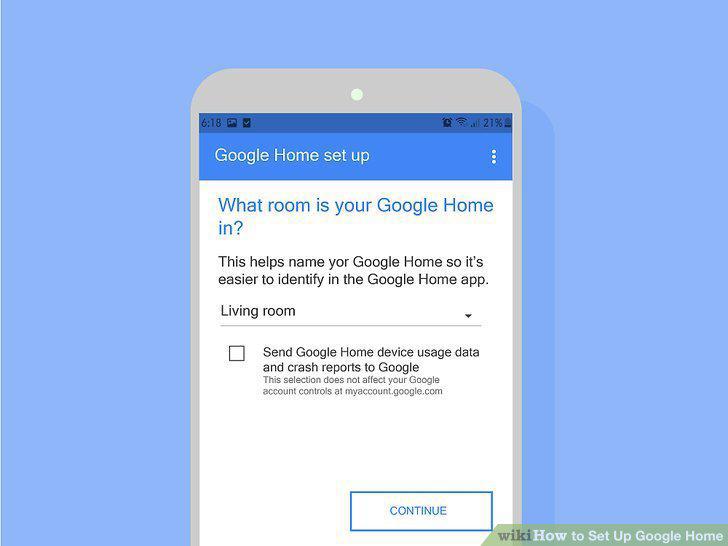
Select the room your Google Home is in and tap Continue.
Select your home Wi-Fi network from the drop down menu.
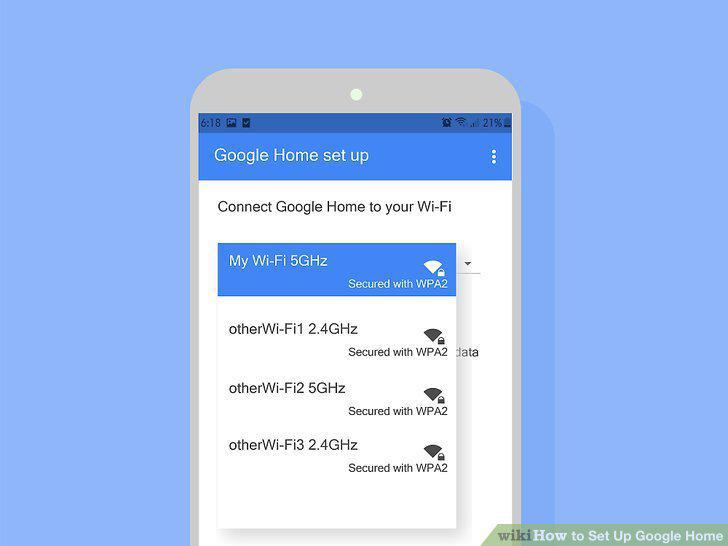
Select your home Wi-Fi network from the drop down menu.
Enter the Wi-Fi password and tap Connect.
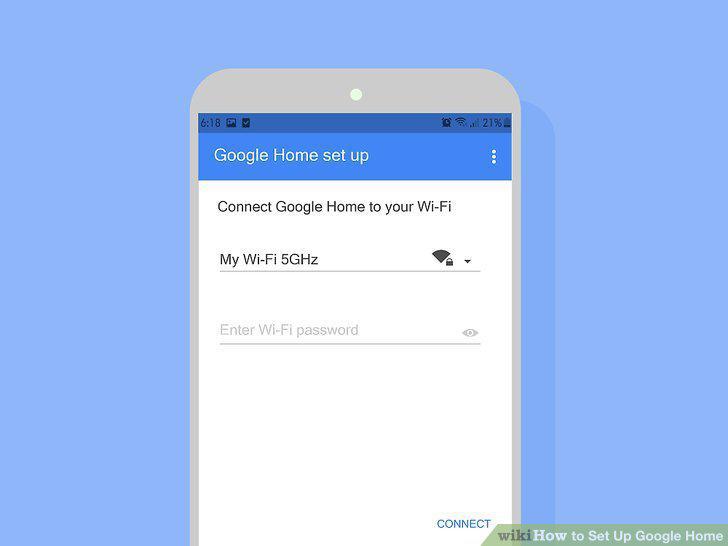
Enter the Wi-Fi password and tap Connect.
Tap Continue after it connects successfully.
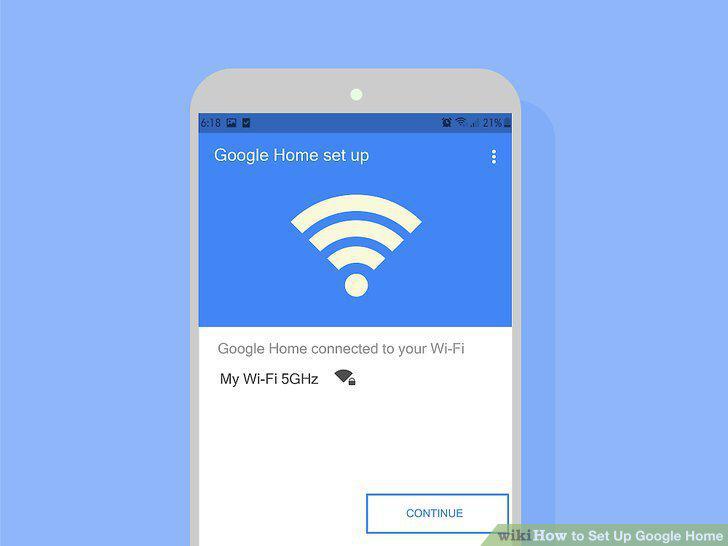
Tap Continue after it connects successfully.
Tap Sign In.
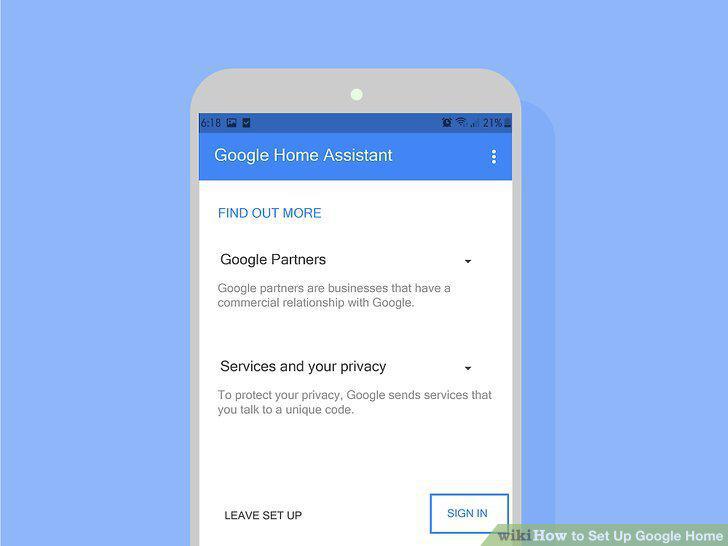
Tap Sign In.
Tap Yes I'm in.
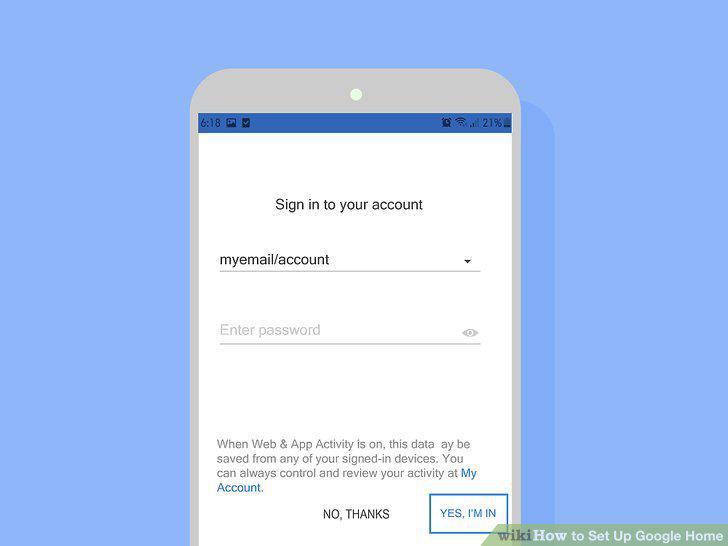
Tap Yes I'm in.
Tap Continue.
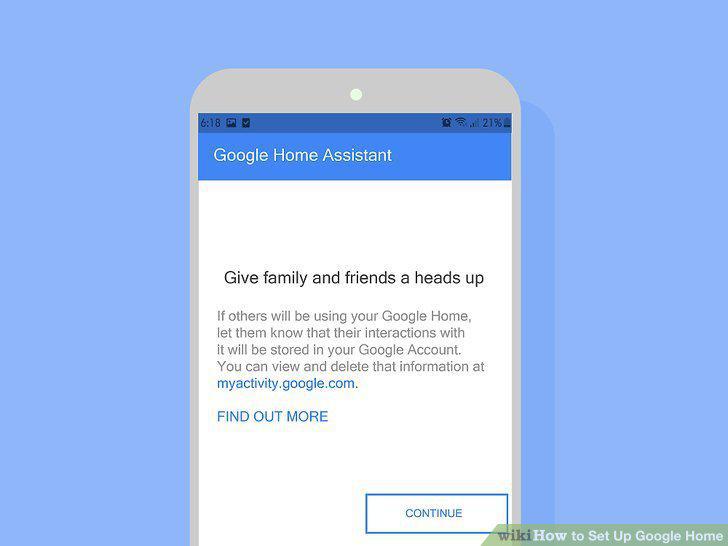
Tap Continue.
Tap Yes, I'm In to teach your voice to Google Assistant.
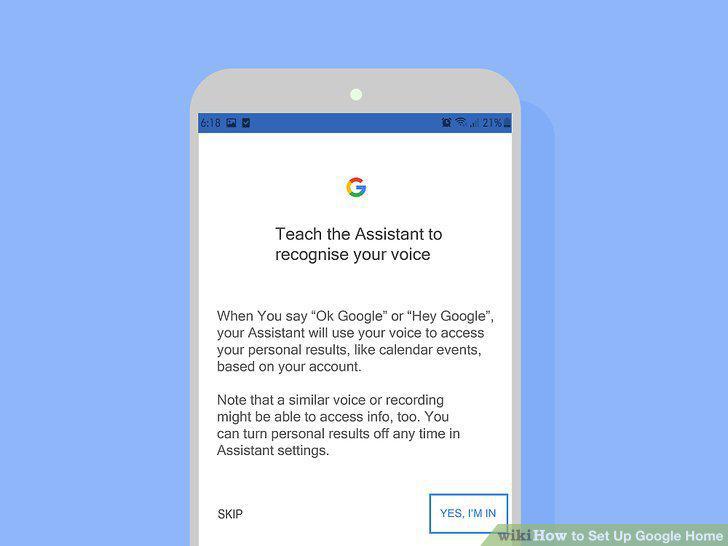
Tap Yes, I'm In to teach your voice to Google Assistant.
Toggle email notification On or Off and tap Continue.
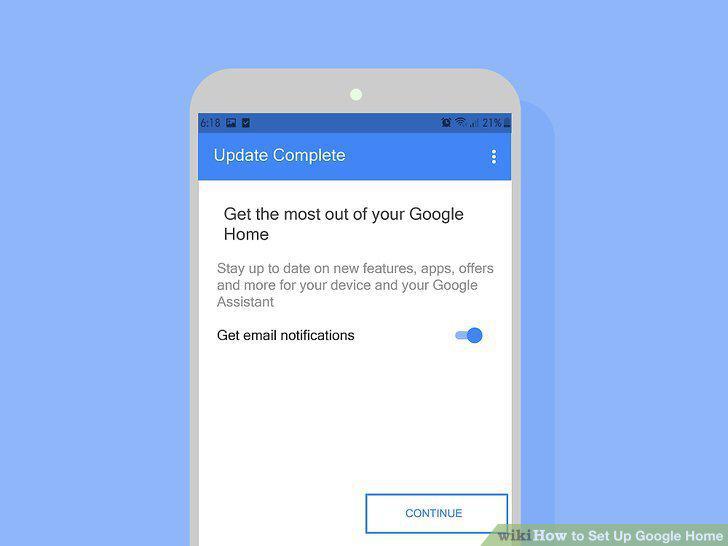
Toggle email notification On or Off and tap Continue.
Link a music account.
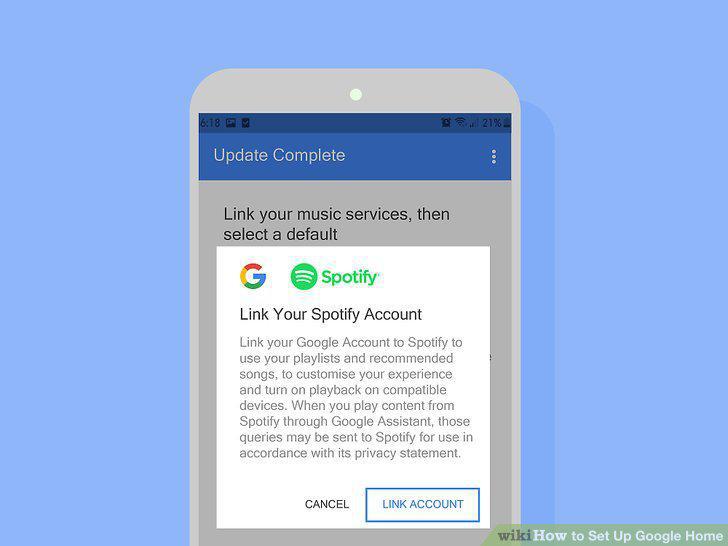
Link a music account.
Tap Continue.
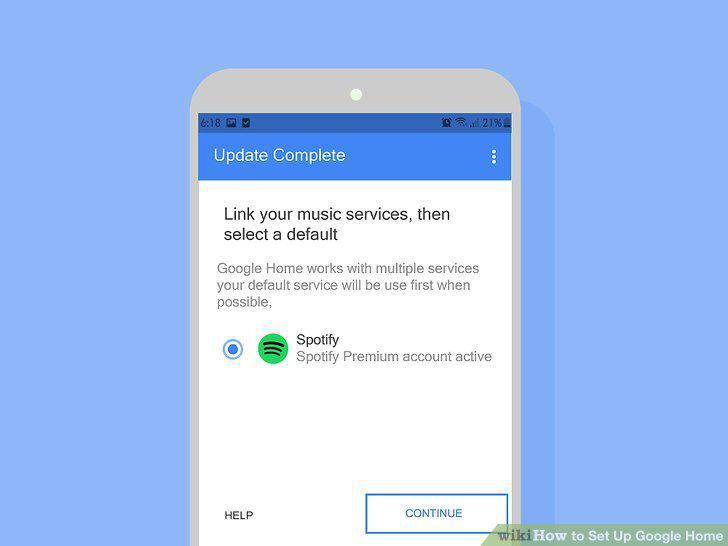
Tap Continue.
Follow along with a tutorial.
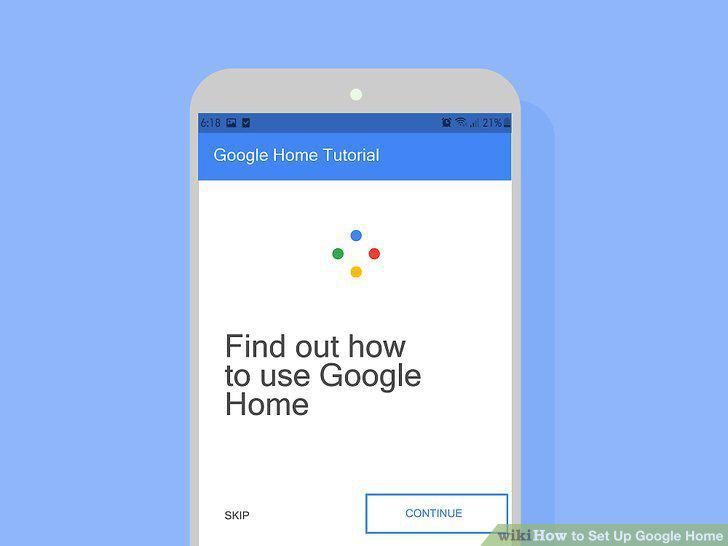
Follow along with a tutorial.
Comments (0)
No comments yet. Be the first to share your thoughts!