How to Use Siri with AirPods
Enable Siri.. Configure Press-and-Hold for AirPods Pro.. Configure Double-Tap for AirPods 1st and 2nd generation.
Steps
1
Enable Siri.
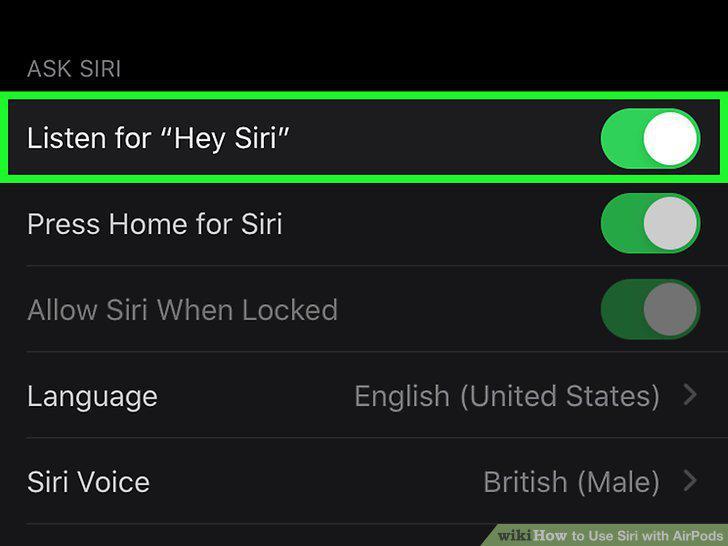
Enable Siri.
2
Configure Press-and-Hold for AirPods Pro.
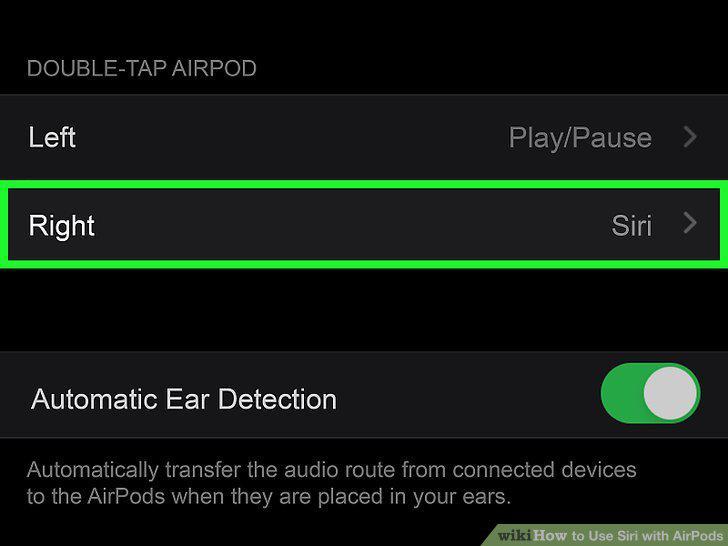
Configure Press-and-Hold for AirPods Pro.
3
Configure Double-Tap for AirPods 1st and 2nd generation.
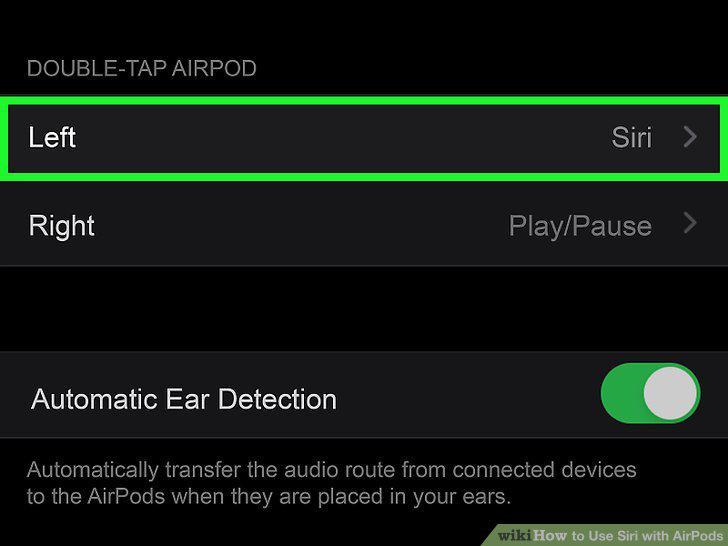
Configure Double-Tap for AirPods 1st and 2nd generation.
4
Enable Announce Messages with Siri.
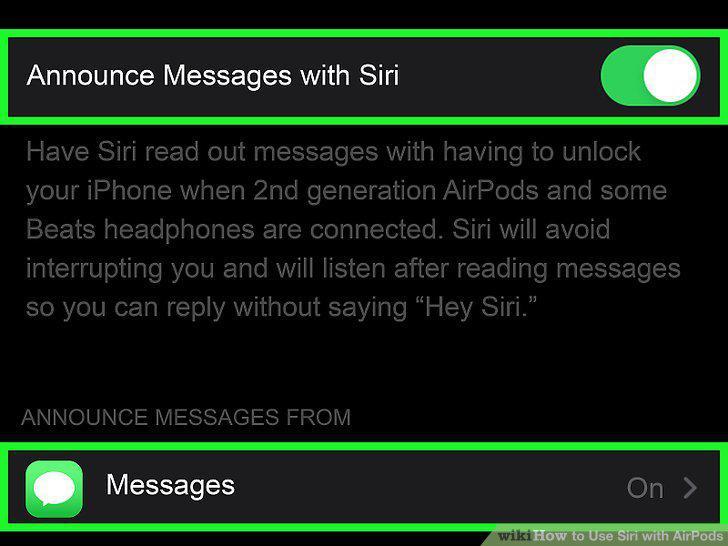
Enable Announce Messages with Siri.
5
Say "Hey Siri" or activate Siri by touch.
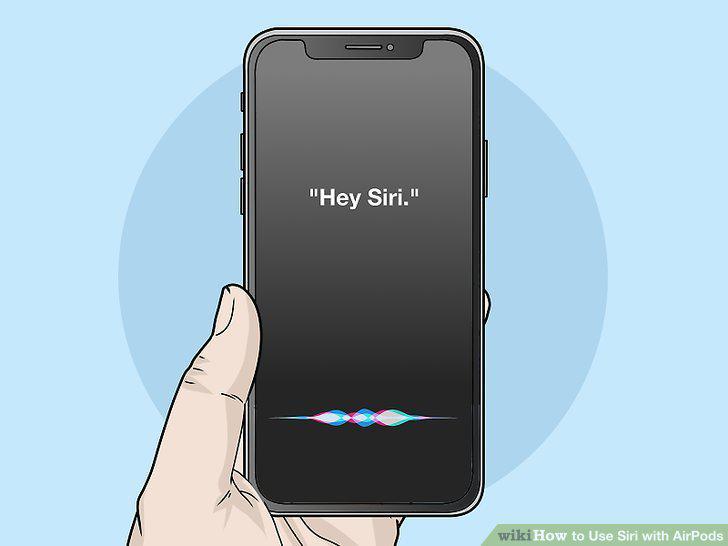
Say "Hey Siri" or activate Siri by touch.
6
Tell Siri how you want to listen to music.

Tell Siri how you want to listen to music.
7
Use Siri to answer an incoming phone call.

Use Siri to answer an incoming phone call.
8
Reply to text messages.

Reply to text messages.
Comments (0)
No comments yet. Be the first to share your thoughts!