How to Turn Off Apple News Updates on an iPhone
Open your iPhone's settings .. Tap your Apple ID.. Tap Name, Phone Numbers, Email.
Steps
1
Open your iPhone's settings .
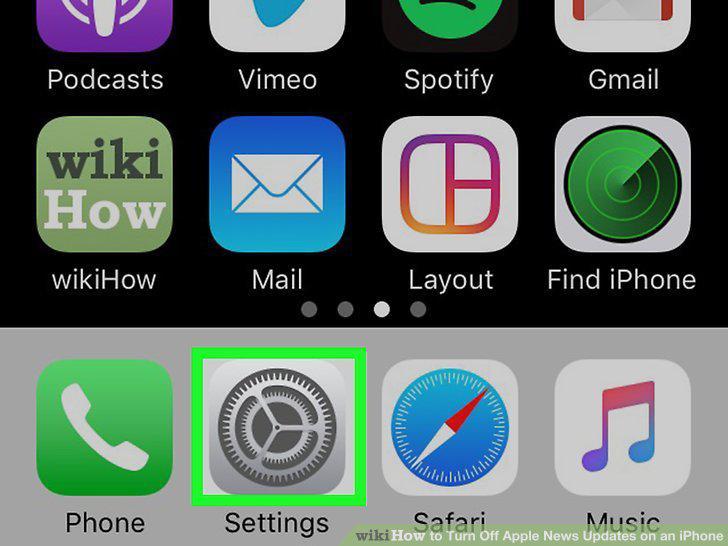
Open your iPhone's settings .
2
Tap your Apple ID.
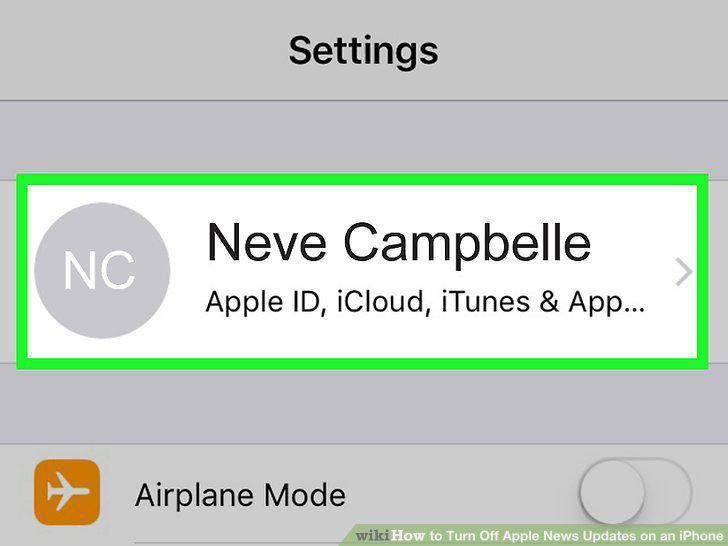
Tap your Apple ID.
3
Tap Name, Phone Numbers, Email.
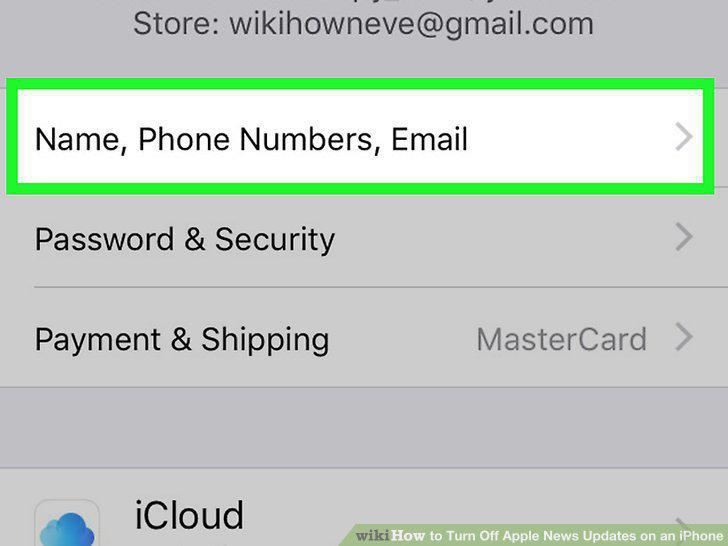
Tap Name, Phone Numbers, Email.
4
Scroll down and tap the toggle switch next to "Apple News Newsletter."
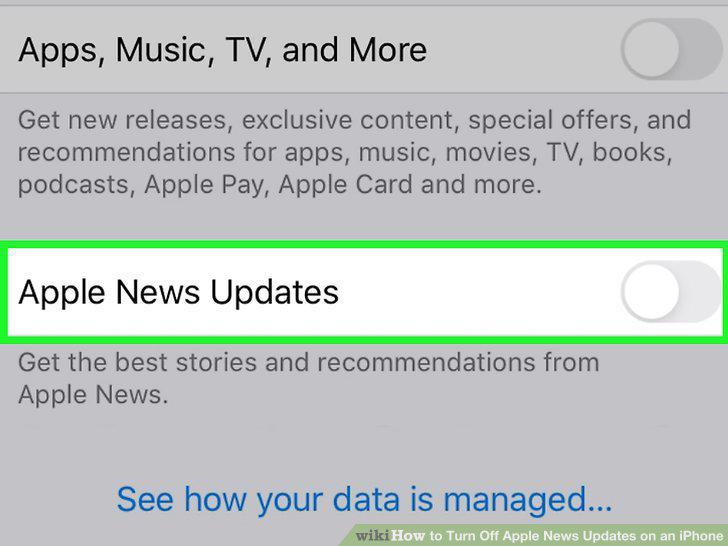
Scroll down and tap the toggle switch next to "Apple News Newsletter."
Comments (0)
No comments yet. Be the first to share your thoughts!