How to Copy an Email on iPhone or iPad
Open the Mail app on your iPhone or iPad.. Tap the email you want to copy.. Tap the curved arrow icon at the bottom.
Steps
1
Open the Mail app on your iPhone or iPad.
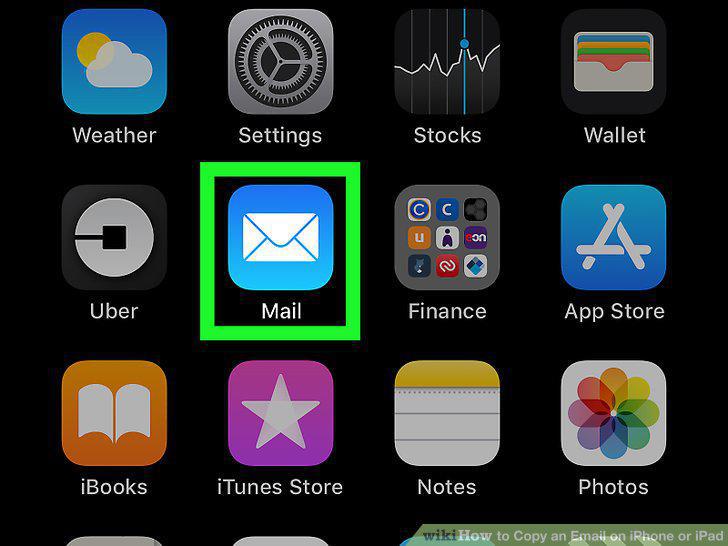
Open the Mail app on your iPhone or iPad.
2
Tap the email you want to copy.
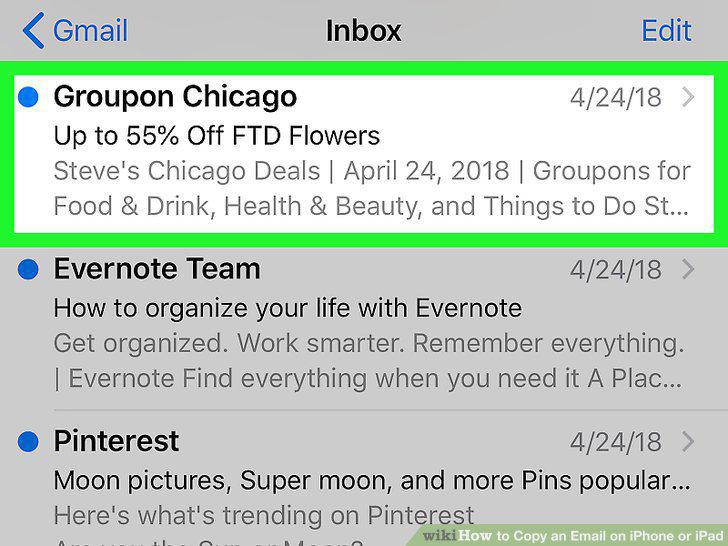
Tap the email you want to copy.
3
Tap the curved arrow icon at the bottom.

Tap the curved arrow icon at the bottom.
4
Tap Print on the pop-up menu.
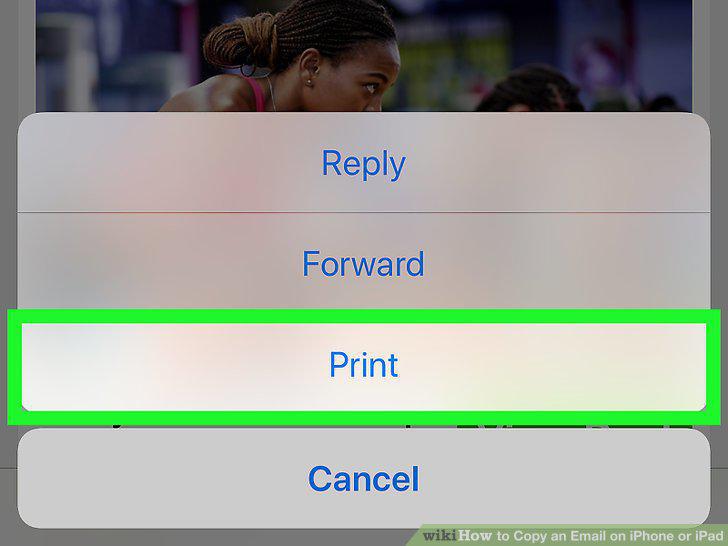
Tap Print on the pop-up menu.
5
Zoom in on the page preview.

Zoom in on the page preview.
6
Tap the icon on the top-right.

Tap the icon on the top-right.
7
Tap Copy on the pop-up menu.
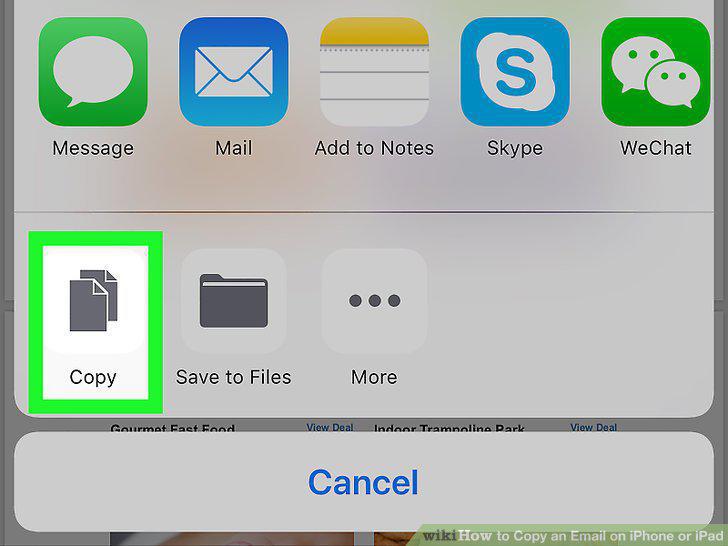
Tap Copy on the pop-up menu.
Comments (0)
No comments yet. Be the first to share your thoughts!