How to Lock iPad Screen Orientation
Make sure that you're on the Home Screen.. Rotate your iPad to your preferred orientation.. Swipe up from the bottom of the screen.
Steps
1
Make sure that you're on the Home Screen.
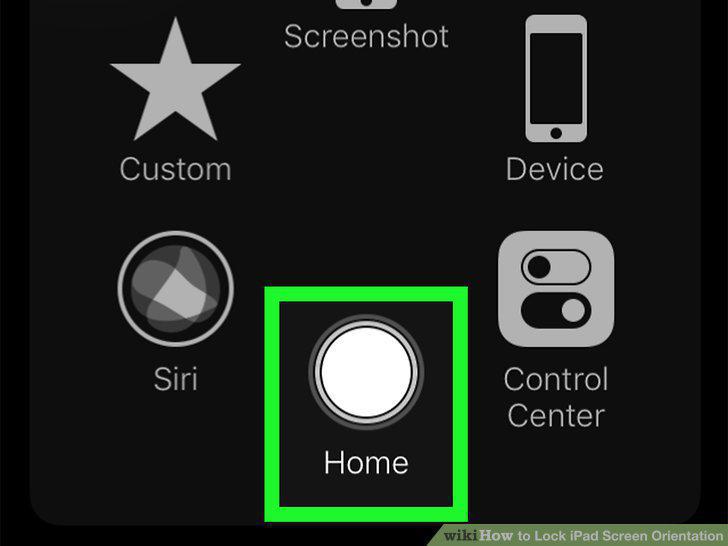
Make sure that you're on the Home Screen.
2
Rotate your iPad to your preferred orientation.
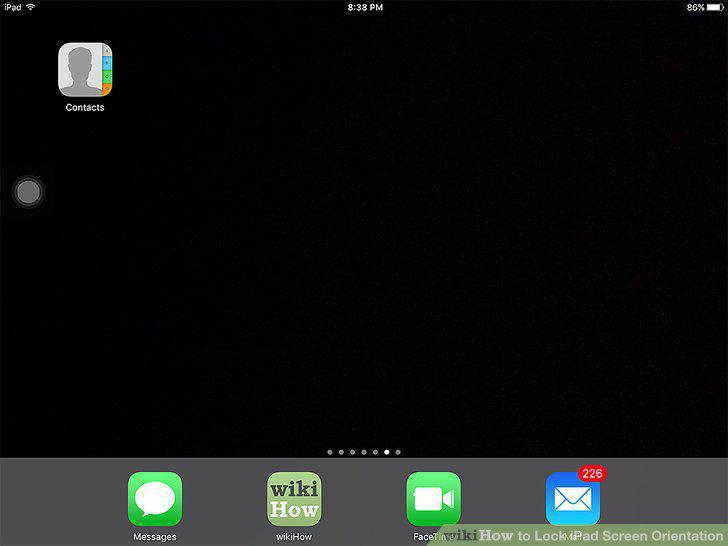
Rotate your iPad to your preferred orientation.
3
Swipe up from the bottom of the screen.
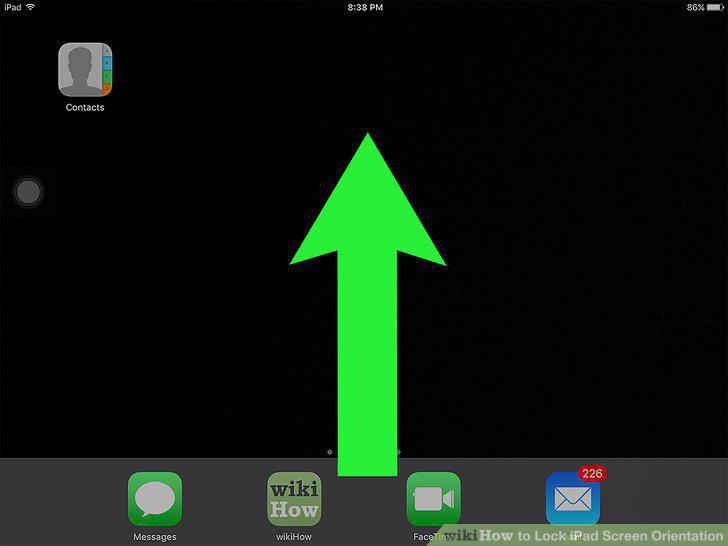
Swipe up from the bottom of the screen.
4
Tap the "Lock" icon.
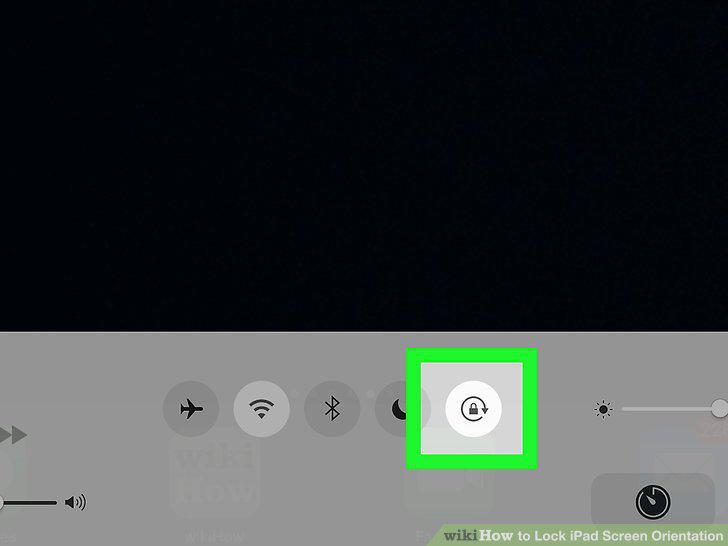
Tap the "Lock" icon.
5
Press the Home button.
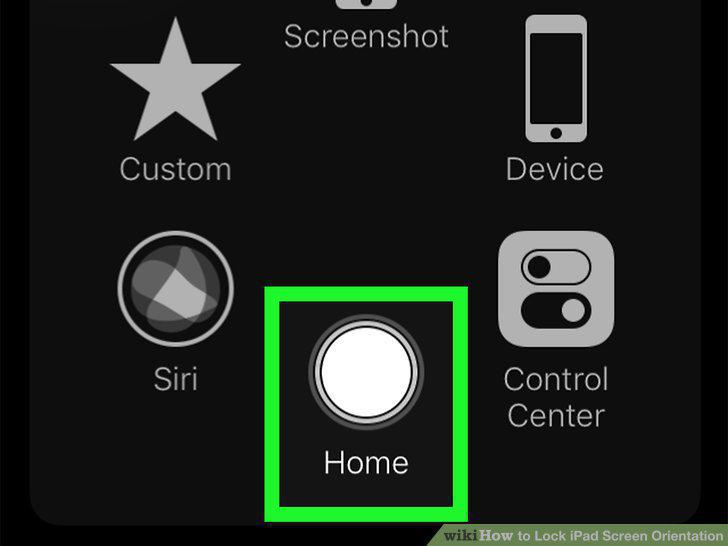
Press the Home button.
6
Make sure that your iPad has a side switch.
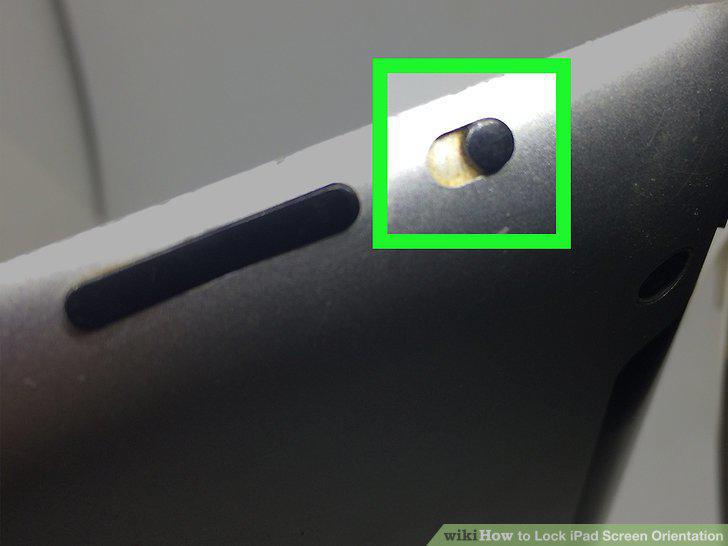
Make sure that your iPad has a side switch.
7
Open your iPad's Settings .
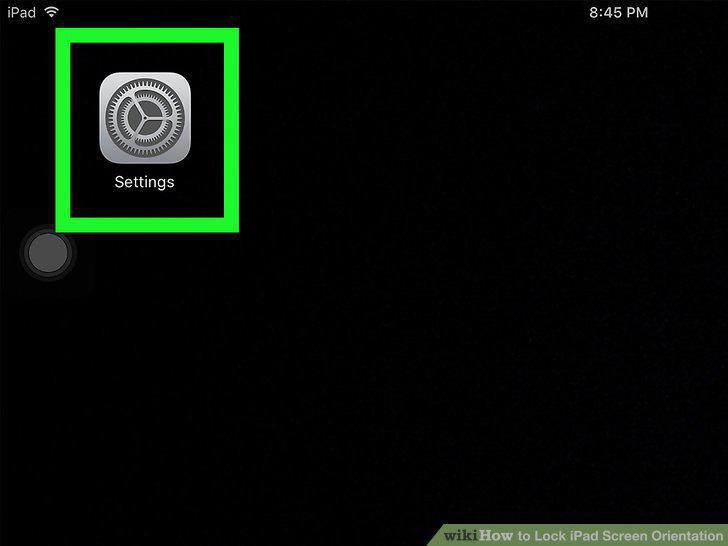
Open your iPad's Settings .
8
Tap General.
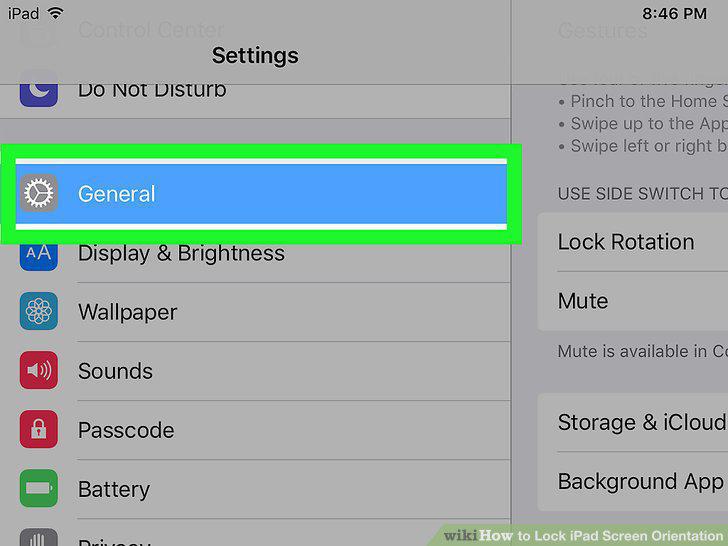
Tap General.
9
Tap the Lock Rotation option.
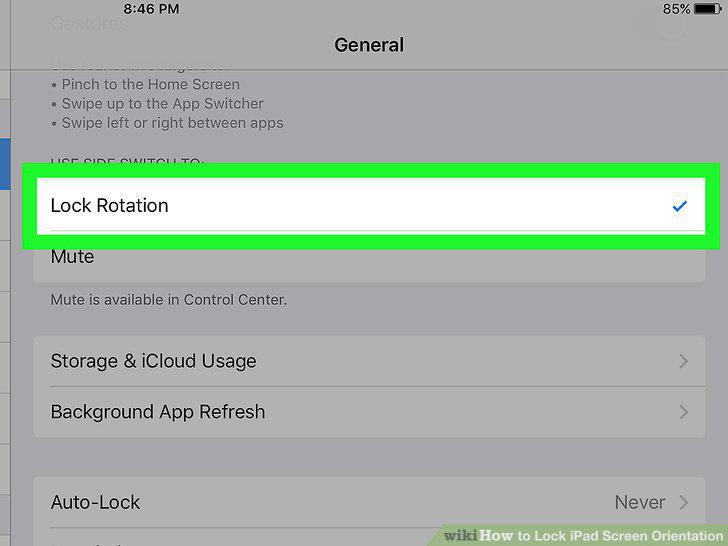
Tap the Lock Rotation option.
10
Press the Home button.
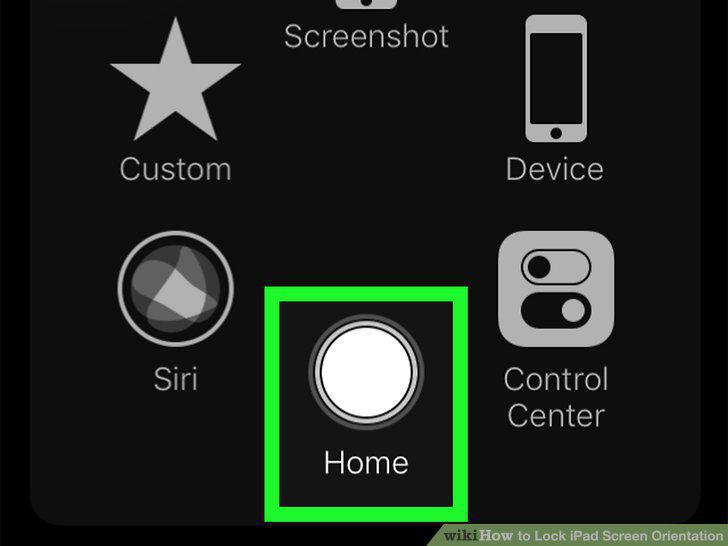
Press the Home button.
11
Slide up the switch.
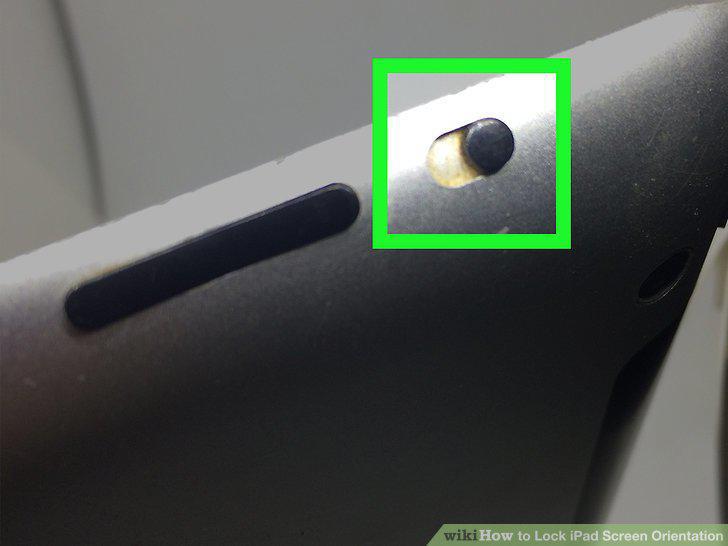
Slide up the switch.
12
Rotate your iPad to your preferred orientation.
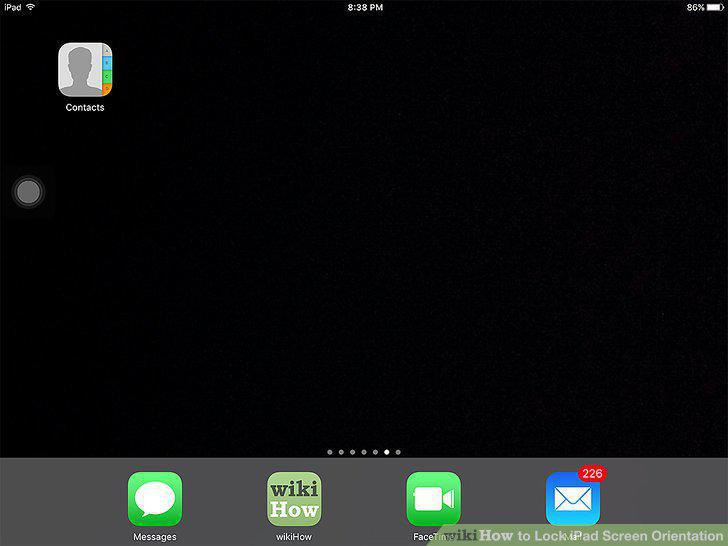
Rotate your iPad to your preferred orientation.
13
Slide down the switch.
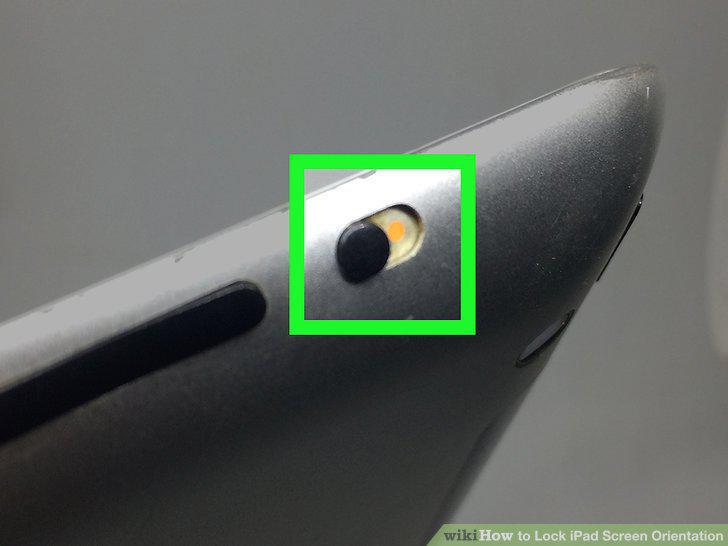
Slide down the switch.
Comments (0)
No comments yet. Be the first to share your thoughts!