How to Cancel Photoshop
Sign in to your Adobe account at https://account.adobe.com/.. Click Manage Plan under the subscription you want to cancel.. Click Cancel Plan.
Steps
1
Sign in to your Adobe account at https://account.adobe.com/.
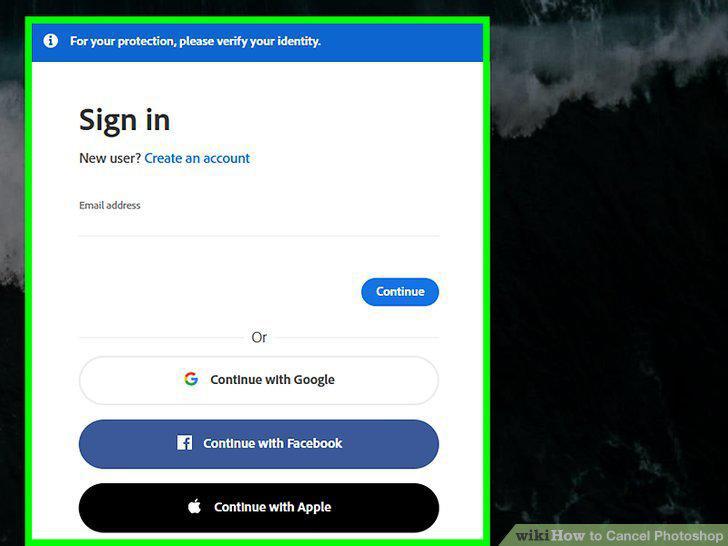
Sign in to your Adobe account at https://account.adobe.com/.
2
Click Manage Plan under the subscription you want to cancel.
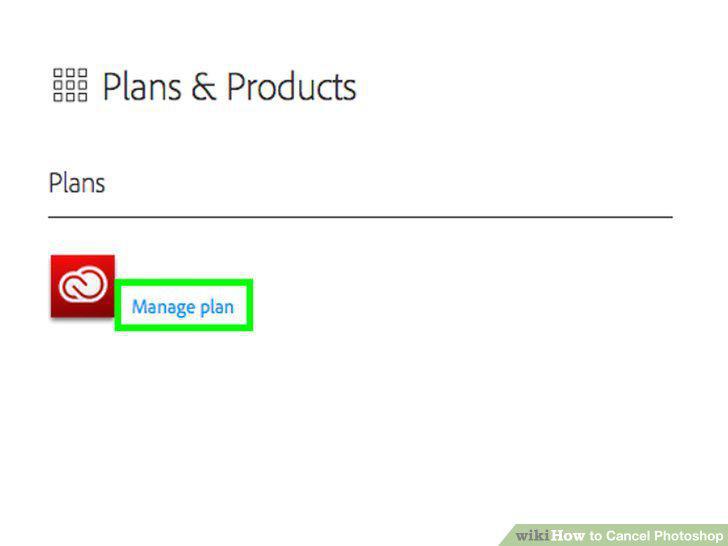
Click Manage Plan under the subscription you want to cancel.
3
Click Cancel Plan.
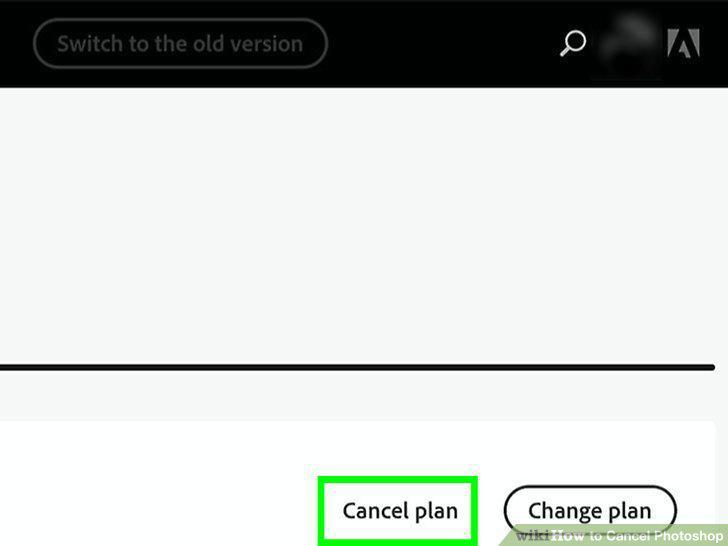
Click Cancel Plan.
4
Click to select a reason for canceling the plan.
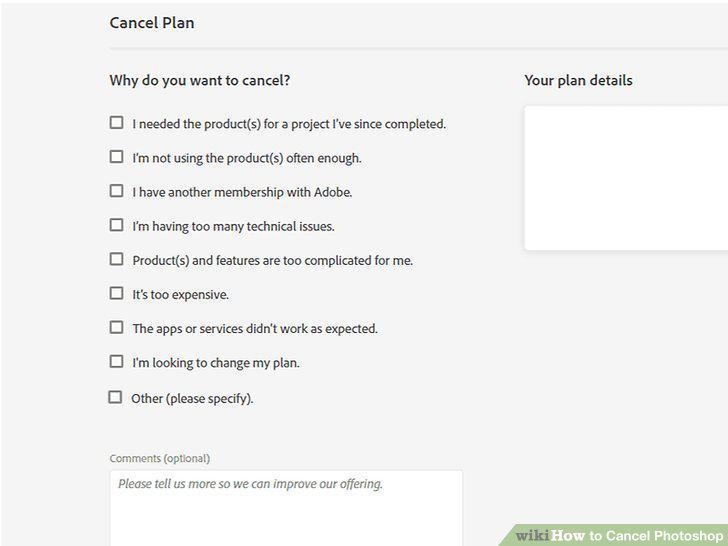
Click to select a reason for canceling the plan.
5
Click Continue.
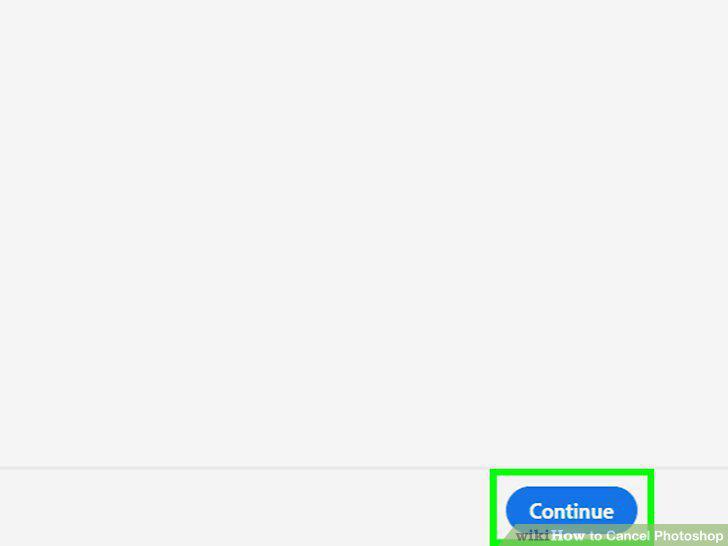
Click Continue.
6
Confirm that you want to cancel your plan.
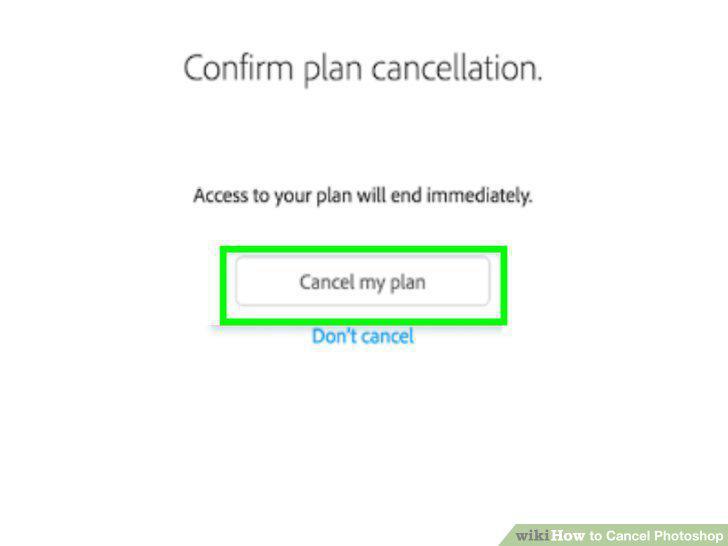
Confirm that you want to cancel your plan.
Comments (0)
No comments yet. Be the first to share your thoughts!