How to Share Facebook Live to Instagram
Save your Facebook Live video after recording.. Edit your video.. Open Instagram.
Steps
1
Save your Facebook Live video after recording.
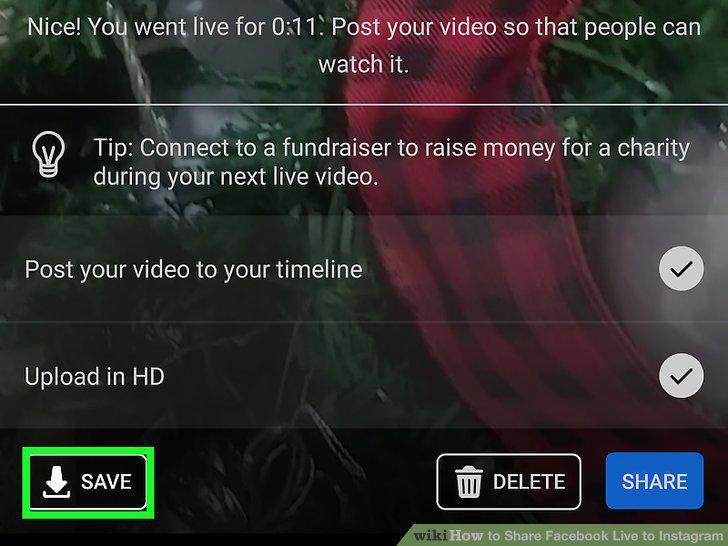
Save your Facebook Live video after recording.
2
Edit your video.
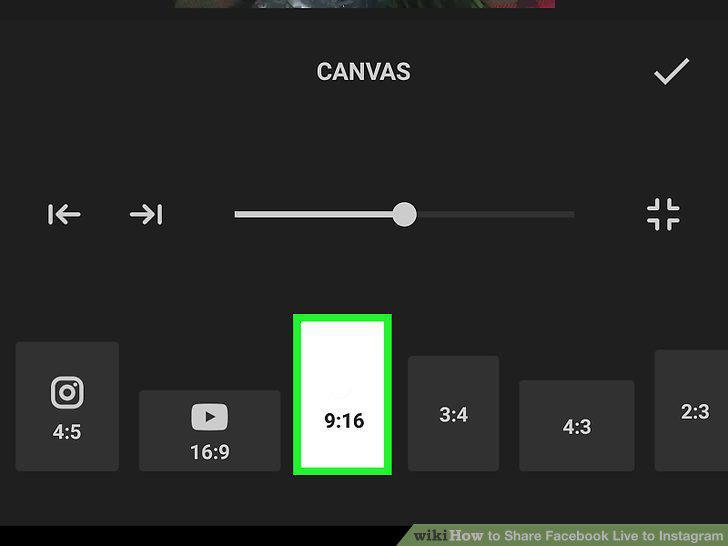
Edit your video.
3
Open Instagram.
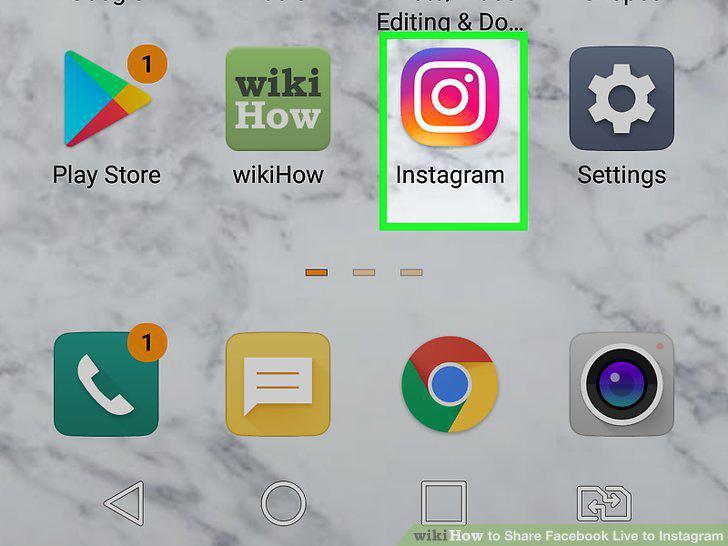
Open Instagram.
4
Tap and tap IGTV.
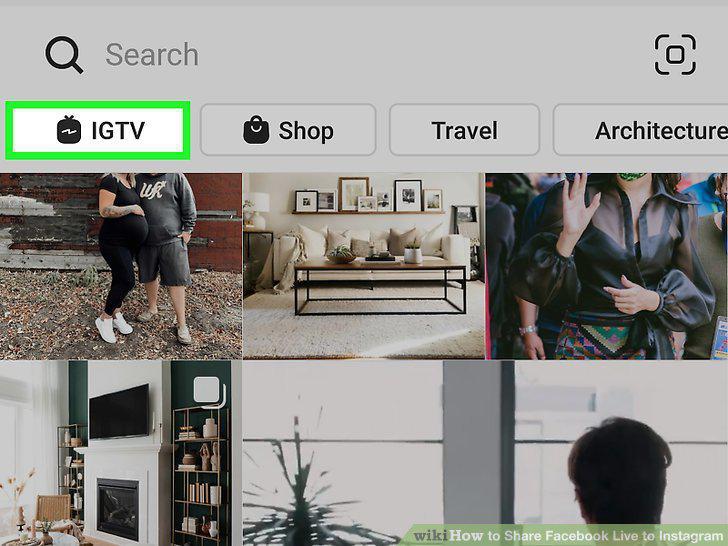
Tap and tap IGTV.
5
Tap +.
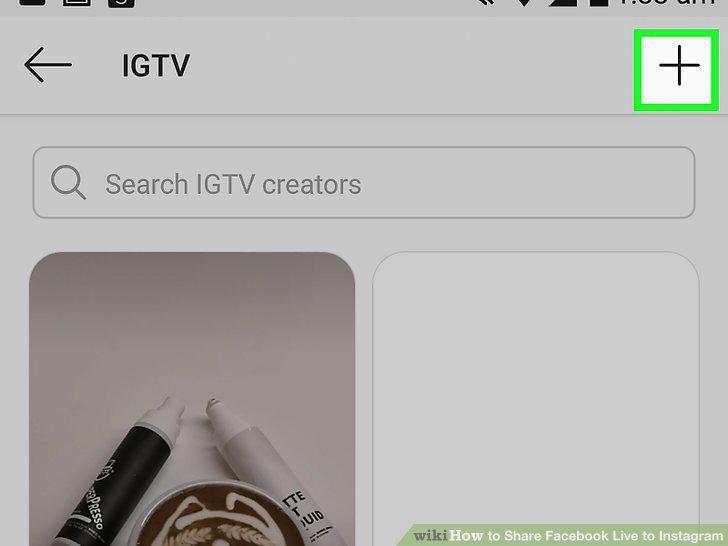
Tap +.
6
Navigate to and tap the video you want to upload.
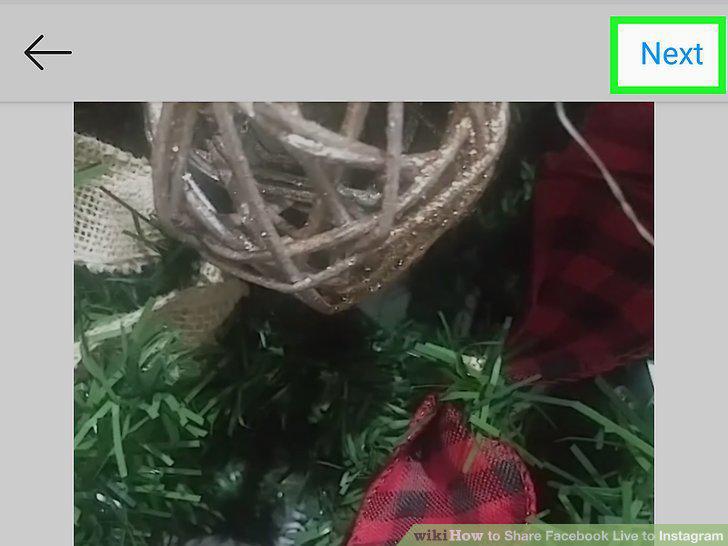
Navigate to and tap the video you want to upload.
7
Select a cover image.
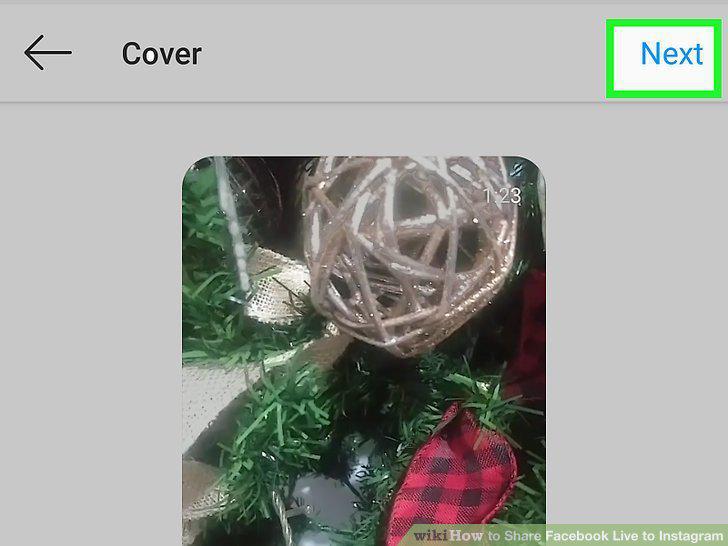
Select a cover image.
8
Add a title and description.
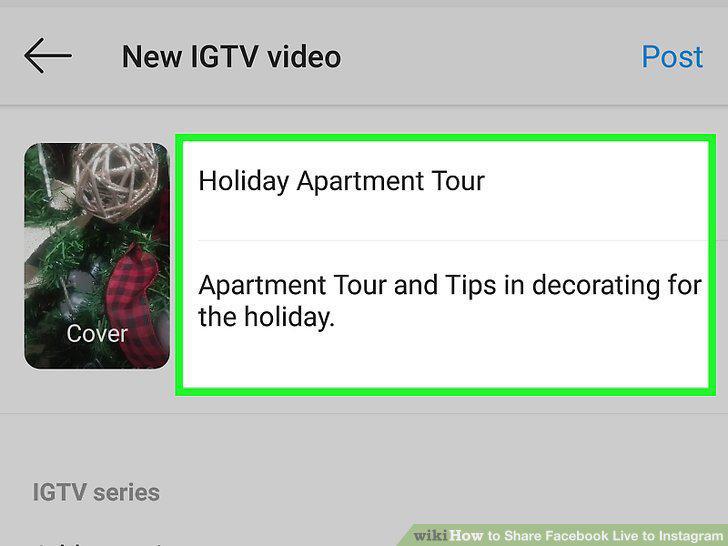
Add a title and description.
9
Tap Next.
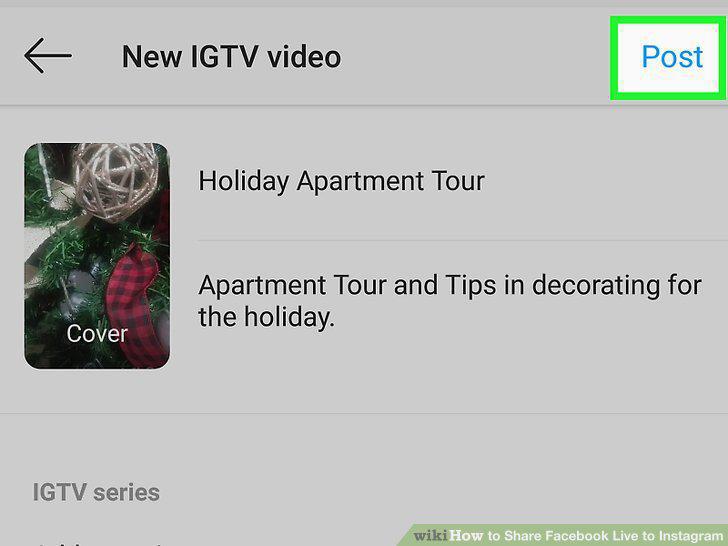
Tap Next.
Comments (0)
No comments yet. Be the first to share your thoughts!