How to Filter on Google Sheets on PC or Mac
Open Google Sheets in an internet browser.. Click the spreadsheet you want to edit.. Select the range of cells you want to filter.
Steps
1
Open Google Sheets in an internet browser.
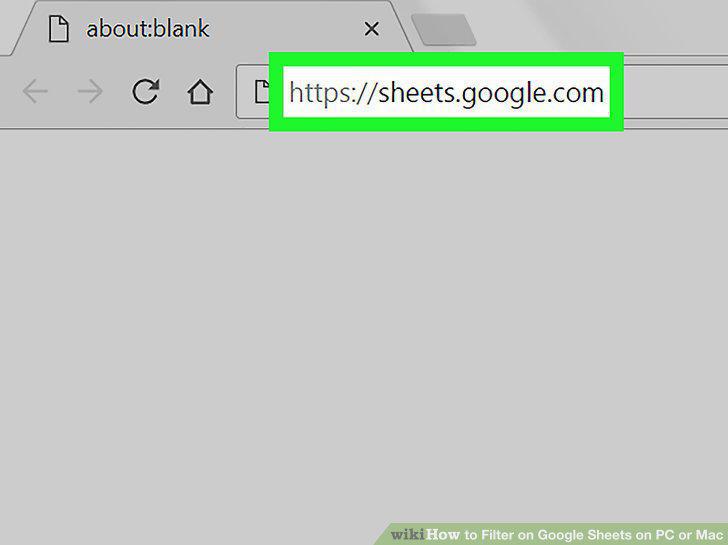
Open Google Sheets in an internet browser.
2
Click the spreadsheet you want to edit.
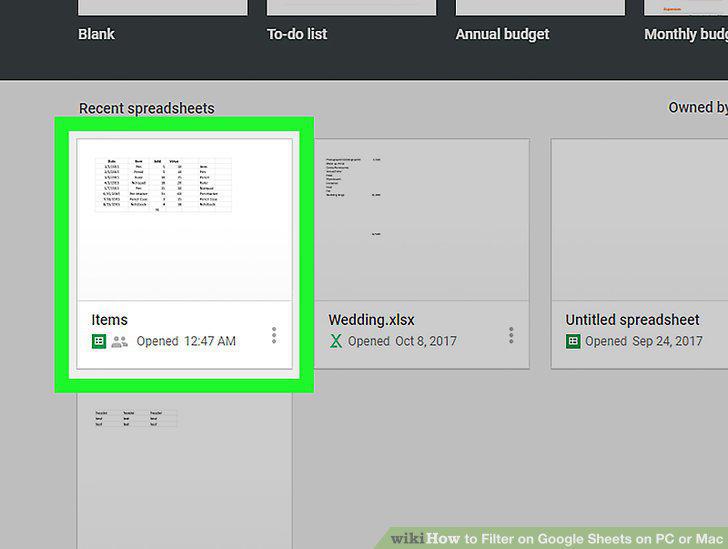
Click the spreadsheet you want to edit.
3
Select the range of cells you want to filter.
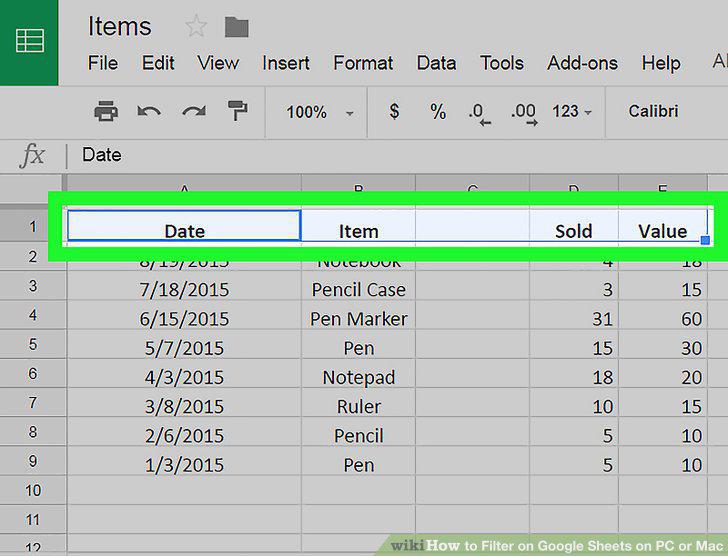
Select the range of cells you want to filter.
4
Click the Filter icon on the toolbar.
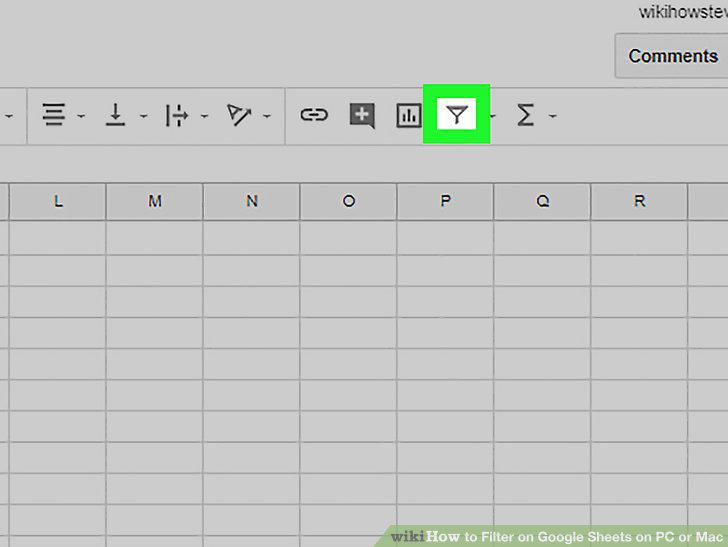
Click the Filter icon on the toolbar.
5
Click the three horizontal lines icon in the first cell of your cell range.
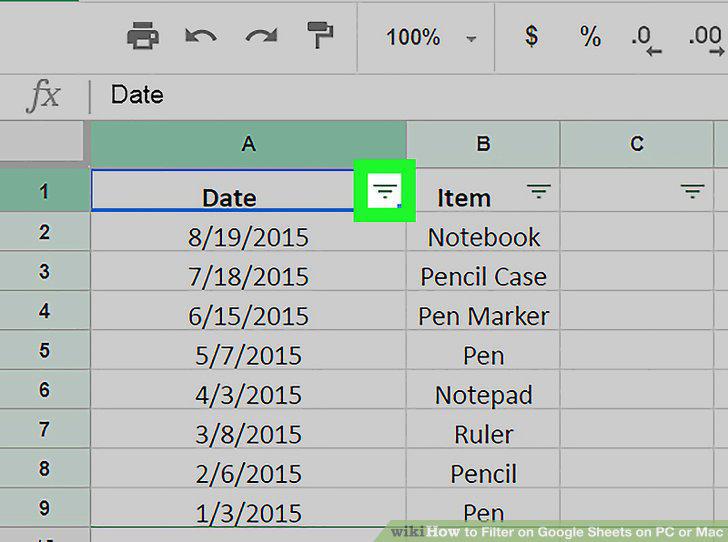
Click the three horizontal lines icon in the first cell of your cell range.
6
Select a filter to apply to the selected cells.
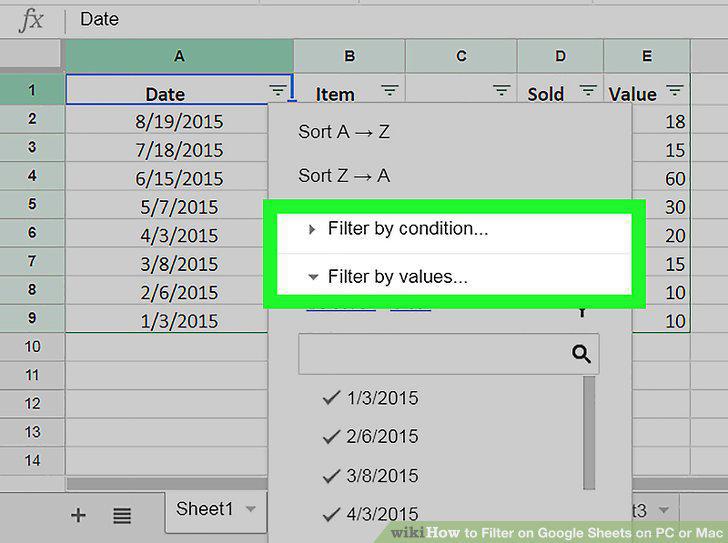
Select a filter to apply to the selected cells.
7
Click the blue OK button.
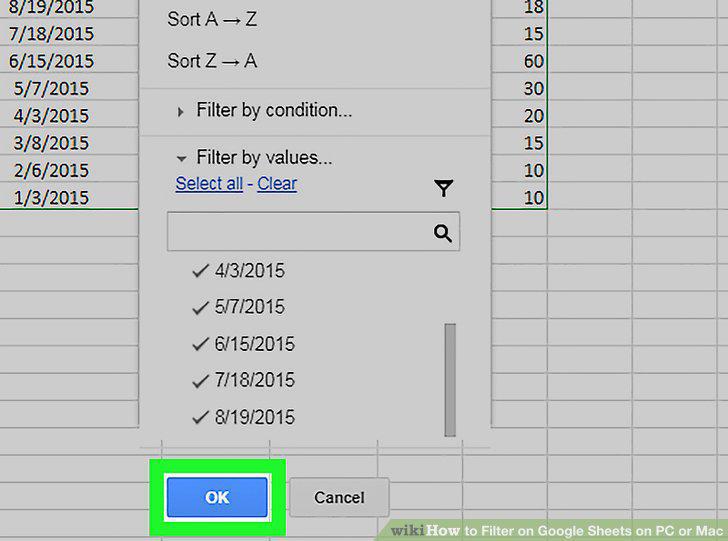
Click the blue OK button.
Comments (0)
No comments yet. Be the first to share your thoughts!