How to Remove an Event from Google Calendar on Android
Select the Google Calendar app on your Android.. Tap on the event you would like to remove from the calendar.. Press the button with three dots in the upper right corner.
Steps
1
Select the Google Calendar app on your Android.
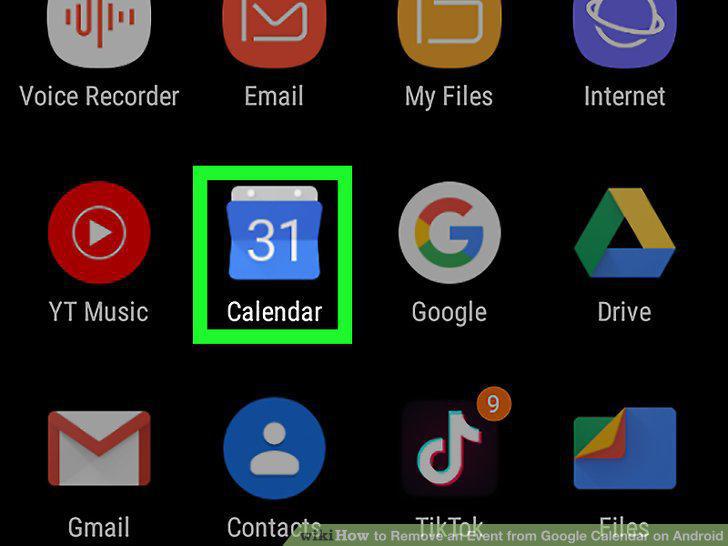
Select the Google Calendar app on your Android.
2
Tap on the event you would like to remove from the calendar.
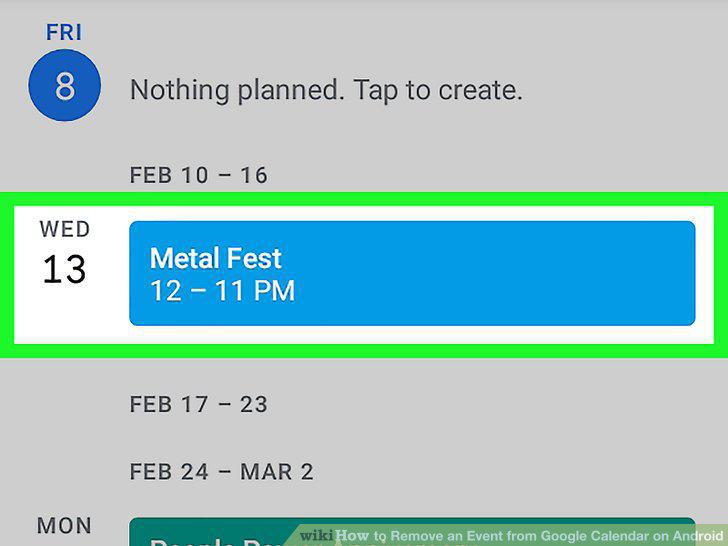
Tap on the event you would like to remove from the calendar.
3
Press the button with three dots in the upper right corner.
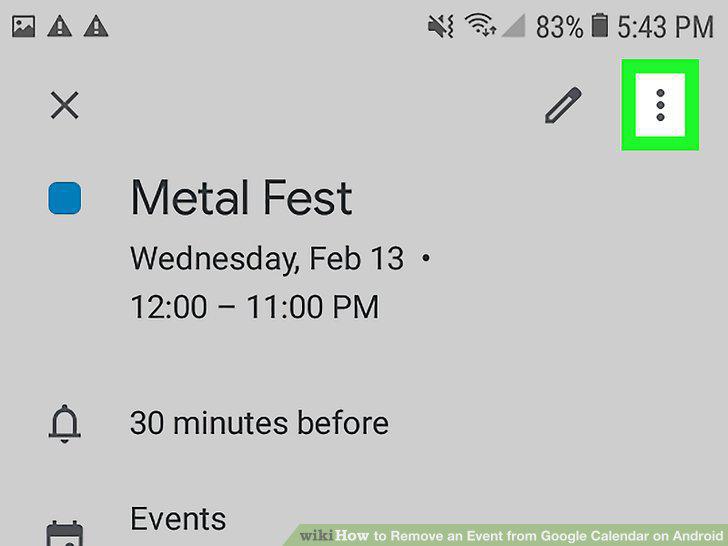
Press the button with three dots in the upper right corner.
4
Select the delete option.
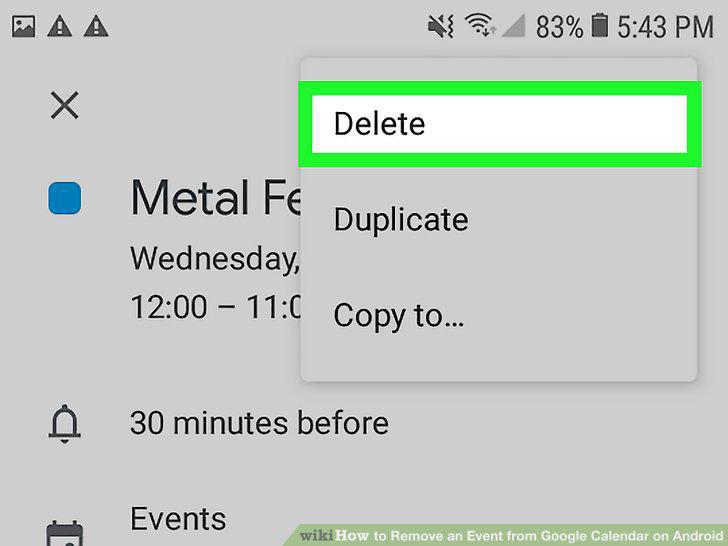
Select the delete option.
Comments (0)
No comments yet. Be the first to share your thoughts!