How to Test Your Computer's Ram
Open the program(s) you want to test.. Open the Power User menu.. Click Task Manager.
Steps
1
Open the program(s) you want to test.
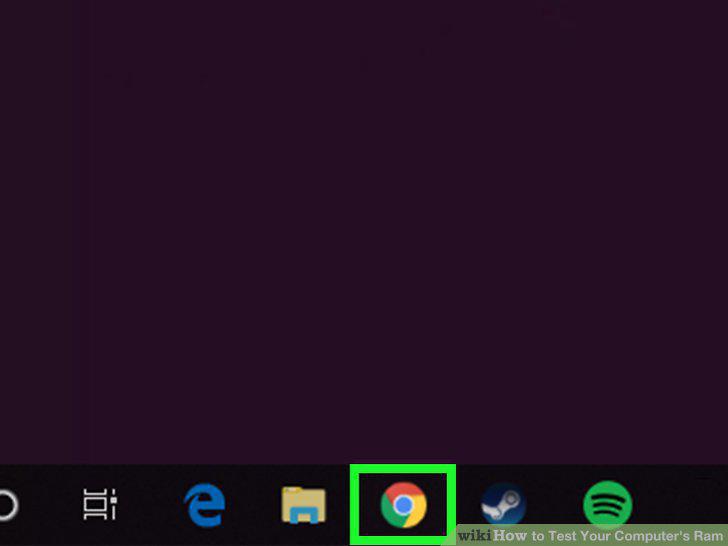
Open the program(s) you want to test.
2
Open the Power User menu.
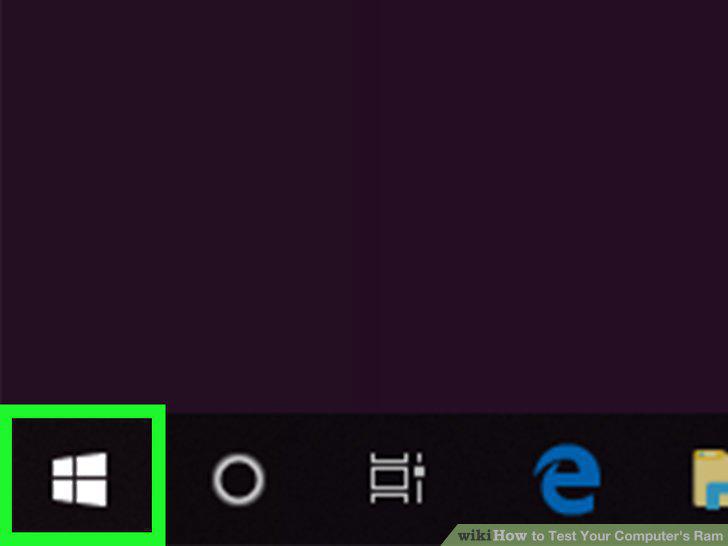
Open the Power User menu.
3
Click Task Manager.
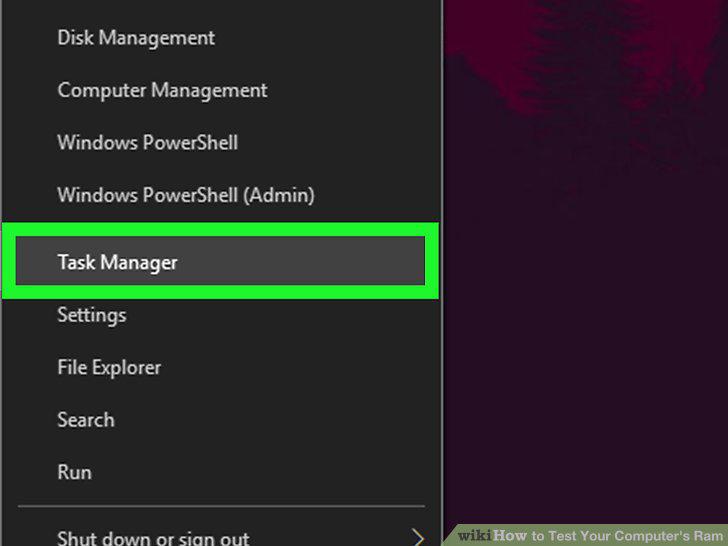
Click Task Manager.
4
Click the Performance tab.
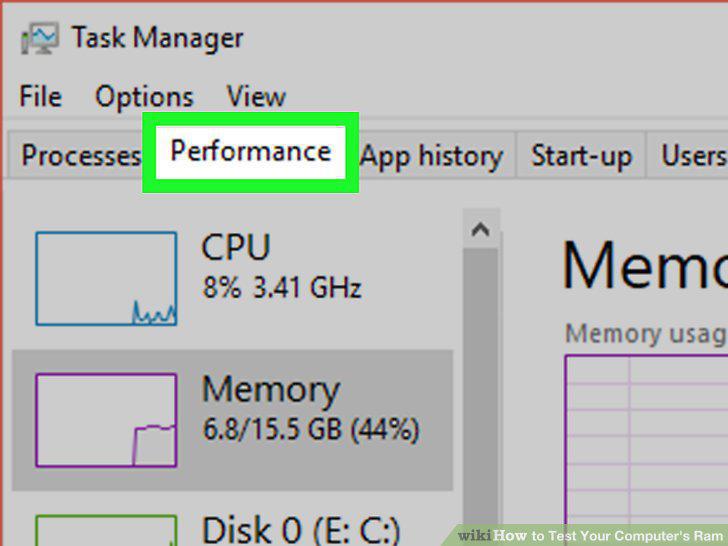
Click the Performance tab.
5
Click Memory.
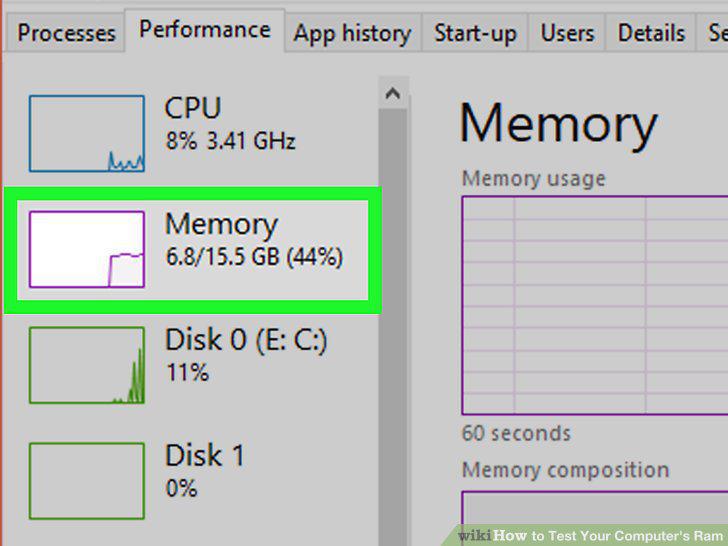
Click Memory.
6
View the amount of in-use RAM and available RAM.
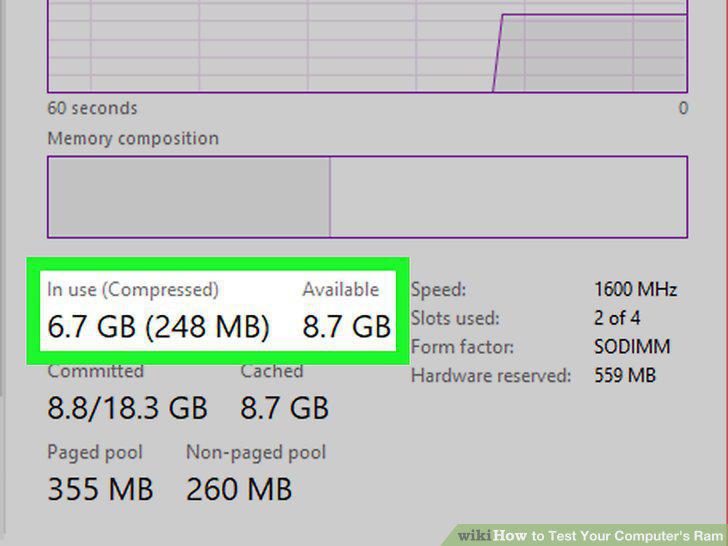
View the amount of in-use RAM and available RAM.
7
Open the program(s) you want to test.
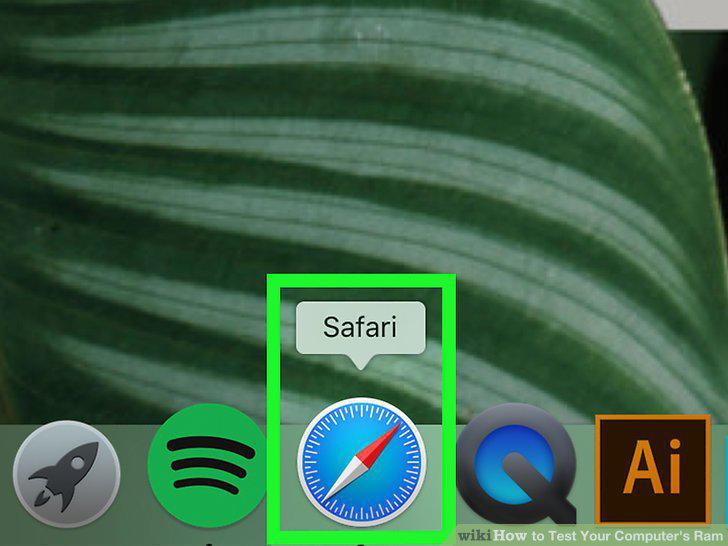
Open the program(s) you want to test.
8
Open Spotlight .
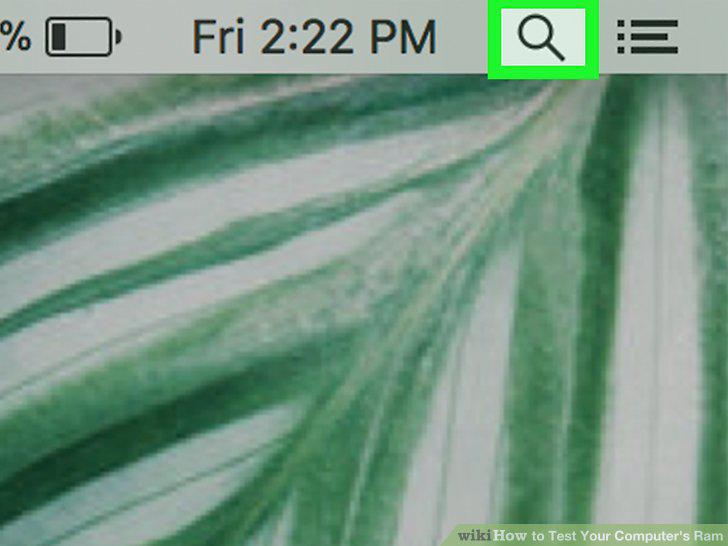
Open Spotlight .
9
Open Activity Monitor.
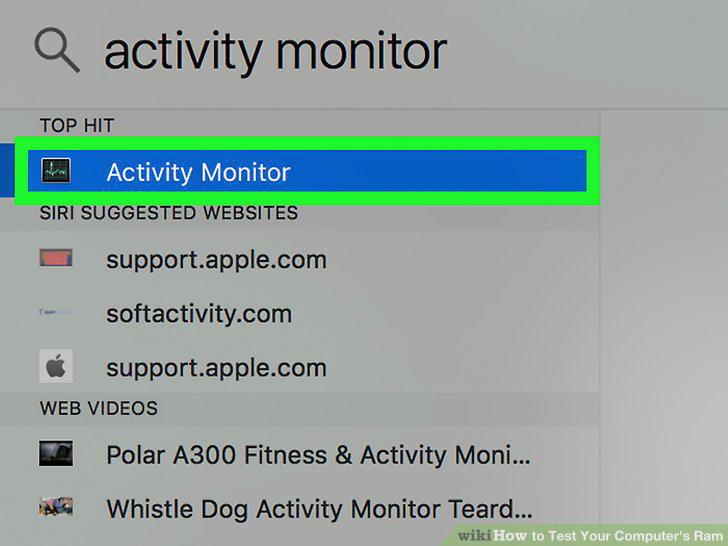
Open Activity Monitor.
10
Click the Memory tab.
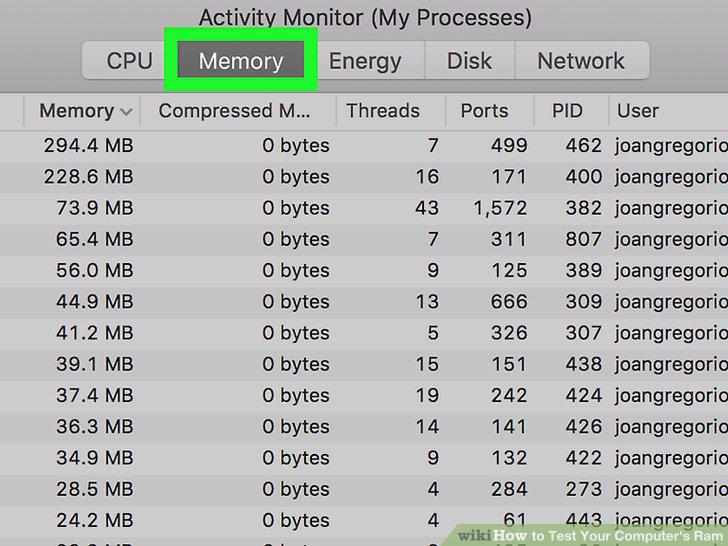
Click the Memory tab.
11
Review the amount of in-use RAM and remaining RAM.
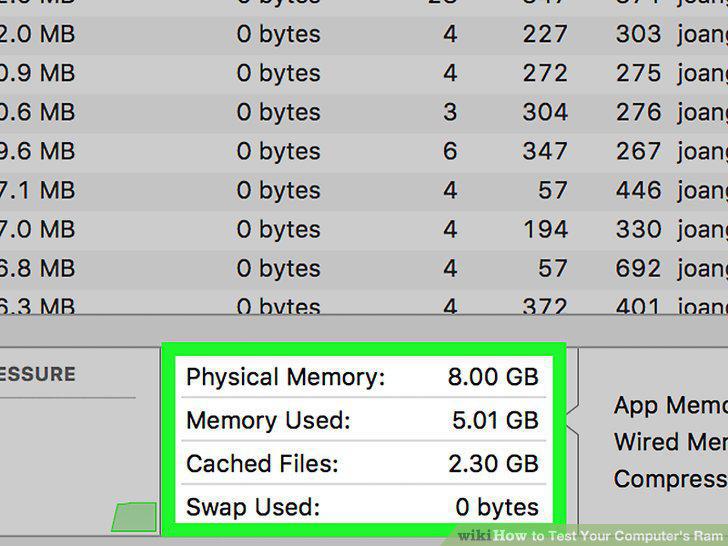
Review the amount of in-use RAM and remaining RAM.
Comments (0)
No comments yet. Be the first to share your thoughts!