How to Download Voicemail on iPhone or iPad
Open the Phone app on your iPhone.. Tap the Voicemail tab.. Tap the voicemail you want to download.
Steps
1
Open the Phone app on your iPhone.
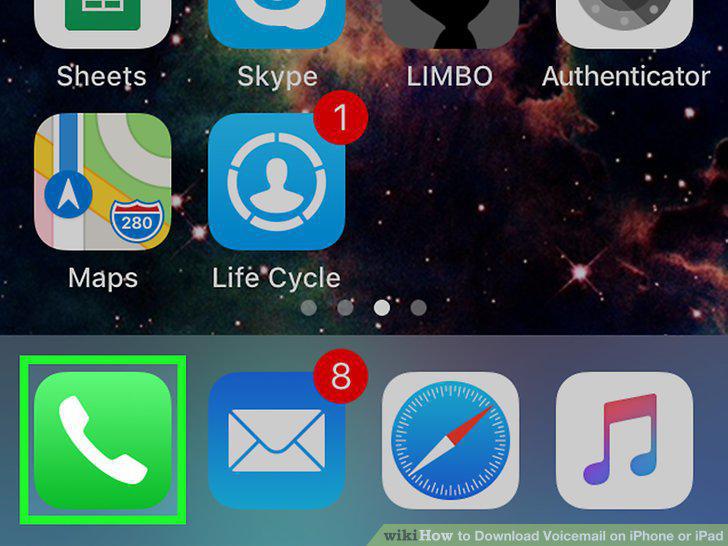
Open the Phone app on your iPhone.
2
Tap the Voicemail tab.

Tap the Voicemail tab.
3
Tap the voicemail you want to download.
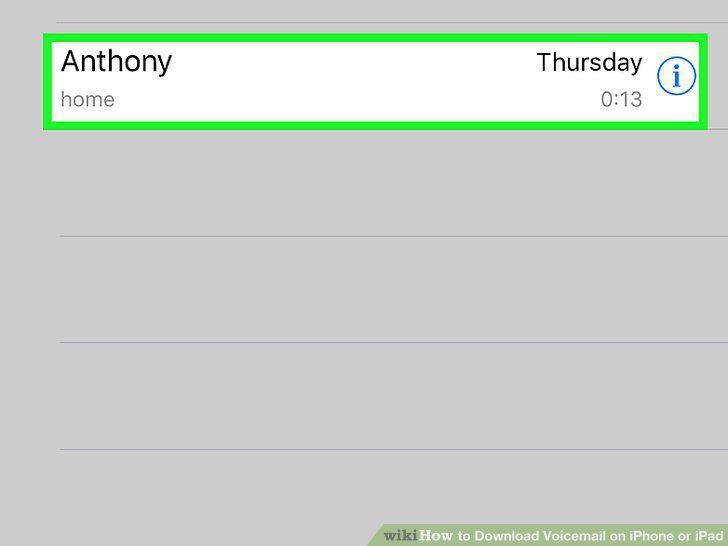
Tap the voicemail you want to download.
4
Tap the icon.
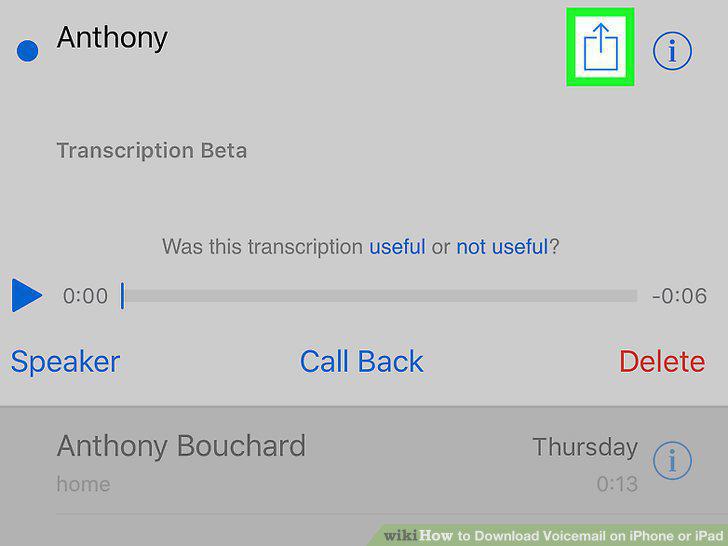
Tap the icon.
5
Tap Voice Memos or Notes on the pop-up menu.
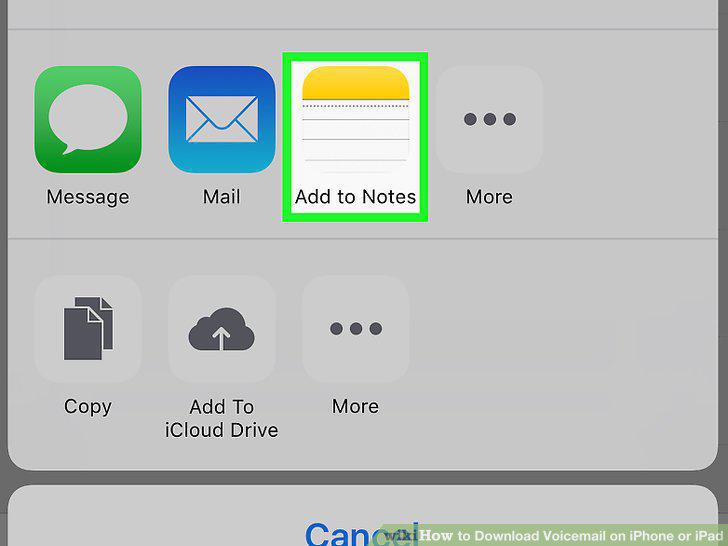
Tap Voice Memos or Notes on the pop-up menu.
Comments (0)
No comments yet. Be the first to share your thoughts!