Steps
1
Open the App Store.
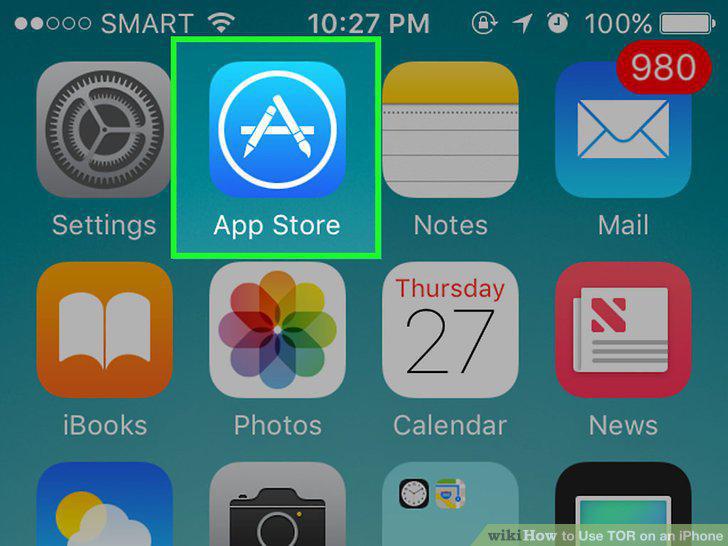
Open the App Store.
2
Tap Search.
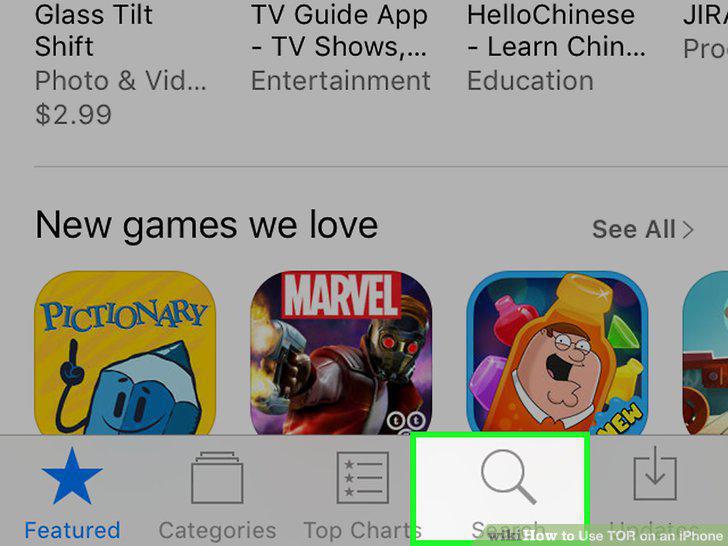
Tap Search.
3
Tap the search bar.
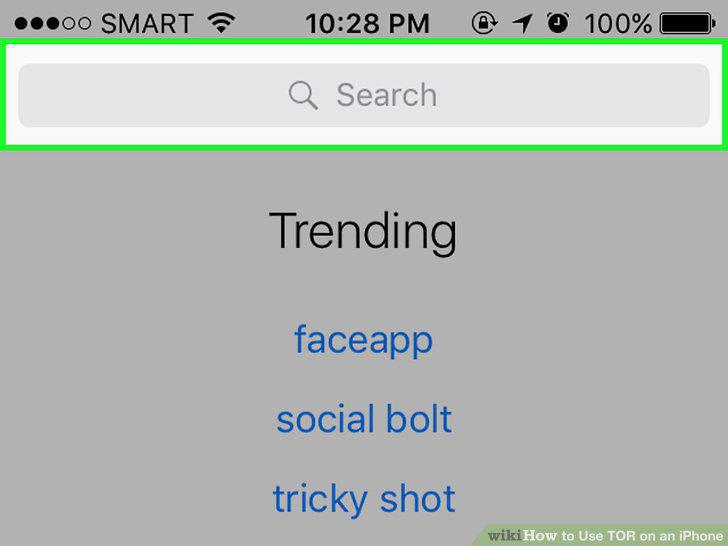
Tap the search bar.
4
Type "TOR" and tap Search.
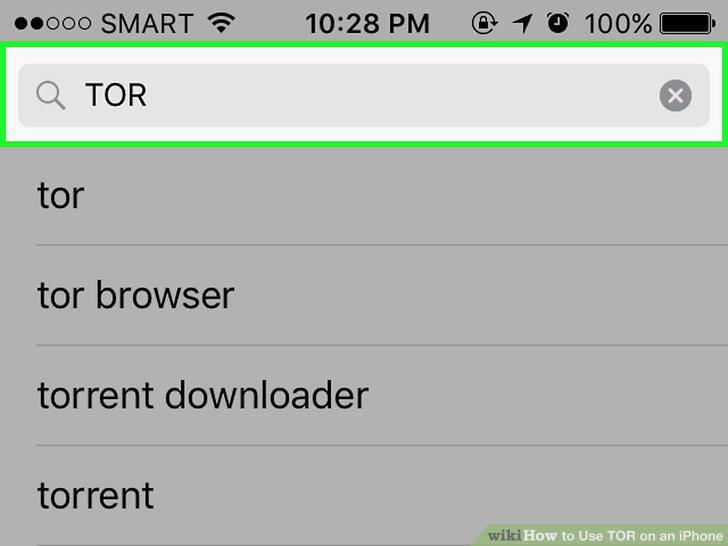
Type "TOR" and tap Search.
5
Select a TOR-enabled browser.
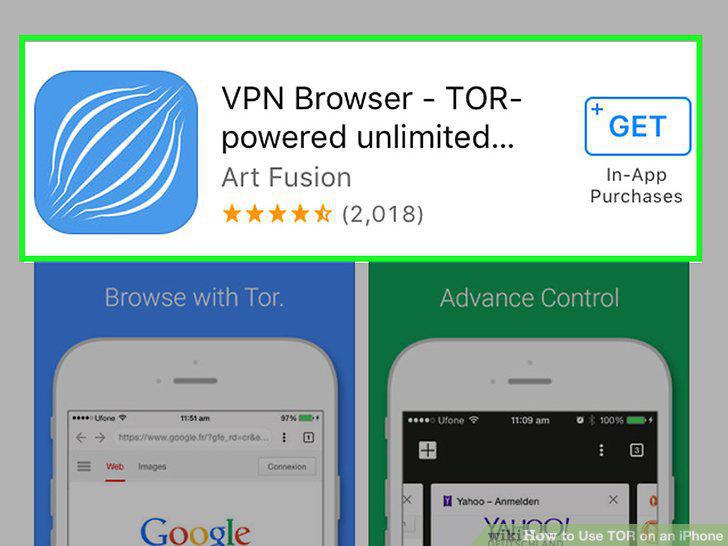
Select a TOR-enabled browser.
6
Tap GET.
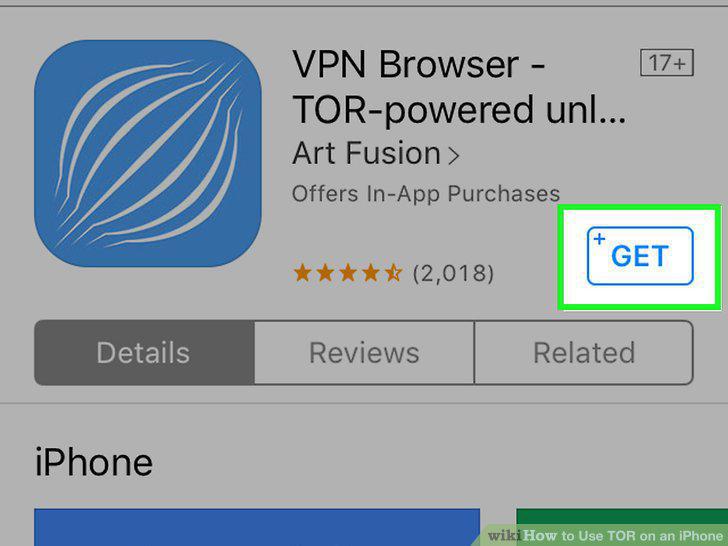
Tap GET.
7
Tap INSTALL.
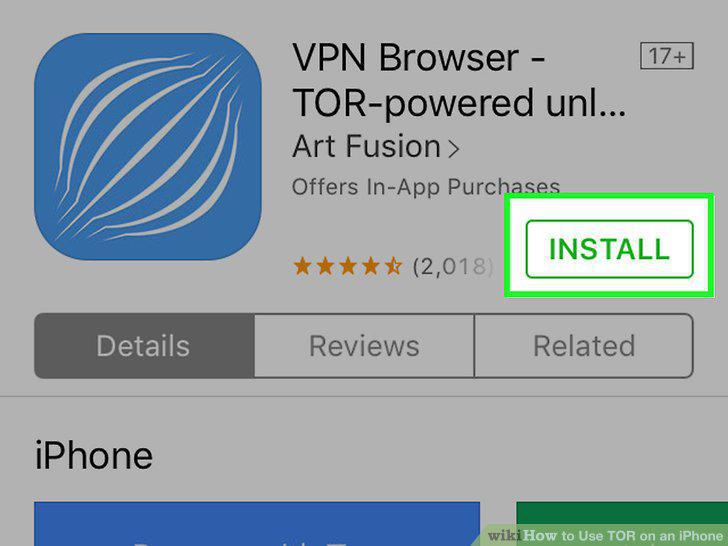
Tap INSTALL.
8
Tap Open.
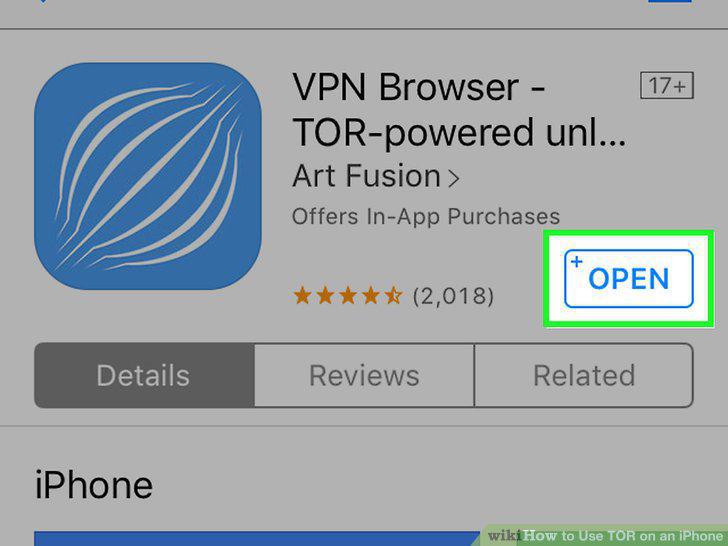
Tap Open.
9
Tap Connect to TOR, if prompted.

Tap Connect to TOR, if prompted.
10
Start browsing.
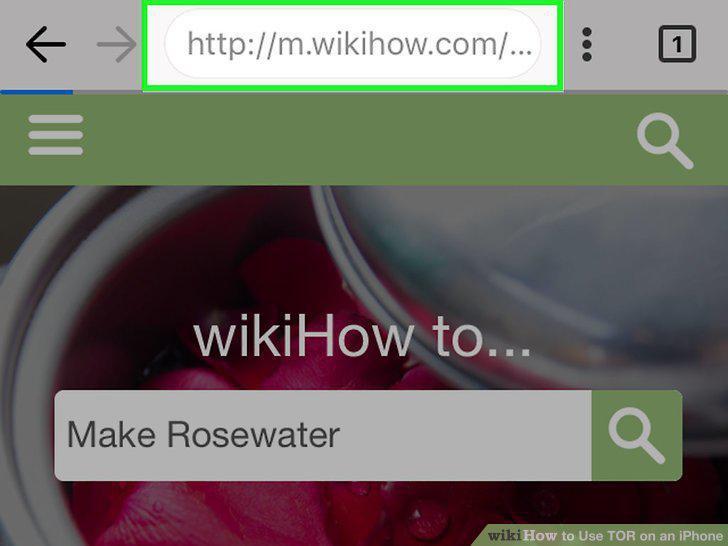
Start browsing.
Comments (0)
No comments yet. Be the first to share your thoughts!