How to Delete Marketplace on Facebook
Open Facebook.. Tap and hold your finger on the marketplace icon.. Tap Remove from shortcut bar.
Steps
1
Open Facebook.
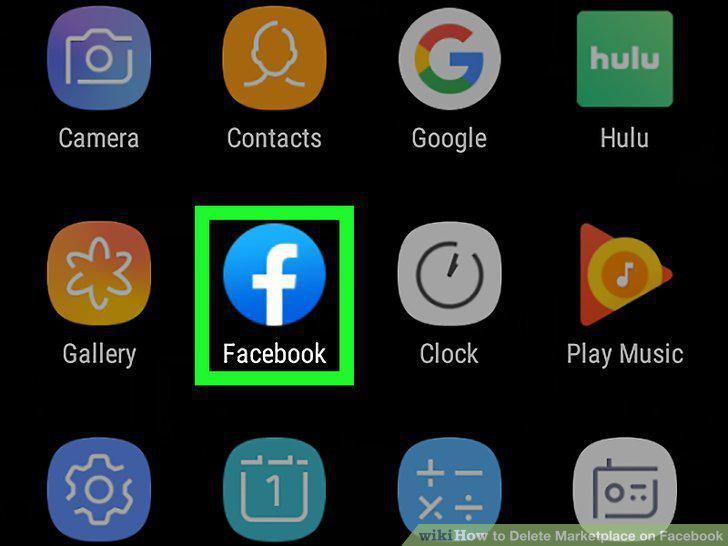
Open Facebook.
2
Tap and hold your finger on the marketplace icon.
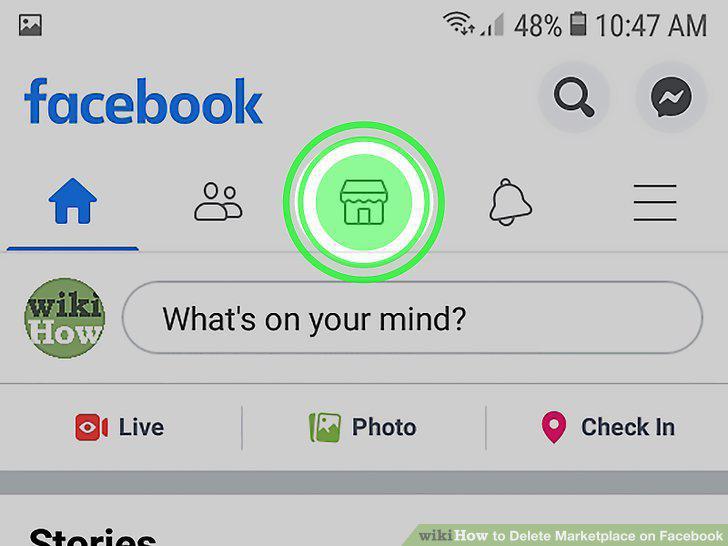
Tap and hold your finger on the marketplace icon.
3
Tap Remove from shortcut bar.
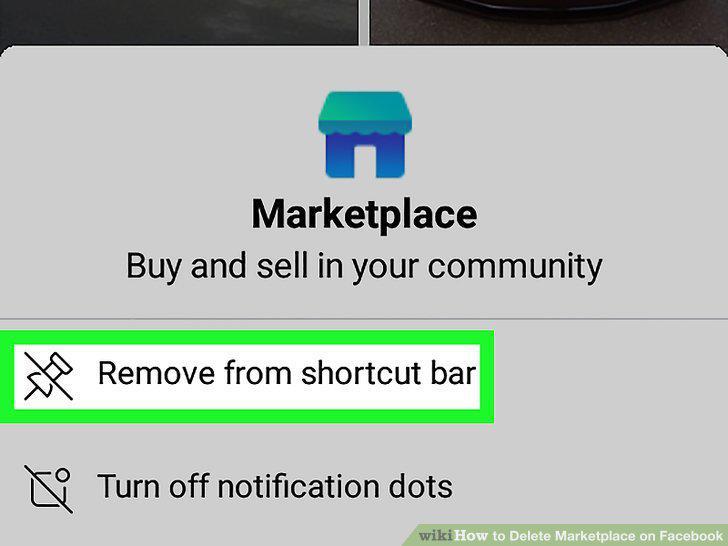
Tap Remove from shortcut bar.
4
Go to https://facebook.com and log in.
Go to https://facebook.com and log in.
5
Click the notification bell.
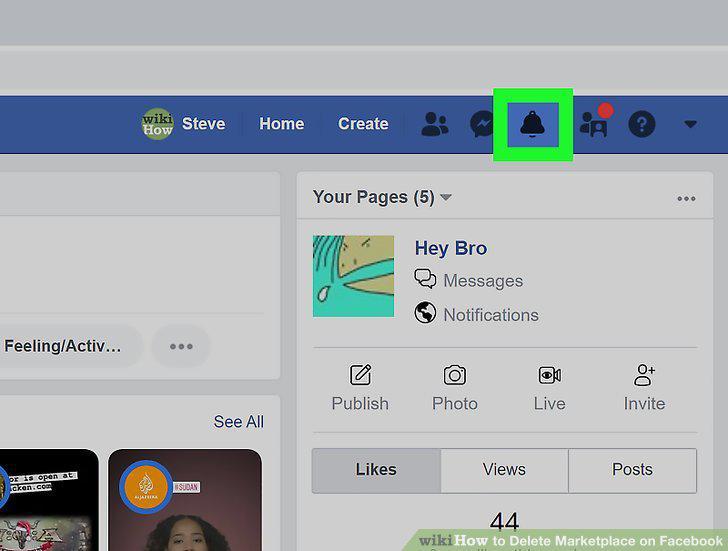
Click the notification bell.
6
Click or tap Settings.
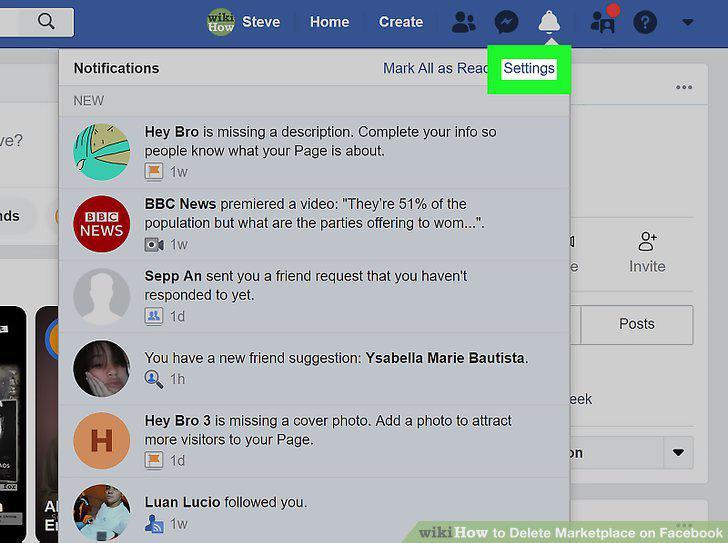
Click or tap Settings.
7
Tap Notification Settings (mobile app only).
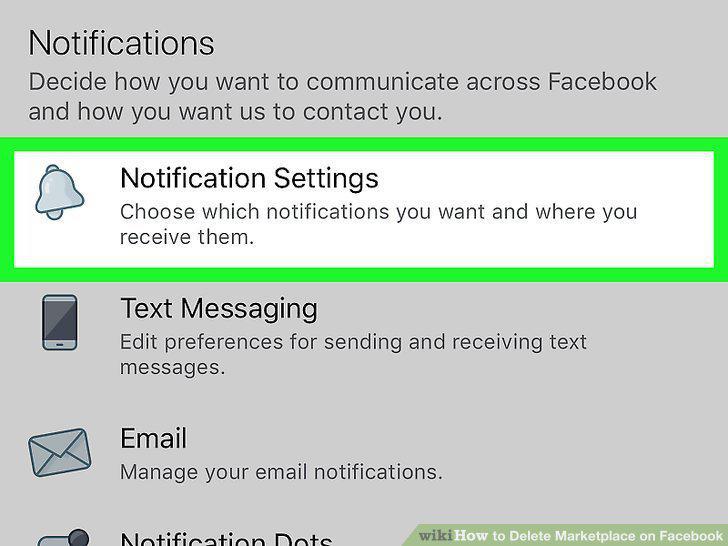
Tap Notification Settings (mobile app only).
8
Click or tap Marketplace.
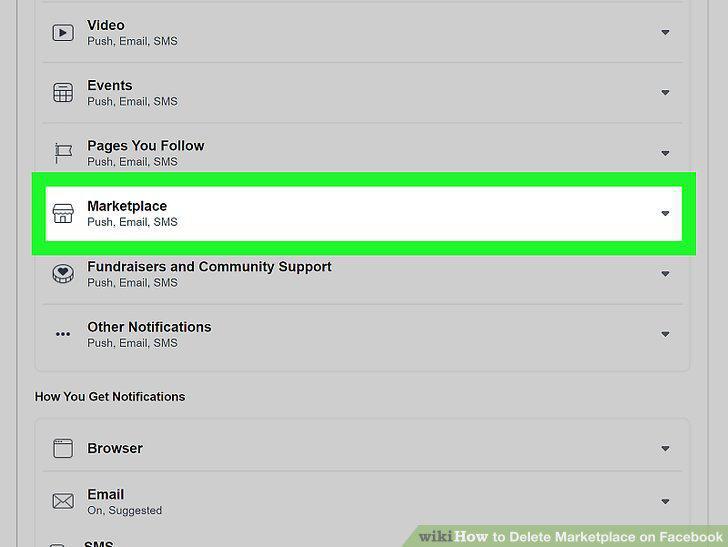
Click or tap Marketplace.
9
Click or tap to toggle the switch next to "Allow Notifications on Facebook" head
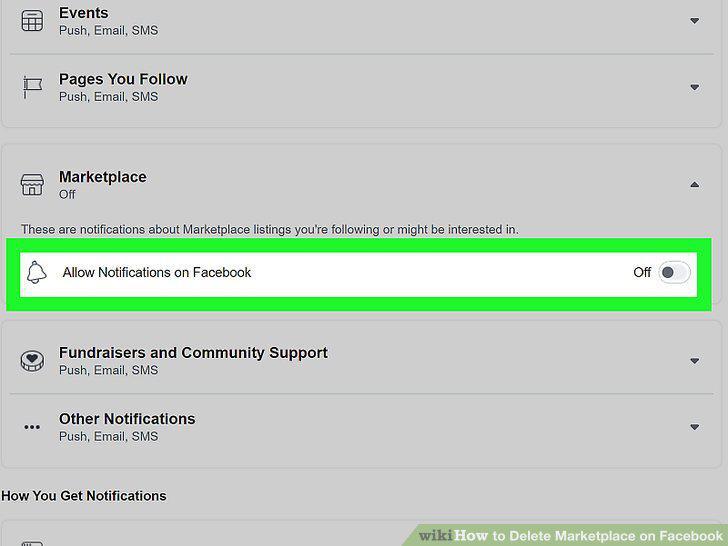
Click or tap to toggle the switch next to "Allow Notifications on Facebook" header to off .
Comments (0)
No comments yet. Be the first to share your thoughts!