How to Upload Pictures to Google Drive on Android
Open the Google Drive app on your Android.. Tap the New Item button.. Tap the Upload button on the New menu.
Steps
1
Open the Google Drive app on your Android.
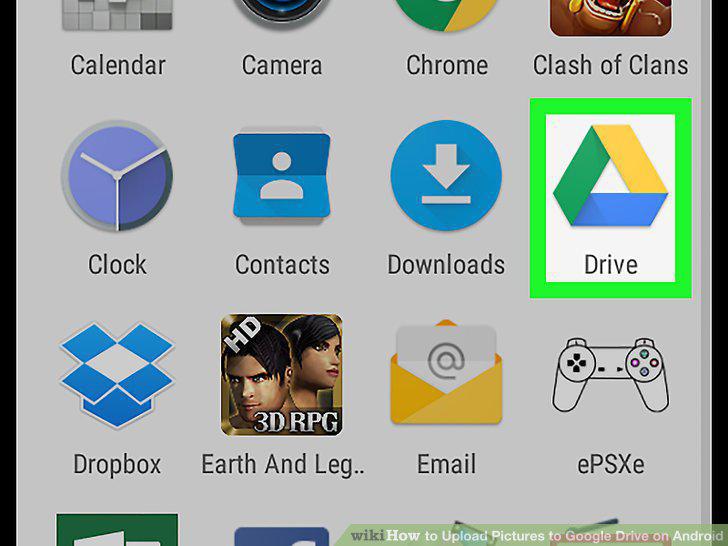
Open the Google Drive app on your Android.
2
Tap the New Item button.
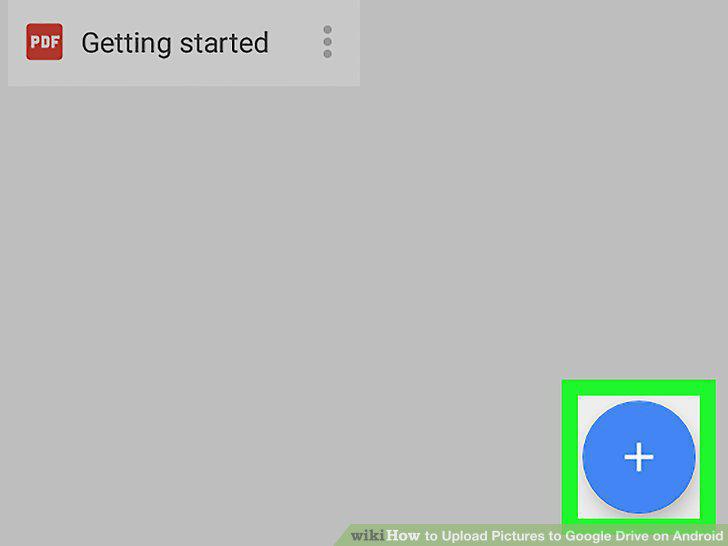
Tap the New Item button.
3
Tap the Upload button on the New menu.
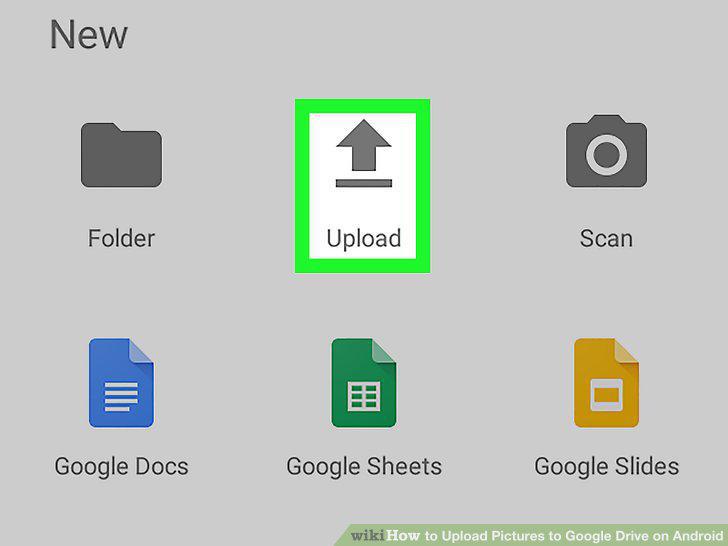
Tap the Upload button on the New menu.
4
Tap Gallery on the menu panel.
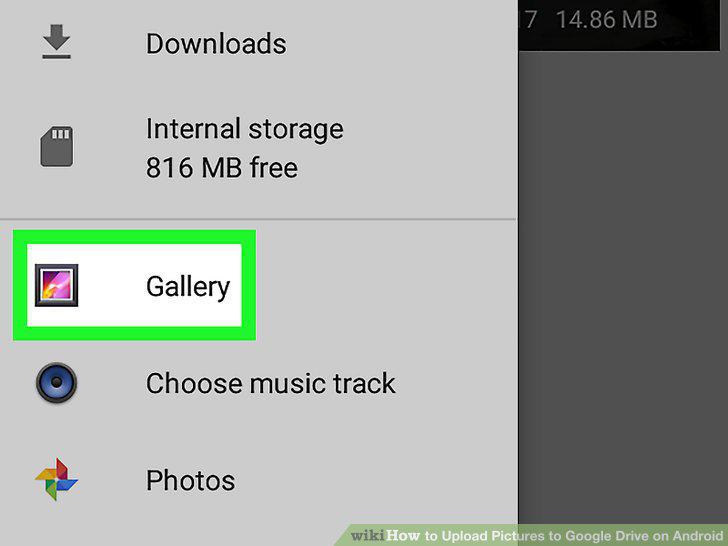
Tap Gallery on the menu panel.
5
Tap the picture you want to upload.
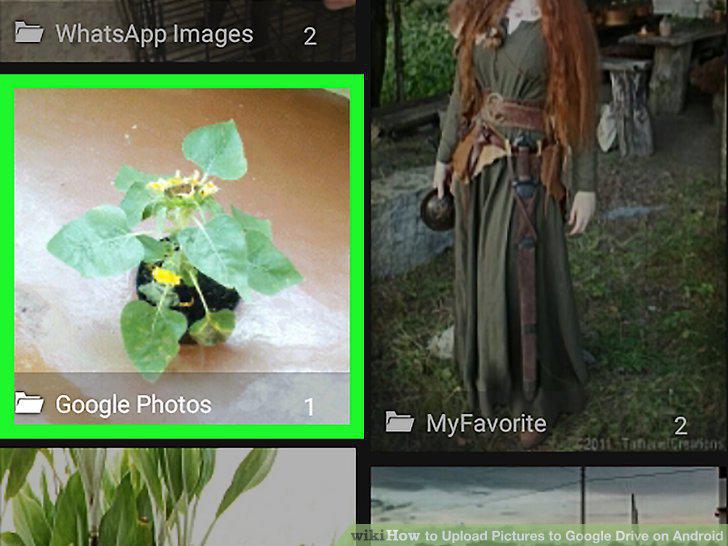
Tap the picture you want to upload.
Comments (0)
No comments yet. Be the first to share your thoughts!