How to Add Friends to Wechat on iPhone or iPad
Open WeChat on your iPhone or iPad.. Tap the Chats tab.. Tap Invite friends to WeChat at the bottom.
Steps
1
Open WeChat on your iPhone or iPad.

Open WeChat on your iPhone or iPad.
2
Tap the Chats tab.

Tap the Chats tab.
3
Tap Invite friends to WeChat at the bottom.

Tap Invite friends to WeChat at the bottom.
4
Select an invitation method.
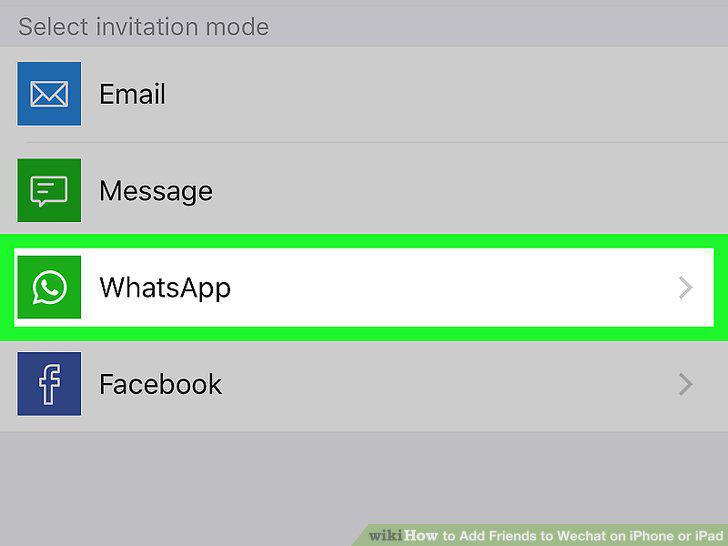
Select an invitation method.
5
Select a friend to invite.
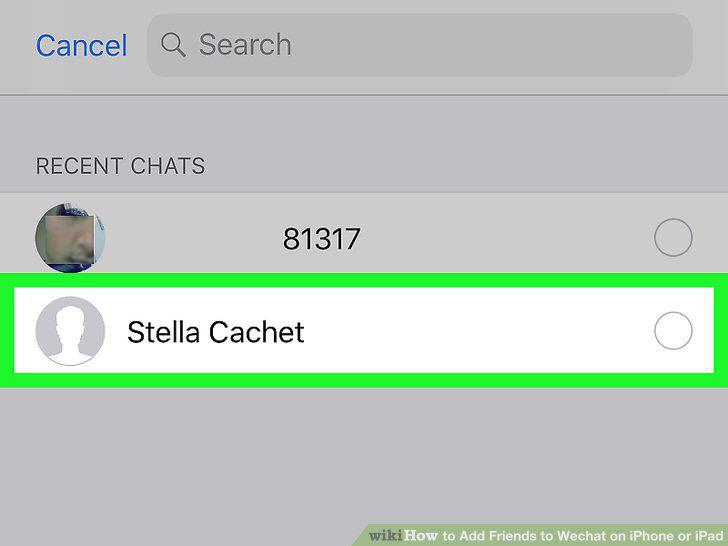
Select a friend to invite.
6
Send your invitation.

Send your invitation.
7
Open WeChat on your iPhone or iPad.

Open WeChat on your iPhone or iPad.
8
Tap the Contacts tab.

Tap the Contacts tab.
9
Tap the figurehead icon on the top-right.

Tap the figurehead icon on the top-right.
10
Tap Friend Radar.

Tap Friend Radar.
11
Tap on your friend's picture on the radar screen.

Tap on your friend's picture on the radar screen.
12
Open WeChat on your iPhone or iPad.

Open WeChat on your iPhone or iPad.
13
Tap the Contacts tab.

Tap the Contacts tab.
14
Tap the figurehead icon on the top-right.

Tap the figurehead icon on the top-right.
15
Tap Scan QR Code.
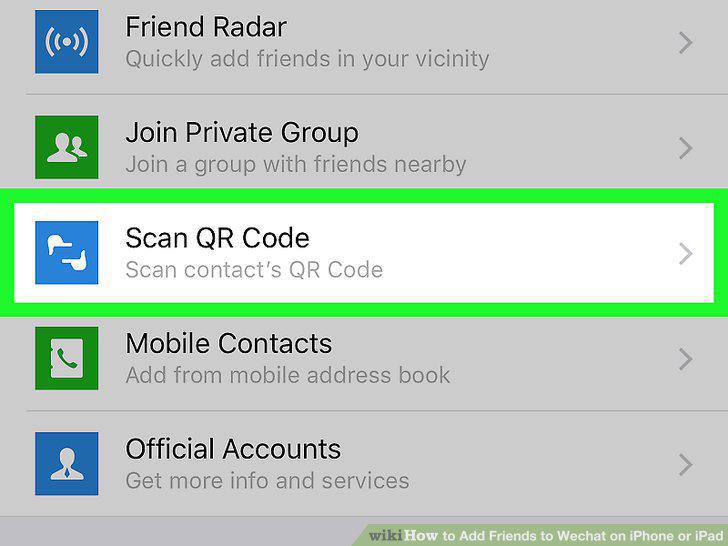
Tap Scan QR Code.
16
Position your friend's QR code inside the square frame.

Position your friend's QR code inside the square frame.
Comments (0)
No comments yet. Be the first to share your thoughts!