How to Adjust the Contrast of a Photo Using the iPhone Photos App
Open Photos.. Select a picture to edit.. Tap .
Steps
1
Open Photos.
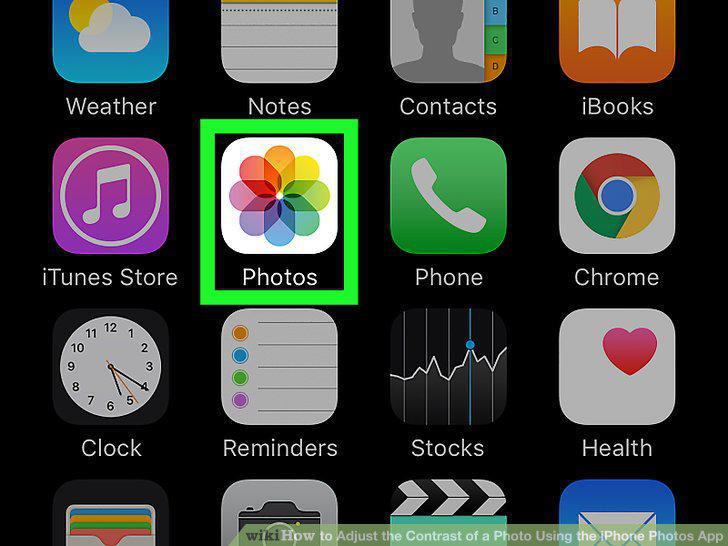
Open Photos.
2
Select a picture to edit.
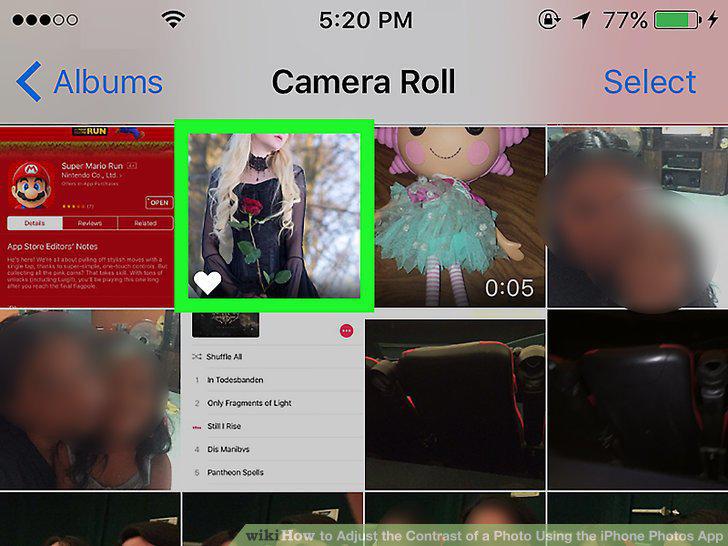
Select a picture to edit.
3
Tap .
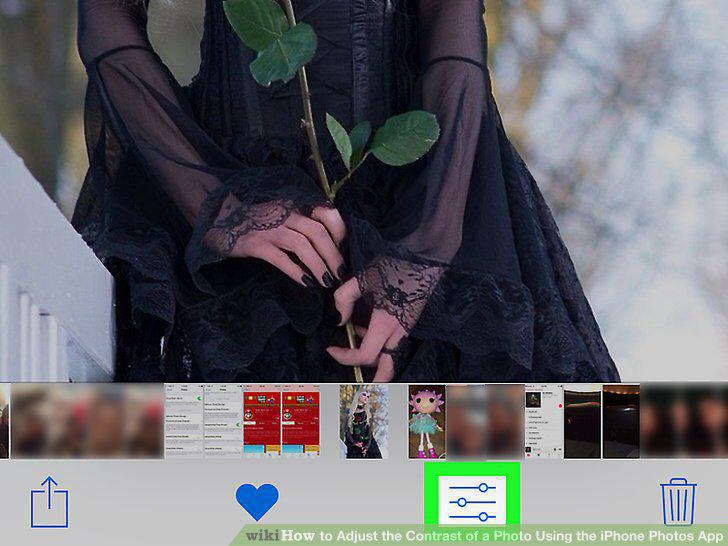
Tap .
4
Tap .
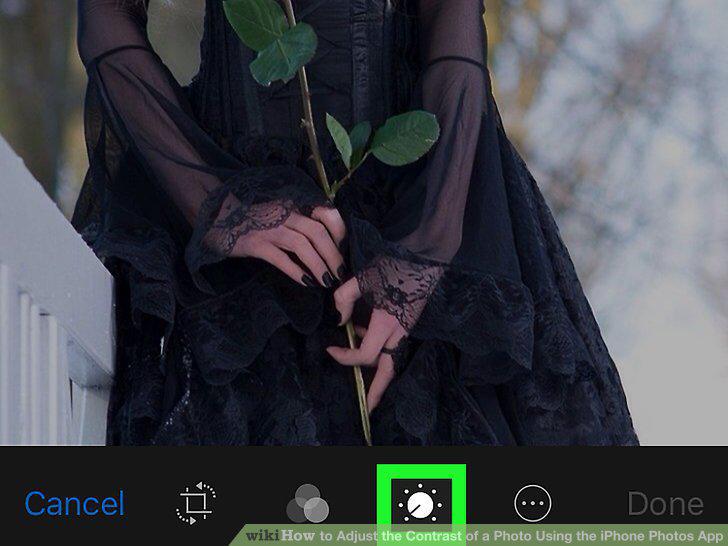
Tap .
5
Tap Light or Color.
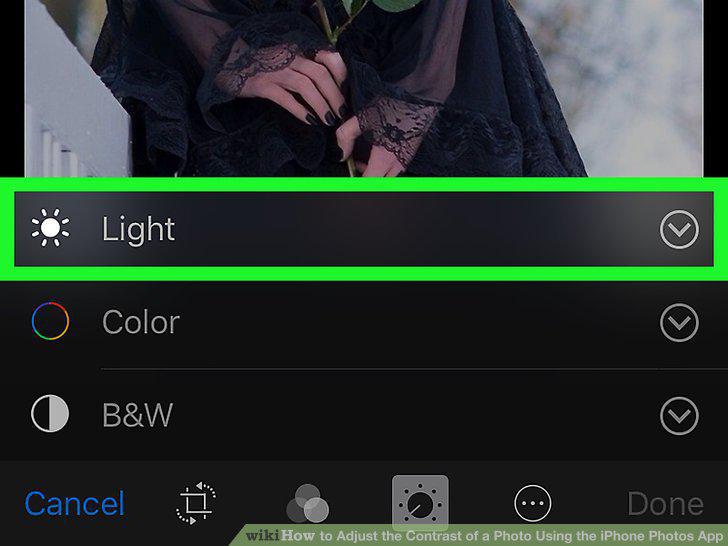
Tap Light or Color.
6
Tap Contrast.
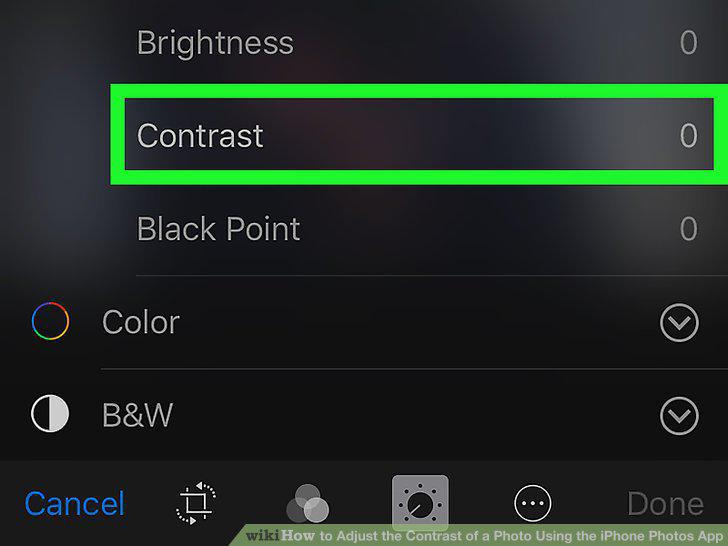
Tap Contrast.
7
Use the slider to adjust the contrast.
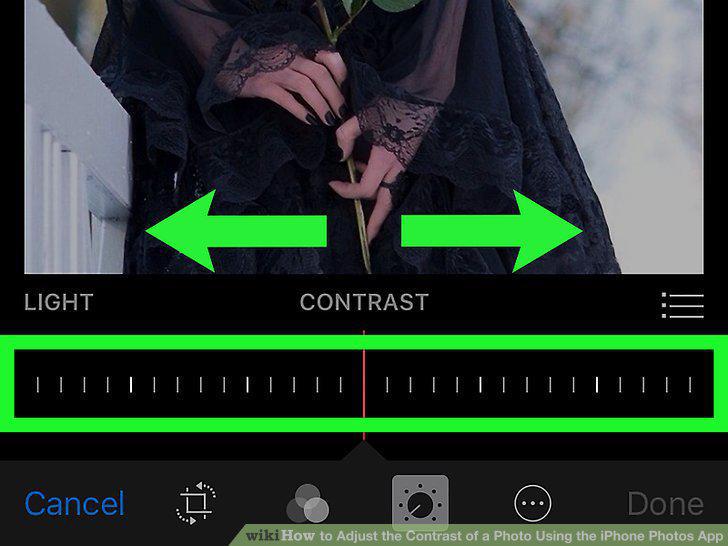
Use the slider to adjust the contrast.
8
Tap Done.
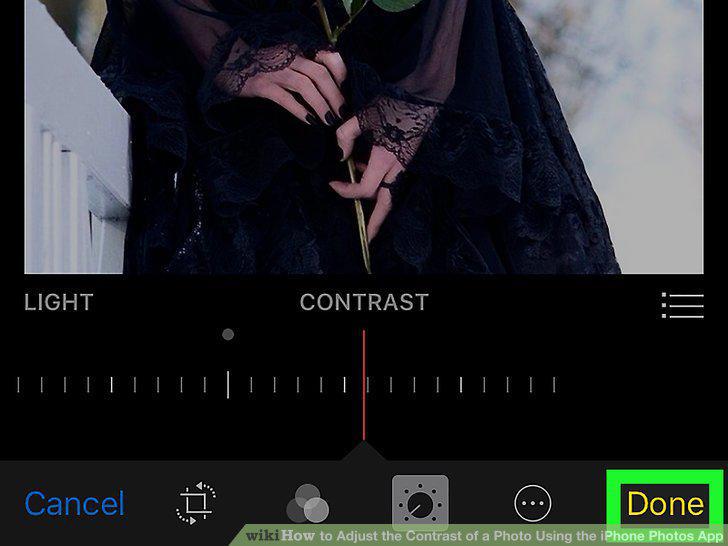
Tap Done.
Comments (0)
No comments yet. Be the first to share your thoughts!