How to Log Out of Netflix on TV
Open Netflix on your TV.. Navigate left to open the menu.. Select Settings or the gear .
Steps
1
Open Netflix on your TV.
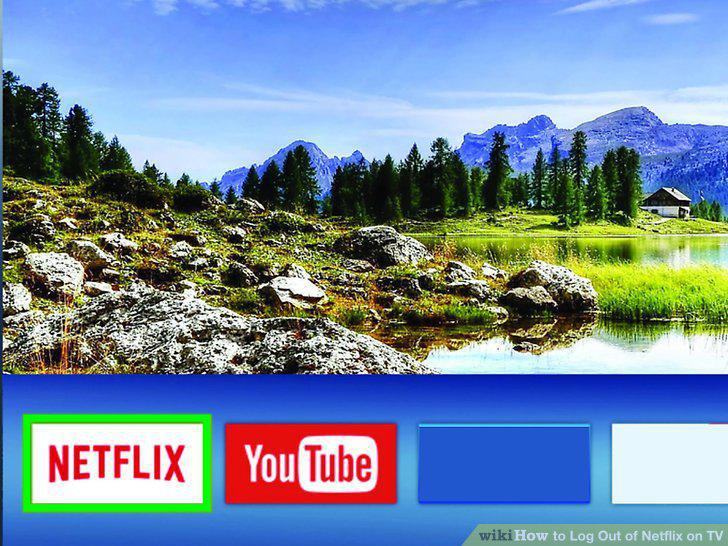
Open Netflix on your TV.
2
Navigate left to open the menu.
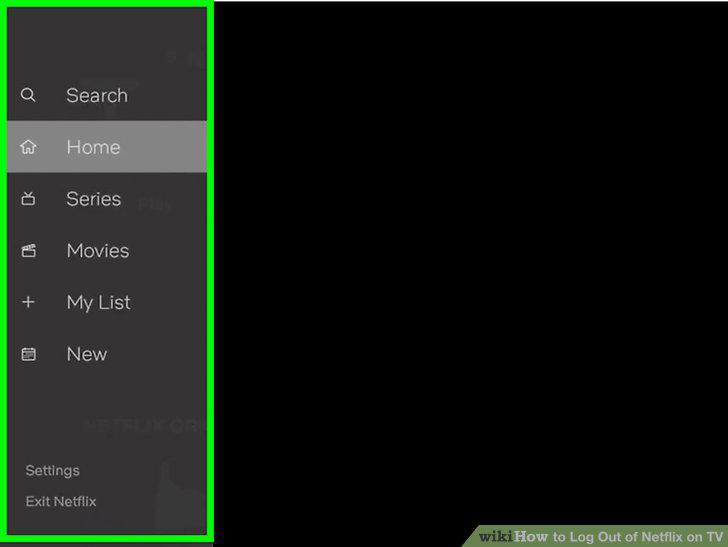
Navigate left to open the menu.
3
Select Settings or the gear .
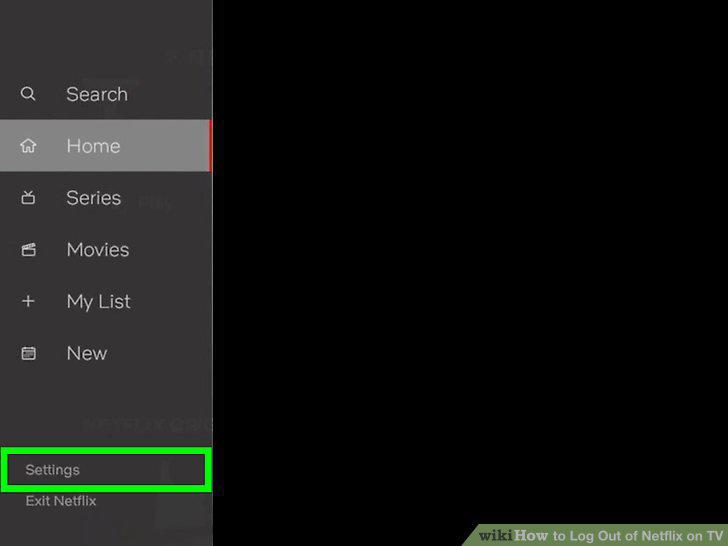
Select Settings or the gear .
4
Select Sign out.
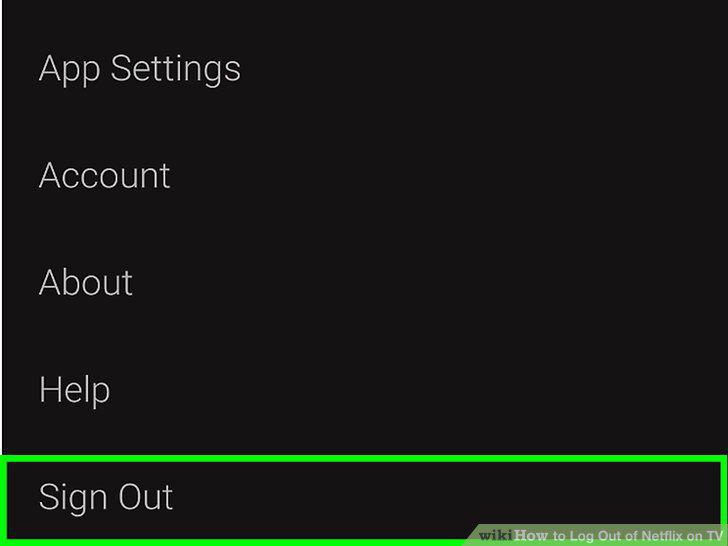
Select Sign out.
5
Select Yes to confirm.
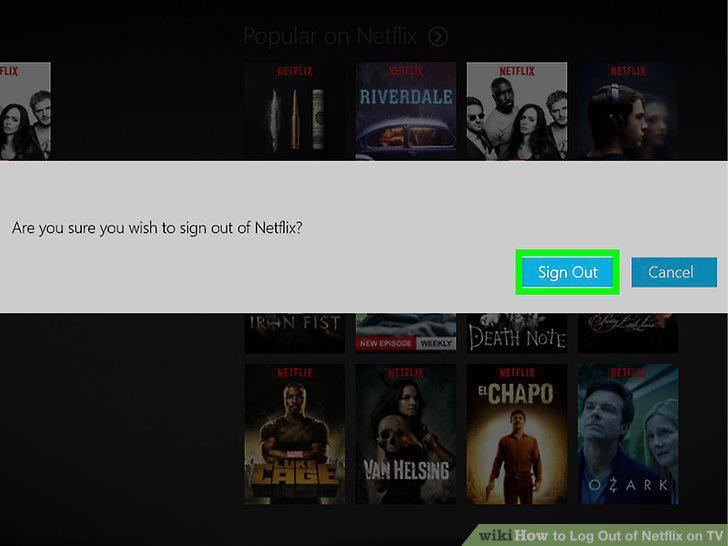
Select Yes to confirm.
Comments (0)
No comments yet. Be the first to share your thoughts!